Wednesday, 11 November 2026

How to get Android Auto Gemini, plus the Pixel-only extra coming

Gemini is already the only assistant in Android Auto. The smarter personal features take a few settings, and the next upgrade is reserved for recent Pixels.

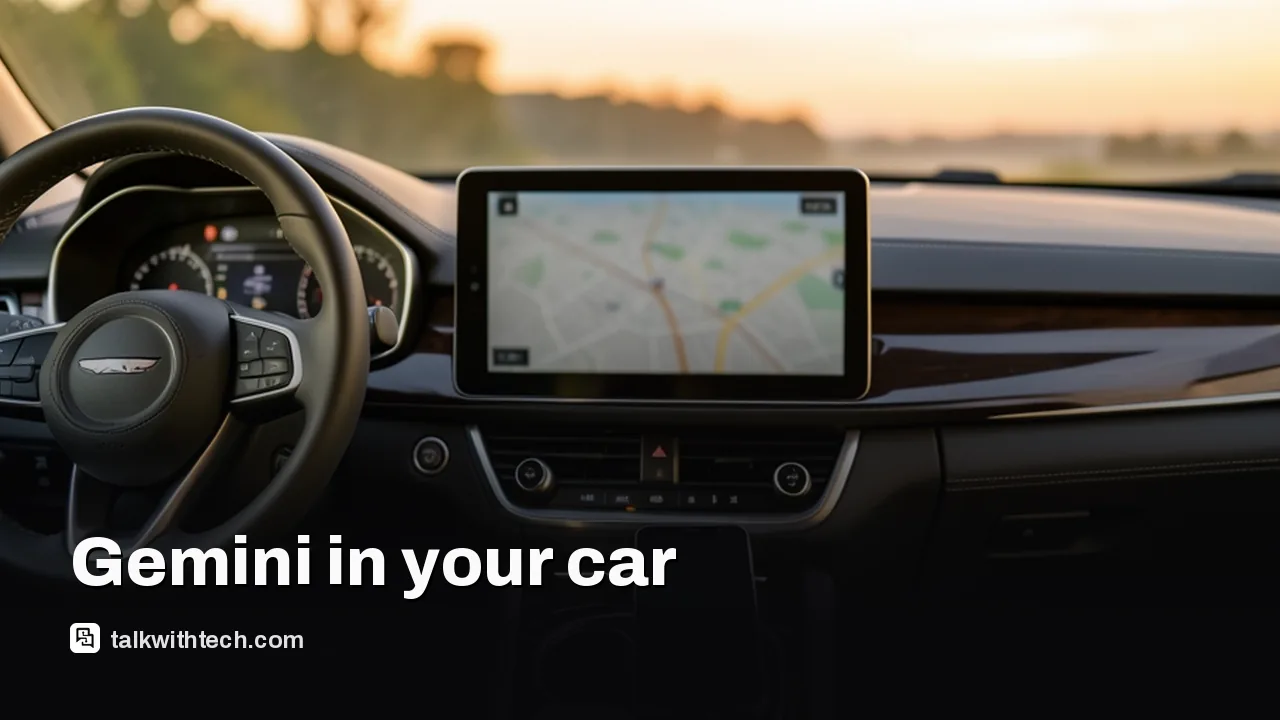
Car dashboard touchscreen with a blurred map and a phone nearby

The short version

  • Gemini has replaced Google Assistant on Android Auto, and Google removed the setting that let drivers switch back.
  • Personal Intelligence lets Gemini in the car use your Gmail, Calendar, Photos and other Google apps, but you have to opt in first.
  • Google says proactive suggestions in Android Auto are coming soon, but only to Pixel phones with Gemini Intelligence, which means the Pixel 10 and Pixel 11 series.
  • A bug that leaves Gemini repeatedly asking who you want to call has affected drivers since October, and Google has not shipped a fix yet.
Quick read · 2 min

You almost certainly have Gemini in Android Auto already. Google retired Google Assistant on phones and Android Auto and removed the setting to switch back, so Gemini answers whenever you press the voice button in the car.

To make it more useful, turn on Personal Intelligence in the Gemini app: tap your profile picture, choose Personal Intelligence, then connect the apps you want, like Gmail, Calendar and Photos. Gemini can then route you to appointments, read flight details from email or find a place you photographed.

  • Proactive suggestions on the car screen are coming soon, but only to Pixel 10 and Pixel 11 phones.
  • Gemini Intelligence covers the US now and is coming to the UK; Canada isn't listed yet.
  • A bug that loops on “Who do you want to call?” is still unfixed; saying the number digit by digit works.

Keep Android Auto and the Google app updated while Google rolls out its next patch.

If you’re wondering how to get Android Auto Gemini, here’s the surprise: you very likely have it already. Google has retired Google Assistant on Android phones and Android Auto, pulled the option to switch back, and made Gemini the default on every new phone. Press the voice button in your car and Gemini is what answers.

What you probably don’t have yet are the two upgrades that make it worth talking to. The first, Personal Intelligence, lets Gemini pull answers from your own Gmail, Calendar and Photos, and it stays off until you switch it on. The second, proactive suggestions, Google confirmed this week for Pixel phones with Gemini Intelligence only. Today that means the Pixel 10 and Pixel 11 families, and Google hasn’t given a date.

01

How to get Android Auto Gemini working with your own info

The basic version of Gemini works as soon as you plug in or connect wirelessly. Google says it is available worldwide on Android Auto and in cars with Google built-in, and it handles directions, music, calls and general questions without any setup.

The personal side takes a few taps on your phone before you drive. Here’s how to turn it on:

  1. Open the Gemini app on your Android phone.
  2. Tap your profile picture.
  3. Choose Personal Intelligence.
  4. Open Connected Apps and pick the Google apps you’re happy to share, such as Gmail, Calendar and Photos. You don’t have to connect all of them.

You can also find the same Personal Intelligence switch under Settings on the Gemini website. If you already set this up in the Gemini app, Google says your choices carry over to the car automatically, so there’s nothing extra to do in Android Auto itself.

Google began rolling Personal Intelligence out to Android Auto on October 19, in stages, and access depends on your account and region. If it doesn’t work right away, it may simply not have reached you yet.

Driver holding a phone with a dark screen in a parked car
02

What Gemini can do in the car once it knows you

With your apps connected, Gemini can join the dots between them from a single spoken request. The examples Google and early testers give are practical rather than flashy:

  • Ask to be taken to a doctor’s or dentist’s appointment without saying the address, and Gemini finds it in your calendar or a confirmation email and starts Google Maps.
  • Ask for your flight’s gate and whether it’s on time, and it reads the booking from Gmail and checks the latest status.
  • Ask for the car wash you photographed last week, and it searches Google Photos and sets the route.
  • Ask for somewhere to eat along the way, and it can lean on what it knows about your tastes, such as a vegetarian diet.
  • Pick up an earlier chat, like a list of coffee shops you asked for at home, and say “the closest one” once you’re in the car.

The connected services are Google’s own: YouTube, Search, Maps, Photos, Calendar and Gmail. One tester found the parking pass PDF for a football game in their inbox and had navigation running in under 10 seconds.

There are real limits. Gemini can’t read your text messages to answer questions, even in Google Messages; it can only write or reply to them. And the same tester noticed it never confirmed where it was heading before starting the route. It picked correctly every time, but a wrong guess would mean driving to the wrong place, so glance at the destination before you pull away.

03

Gemini vs Google Assistant: why there’s no going back

Google Assistant is gone from Android phones, tablets and Android Auto, and there’s no supported way to downgrade. Google first named September 3 as the retirement date, then removed both the option to return to Assistant and the “Switch to Google Assistant” setting in the Google app. Older guides that tell you to change your digital assistant back in Android Auto’s settings no longer work.

Assistant lives on for now only on Google Home speakers and Android Automotive, the version of Android built into some cars’ own systems, though its days there look numbered too.

The switch has been rough for some drivers. Complaints have included slow replies, music that Gemini says is playing but never starts, and texts that send one day and fail the next. On the plus side, Gemini can find an appointment buried in an email and turn it into a route.

Night road seen through a car windshield with dashboard glow
04

The Pixel-only Android Auto Gemini upgrade

The newest piece is proactive suggestions, and it’s reserved for Pixel phones with Gemini Intelligence. Instead of waiting for you to ask, Gemini will offer a tap-to-do suggestion on your car screen when it spots something useful across your apps.

Google’s own example: a friend texts to ask where you’re meeting for a pilates class. Gemini finds the booking confirmation in your email and offers to send the address back with a single tap, no typing and no phone in your hand.

Which phones qualify? Google limits this to Pixels with Gemini Intelligence, which today means:

  • The Pixel 11 series, announced in late August.
  • The Pixel 10, Pixel 10 Pro XL and Pixel 10 Pro Fold, which got it with the November Pixel Drop. The Pixel 10 Pro appears in Google’s list for some features too.

The Pixel 10a isn’t on Google’s Gemini Intelligence lists at all. Gemini Intelligence needs a flagship chip, at least 12 GB of RAM and Google’s Gemini Nano v3 on-device model or newer. Those are Google’s hardware rules for the whole feature set.

Other phones do run Gemini Intelligence, including Samsung’s foldables announced in July and the Motorola Signature 27, which opens for US pre-orders on November 19. But Google’s Android Auto wording names Pixel phones only, so don’t expect proactive suggestions on those for now.

05

What this means for drivers in the US, UK and Canada

For most people, nothing needs installing. Gemini is already the assistant in Android Auto, and the main decision is whether you want it to see your email, calendar and photos while you drive. If you’d rather not, Gemini still handles navigation, calls, music and general questions without them.

Where you live matters for the newer features. Gemini Intelligence started in the US and South Korea, and Google says it is now coming to the UK, along with India and Japan. Canada isn’t on that list yet. Google also notes that these features are limited to certain countries, languages and adults 18 and over, and that heavier use may need a paid subscription.

Cars with Google built-in, where Android runs on the car’s own screen without a phone, are getting Personal Intelligence over the coming months. Google says personal answers there only appear when the driver is in the car with their phone connected.
06

Android Auto Gemini not working? What to try

If Gemini misbehaves, start with the basics that Google and affected drivers point to:

  • Check you opted in. Personal answers won’t work until Personal Intelligence is on and your apps are connected in the Gemini app.
  • Update the right apps. Keep both Android Auto and the Google app current in the Play Store, since the Google app powers Gemini on your phone and in the car. Turning on automatic updates helps.
  • Give the rollout time. Both Personal Intelligence and proactive suggestions are arriving in stages, so a missing feature isn’t always a fault.
  • Calling loop workaround. Since October, many drivers have hit a bug where Gemini keeps repeating “Who do you want to call?” no matter which contact they name. Reading out the full number digit by digit still works. Reinstalling Android Auto and clearing its cache didn’t help the people who tried it, and Android Auto 18.1 doesn’t appear to include a fix.

A Google community specialist has asked affected drivers for more details, but there’s no date for a fix.

07

Quick answers

Can I switch Android Auto back to Google Assistant?

No. Google removed the option, so Gemini is now the only assistant on Android phones and Android Auto.

Do I need a Pixel to use Gemini in Android Auto?

No. Gemini is now the only assistant in Android Auto on any phone, and Google hasn’t listed Personal Intelligence as a Pixel-only feature. It has been arriving in stages since October 19, depending on your account and region. Only the coming proactive suggestions are limited to Pixel 10 and Pixel 11 phones.

Is Gemini in Android Auto free?

The everyday assistant is. Google says heavier use of some newer Gemini Intelligence features may need a subscription.

You're reading the quick version.