Thursday, 5 November 2026

ChatGPT GIF generator: how to animate a photo, free tier included

Images 2.6 lets ChatGPT turn a prompt, photo or doodle into a short looping GIF. Here is how it works and where it falls short.

Person on a sofa holding a phone next to a sleeping cat

The short version

  • OpenAI's Images 2.6 update adds a GIF maker to ChatGPT that works from a text prompt or an uploaded photo.
  • Free and paid ChatGPT users get Images 2.6 on web, desktop and mobile, but the GIF feature is rolling out gradually.
  • After a GIF is made you can change its playback speed, edit chosen frames and share it.
  • Images 2.6 also makes pictures 50% faster and adds saved reference images you can call up with the @ symbol.
Quick read · 1 min

ChatGPT can now make animated GIFs. OpenAI's Images 2.6 model, announced on November 4, turns a text prompt, an uploaded photo or even a quick doodle into a short looping animation. After it is made, you can set the playback speed from 0.5x to 2x, change individual frames and share the result.

You don't need a paid plan. Images 2.6 is coming to free and paid users on web, desktop and mobile, but the GIF tool is rolling out gradually, and some accounts still get separate still frames instead of a moving GIF.

  • Images 2.6 also generates pictures 50% faster, OpenAI says.
  • Saved reference images let you reuse a pet, person or product by typing @ and its name.
  • Developers get two API models, Flare for speed and Sunburst for detail.

Keep requests to one clear motion, since these are short loops rather than videos.

The ChatGPT GIF generator is real, and it is not locked behind a subscription. OpenAI’s new Images 2.6 model lets ChatGPT build a short animated GIF from a plain-English request or a photo you upload, then lets you slow it down, speed it up or fix single frames before you share it.

Why should you care? Until now, getting a moving reaction image or a looping product shot meant a separate app, a video editor or a trip to a GIF library. Now it is one message in the same chat window you already use for emails and homework help. OpenAI says the model is reaching free and paid users on the web, desktop and mobile apps, though not every account has the GIF button yet.

01

How to make a GIF in ChatGPT, step by step

Making a GIF in ChatGPT takes one request, and you can start from words or from a picture. OpenAI’s own demo was as simple as asking for a dancing cat.

  1. Open a chat in the ChatGPT app or on the web. Images 2.6 runs on all three: browser, desktop and phone.
  2. Pick your starting point. Either describe the scene you want from scratch, or attach a photo of yourself, your pet or an object. A rough sketch or doodle works too.
  3. Say how it should move. Be specific about the motion: a character waving, a dog wagging its tail, a mug of coffee steaming. Ask for a GIF in so many words.
  4. Adjust the playback. Once the animation appears, you can set the speed anywhere from 0.5x to 2x.
  5. Fix what is wrong. You can step through the result frame by frame and change specific frames instead of starting over, or simply ask for changes in the chat.
  6. Share it. The finished GIF can be shared straight from ChatGPT.

A tip that saves time: describe one clear action. GIFs are short loops, so a single gesture (a nod, a wave, a spin) lands better than a whole storyline.

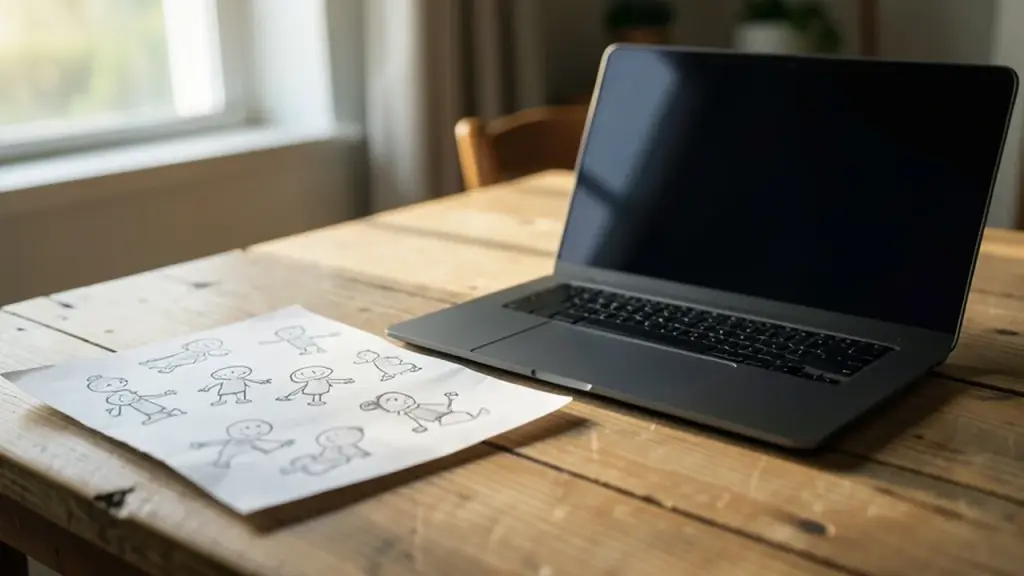
Pencil sketches of a cartoon character in several poses on a desk
02

Is the ChatGPT GIF generator free?

Yes. Images 2.6 is available to free and paid ChatGPT users on web, desktop and mobile, so you don’t need Plus or Pro to try animation. OpenAI is also bringing the model to Codex, its coding tool.

The catch is timing. The rollout is gradual, and early testers found the feature missing from their accounts. In those cases ChatGPT produced a series of separate frames instead of an actual moving GIF. OpenAI has not given a date for when every account will have it, so if your request returns still images, the feature most likely hasn’t reached you.

OpenAI announced the update on November 4 with a short post on X describing Images 2.6 as now handling GIFs and reference images. It has not published a long, standalone launch post explaining the model in detail.

03

What the GIF maker can and can’t do

The tool makes short looping animations, not videos. That sounds obvious, but it sets expectations. There is no timeline, no audio track and no keyframe-by-keyframe control like you’d get in a real editing program.

  • Good fits: reaction GIFs and memes, a brand mascot that waves, a product photo that plays on repeat, quick animated storyboards to plan movement before shooting real video.
  • Starting material: a text prompt, a still photo, an illustration or a basic doodle.
  • Not supported the way you might hope: uploading an existing GIF does not open a classic frame-by-frame editor. Instead, give ChatGPT a still image or reference and ask it to make a new animation.
  • Precision limits: when you mark part of an image to change, edits are not always confined to that area and can spill into other parts of the picture.

It also fills a gap OpenAI left earlier this year. The company shut down Sora, its standalone video app, in March. A GIF is far simpler than a Sora clip, but it brings some motion back into ChatGPT without a second app.

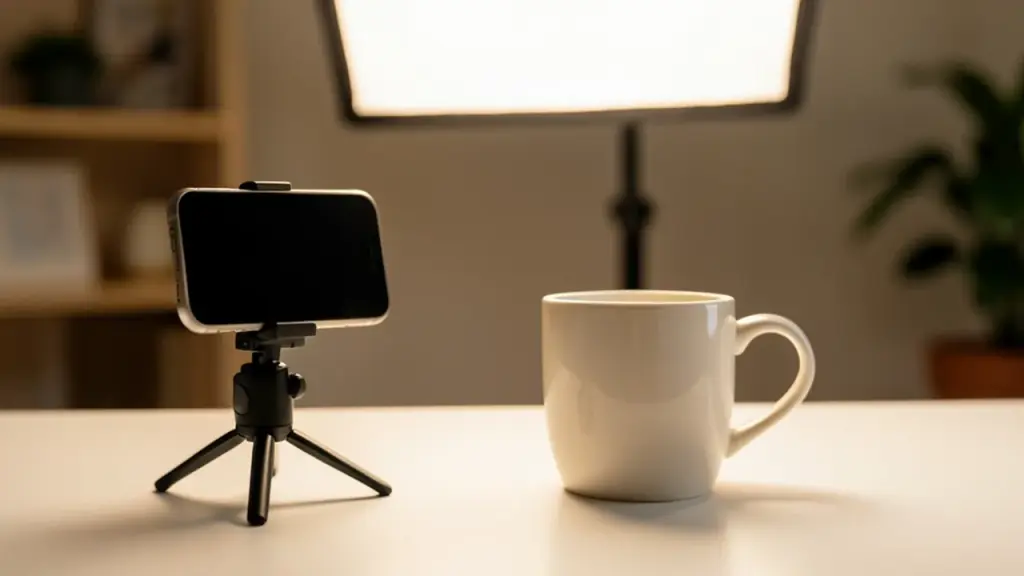
Home product photo setup with a mug, softbox light and phone on a tripod
04

The other Images 2.6 changes worth knowing

GIFs get the headlines, but two other changes will matter more to anyone who makes images regularly.

It is faster. OpenAI says Images 2.6 generates pictures 50% faster than the previous version. The earlier Images 2.5 update in September had already promised speeds up to 50% faster than the model before it, so this is the second big speed jump in a few months.

Saved reference images. You can now upload a photo, give it a name and save it. In a later chat, type @ and the saved name to pull it back in without uploading again. That helps if you keep making pictures of the same pet, character or product. OpenAI also says the new model is better at keeping details like a character’s outfit or a product’s look the same across several rounds of edits. Results still won’t be identical every time, and the saved-reference feature is also arriving gradually.

Demand explains the push. OpenAI says people now make more than 4 billion images a week across ChatGPT and its API, up from about 3 billion a week it reported in September. That works out to more than half a billion images every day.

05

What this means for you

For most people, the ChatGPT GIF generator replaces a fiddly chain of apps with a single request. If you run a small online shop, a looping product shot for social posts is now a few minutes’ work. If you just want a custom reaction for a group chat, you can animate your own dog instead of searching a GIF library.

A few practical points before you start:

  • Keep expectations short. These are brief loops. For anything longer, with sound or a story, you still need a video tool.
  • Check edits closely. Because changes can bleed outside the area you marked, look at the whole frame before you post.
  • Be patient with the rollout. If ChatGPT hands you separate stills, try again in a few days rather than paying for a plan; free users are included.

What developers get: Flare and Sunburst

Businesses and app makers get Images 2.6 through OpenAI’s API as two separate models, and they are not modes you pick inside the regular ChatGPT app.

  • GPT-Image-2.6 Flare is tuned for speed. On its low-quality setting, OpenAI says, a picture can take just six seconds, and it handles posters and product layouts more neatly.
  • GPT-Image-2.6 Sunburst aims for sharper detail and steadier results across edits, especially on medium or high quality.

The API also gains animated GIF and SVG output (SVG is a format that scales cleanly for websites and print), image markup so developers can circle the exact area to change, and a new complexity setting that controls how much planning the model does before drawing. Lower complexity suits small edits; higher settings can take longer and sometimes add changes nobody asked for.
06

Quick answers

Can ChatGPT make GIFs for free?

Yes. Images 2.6, which powers the GIF feature, is available to free and paid users on web, desktop and mobile, though the rollout is gradual.

Why does ChatGPT give me separate images instead of a GIF?

The GIF feature hasn’t reached every account yet. Without it, ChatGPT may produce a series of frames instead of an animation. OpenAI hasn’t said when everyone will have it.

Can I edit a GIF I already have in ChatGPT?

Not in a classic frame-by-frame way. Upload a still image or reference instead and ask ChatGPT to create a new animation from it.

You're reading the quick version.