Wednesday, 25 November 2026

Gemini Tasks in Google Messages: how to set it up in the US

Gemini can now text you first about deliveries, price drops and renewals. Here is how the new Messages chat works, who gets it and its limits.

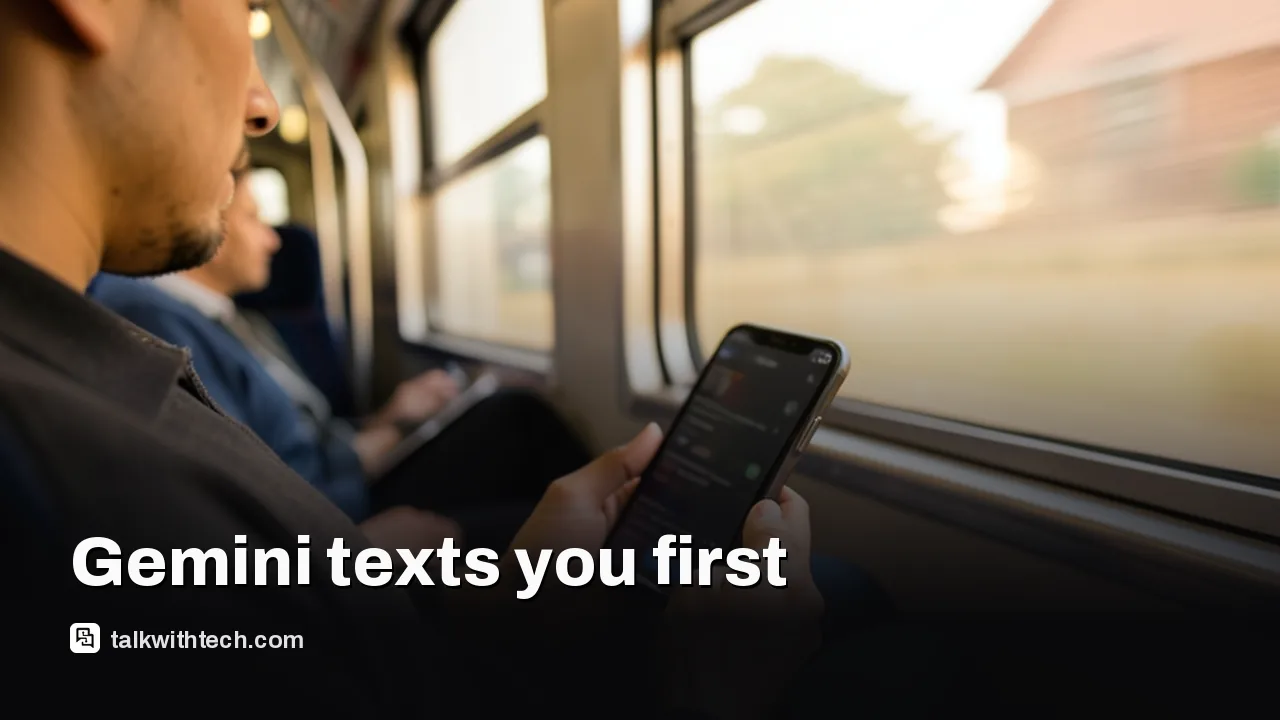
Person reading a text conversation on an Android phone during a morning commute

The short version

  • Gemini Tasks now has its own chat inside Google Messages, and it can message you first with alerts and briefings.
  • The Messages chat is US-only for now and needs Tasks switched on in the Gemini app plus a verified US number.
  • Free Tasks covers the US, Canada, India, Australia, Japan and South Korea, with limits on how often tasks run.
  • Calls to businesses, Google Pay purchases and email forwarding to Gemini are limited to the US at launch.
Quick read · 2 min

Google has given Gemini Tasks its own chat inside Google Messages. Once it is set up, Gemini can text you first: a morning briefing, a note when a package arrives, a price drop on something you were watching or a subscription about to renew. You can also ask it ordinary questions and send it photos or files in the same thread.

To get it, switch Gemini from Chat to Task, then open Settings, tap Channels and set up Text with Gemini with a verified US phone number. The Messages chat only works in the US for now.

  • Free Tasks covers the US, Canada, India, Australia, Japan and South Korea.
  • Free users get once-a-day scheduled runs and 10 tasks at a time.
  • Purchases need your approval and can sit under a spending cap.

Google hasn't said when the US-only extras will reach other countries.

Gemini Tasks in Google Messages turns Google’s AI agent into a contact that texts you first. Instead of waiting for you to open an app, it can ping you about a package that just arrived, a price drop on something you were watching, or a subscription that is about to renew.

The catch is that this Messages chat only works in the US right now, and it only appears once Tasks is switched on in the Gemini app. Here is what it does, how to set it up and where the limits sit.

01

What Gemini Tasks in Google Messages actually does

Gemini Tasks is Google’s agent mode for Gemini: you hand it a job, and it works through the steps in the background, then tells you when it is done. It started life as Gemini Spark in May, became Task Mode, and is now simply Tasks inside the main Gemini app. It is not the same thing as Google Tasks, the to-do list app.

The new Google Messages version builds on a feature called Channels, which Google added last week so you can text or email Gemini instead of opening its app. In Messages, that shows up as a chat thread with Gemini, running over RCS Business Messaging (the same system brands use to send rich texts).

Early testing shows the thread is proactive. People using it in the beta say Gemini sends a morning message about the day ahead, and it has flagged things like these:

  • Package delivery reminders, followed by a fresh text once the parcel lands
  • Upcoming travel dates
  • Price drop alerts, including on holiday sale items
  • Subscriptions that are close to expiring

You are not limited to tasks in that chat. You can ask everyday questions, such as the weather, and send it photos or files, much like the older Gemini chat in Messages.

Delivered parcel on a doorstep beside a smartphone
02

How to set up Gemini Tasks in Google Messages

To set up Gemini Tasks in Google Messages, you first turn on Tasks in Gemini, then link texting through Channels. The setup path runs like this:

  1. Open the Gemini app on Android or iPhone and start a new chat and switch it from Chat to Task.
  2. Go into Gemini’s Settings and tap Channels.
  3. Under Text with Gemini, tap Set up and verify your phone number.
  4. If you also want to forward emails, tap Turn on under Email with Gemini.

Texting needs a US phone number on an eligible mobile carrier. Once it is linked, the Gemini shortcut in Google Messages takes you to the new task chat. On a fresh install of the latest Messages beta, that same shortcut opens the Channels setup page instead, so new users are steered straight into linking it.

Tasks works best when Gemini can see your stuff. That means turning on Personal Intelligence on your Google account and connecting services such as Gmail, Google Drive and Photos. You can then mention an app by name in a prompt, for example tagging Gmail, so Gemini knows where to look.

03

Who can use it: the US, Canada and the UK

Free Gemini Tasks rolled out on Nov. 17 in six countries: the US, Canada, Australia, India, Japan and South Korea. The UK is not one of the six named countries, so British users don’t get the free rollout for now.

The Google Messages chat is narrower still. Right now it is available only in the US. Canadians can use Tasks inside the Gemini app for free, but the texting link and several of the headline extras are limited to the US at launch:

  • Gemini calling businesses for you to compare options, check availability or book appointments
  • Buying things through Google Pay, with your approval
  • Signing in to supported sites with saved Google Password Manager details
  • Forwarding emails to Gemini to turn them into tasks
  • Texting Gemini through Google Messages

Even inside the US, business calling doesn’t work in five states: Montana, Nebraska, Indiana, Minnesota and Louisiana. Google hasn’t given a date for bringing the US-only features to the other five countries.

Kitchen table with a calendar, coffee and a phone for planning the day
04

The free-plan limits you will hit first

Free access comes with real limits. On the free plan, a scheduled task can run once a day, and you can’t pick the exact time it fires. Paid Gemini plans don’t have that restriction.

There is also a cap on how much can run at once: 10 tasks for free users and 50 for AI Pro subscribers. On top of that, compute-based usage limits apply depending on your plan, so heavy use can still run out.

The other limit is the open web. Many websites block AI agents, and testers have seen Gemini get stopped by a large online store while trying to watch a product’s price. Google itself says some sites may stop Gemini from finishing a job, in which case it hands control back to you for the last step.

05

What this means for your inbox, wallet and privacy

For most people, the appeal is simple: alerts land in the texting app you already check all day, rather than in yet another AI app. A daily briefing, a heads-up about a bill and a ping when a parcel arrives are the kinds of small jobs it is built for.

Money is where Google has added the most guardrails. For purchases, you can set a spending cap before Gemini goes shopping. Google says it is designed to stay under that cap and ask for your confirmation or preapproval before buying, and you review an itemized summary first. Receipts and tracking details are saved to Google Wallet.

When Gemini phones a business, Google says it announces that it is an AI, and businesses can opt out of these automated calls. Google also says it won’t share your private account or payment details without permission.

On security, Google says each person’s tasks run in their own hardware-isolated virtual machine, with prompt-injection filtering and Safe Browsing checks on top. You can change task settings, disconnect Google and third-party apps, and delete your chat history. Google also admits Tasks can make mistakes or stop partway, so it is worth checking the results, especially for anything involving payments.

06

Quick answers

Is Gemini Tasks in Google Messages free?

Yes. Tasks needs no paid subscription in the US, though free users get once-a-day scheduled runs and a limit of 10 tasks at a time.

Can I use Gemini Tasks in Google Messages in Canada or the UK?

Not yet. The Messages chat is US-only for now. Canada gets free Tasks in the Gemini app, while the UK isn’t among the six launch countries.

Does Gemini Tasks work on iPhone?

The Gemini app’s Tasks and Channels settings are on both Android and iPhone, and US users can text Gemini through iMessage as well as Google Messages.

You're reading the quick version.