Two Unicode glyphs let Chrome and Edge display lookalike sites
Researchers registered 20 fake domains using a Cyrillic barred o and a Latin k with a hook, and all of them slipped past Chromium's two main spoofing checks.
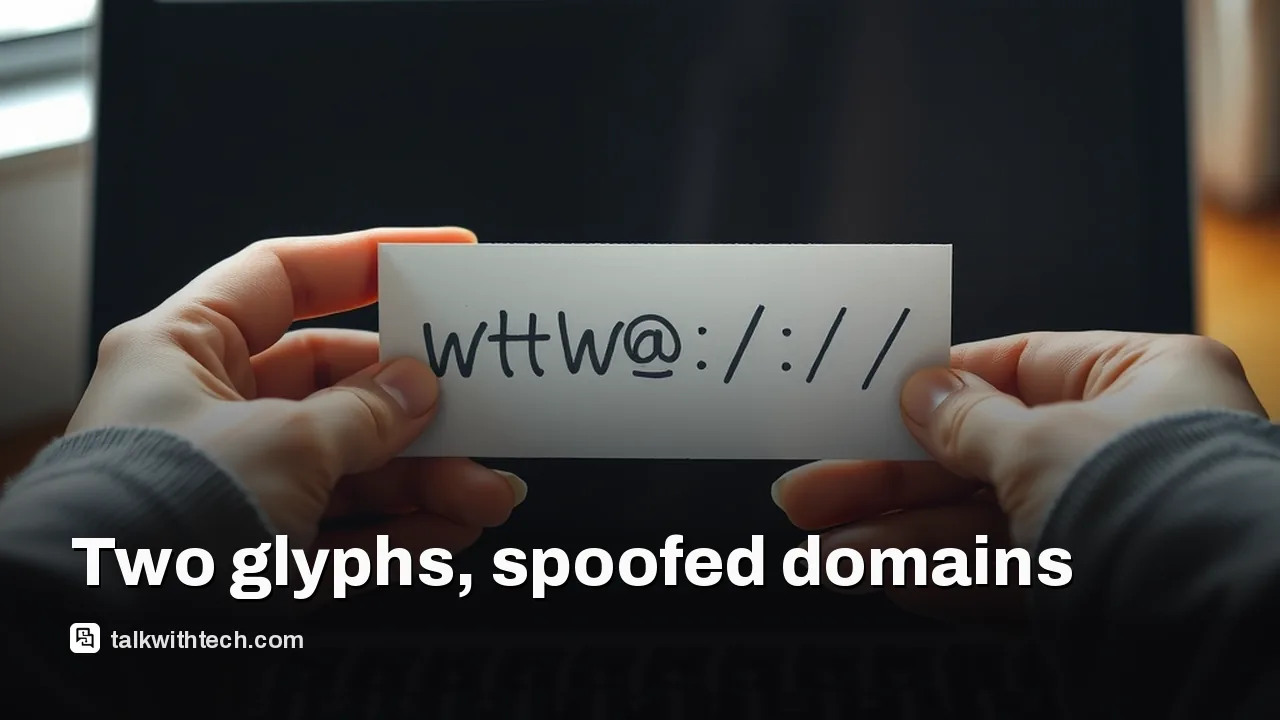
Researchers at Have I Been Squatted found two characters, the Cyrillic ө and the Latin ƙ, that fool Chromium browsers.
They registered 20 harmless lookalike domains, imitating sites like Okta, Nike and Apple, that display as genuine in Chrome and Edge.
The domains beat both of Chromium's main defenses, and Chrome's backup Safety Tips warnings miss short or heavily altered names.
The safest habit is to type addresses or use bookmarks for logins, and to turn on two-factor authentication.
Quick read · 1 min
Researchers at Have I Been Squatted have found two characters that let fake web addresses look genuine in Chrome, Edge and other Chromium browsers. One is ө, a barred o from Cyrillic-script languages, and the other is ƙ, a Latin k with a hook.
They registered 20 harmless lookalike domains imitating sites such as Okta, Nike and Apple. All of them beat Chromium's two main spoofing checks, which should have shown the addresses in an obvious coded form.
Chrome's backup warning skips names shorter than five characters.
Gmail displayed all 20 fake domains as written.
Google closes these gaps over time, so updates matter.
The best defense is simple: never sign in through a link in a message. Type the address or use a bookmark, let a password manager fill logins, and turn on two-factor authentication.
A single hooked letter k is enough to make a fake Okta login address look real in Chrome. Security researchers Ian Muscat and Leanne Briffa of Have I Been Squatted have shown that two little-known characters let lookalike web addresses slip past the safety checks in Chrome, Edge and other browsers built on Google’s Chromium engine.
This matters because the address bar is the one thing we are all told to check before typing a password. If a fake address renders exactly like the real one, that check fails. The trick works against the browsers most people use every day, and it targets the kinds of sites attackers love to fake: work sign-in pages, shopping accounts and big brands.
01
The two characters behind this typosquatting trick
Typosquatting means registering web addresses that look like popular sites, hoping people mistype or misread them. This version uses homoglyphs, characters from other alphabets that look nearly identical to ordinary Latin letters.
The two characters at the center of the research are:
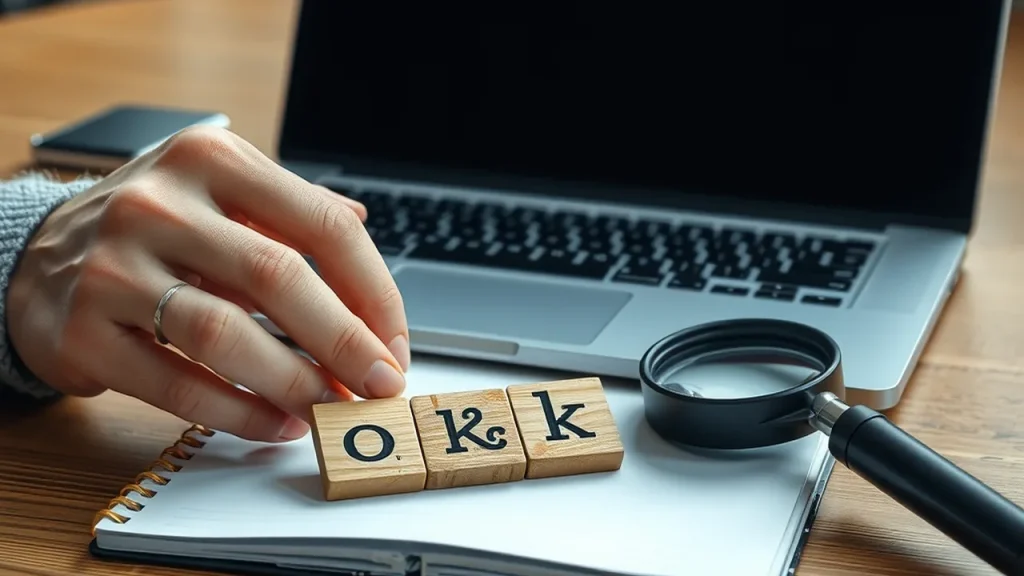
ө, the barred o, used in Cyrillic-script languages such as Kazakh, Mongolian and Tatar. At a glance it passes for an e or an o.
ƙ, the Latin k with a hook, used in Hausa and Karai-karai. In most fonts it looks like a plain k.
Using these and similar characters, the researchers registered 20 lookalike domains, including convincing copies of the addresses for Okta, the workplace login service, Nike, Apple and the space company SpaceX. In Chrome they appear in normal letters, as if genuine. A safe browser would instead show them in Punycode, the coded form that begins with “xn--” and makes a fake obvious. The researchers own all 20, and each leads only to a harmless page explaining how it beats the browser’s defenses.
02
How the fake domains get past Chrome and Edge
Chromium has two main defenses against lookalike addresses, and both have gaps.
The first is a series of seven checks that decide whether an address is safe to show in its native characters. Browser makers added these in 2017 after researcher Xudong Zheng registered a fake Apple address written entirely in Cyrillic letters. One check relies on a hardcoded list of Cyrillic characters known to mimic Latin ones, but it is all or nothing. It only acts if every character in the name is on the list. Add one character that isn’t, a so-called breaker, and the check is skipped. As of Chrome 154, released to the stable channel on September 22, characters including ө, ї and ү were still missing from that list.
The second defense turns the address into a skeleton by stripping accents, so an accented ó becomes a plain o, and compares it with a built-in list of almost 8,500 popular sites. If the skeleton matches, the browser shows Punycode. The hooked k has no accent to strip. It ends up in the skeleton as a k with an extra mark attached, so the fake Okta name no longer matches the real one. The barred o similarly keeps its bar, so the fake Apple name doesn’t match either.
Google does close these holes over time. Chrome 148 stopped attackers from using two other breaker characters, ҏ and ӿ, to imitate Latin letters.
03
Why Chrome’s Safety Tips warnings don’t always save you
Chromium has a third, softer layer called Safety Tips: a pop-up that asks if you meant to visit the real site when an address looks suspicious. It catches some tricks, such as an Instagram copy with an accented first letter and two letters swapped.
The pop-up has strict limits, though:
It only fires when the fake is an exact match, one edit away, or has two neighboring letters swapped. Names with two or more changes, like the all-Cyrillic Apple copy, get no warning.
It ignores domain names shorter than five characters, so a four-letter fake like the Okta copy may slip through.
It also compares against sites you visit often. If you rarely visit the real site, you may get no warning at all.
Email is weaker still. The researchers found that email services including Gmail displayed all 20 of their lookalike domains as written.
04
What it means for you, and how to stay safe
You can’t rely on the address bar alone anymore. Homoglyph scams are already in use. One campaign used a Japanese character that looks like a slash to make a malicious link appear to sit on Booking.com, and another used a capital L in place of an i to fake Intuit. Security experts say these attacks are as much psychological as technical, because scammers try to rush you so you don’t look closely.
A few habits block most of them:
Don’t log in through links. If an email, text or WhatsApp message asks you to sign in, open the site yourself by typing the address you know or using a bookmark.
Use a password manager. It fills your password only on the real domain, and it won’t recognize a lookalike.
Turn on two-factor authentication. A stolen password is far less useful without the second step.
Keep your browser updated. Each Chrome release closes known breakers.
Slow down. Urgent warnings about locked accounts or failed payments are a classic sign of a scam.
If you think you entered details on a fake site, change that password right away and contact your bank if payment details were involved.
Which browsers are affected by this typosquatting trick?
Chromium-based browsers, including Google Chrome and Microsoft Edge, as tested up to Chrome 154. Email services such as Gmail also displayed the lookalike domains.
What is Punycode?
Punycode is the coded form browsers use to display non-Latin web addresses, starting with “xn--“. When a browser shows it, a fake address is easy to spot.
Are the researchers’ test domains dangerous?
No. Have I Been Squatted registered all 20 itself, and they lead only to pages explaining the research.
Work emails, phone numbers and internal access groups for a seventh of Homeland Security staff are now public. Here is what leaked and why experts worry.
Amazon's $249.99 speaker now has a lens for Live View and visual questions. Here is when it watches, how to cut it off, and who should buy the camera-free model.
6 min read
We use cookies to understand how readers use Talk With Tech, so we can make it better. Is that OK? Privacy policy
The Daily Brief
Today's biggest tech stories, in 5 minutes
Every morning, the news that matters from AI, phones, apps and the people shaping tech. Explained in plain English. Free.
One email a day. No spam, unsubscribe anytime. Privacy policy