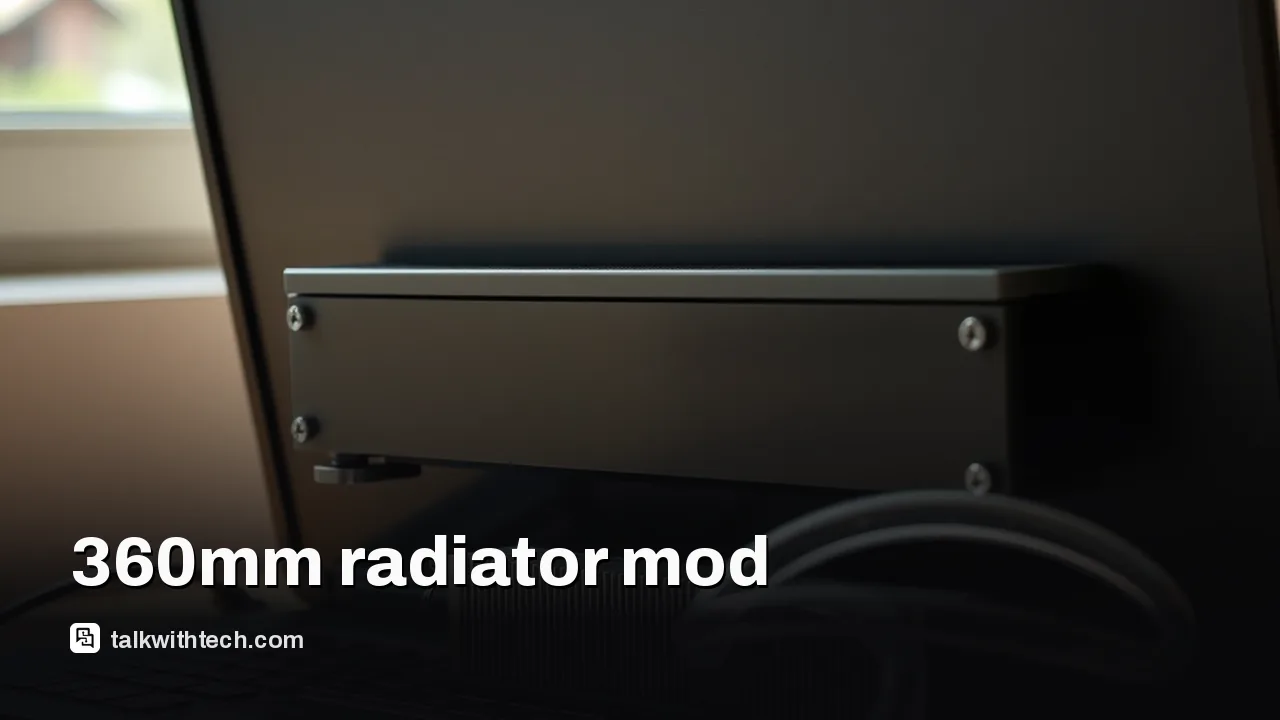
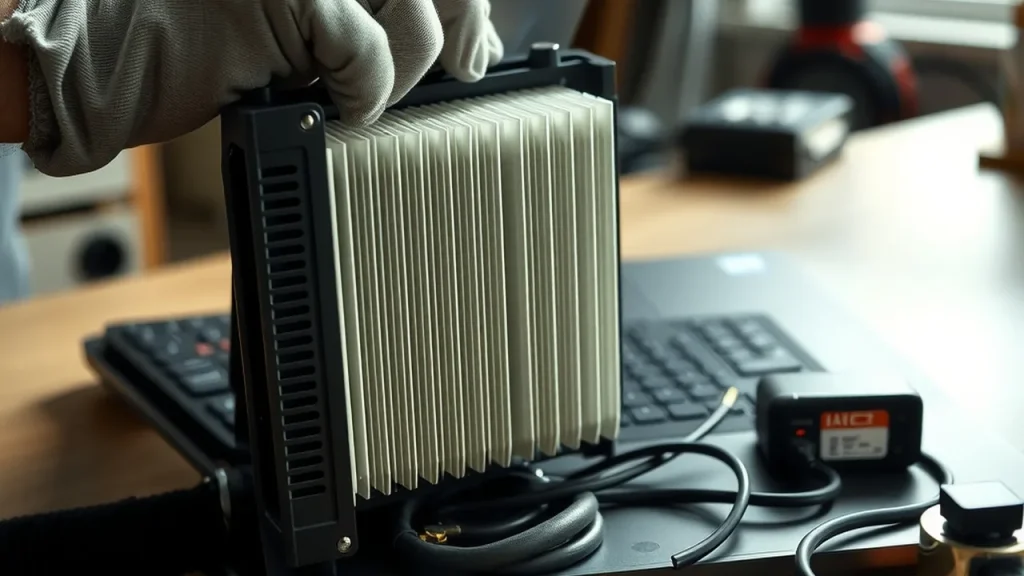
A modder attached a 360mm AIO radiator to a Metabox laptop, dramatically reducing temperatures in tests.
The setup involved custom mounts, epoxy, and a larger pump to push coolant through multiple blocks.
Performance improvements included modest FPS gains in gaming benchmarks, but the modification is risky and likely not practical for most users.
Quick read · 1 min
A hobbyist strapped a 360mm liquid cooling radiator to a gaming laptop and saw temps drop dramatically in tests. The setup used custom mounts, epoxy, and a separate pump, and kept CPU/GPU temps well below 40°C under load. It’s an interesting experiment, but not practical for everyday users.
In practice, expect warranty voiding, potential leaks, and added bulk. If you’re curious about boosting laptop cooling, start with manufacturer-approved upgrades or validated cooling accessories.
What’s next? Look for laptops designed for higher performance with solid cooling. For DIY fans, research thoroughly and proceed with caution.
A hobbyist YouTuber known for extreme PC mods strapped a 360mm all-in-one (AIO) liquid cooler to a Metabox laptop and saw temperatures drop by about 60°C on both the CPU and GPU during tests. The project, built around an older Metabox P950EP laptop, used waterblocks, a separate water pump, and a radiator mounted behind the laptop screen. It’s a proof-of-concept that shows what a big cooling boost can do, but it’s far from plug-and-play.
The mod required some games of hardware Tetris: three-dimensional prints, epoxy, and a custom power setup. The radiator is mounted using 3D-printed holders and additional parts that press the new cooler against the laptop’s internals. A separate DC-DC converter powered the pump and fans, and a toggle switch lets the user turn the cooling on only when needed. The result in benchmarks: CPU and GPU temps stayed well below 40°C under load, compared with stock cooling where temperatures climbed higher. However, the setup isn’t without compromises.
The builder also had to swap in a larger water pump to push coolant through a second waterblock, which meant repurposing a standalone pump and adding extra thermal interfaces to keep temperatures even across components. RAM and VRMs got their own modest heat dissipation with a shared heatsink, held in place with epoxy and thermal pads. All of this required careful planning and a willingness to modify both the chassis and cooling path in ways most users would find risky or impractical.
So, what does this mean for ordinary laptop users? In practice, you’re unlikely to race out and replicate this mod. It’s a one-off experiment that highlights two things: first, that laptops can reach surprisingly high temperatures under load, and second, that aggressive cooling can improve sustained performance in theory. Real-world use, however, comes with downsides like voided warranties, added weight, potential leaks, and the chance of damaging components if things go wrong.
01
Which laptops could handle a high-end cooling boost?
The project used a Metabox laptop, which is a Clevo-based design some enthusiasts customize. It isn’t a consumer-ready platform for DIY water cooling, and the exact dimensions, mounting points, and power needs vary by model. In general, adding a large radiator to a laptop would require custom mounting hardware, careful routing of coolant lines, and a power solution that won’t force the cooling system to run at the wrong times. It also introduces risk of leaks and moisture near electronics.
02
What this teaches everyday readers
For most people, the takeaway isn’t to copy the build. It’s that high-end laptops can reach temperatures that limit performance in demanding games or workloads. If you’re worried about thermal throttling, consider safer, supported options first, like upgrading to a model with better cooling, improving airflow with a cooling pad, or tweaking power settings in a responsible way. If you’re curious about cooling performance, look at validated laptop cooling improvements in reviews from reputable outlets rather than DIY hacks.
03
What happens next
The video demonstrates a concept rather than a ready-made kit. If you’re interested in high-performance cooling, start with notebooks designed for user upgrades and look for third-party cooling solutions that are tested for safety and warranty impact. Always check warranty terms before attempting any major hardware changes.