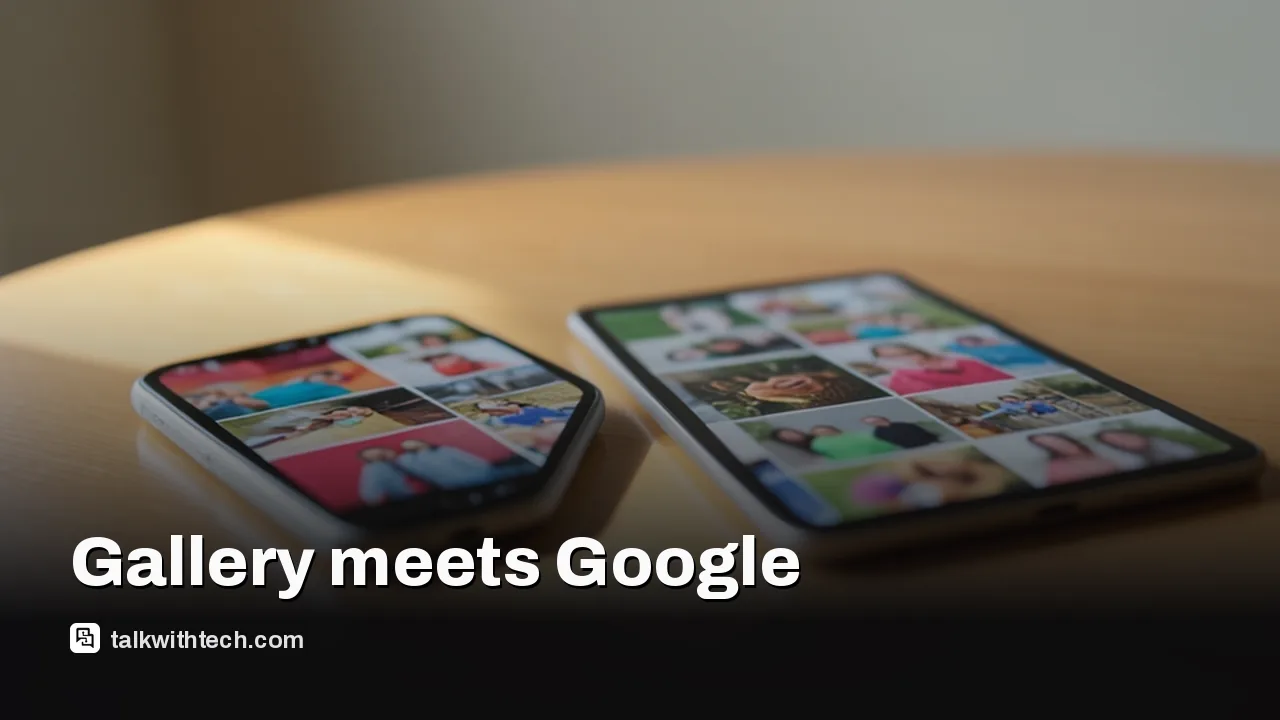
Samsung Gallery sync with Google storage is now official for select Galaxy devices running One UI 9, with more models to follow in phases.
It replaces the Microsoft OneDrive link that stopped working on September 30, 2026, and you turn it on in Gallery settings.
Synced files count against your Google account storage, which is shared with Gmail, Drive and Google Photos.
Only media synced after you switch it on shows up in Gallery; your older Google Photos library stays out of the app.
Quick read · 2 min
Samsung's Gallery app can now back up your photos and videos to your Google account on its own. Samsung made it official on November 10, roughly six weeks after the old Microsoft OneDrive link in Gallery stopped working on September 30.
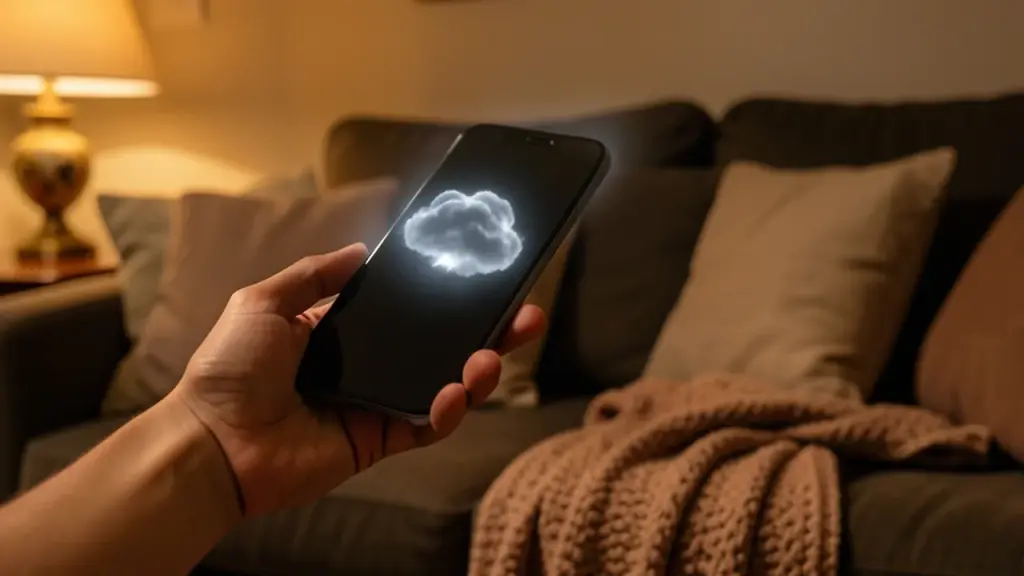
To switch it on, tap the Cloud icon in Gallery, or go to Gallery settings and turn on Sync photos and videos. You need One UI 9 for now, and Samsung is adding more Galaxy models in phases. A new Free up space button can then clear the originals from your phone while keeping thumbnails.
Storage comes from your Google account, shared with Gmail and Drive, with up to 15GB free.
Only photos synced after you turn it on appear in Gallery, not your older Google Photos library.
Your old OneDrive uploads were not deleted; they live in the OneDrive app and website.
Samsung Gallery sync with Google Photos is finally official: your Galaxy phone can now copy every new picture and video to your Google account without you ever opening a second photo app. Samsung announced the feature on November 10, about six weeks after its old OneDrive link went dark.
That matters if you have been living without a cloud copy of your camera roll since late September, or juggling Samsung’s Gallery and Google’s own app side by side. The new option fixes that, but it comes with real limits: it needs One UI 9, it eats into the same free storage as your Gmail, and it won’t pull in the photos you already have in Google’s cloud.
01
How Samsung Gallery sync with Google Photos works
Turn it on, and Gallery uploads your photos and videos to the storage attached to your Google account. Samsung itself calls this Google storage, while several reports describe it as Google Photos backup, because that storage is the same pool Google Photos uses.
The point is that you stay inside Samsung’s app. Before this, the only way to get your Galaxy pictures into Google’s cloud was to install and use Google Photos instead of, or alongside, Gallery. Now Gallery does the uploading itself.
Synced media also follows you across Galaxy hardware. Shoot something on your phone, and it can appear in Gallery on your Galaxy tablet, as long as both devices are signed in to the same Samsung and Google accounts and both have sync switched on. On a new Galaxy device, you see previews first, and the full-size original stays in the cloud until you choose to download it.
One more report says you can pick particular albums and device folders to back up rather than syncing everything. Samsung’s own announcement doesn’t spell that out, so check the options on your phone.
02
How to turn on Gallery sync, step by step
Samsung says you don’t need to create a new cloud account. If your Samsung account and a Google account are already on the phone, you’re most of the way there. You have three ways in:
Open Gallery and tap the Cloud icon.
Or, if Gallery shows you a tip card about the feature, tap Get started on it.
Or open the Gallery menu, go to Settings, and switch on Sync photos and videos.
After that, follow the prompts on screen to pick your Google account and finish setup. Repeat the same steps on any other Galaxy device you want to see those files on.
Two account warnings from the reports. You need a personal Google account, because Google Workspace accounts aren’t supported. And because this is a true sync, one report cautions that deleting synced items can affect them in both places, so be careful before you clear things out.
03
Which Galaxy phones get it, and when
Right now the feature needs One UI 9, Samsung’s newest software, which runs on Android 17. Samsung says support started with select Galaxy devices on that version and will widen to more models in phases. It may also be missing in some countries because of regional restrictions.
So if you don’t see the option yet, the most likely reason is that your phone hasn’t received One UI 9. That rollout is still in progress across Galaxy models. On phones that do have it, one report found the setup pop-up appearing on a Galaxy Z Fold 8 and the feature fully working.
The feature first started showing up in September, but only for a limited group. This week’s announcement is the moment it moves from a quiet test to an official, broader rollout.
04
What happened to your old OneDrive photos
Microsoft confirmed earlier this year that the direct link between Samsung Gallery and OneDrive would end on September 30, 2026. Months before that date, new users could no longer even find the option in Gallery, though existing users kept syncing until the cutoff.
Here’s the reassuring part. Microsoft says the files you already uploaded were not deleted or changed. They simply stopped appearing inside Samsung Gallery. You can still reach every one of them in the OneDrive app or on the OneDrive website.
If you would rather keep using Microsoft’s cloud for new pictures, you can. OneDrive’s own app has a Camera backup feature: sign in with your Microsoft account, open your profile in the top left corner, choose Camera backup, turn it on and let the app see your photos. The trade-off is that you are back to running a separate app for backup.
Nothing moves automatically from OneDrive to Google. If you want everything in one place, that is a manual job.
This is where most people will hit a wall. Gallery sync doesn’t come with its own allowance. It draws on your Google account storage, which is the same pool that holds your Gmail messages, your Google Drive files and your Google Photos backups.
Samsung says Google accounts include up to 15GB at no cost. One report adds a wrinkle: a new Google account starts with 5GB, and you get the full 15GB once you verify a valid phone number. Either way, if your inbox and Drive have already used a big share, there may not be much left for years of phone videos.
If you run out, you’ll need a paid Google One plan. One report lists 100GB for $2 a month and 200GB for $3 a month. Google also recently raised the storage in its Google AI Pro plan from 2TB to 5TB, which matters if you already pay for that.
06
What this means for your phone’s free space
The most useful extra is a new Free up space button. Once your photos and videos have synced, it deletes the original files from the phone while leaving small thumbnails visible in Gallery, so your albums still look complete. When you need the full file, you tap it and download it again.
That is handy on a phone that keeps nagging you about low storage. Just remember the files now live only in your Google account, so you should be sure the sync has finished before you clear them.
There is also a gap people will notice quickly. Gallery shows only what was synced through Gallery after you turned the feature on. Photos you backed up to Google Photos in the past stay safe in the cloud, but they won’t appear in Samsung’s app. For your full history, you still need Google Photos.
07
Quick answers
Does Samsung Gallery sync with Google Photos on my phone?
Only if your Galaxy device runs One UI 9 and is on Samsung’s supported list for your region. More models are being added in phases.
Did I lose my OneDrive photos when Gallery sync ended?
No. Microsoft says those files were not deleted or modified; they just no longer show inside Gallery. Open the OneDrive app or website to see them.
Is Samsung Gallery sync free?
It uses your Google storage, which includes up to 15GB free shared with Gmail and Drive. Beyond that, you need a paid Google One plan.
OpenAI says more than 20,000 people have claimed the free year. Here is the 12-month eligibility window, the claim steps and the bill to expect afterward.