Google Wallet on Android now supports adding driver’s licenses or state IDs in additional states, with a standard verification flow.
Supported states include Arizona, Arkansas, California, Colorado, Georgia, Iowa, Maryland, Montana, New Mexico, North Dakota, Ohio, Oklahoma, and Puerto Rico as of Oct 2026.
Usage is currently limited to TSA checkpoints at some airports and a few apps that begin to accept digital IDs; you must carry a physical ID as well.
Quick read · 1 min
Google Wallet on Android now supports adding driver’s licenses or state IDs in more states. The setup involves photographing the front and back of your ID and recording a short video for verification. Once approved, the ID sits in Wallet along with other passes and can be used at TSA checkpoints in supported airports via NFC or a QR code. The program is expanding to more states over time, but a physical ID is still required for many activities. In the near term, this means lighter wallets at travel hubs, with more use cases likely to come as Google expands partnerships and states.
Current supported states include several across 2023–2026.
Primary use today is TSA checkpoints; not a universal replacement for physical IDs.
Privacy efforts include plans for Zero-Knowledge Proof in the future.
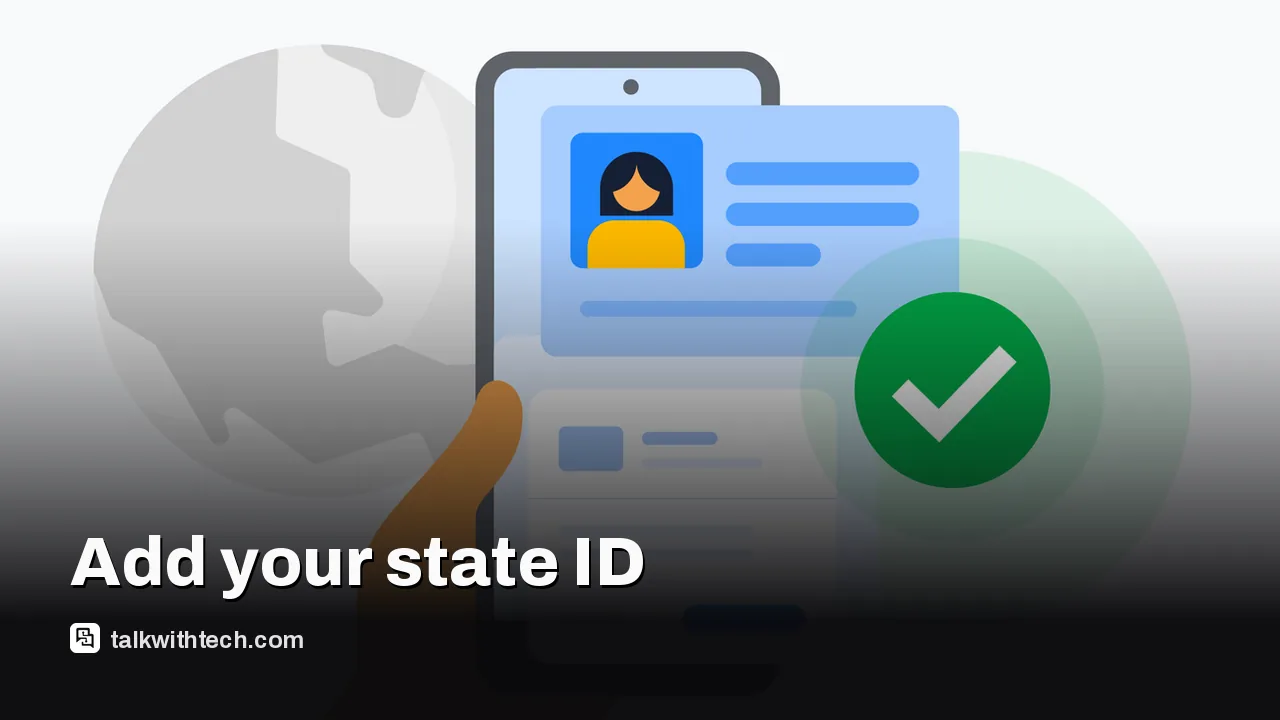
Google Wallet on Android is quietly growing a digital ID feature. The latest rollout lets more U.S. residents add their driver’s license or state ID to Wallet, after a verification flow that includes taking pictures of the front and back of the physical card plus a short video of yourself. Once approved, the ID sits alongside other passes in Wallet and can be reordered or removed remotely if the phone is lost.
Here’s how you add it: open Google Wallet on Android 9 or newer, tap the plus button near View more at the bottom, choose ID & personal info, then Driver’s license or state ID, pick your state, and follow the prompts. The verification model even steps you through capturing a video frame to help confirm you’re real. Google notes the video frame will be sent to your ID issuer as part of the process.
Which states are currently supported? Google has rolled this out in a growing list across 2023–2026, including California, Colorado, Georgia, Maryland, Arizona, Arkansas, Iowa, Montana, New Mexico, North Dakota, Ohio, Oklahoma, and Puerto Rico. Some states were added earlier, while others joined most recently. The company has previously indicated more states would come as part of ongoing expansion, but a precise future timetable wasn’t shared in today’s update.
01
Where digital IDs work today
Right now, the primary official use for digital IDs in Wallet is at TSA checkpoints in supported airports. You can present your ID by tapping your phone at an NFC terminal or by showing a QR code after selecting the ID in Wallet. Google emphasizes a privacy-forward approach, with a plan called Zero-Knowledge Proof intended to let certain uses happen without exposing your full identity, and Google says this technology will be open-sourced for others to adopt.
Google has hinted that more agencies and use cases could follow. In practice, this means you might soon see digital IDs accepted for things like DMV-related visits or age checks in certain apps. But there’s no blanket replacement for a physical ID yet, and you’ll still need to carry the real card for now in most day-to-day scenarios.
03
What this means for everyday people
If you travel by air, this could cut down the number of physical cards you need to carry, at least for verification steps that accept digital IDs. If you’re worried about privacy, the tool’s designed to limit what other apps can see, and you can remove the ID remotely if your phone is lost. On the flip side, you still need the physical card for many activities, like alcohol purchases, and some regions haven’t yet joined the rollout, so the digital ID isn’t a universal replacement.
04
What you can do now
Check if your state is supported and start the two-step setup in Wallet if eligible. Keep your physical ID handy for travel and other activities that haven’t adopted digital IDs. If you’re curious about privacy controls, monitor any prompts asking what you’re willing to share and stay updated on new states or features as Google continues its phased rollout.
Apple's creative app bundle is getting MotionVFX effects and AI assistants in November. Here's what it costs in the US and Canada, and when buying outright wins.
Meta quietly put Instagram on the Apple TV App Store with no announcement. What you can watch, what you need to install it, and why Meta wants your couch.
5 min read
We use cookies to understand how readers use Talk With Tech, so we can make it better. Is that OK? Privacy policy
The Daily Brief
Today's biggest tech stories, in 5 minutes
Every morning, the news that matters from AI, phones, apps and the people shaping tech. Explained in plain English. Free.
One email a day. No spam, unsubscribe anytime. Privacy policy