Delete Instagram privacy test: what a month off revealed
A month-long Instagram break became almost a year. Here is what one writer learned about privacy and attention, plus how to pause or delete your own account safely.
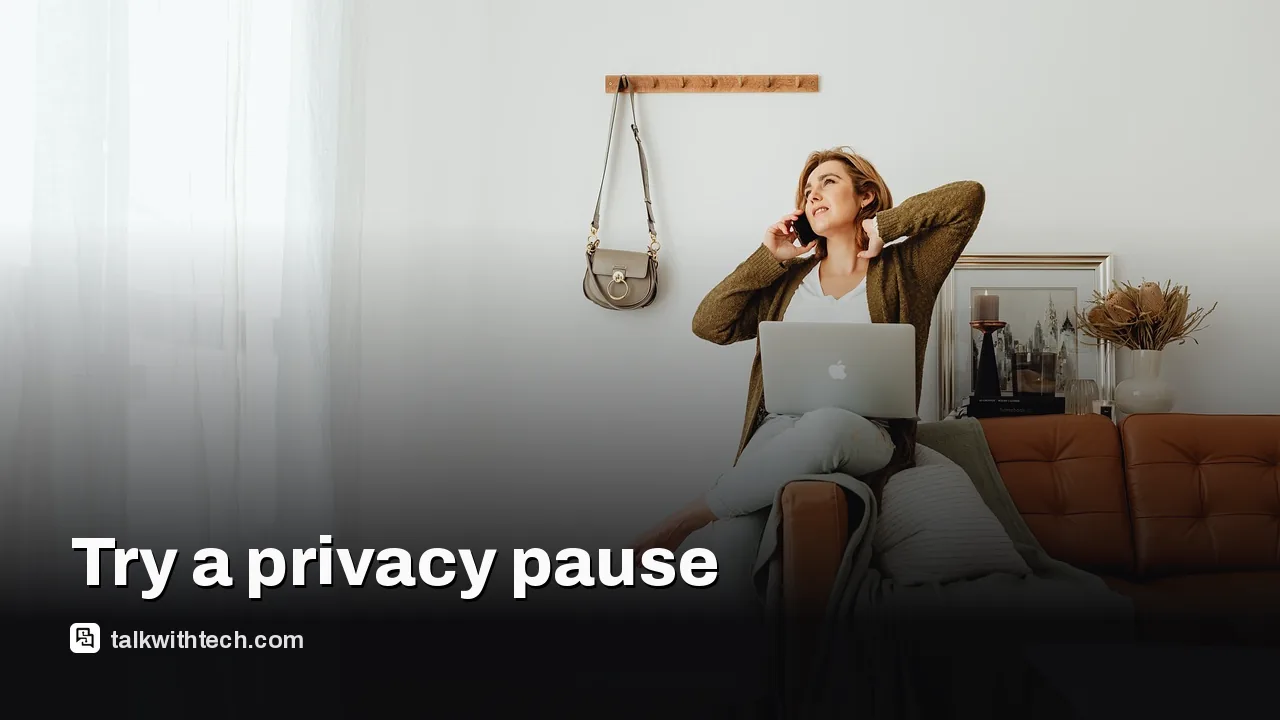
A London-based journalist removed Instagram from their phone for a month after an anxious trip home from Sri Lanka.
The planned month stretched to three, then six, and was close to a full year when the essay was published.
Without the app, the writer read more, finished a first novel and said life felt private and their own again.
If you want to try it, you can simply remove the app, deactivate your account, or delete it after downloading your data.
Quick read · 2 min
A journalist who had used Instagram since age 17 deleted the app from their phone after a two-week trip to Sri Lanka spent obsessing over posts, captions and likes. The plan was a one-month break. It stretched to three months, then six, and was nearly a year by the time they wrote about it.
Without the app, they took photos for their own memories rather than for about 400 followers, stopped comparing ordinary days with other people's highlights, read more and finished a first novel. Their life, they say, feels private and their own again.
Want to try it? You can:
remove the app and keep your account as it is;
deactivate your account to hide it until you return;
delete it, with 30 days to change your mind.
Before deleting, download your data from the Accounts Center. The file can take up to 48 hours to prepare.
The plan was one month without Instagram. It turned into almost a year. A journalist who had used the app since age 17 deleted it from their phone after a holiday that they spent mentally writing captions, and they never really went back.
Why should you care? Because the experiment is less about willpower and more about privacy in the everyday sense: who gets to see your life, and who you are living it for. If you have ever checked a post over and over to count the likes, this story will feel familiar, and the second half of this piece shows exactly how to run your own delete Instagram privacy test without losing your photos.
01
The trip that made one writer delete Instagram
The breaking point came after two weeks in Sri Lanka. The writer and their partner traveled through Negombo and Kandy, ate dinner facing the Indian Ocean and climbed Sigiriya, the ancient rock fortress that people have lived on since prehistoric times.
It should have been a trip to simply enjoy. Instead, the writer describes a running commentary in their head, weighing which photo would work best, what caption to add, even which music or filter would suit it. Standing on top of Sigiriya, the first thought was that the view had to go on their story.
Back home in London, the posts went up, and so did the worry. Hours went into refreshing the feed and wondering why more of their roughly 400 followers were not reacting. Were people bored? Annoyed? Should the post come down? After two days of that, the writer removed the app, planning to come back in a month with healthier habits.
02
What a month off Instagram actually changed
The biggest change was who the photos were for. Away from the app, the writer realized how much of their picture taking had been aimed at an invisible crowd, many of them people they had not spoken to in years. Within that first month, they began taking photos for their own memories instead.
The comparison habit also faded. Instagram had pushed the writer to measure the most normal parts of their own life against the polished highlights of everyone else’s. Once the app was gone, that energy went elsewhere. They are clear that they did not turn into a productivity machine, but the mental background noise dropped a lot.
The results are concrete. They read more, finished writing their first novel and started a second one. One month became three, then six, and by the time the essay appeared they were weeks away from a full year.
03
Why this is really a privacy story
The word the writer keeps returning to is private. You do not need to be famous for this to matter. Every post shares where you were, who you were with and what your days look like. Stepping back made the writer feel anonymous again in a good way: free to enjoy things without it being anyone else’s business whether they approved.
That is the part that applies to most of us. Privacy is not only about hackers and data brokers. It is also about the small, constant decision to publish your life to an audience, and the pressure that audience puts on how you spend your time. The writer admits their life feels smaller in some ways, but much more their own.
04
What this means for you if you want to try it
You have three options, and they are very different in how permanent they are.
Just remove the app. This is what the writer did. Your account, posts and followers stay exactly as they are, you simply stop opening it. It is the gentlest test and the easiest to undo.
Deactivate your account. This hides your profile from everyone else until you log back in, when everything returns as you left it.
Delete your account. This is the permanent route. After you ask for deletion, you get 30 days to change your mind and restore it. Once that window closes, the account and its contents are gone, and you can no longer request a copy of your data.
If you delete and later return, you may be able to grab your old username again if nobody else has taken it, but you will be starting a brand new account.
How to save your photos before you delete Instagram
Before any permanent step, download a copy of your account. Instagram lets you request it at any time from the Accounts Center, which you reach through the menu on your profile. Look for the option to download your information, then choose whether you want everything or only some categories, such as posts and messages.
A few settings are worth getting right:
Pick the widest date range so you capture your whole history.
Choose high media quality, so photos and videos keep their full resolution.
HTML is the easy format to browse in a web browser, while JSON is meant for developers.
Meta then builds the file, which can take up to 48 hours if you have a lot of content. You get a notification with a download link that stays active for 4 days, so save the zip file promptly. Open it and you can look through your posts offline in any browser.
The deletion and deactivation controls sit in the same Accounts Center, under your account ownership settings. On an iPhone you can do it inside the app, while Android users have to use the website.
06
Quick answers
Does deleting the Instagram app delete my account?
No. Removing the app from your phone leaves your account, posts and followers untouched. To hide or erase your profile you need to deactivate or delete it in the Accounts Center.
Can I get my Instagram account back after deleting it?
Only for 30 days after you request deletion. After that, the account cannot be restored and you cannot ask for your data, so download it first.
Do I have to quit for good to see a difference?
No. The writer only planned a month, and the change in how they took photos showed up within that first month. A short break is a fair test.
Attackers are locking files on outdated Synology NAS boxes with the .L0CK3D extension. Here are the DSM builds that fix it and the steps Synology recommends.
Russia-linked hackers paired an old Chrome bug with a Qualcomm graphics flaw to rob Android phones. Two quick checks show whether yours was ever exposed.
An unreleased OpenAI model found and exploited hundreds of Linux kernel bugs for about $1,279 each. Here's what's patched, who's exposed and what to do.
7 min read
We use cookies to understand how readers use Talk With Tech, so we can make it better. Is that OK? Privacy policy
The Daily Brief
Today's biggest tech stories, in 5 minutes
Every morning, the news that matters from AI, phones, apps and the people shaping tech. Explained in plain English. Free.
One email a day. No spam, unsubscribe anytime. Privacy policy