Thursday, 26 November 2026

Quick Share Private sharing goes away: save these files first

Samsung is retiring the Galaxy tool that blocked screenshots and set expiry dates. Files sent with it will stop opening, so here is what to do first.

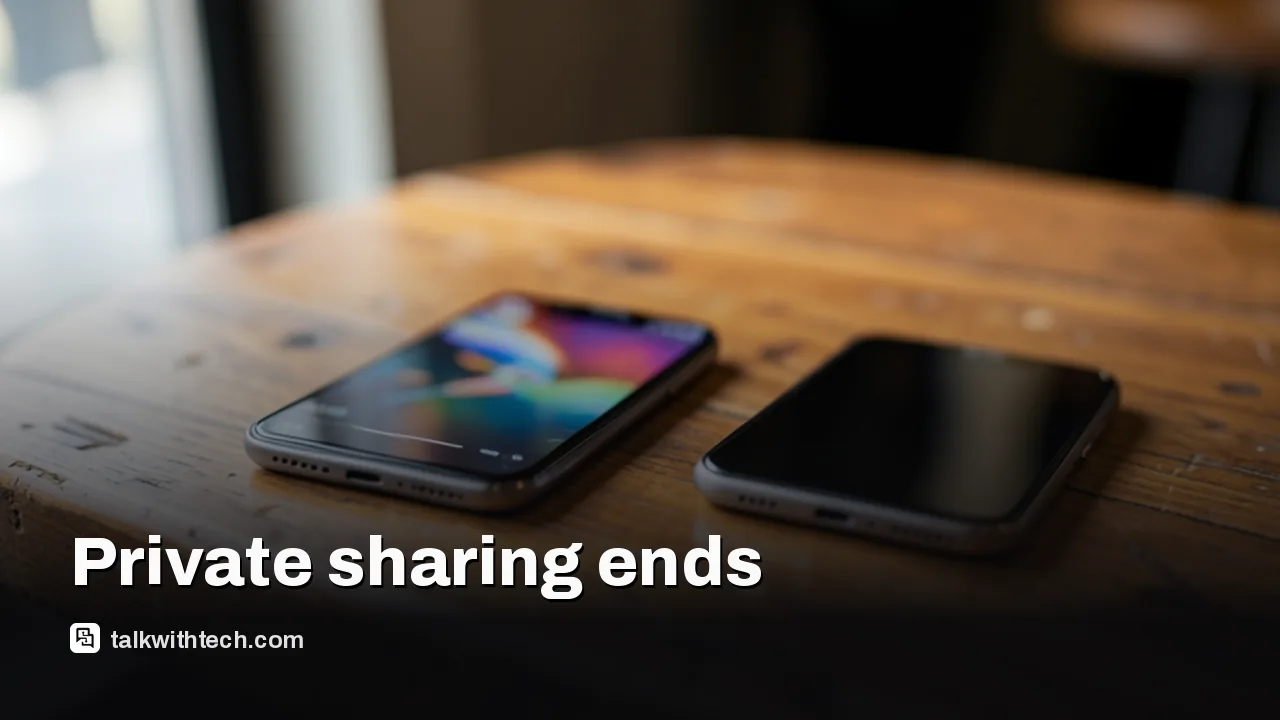
Two smartphones side by side on a cafe table during a file transfer

The short version

  • Samsung has added a notice to the Quick Share app warning that Private sharing will be discontinued.
  • The Private sharing toggle is already missing in the One UI 9.5 beta on the Galaxy S26 Ultra.
  • Once it ends, nobody can send or receive Private sharing files, and recipients lose access to old ones.
  • Regular Quick Share transfers keep working, and Samsung has not yet given a shutdown date.
Quick read · 1 min

Samsung is shutting down Private sharing, the Quick Share mode that let Galaxy owners send files that couldn't be screenshotted, saved or forwarded, and that expired on a date you chose. A notice in the Quick Share app warns of the change, and the option is already missing in the One UI 9.5 beta on the Galaxy S26 Ultra. No shutdown date has been given yet.

When it ends, nobody can send or receive files this way, and people lose access to files they were sent earlier. Ordinary Quick Share transfers are not affected.

  • Senders: revoke or re-date old files in Settings, Apps, Quick Share, Private sharing history.
  • Recipients: ask for fresh copies of anything you still need.
  • For future private files, try a Quick Share link that expires after two days, or a restricted Google Drive share.

Quick Share Private sharing, the Galaxy feature that stopped people from screenshotting or forwarding the files you sent them, is going away. Samsung has put an advance notice of its discontinuation into the Quick Share app’s changelog in the Galaxy Store, and the switch has already vanished from the One UI 9.5 beta on the Galaxy S26 Ultra.

The part that matters most: when the shutdown happens, files that were sent with Private sharing will stop opening for the people who received them. If someone has sent you a document, ID scan or photo that way and you still need it, ask them for a copy now. Normal Quick Share transfers are not affected.

01

What Quick Share Private sharing actually did

Quick Share Private sharing was a locked-down mode inside Samsung’s file-sharing app, built for sensitive files you only wanted one person to see. Samsung describes it as a way to stop recipients from taking screenshots of, saving or resending what you sent, and to set an expiration time and date after which the file simply stops opening.

It had some real limits. It only worked between Galaxy phones, tablets and Galaxy Book laptops, and never on iPhones. You could send up to 20 files and 200MB at a time, to a maximum of five people, and only certain file types were allowed: common photo, video and audio formats, plus plain text and PDF files.

You also needed a Samsung account, and the person on the other end needed Samsung’s Private Share app installed before they could open anything. Samsung’s own support page notes that the tool could warn you if you were about to share an image containing personal details, such as an ID card.

That mix of friction and small file limits probably explains why most Galaxy owners never touched it. But for the people who did, it was one of the few built-in ways on Android to take a file back after you sent it.

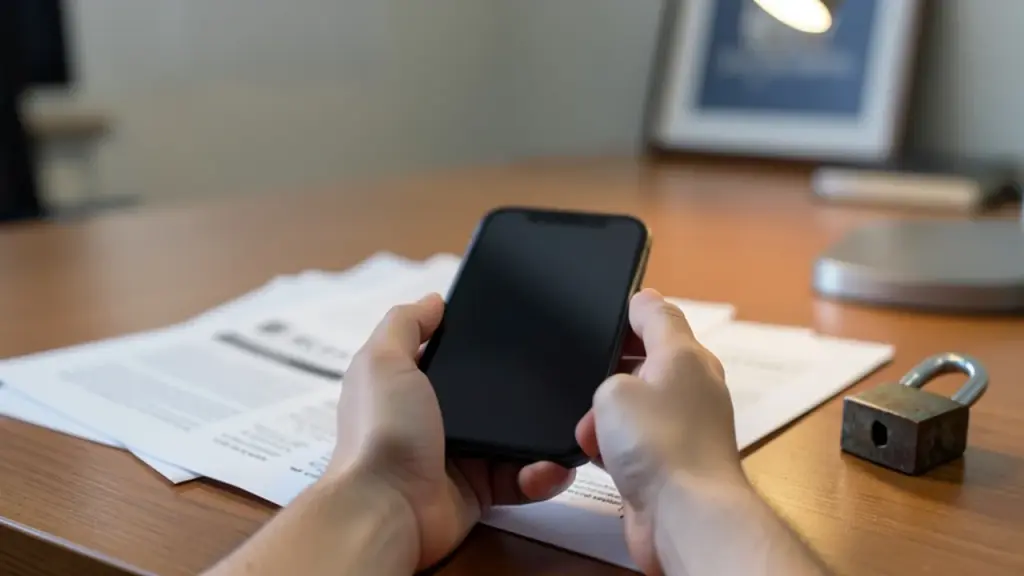
Hands holding a phone over private documents with a small padlock nearby
02

When Private sharing ends, and what Samsung has said

Samsung hasn’t announced a shutdown date yet. The notice found in the Quick Share app reads like a template, with a blank where the date should go, so the company appears to be preparing the message before it fills in the timing.

What we know comes from the app itself:

  • The Galaxy Store changelog for a recent Quick Share release lists an advance notice that Private sharing is being discontinued.
  • The notice says users will no longer be able to send or receive files with it once it ends.
  • It also says people will lose access to files that were shared with them earlier.
  • In the newer Quick Share build that ships with One UI 9.5 Beta 1 on the Galaxy S26 Ultra, the toggle and the code behind it are already gone.

Samsung hasn’t explained why. The timing lines up with a busy year for Quick Share, which has picked up AirDrop support on more Galaxy phones and is getting Tap to Share, a tap-two-phones-together option, in One UI 9.5. A niche feature with a separate app and tight limits looks like an easy thing to cut while the company reshapes the app.

03

Who loses out, and what stays the same

If you have only ever used Quick Share to fire photos to a friend’s phone, nothing changes for you. Sending files to nearby devices, sharing with contacts by link, and the newer AirDrop support all keep working.

The people who lose out are those who used Private sharing for things like pay slips, lease documents, scans of passports or medical letters. Once the feature switches off, two things happen:

  • Senders lose the ability to change an expiry date or revoke a file they sent, because the history screen goes with it.
  • Recipients lose access to everything they got through Private sharing, even if the expiry date hasn’t passed.

For a sender, files vanishing is not the worst outcome, since that was always the idea. For a recipient who relied on, say, a contract sent this way, it could mean losing a document you still need. Private sharing was designed so you couldn’t save those files, so the only safe fix is to ask the sender for a fresh copy through another method.

Laptop and phone on a home office desk with a blurred cloud folder on screen
04

What to do before the shutdown

Do this now, while the feature still works on your phone. If you are a sender, check what is still live and tidy it up:

  1. Open Settings and tap Apps.
  2. Tap Quick Share, then Private sharing history.
  3. Pick a recipient, then the file you sent them.
  4. Tap the three-dot More options menu and choose Revoke shared files if they should no longer see it, or Change expiry date if you want to set a clear end point.

If you are a recipient, go through any Private sharing files you have received and decide which ones you still need. Ask the sender to resend those by another route, ideally one of the options below, before the feature disappears from your phone.

If you are testing the One UI 9.5 beta, there is nothing to switch on: Private sharing is already gone from Quick Share on that build.

05

Alternatives to Quick Share Private sharing on a Galaxy phone

No replacement does everything Private sharing did, especially the screenshot block. But you can get most of the way there with tools you already have.

1. A Quick Share link that expires by itself

Quick Share’s Share to contacts option, and sharing by QR code, send a cloud link instead of a direct transfer. Samsung says these links expire after two days, which gives you a built-in time limit. The rules are wider than Private sharing: up to 1,000 files at a time, with a cap of 3GB per file and 5GB per day. The catch is that the person can save the file once they download it, and this needs mobile data or Wi-Fi plus a Samsung account on the sender’s phone.

2. Google Drive with tight sharing settings

Google Drive gives you more control after the fact, and it works with iPhones too. Upload the file, share it with the person’s email address, and keep General access set to Restricted so only people you add can open it. In the sharing settings you can also untick the option that lets viewers download, copy and print.

When you no longer want them to see it, open the Share menu, tap the arrow next to their name and choose Remove access. Google also lets you add an expiration date of up to one year, but only on work and school accounts, so a personal Gmail user will need to remove access by hand.

3. Send it normally, then lock down the source

For everyday files that aren’t truly secret, a normal Quick Share transfer is still fast and private: it goes straight between nearby phones without using mobile data. Make sure your own phone isn’t open to strangers by setting Who can share with you in Quick Share to Contacts only or No one when you are out in public.
06

Quick answers

Is Quick Share being discontinued?

No. Only the Private sharing option is ending. Regular Quick Share transfers, sharing links and AirDrop support on Galaxy phones keep working.

When does Quick Share Private sharing end?

Samsung hasn’t given a date. The in-app notice has a blank for it, and the feature is already missing in the One UI 9.5 beta.

Can I save files I received through Private sharing?

Not through Private sharing itself, because it was built to block saving. Ask the sender to send a new copy another way before the shutdown.

You're reading the quick version.