Tuesday, 10 November 2026

Spotify DJ voice change: how to pick a new host or mute the chat

Nine new AI hosts, from a Southern American to an Irish music nerd, plus a toggle that keeps the DJ quiet between songs. Here's where to find both.

Person on a sofa holding a phone with headphones around their neck

The short version

  • Spotify's AI DJ now offers nine new voices, seven in English and two in Spanish, alongside the original DJ X.
  • A new setting turns off the DJ's commentary between songs, leaving only short remarks when you start it or switch the mix.
  • You change both settings by searching DJ in the Spotify mobile app and opening the three-dot menu.
  • The update began rolling out November 10 to Premium subscribers in the markets where DJ already works.
Quick read · 2 min

Spotify's AI DJ now lets Premium subscribers swap its voice and mute most of its chatter. The update started rolling out on November 10 in every market where DJ already works, which Spotify puts at more than 95.

There are nine new hosts. Seven speak English, with three American accents plus British, Irish, Australian and Indian options. Two speak Spanish with Mexican accents and replace the older Spanish voice, Livi. The original DJ X stays.

  • Search DJ in the Spotify mobile app.
  • Open the three-dot menu to pick a voice and set commentary.
  • Press play, and tap the DJ button to change the mix.

With commentary off, the DJ stays quiet between songs and only speaks briefly when you start it or switch things up. Free accounts don't get DJ at all, so you'll need Premium to try any of this.

Spotify’s AI DJ no longer has to sound like the same guy every time. As of November 10, Premium subscribers can make a Spotify DJ voice change to one of nine new hosts, and they can finally tell the DJ to stop talking between songs.

That second part may matter more to you than the first. DJ is built to act like a radio host, chatting about why it picked each track. Plenty of people like the music picks but get tired of the patter, especially when friends are over. Now you can keep the personalized mix and drop most of the talk.

01

How to change your Spotify DJ voice

You change the Spotify DJ voice from a menu inside the DJ itself, on your phone. Spotify gives the same short set of steps in its own announcement:

  1. Open the Spotify app on your mobile device.
  2. Type DJ into the search bar and open the DJ result.
  3. Tap the three-dot menu. This is where you pick a voice and choose your commentary setting.
  4. Press play. If you want a different direction later, tap the DJ button to jump to another genre, artist, mood or batch of recommendations.

That’s the full process. Spotify’s instructions don’t send you to the app’s main Settings screen, so start from the DJ search result.

One catch for day one: Spotify describes this as a rollout that began November 10. If the new options aren’t in your three-dot menu yet, you may simply be waiting your turn.

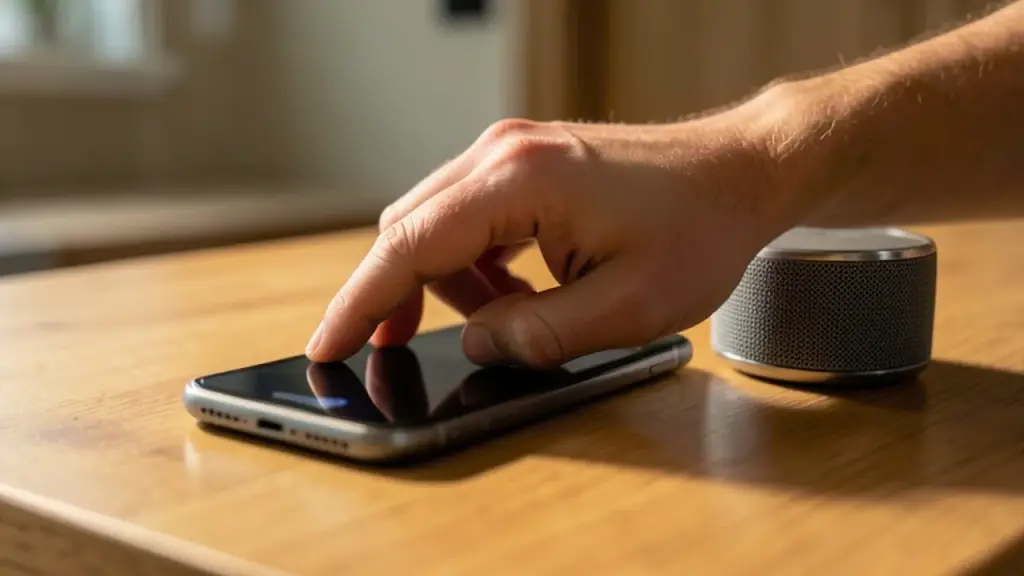
Hand tapping a phone next to a small wireless speaker on a counter
02

Meet the nine new DJ hosts

The new lineup adds seven English voices and two Spanish ones, and each comes with its own name and personality. Spotify’s original host, DJ X, stays available. His voice was built from real recordings of a Spotify employee, and he isn’t going anywhere.

Here’s the English roster, in our own short summaries of how Spotify describes them:

  • Casey (US): relaxed and warm, with a slight drawl.
  • Tess (US): blunt but friendly, with some attitude and plenty of insider knowledge.
  • Lane (US): upbeat and youthful, with a Southern accent.
  • Nell (UK): calm, slower paced and very well informed about music.
  • Declan (Ireland): no-nonsense and obsessive about music in the best way.
  • Sam (Australia): playful and outgoing, never too serious.
  • Nisha (India): welcoming, with energy that rubs off on you.

On the Spanish side, both new hosts have Mexican accents. Nico is grounded and easygoing, while Fabi is quick and funny. There’s a twist for Spanish listeners, though. Nico and Fabi now replace Livi, the earlier Spanish voice, so they become the only two Spanish options.

If you’re in the US and want a familiar sound, Casey, Tess and Lane give you three American flavors. UK listeners get Nell as the British option.
03

Turn off the chatter: what the new commentary switch really does

The commentary switch stops the DJ from talking between songs, but it doesn’t make it completely silent. Spotify says you’ll still hear a short acknowledgment in two moments: when you first start DJ, and when you tap the DJ button to change the mix. It also says a quick goodbye when you turn DJ off.

Everything else is music. Normally the DJ introduces sets and explains what it chose and why. With commentary off, it just keeps playing.

Spotify pitches this for situations like a dinner party, where you want background music that doesn’t compete with conversation. It’s also a fair fit for anyone who used to switch to a playlist because they didn’t want a voice cutting in.

There’s a fair question here: without the talk, how is DJ different from a regular shuffle? The answer is in the picks. DJ still builds its lineup from your listening taste, and the DJ button still lets you steer it by genre, artist or mood. You lose the narration, not the personalization.

Dinner table with candles and a small speaker playing music in the background
04

Who gets the new Spotify DJ voices, and where

You need Spotify Premium. DJ has always been a Premium feature, and the new voices and commentary controls go to Premium users only.

You also need to be in a market where DJ already works. Spotify says that’s more than 95 markets worldwide, and the DJ speaks in six languages there: English, Brazilian Portuguese, French, Italian, German and Spanish. The new voices, though, only cover English and Spanish. If you use DJ in French or German, you get the commentary switch but not a new host.

Spotify hasn’t published a country-by-country list in this announcement. The simple test: if you already see DJ when you search for it in the app, you’re in a supported market, and the update should reach you as the rollout spreads.

Free users won’t see any of this. If searching DJ shows nothing on a free account, that’s expected. Premium plans start at $13 a month.

05

What this means if you use DJ every day

For most people, the practical win is control. DJ is one of Spotify’s most used AI tools, with more than 94M Premium listeners using it, and Spotify says 80% of DJ listeners return week after week. That’s a lot of people who’ve been stuck with one voice and one level of chattiness since DJ launched in 2023.

A few ways to make the most of it:

  • Match the voice to the moment. A mellow host like Nell suits late-night listening, while Sam or Lane may fit a workout better.
  • Switch commentary off for company. Flip it before guests arrive so the music runs without interruptions.
  • Use the DJ button to steer. Tapping it moves the mix to a new genre, artist or mood, with commentary on or off.

This also fits a bigger pattern at Spotify. The app has added a chat-style AI agent for music, prompt-based tweaks to recommendations, AI-made playlists and links to outside assistants such as ChatGPT and Claude. Letting people pick an AI personality, the way many chatbots now do, is the same idea applied to one of its earliest AI features.

06

Quick answers

Can I change the Spotify DJ voice on desktop?

Spotify’s steps start on your mobile device: search DJ, open the three-dot menu and pick a voice. It hasn’t described a desktop method in this update.

Is DJ X going away?

No. The new hosts join DJ X rather than replace him. Only the Spanish voice Livi is being replaced, by Nico and Fabi.

Can I make the Spotify DJ completely silent?

Almost. With commentary off, it skips the talk between songs but still says a quick line when you start DJ or tap the DJ button to change the mix.

You're reading the quick version.