Saturday, 28 November 2026

Kindle Paperwhite 2026 or 2024? What the new one adds and drops

Amazon's new Paperwhite is thinner and smarter, but it costs more and the Signature Edition gives up wireless charging. Here's who should upgrade and who shouldn't.

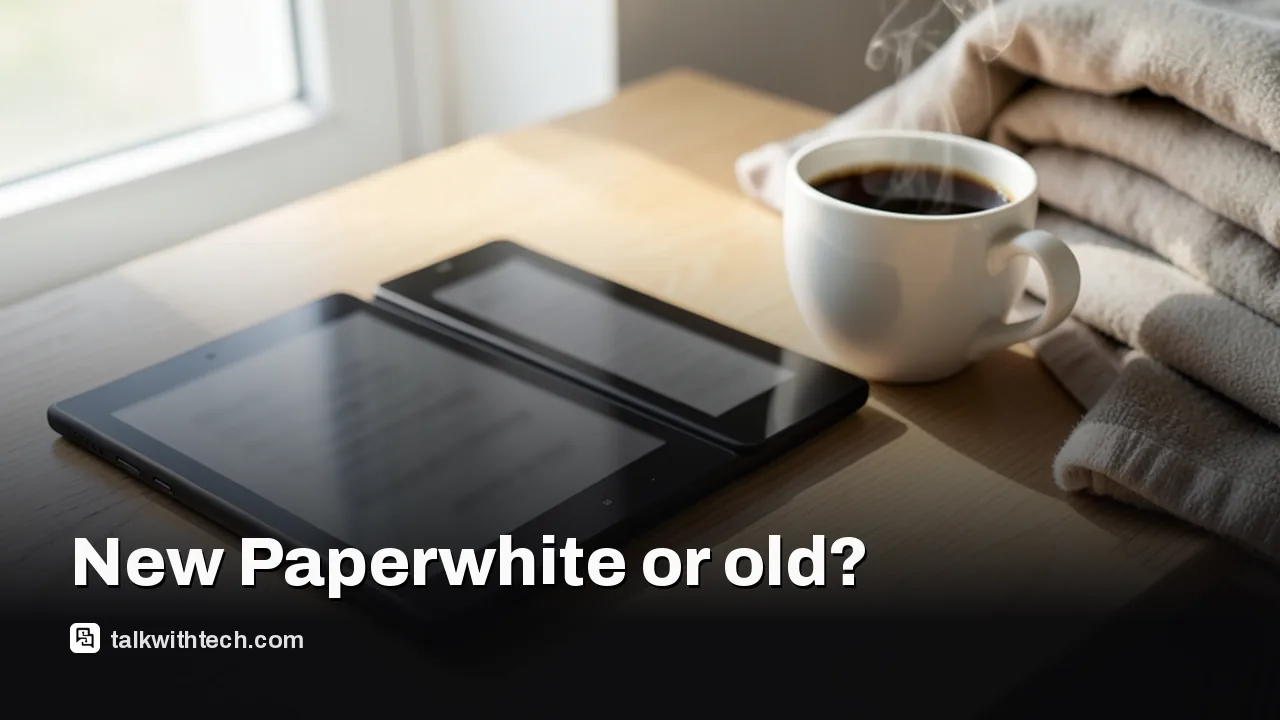
Two e-readers side by side on a wooden table

The short version

  • The 2026 Kindle Paperwhite starts at $199.99 in the US, up from the 2024 model's $159.99 launch price.
  • Both models have a 7-inch, 300 ppi screen, and reviewers disagree on whether the new display looks better.
  • The 2026 Signature Edition drops Qi wireless charging in favor of contact pins for a dock and a page-turn cover.
  • New touches include a top-mounted power button, auto-rotation, double-tap page turns and a replaceable battery.
Quick read · 1 min

Amazon's 2026 Kindle Paperwhite is a design refresh more than a reading upgrade. It's slimmer at 6.8mm, moves the power button to the top right, rotates the page automatically and adds double-tap page turns plus a battery you can replace.

The screen is still a 7-inch, 300 ppi panel. Amazon claims better contrast, but testers comparing it with the 2024 model struggled to see a difference beyond a warmer glow. Prices rose too: $199.99 for the base model and $249.99 for the Signature Edition, versus $159.99 and $199.99 for the 2024 pair at launch.

  • The new Signature Edition loses Qi wireless charging.
  • An $80 Page Turn Cover brings back physical buttons.
  • The Kindle Click remote works with 2024 models too.

Owners of a 2024 Signature Edition give up the most by switching, while first-time buyers get the full set of new features.

The Kindle Paperwhite 2026 vs 2024 choice comes down to one trade. The new model is thinner, has a power button you won’t hit by accident, rotates the page on its own and can take a cover with real page-turn buttons. But it starts at $199.99 in the US, against $159.99 for the 2024 model at launch, and the pricier Signature Edition gives up the wireless charging its predecessor had.

That matters if you’re buying an e-reader this holiday season, or wondering whether your two-year-old Paperwhite is suddenly out of date. Amazon refreshed its whole Kindle range on Oct. 1, and prices went up across the board. Reviewers who have used both Paperwhites side by side say the reading experience feels very similar, so the real question is whether the new extras are worth the extra money to you.

01

Kindle Paperwhite 2026 vs 2024: what actually changed

The 2026 Paperwhite changes the body and the controls far more than the screen. Here is what’s different on the new model:

  • Power button: moved from the bottom edge to the top right, so it’s far less likely to lock the screen mid-chapter. The USB-C port stays on the bottom.
  • Thickness and weight: 6.8mm thick, about a millimeter slimmer than the 2024 model, and 204 grams (7.2 ounces), with flatter sides and tighter corners.
  • Auto-rotation: a built-in accelerometer flips the page upside down or sideways as you turn the device. On the 2024 model, you change orientation by hand in the page layout menu.
  • New gestures: a double tap on the right or left edge turns the page forward or back, and a new toggle can pause the touchscreen for a while.
  • Battery: it can now be swapped out, because the back panel comes off with screws instead of being sealed shut. Amazon rates a charge at up to 12 weeks.
  • AI reading tools: Amazon is pitching features such as Ask This Book, which answers questions about the text, and Story So Far, a spoiler-free summary up to your current page.

What stayed the same: the 7-inch, 300 ppi screen size and sharpness, waterproofing, 16GB of storage on the entry model and 32GB on the Signature Edition, and the warm front light you can adjust.

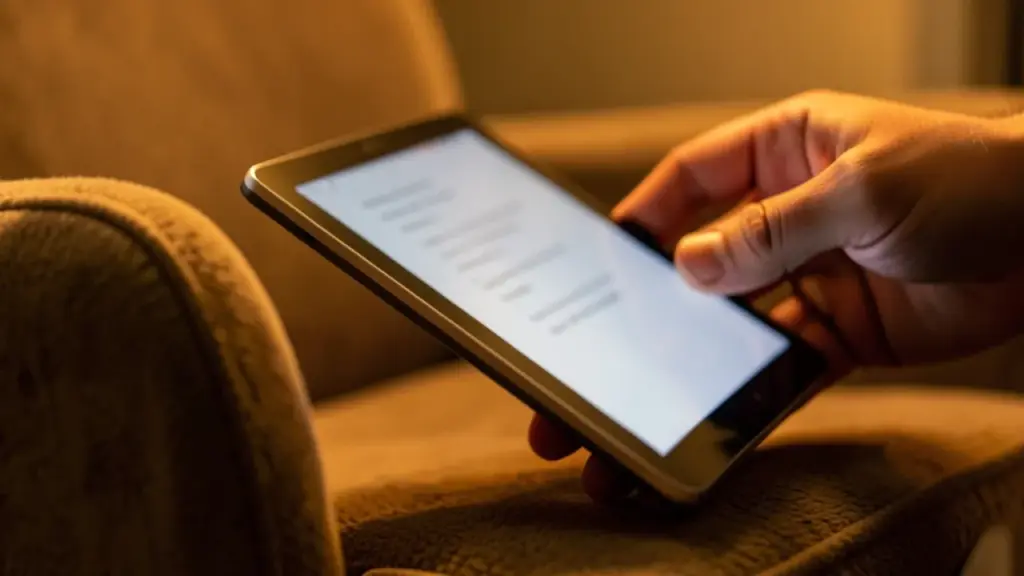
Hand holding a thin e-reader near its top edge
02

Is the 2026 Paperwhite screen better? Reviewers can’t agree

Amazon says yes, but people who tested both aren’t so sure. The 2026 model uses an oxide thin-film transistor backplane, the layer of tiny switches that controls each dot on the E Ink screen. Amazon claims it gives its highest contrast yet, with deeper blacks, especially in dark mode, and a warm light that reaches further into amber and orange tones.

One reviewer who put a 2024 Paperwhite next to the new Signature Edition couldn’t see any difference in sharpness or black levels. What they could see was a slightly warmer glow on the new screen, even with the warmth slider on both set to zero. Another review went further and said the 2026 model brings no notable screen or lighting upgrades at all, unlike the 2021 and 2024 refreshes.

Speed is a similar story. Amazon isn’t promoting faster performance for this Paperwhite. Hands-on testers found the new Signature Edition a little quicker at downloading books and searching, while both models woke from sleep equally fast. One tester timed the 2026 Paperwhite at about three seconds to power on and open a book.

So if your main reason to upgrade is a visibly better screen, you may be disappointed.
03

The wireless charging catch for Signature Edition owners

This is the one area where the older model clearly wins. The 2024 Paperwhite Signature Edition supports Qi wireless charging, so you could drop it on the same pad you use for your phone. The 2026 Signature Edition removes that completely.

In its place, Amazon added four contact pins (often called pogo pins) on the back. They connect to a $60 charging stand that does much the same job as a wireless pad, except you have to buy Amazon’s specific dock. You can also still plug in a USB-C cable as usual.

If you already own a 2024 Signature Edition and love setting it down on a charger at night, upgrading means losing that habit or paying for new hardware to get it back. It is the main reason one review called the 2026 Signature Edition the nicest Kindle you can buy, with a single step backward.

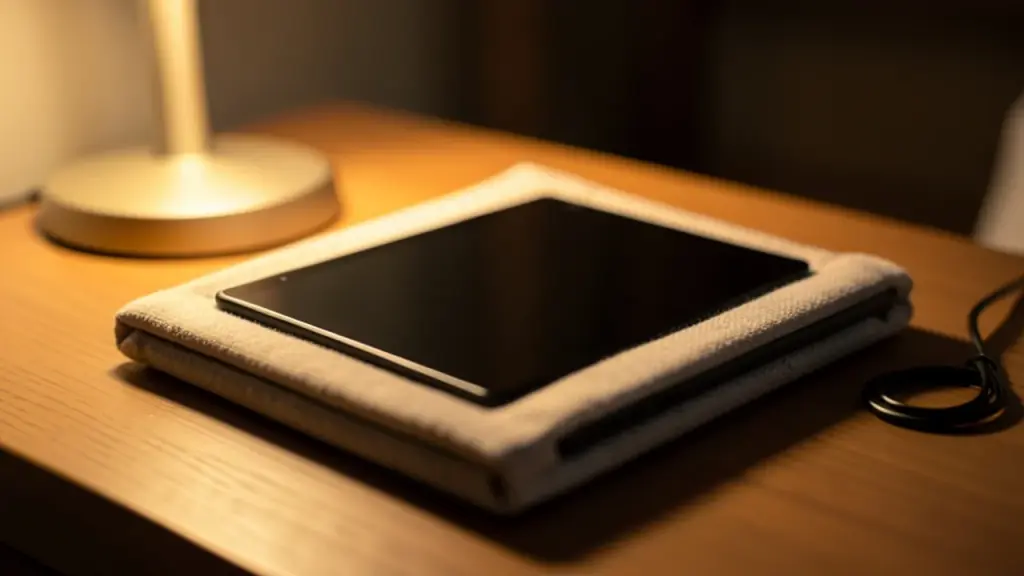
E-reader in a cover on a bedside table at night
04

Page-turn buttons are back, but you pay extra for them

Longtime fans of physical buttons finally have an option again. The 2026 Signature Edition brings them back through the Page Turn Cover, an $80 case that clips onto those rear pins with magnets and adds buttons for flipping forward and back.

That cover is sold separately, and some testers say it brings back memories of the cult-favorite Kindle Oasis, which Amazon no longer sells. Accessories add up fast: one reviewer noted that a base Paperwhite plus a case gets close to $250, and a Signature Edition setup closer to $300.

There’s a cheaper route if you own a 2024 model. Amazon’s new Kindle Click remote page-turner works with the 2024 Kindles too, so you can get button-style page turns without replacing your e-reader.

05

What the higher price means for your wallet

The price jump is the part that stings. Here’s how the two generations compare in the US and UK:

  • 2026 Paperwhite (16GB): $199.99 with lock-screen ads and up to $219.99, or £184.99
  • 2026 Paperwhite Signature Edition (32GB): $249.99, or £229.99
  • 2024 Paperwhite (16GB) at launch: $159.99, or £159.99
  • 2024 Paperwhite Signature Edition at launch: $199.99, or £189.99

For the extra money, the 2026 Signature Edition also removes lock-screen ads and adds a light sensor that dims or brightens the screen to match the room.

The older model also holds up well against Amazon’s newest budget Kindle. One reviewer argued the $160 Paperwhite from two years ago beats this year’s $150 basic Kindle on screen size, front light quality and waterproofing. That makes a refurbished or used 2024 Paperwhite worth a look if you’re shopping on a tight budget, and retailers are also likely to clear out remaining 2024 stock now that its replacement is here.

Color choice has shrunk too. The 2024 Paperwhite came in black, jade and raspberry, with metallic finishes on the Signature. The 2026 plastic model comes only in graphite, while the aluminum Signature Edition is offered in graphite or seaglass green.

06

Who should upgrade, and who should keep the 2024 Paperwhite

The case for the 2026 model is strongest if you are buying your first Paperwhite or upgrading from a much older one. You get the new design, auto-rotation, the top power button, a replaceable battery and support for the page-turn cover. One major buying guide now ranks the aluminum Signature Edition as the best Kindle of 2026, ahead of the standard Paperwhite.

The case for keeping, or buying, a 2024 Paperwhite is strongest if:

  • you use Qi wireless charging on a 2024 Signature Edition every day;
  • you mostly read in the default light mode and wouldn’t notice deeper blacks;
  • you want a color other than graphite or green;
  • you only want page-turn buttons, which the Kindle Click remote can add to a 2024 model.

There are a few small trade-offs with the new design to keep in mind. The slimmer bezels leave less room for your thumb, which can trigger accidental page turns. One reviewer also saw images appear as negatives when switching between light and dark modes, and another reported problems with the removable back panel.

07

Quick answers

Is the Kindle Paperwhite 2026 worth it over the 2024 model?

Only if you value the new design, auto-rotation or the page-turn cover. Testers found the screens very similar, and the new base model launched at $199.99 versus $159.99.

Does the 2026 Kindle Paperwhite have wireless charging?

No. The 2026 Signature Edition drops Qi charging and uses contact pins with an optional $60 dock instead. USB-C charging still works.

Are both Paperwhites waterproof?

Yes. Both generations are waterproof, so either one is safe for reading at the pool or in the bath.

You're reading the quick version.