Sunday, 11 October 2026

Try these Waze tricks to set custom voices and plan routes

A recent spotlight reveals ways to plan trips, customize voices, and more in Google’s crowdsourced maps app.

Smartphone showing Waze navigation on screen

The short version

  • Waze has several hidden options that can improve navigation and planning for everyday users.
  • Features include driving to friends and family, custom voice prompts, and the ability to plan trips in advance.
  • There are also secret codes that unlock diagnostics or playful modes, though misuse could cause issues.
  • Understanding these can help you get more from Waze without extra apps or hardware.
Quick read · 1 min

Waze has several features that many users miss. You can navigate to saved contacts, customize voices and avatars, and plan drives in advance. There are also diagnostic codes you can enter for tweaks. These aren’t essential, but they can save time and add a little personality to your commute.

What this means for you: you can skip retyping addresses, tailor navigation voices, and plan trips ahead of time. To try them, update Waze and explore Settings, Plan a drive, and Voice options. If you want to tinker, ask a friend to record prompts, but be mindful of privacy when sharing contacts.

  • Drive to friends & family saves time.
  • Custom voices and moods personalize navigation.
  • Plan a drive helps with busy schedules.

A recent roundup of Waze tips reveals several features that fans may not know about. The app, which has been owned by Google since 2013, relies on real‑time, crowdsourced data to help you navigate. If you’ve stuck to the basics, these hidden options could change how you drive and plan trips.

Below are some of the most useful tricks and what they mean for you on the road.

01

What Waze features aren’t obvious

Drive to friends & family. If you have a contact with a saved address, you can start navigation to that person’s location without retyping the address every time. Open Waze, then go to the end of the menu to find the Drive to friends & family option. You’ll need to grant Waze access to your contacts for this to work. It’s a small time saver if you frequently visit a friend or relative and want to skip entering addresses manually.

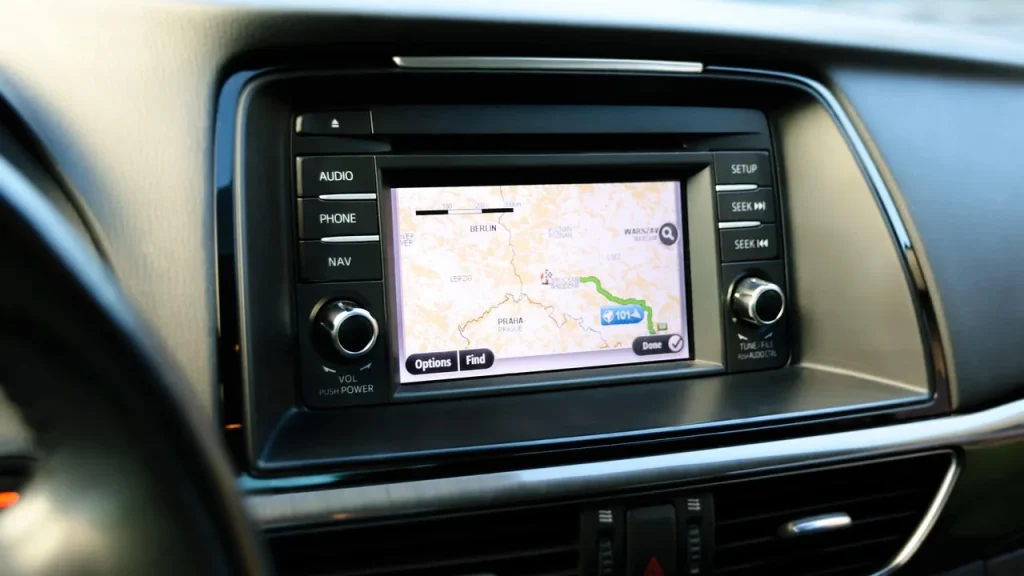
Dashboard screen displaying navigation route
02

Use your own voice for directions

Waze lets you personalize how directions are spoken. You can change the voice packs in Settings > Voice and sound > Current voice, and you can also pick a mood for your avatar and a sidekick that alters your car icon and voice. A fun capability is recording your own voice prompts for navigation. You can record up to 39 prompts, each up to six seconds long. If you’re up for it, you can create a totally custom driving soundtrack by having a family member record the prompts.

03

Plan a drive ahead of time

Waze can plan a departure or arrival in advance. When you search for a destination, choose Leave later instead of Go now. You can pick an arrival time in 15‑minute increments and see estimated traffic for that time. You can also connect your calendar so events with locations show up as planned drives. This is handy for keeping your day organized when you have several meetings or errands.

Phone screen showing calendar events alongside a map
04

Secret codes with practical use

There are niche codes you can type into the search bar to access diagnostic tools or tweak certain features. For example, entering certain codes can unlock a special avatar or clear the text‑to‑speech cache. These are not everyday options, but they can help you fix small issues or customize your experience if you know the right shorthand. It’s worth noting that these are intended for troubleshooting; using them improperly could lead to unexpected results.

05

What this means for everyday users

For most people, the biggest practical gains are time saved entering addresses and a more personalized driving experience. If you often drive to a relative’s home, the Drive to friends & family feature can reduce setup steps. If you enjoy a playful edge to your navigation, the voice customization and recorded prompts add a personal touch to daily commutes. The plan-a-drive option is particularly useful for busy days when you want to see how traffic might affect your schedule in advance.

06

What happens next and what you can do now

To start using these tweaks, update Waze if needed and explore the menus described above. If you want to try voice customization, go to Settings > View profile > Mood, then experiment with different voices and avatars. If you’re curious about the calendar integration, open Plan a drive and link your calendar so events with locations appear as planned trips. Remember to review privacy settings if you share contacts with Waze, as those contacts can be exposed to navigation prompts.

07

Quick answers

What’s the easiest hidden feature to start with?

Drive to friends & family is a straightforward, practical option if you save addresses for friends or relatives and want quick navigation.

Are there safety concerns with these tricks?

Most features are safe, but the secret codes used for diagnostics should be used with care. If you’re unsure, stick to the standard settings and official options.

You're reading the quick version.