1Password for Agents puts your phone between AI and your bank
Meta's Muse, OpenAI's Dots and Anthropic's Claude Duet can ask 1Password to sign them in. You approve each request on your phone and the bot never sees the password.
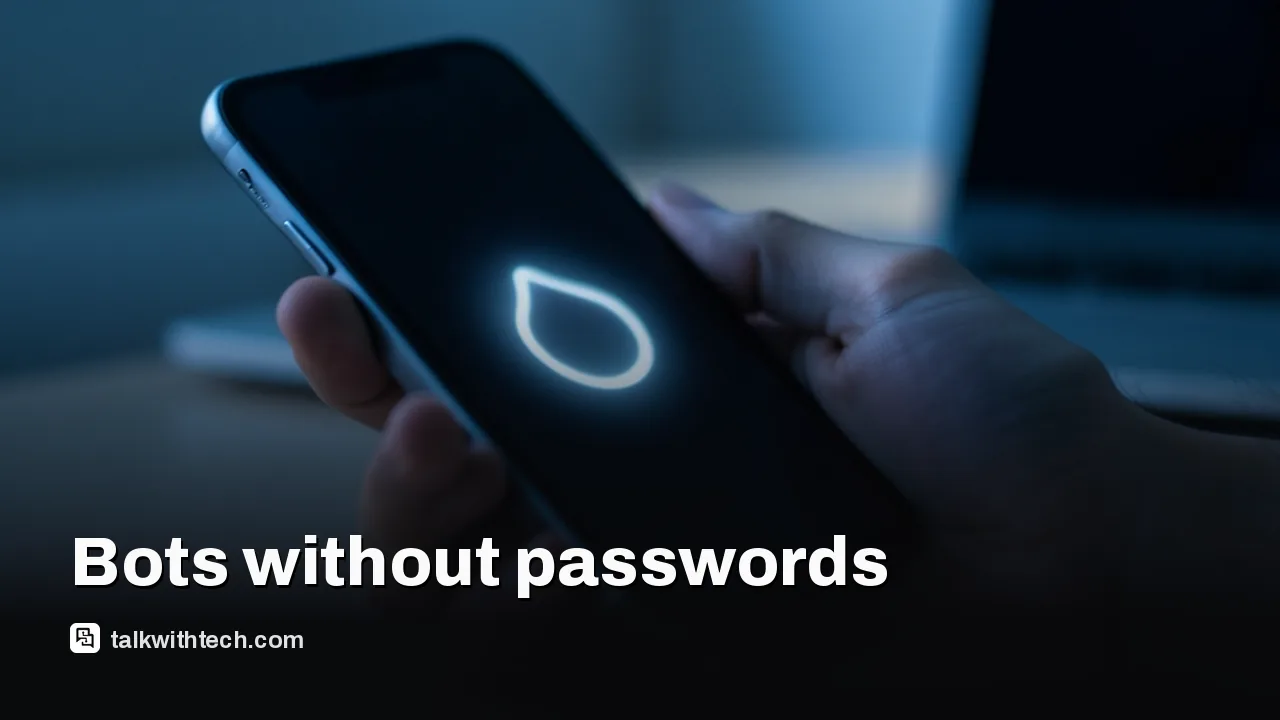
1Password launched 1Password for Agents, which signs AI assistants in to your accounts without showing them passwords.
Each sign-in needs your approval on your own device, much like a two-factor prompt.
Meta's Muse, OpenAI's ChatGPT Work and Dots, SpaceXSI's Grok Bot and Town are launch partners, with Claude Duet next.
The Toronto company gave no pricing and no dates for when each partner integration reaches users.
Quick read · 1 min
1Password has launched 1Password for Agents, a way for AI assistants to sign in to your accounts without ever seeing your password. When an agent reaches a login page, it identifies itself to 1Password, you get a request on your own device showing which account and why, and 1Password fills in the login only if you approve. The credential is removed afterward so the bot can't reuse it.
Launch partners include Meta's Muse, OpenAI's ChatGPT Work and Dots, SpaceXSI's Grok Bot and Town, with Anthropic's Claude Duet coming soon. More companies, such as Perplexity and Ramp, are building support.
Why it matters: pasting passwords into chatbots leaves copies you don't control.
The catch: you still trust what the agent does once it's signed in.
Unknowns: no pricing and no dates per partner.
A lot of people have quietly started typing their passwords straight into AI chatbots so an assistant can pay a bill or book a trip for them. 1Password wants to end that habit. On Thursday the Toronto-based password manager launched 1Password for Agents, a system that signs AI assistants in to your accounts without the bot ever seeing your password.
If you use one of the new always-on AI agents, or you’re thinking about it, this is the piece that decides how much of your digital life you’re really handing over. A password pasted into a chat can sit in a log forever. A login filled in by your password manager, after you tap approve, never leaves your vault.
01
How 1Password for Agents signs a bot in
1Password for Agents works a lot like the two-factor prompts you already get from your bank. The agent does the task, and you hold the key. Here’s the sequence 1Password describes:
The agent hits a login page. Partway through a job, your assistant reaches a site that wants a username and password.
It proves who it is. The agent identifies itself to 1Password with its own unique digital key, so a random program can’t pretend to be your assistant.
You get a request. A notification on your own device shows which account the agent wants to open and why.
You approve or deny. Nothing happens until you decide.
1Password types it in. If you say yes, 1Password fills the login straight into the form. Once the site accepts it, 1Password pulls the credential back so the agent can’t read it or use it again later.
The rest of your vault stays closed throughout. An assistant that needs your electricity account doesn’t get a peek at your email, your bank or your saved card numbers.
02
Which AI agents work with it now
The launch list reads like a who’s who of this year’s agent race. 1Password named these partners:
Meta’s Muse, built by Meta Superintelligence Labs. With the link turned on, Muse requests each login from 1Password mid-task.
OpenAI’s ChatGPT Work and Dots, its always-on agents.
Grok Bot from Elon Musk’s SpaceXSI.
Town’s Townie assistant, from a work-assistant startup that raised $108 million this week.
Anthropic’s Claude Duet, which launched on Wednesday. Its sign-ins are coming soon rather than live today.
Reports differ on exactly which of these are switched on right now, and 1Password hasn’t given dates for each partner. So if your assistant isn’t offering the option yet, that’s probably why. Another group, including Perplexity, Browserbase, Browser Use, Ramp, Kernel, Dana, Instinct, Tomo and Wajo, is building its own support, and 1Password says more integrations are on the way.
None of this is brand new for Claude users. Claude has been able to log in to websites through 1Password in the browser since July, and Perplexity’s and Browserbase’s browser agents have been connected since late 2025.
03
Why pasting a password into an AI chat is a bad idea
The easy shortcut, handing your password to the bot, creates a copy you don’t control. Assistants often save it so they can sign in again next time, and that saved copy can live in chat history, cloud logs or the agent company’s systems.
That matters more for agents than for normal apps because agents read things written by strangers: emails, web pages, product listings. A cleverly hidden instruction on a web page can try to trick an AI into doing something you never asked for. If the bot holds your actual password, a trick like that could leak it. If the bot never sees the password, there’s nothing to leak.
1Password’s chief product officer, Aashish Tripathi, put the principle simply: an agent doing one job shouldn’t walk away with lasting access to the whole account. That idea, access tied to a single task, is where the company thinks agent security has to go.
04
What this means for your accounts and your privacy
For everyday users, the big change is that you get a say in every sign-in. Instead of trusting an agent with standing access, you approve logins one at a time, on a device you hold. It’s the same instinct that made two-factor codes popular: a stolen password alone isn’t enough.
There are limits worth understanding before you switch it on:
You still trust the agent once it’s inside. 1Password protects the password, not what the bot does after it signs in. If you approve a login to your bank, the agent is in your bank for that task.
Approval fatigue is real. If you tap yes on every prompt without reading it, the protection weakens. Check the account name and the reason each time.
Pricing is unclear. 1Password hasn’t said whether this costs anything extra or which plans include it.
You don’t need to wait for your assistant to support it to tighten things up. A few steps help today:
Stop pasting passwords into any chatbot. If you already have, change those passwords.
Turn on two-factor sign-in for your email, bank and shopping accounts, the ones an agent is most likely to touch.
When your agent offers a password manager link, use it instead of typing credentials into the chat.
Give agents access only to the accounts a task needs, and remove access you no longer use.
1Password says its business vault already protects more than 1.6 billion credentials and secrets for over 200,000 businesses, so the company has a lot riding on getting this right.
06
Quick answers
Can an AI agent see my 1Password vault?
No. With 1Password for Agents, the agent only gets a single login filled in after you approve it, and the rest of your vault stays locked.
Does Claude Duet work with 1Password?
Not quite yet. Anthropic says 1Password will soon fill in Claude Duet’s sign-ins using passwords you’ve already saved, but it isn’t live at launch.
Is 1Password for Agents free?
1Password hasn’t announced pricing or said which plans include it.
US, UK and German agencies say SafePay has hit at least 600 organizations since 2024. It steals data, wipes backups and even phones victims to pressure them.
Eight security certificates trusted by Chrome, Safari and Firefox had keys anyone could work out in seconds. Your browser is already protected. Some other software isn't.
5 min read
We use cookies to understand how readers use Talk With Tech, so we can make it better. Is that OK? Privacy policy
The Daily Brief
Today's biggest tech stories, in 5 minutes
Every morning, the news that matters from AI, phones, apps and the people shaping tech. Explained in plain English. Free.
One email a day. No spam, unsubscribe anytime. Privacy policy