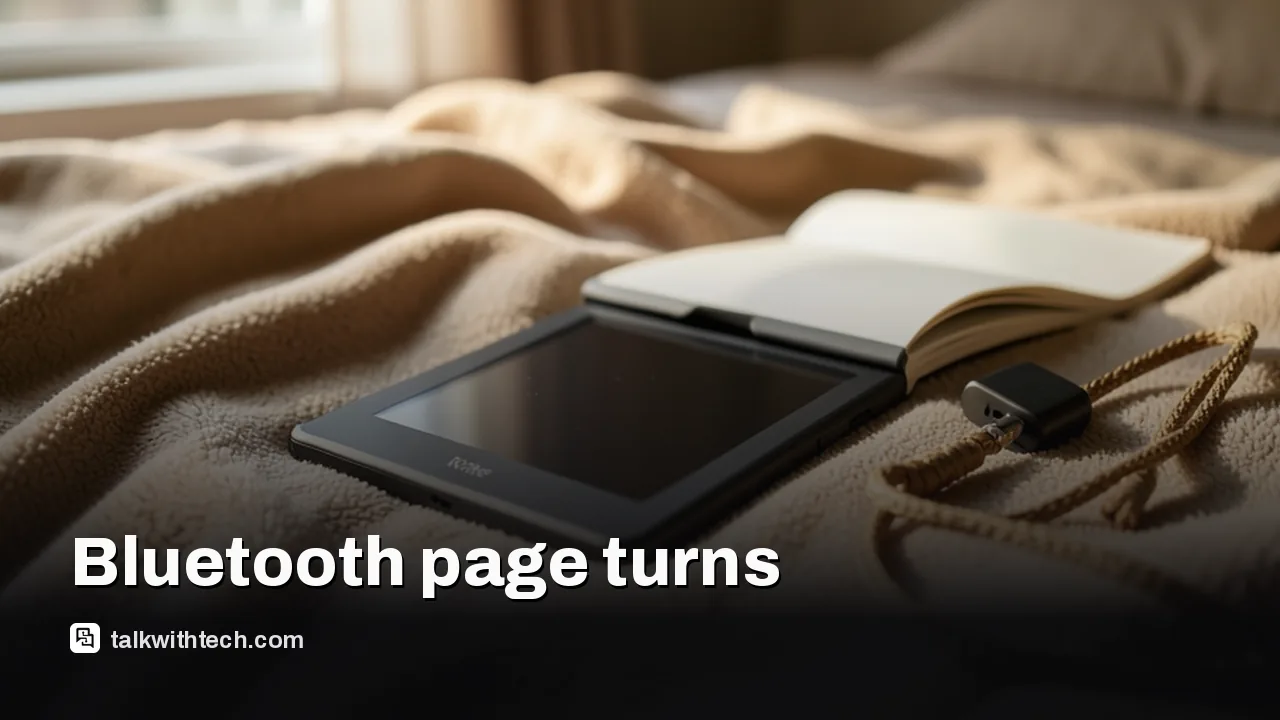
The Kindle Click is Amazon's first Bluetooth page-turning remote, priced at $34.99, with shipping from October 28.
It works with every 2026 Kindle and any Kindle released in 2024 or later, but not older models.
Besides turning pages, side buttons change screen brightness, and pressing both puts the Kindle to sleep.
It costs about $5 more than the Kobo Remote and charges over USB-C instead of using a AAA battery.
Quick read · 1 min
Amazon now sells its own Bluetooth page-turning remote, the Kindle Click, for $34.99. It began shipping on October 28 with the new Paperwhite and Colorsoft models.
Two big buttons turn pages forward and back, side buttons change brightness, and pressing both puts the Kindle to sleep. It charges over USB-C and is rated for weeks of use, but the cable is sold separately.
It works with all 2026 Kindles and any Kindle released in 2024 or later.
Kobo's rival remote costs $29.99 and runs on a AAA battery.
A $79.99 Page Turn Cover adds buttons to the Signature Edition models instead.
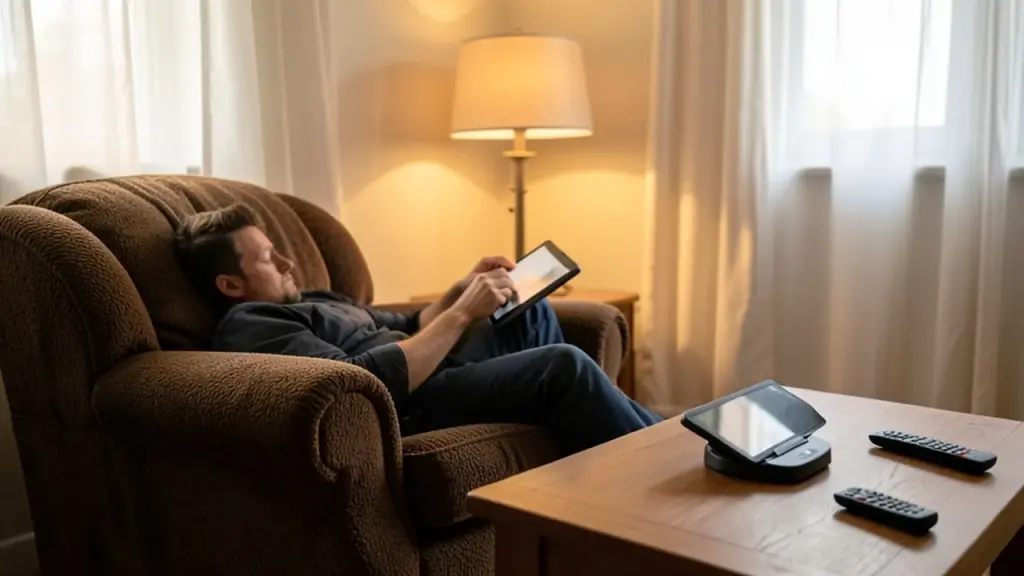
It is most useful if you read with your Kindle on a stand, in bed or on a treadmill. If you usually hold your e-reader in one hand, you may not need it.
For years, Kindle owners who wanted to turn pages without touching the screen had to buy clip-on gadgets from unknown brands. Now Amazon sells its own. The Kindle Click, a small Bluetooth remote, costs $34.99 and began shipping on October 28 alongside the new Paperwhite and Colorsoft.
If you read in bed, on a treadmill or on a plane, this is the accessory that could make your Kindle easier to live with. But it only works with fairly recent models, and some reviewers think most people won’t need it at all. Here’s what the Kindle Bluetooth remote does and who it is really for.
01
What the Kindle Bluetooth remote actually does
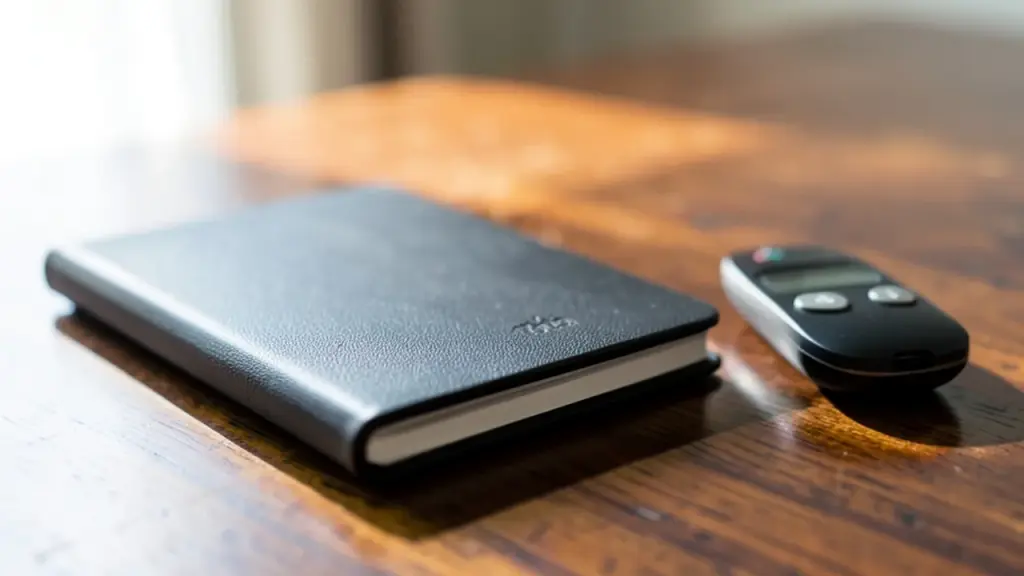
The Kindle Click turns pages forward and back with two large buttons you can tell apart by feel, so you can keep your e-reader propped up and your hand wherever it’s comfortable. It connects directly to the Kindle over Bluetooth, unlike older third-party clickers that physically tap the screen for you.
It does a little more than flip pages. Buttons on the side change the screen brightness without opening a menu, and pressing both of them together puts the Kindle to sleep. In the Kindle’s settings, you can choose which of the two main buttons moves the page forward.
The remote comes with a woven wrist lanyard, which is handy because something this small is easy to lose in the bed covers. It comes in one color, white with gray buttons.
02
Which Kindles work with the Kindle Click
The Click works with every model in Amazon’s 2026 lineup and with any Kindle released in 2024 or later. If your e-reader is older than that, it won’t pair, so you’d need a new Kindle as well.
Amazon pitches it for three situations: reading under the covers, reading with the Kindle resting on a plane’s tray table, and reading on a treadmill. If you have a stand or a bedside mount, it lets you read with your hands tucked away.
03
How long the battery lasts and how you charge it
The Click has a rechargeable battery that Amazon rates for weeks of use, and it charges over USB-C. The catch is that the cable and power adapter are sold separately, so check you have a spare USB-C cable at home. You’ll top it up every few weeks, much as you already do with the Kindle itself.
That’s a different approach from Kobo’s rival. The Kobo Remote takes a replaceable AAA battery that should last months, so you swap batteries rather than plug it in.
04
Kindle Click vs Kobo Remote and cheaper clickers
Amazon is late to this idea. Rakuten Kobo launched its Kobo Remote in November 2025 for $29.99, and it was sold out for months. There’s also the BOOX Tappy, a $29.99 wireless page turner for BOOX e-readers. That makes the Kindle Click about $5 dearer than Kobo’s version.
What the extra money buys is tighter Kindle support. The Kobo Remote has a curved shape that sits more naturally in your hand and comes in black or white, but it only turns pages. It does work with every Kobo e-reader that has Bluetooth and wakes up connected when the e-reader does. The Click adds brightness and sleep controls, and it is built to talk to the Kindle directly.
You can still find many cheap third-party page turners in remote or ring shapes. Many of them clip on and physically touch the display instead of talking to the Kindle directly. None of them is officially supported by Amazon.
For most people, probably not. One reviewer who reads in bed every night argued that holding the Kindle and tapping it with the same hand already works fine, and that holding a remote in the other hand doesn’t make much sense unless the Kindle is mounted or propped up somewhere.
It makes the most sense if you:
Read with your Kindle on a stand, a bedside mount or a treadmill shelf.
Get hand fatigue during long reading sessions.
Own a big-screen Kindle and find it hard to reach across the screen with one thumb.
There’s also a new alternative that never needs charging. Amazon’s $79.99 magnetic Page Turn Cover adds two physical buttons to the cover itself, with no battery or pairing. It only fits the Paperwhite Signature Edition ($249.99) and Colorsoft Signature Edition ($319.99), though. Those two models also support double-tap page turning and a $59.99 charging dock that holds the Kindle upright.
06
The rest of Amazon’s new Kindle lineup
The Click arrived with Amazon’s biggest Kindle redesign in years. Every model now has a flush front with no raised border around the screen, and Amazon says the new displays are 30% faster at page turns than the previous generation.
The basic Kindle starts at $149.99 with 16GB, and an aluminum version with 32GB costs $189.99. The Kindle Kids is $179.99 and includes a cover and one year of Amazon Kids+. The Paperwhite starts at $199.99, and the color Kindle Colorsoft starts at $289.99. The basic Kindle and Kindle Kids went on sale first, while the Paperwhite and Colorsoft shipped from October 28 along with the Click.
07
Quick answers
How much is the Kindle Click?
The Kindle Click costs $34.99 in the US. A USB-C cable and charger are not included.
Does the Kindle Click work with my old Kindle?
Only if your Kindle was released in 2024 or later. It also works with every new 2026 model.
Can the Kindle Click change brightness?
Yes. Side buttons adjust the screen brightness, and pressing both together puts the Kindle to sleep.
Reviews are in. The OLED MacBook Pro wins on blacks, contrast and weight, but the mini-LED model still matches its speed and lasted longer in one battery test.