The yellow ring signals a notification or message, not a fault with the device.
You can clear or manage alerts using voice commands or the Alexa app to control interruptions.
Notifications cover reminders, price drops, delivery updates, and camera events, and can be customized per device.
Understanding the ring helps you decide which alerts you actually want to see or hear.
Quick read · 1 min
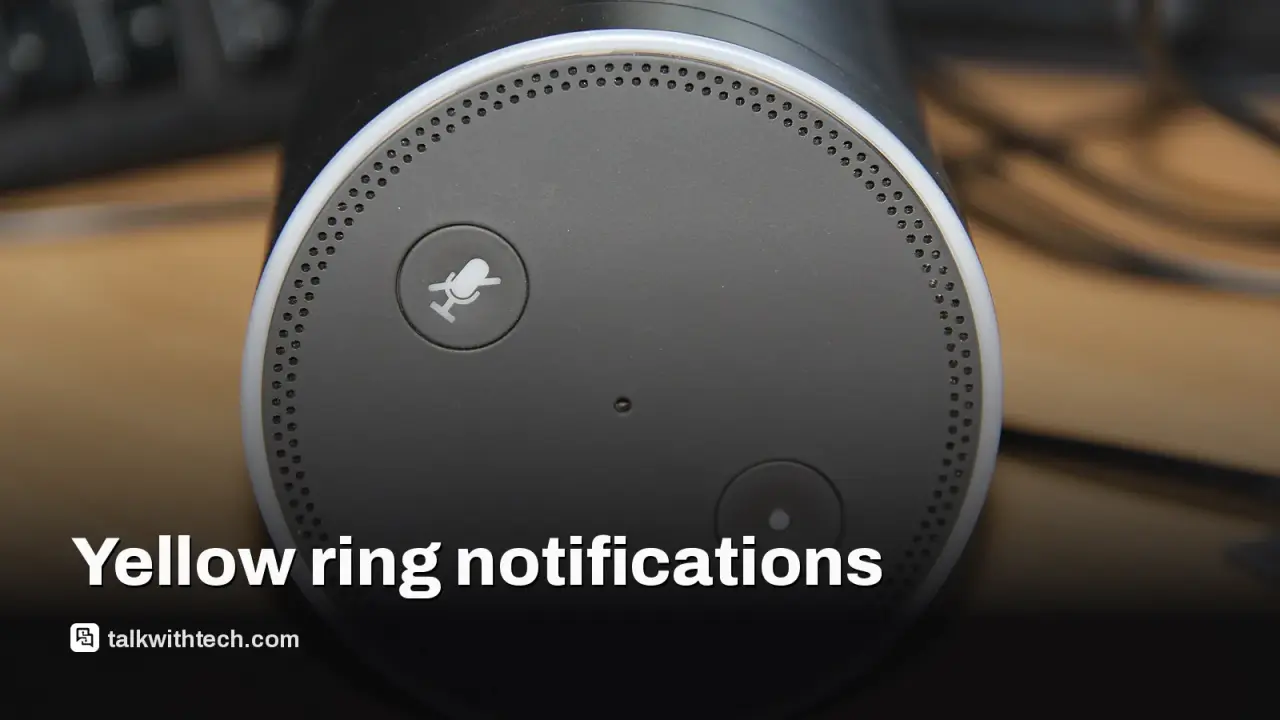
The yellow light on an Echo device means Alexa has a notification or message for you. It’s not an error; it’s a heads‑up that you’ve got reminders, shopping alerts, or camera events waiting. You can clear it by asking Alexa about your notifications or by dismissing items in the app. To reduce future yellow rings, tweak which alerts you receive in the Alexa app under Notifications and Reminders. If you’ve connected cameras, you can fine‑tune which events trigger alerts so you’re not overwhelmed.
What happens next is simple: check or clear the alerts, then adjust your settings so you only get the reminders you actually want.
Ask Alexa what notifications you have
Snooze or dismiss items you don’t need
Limit or turn off nonessential notifications in the app
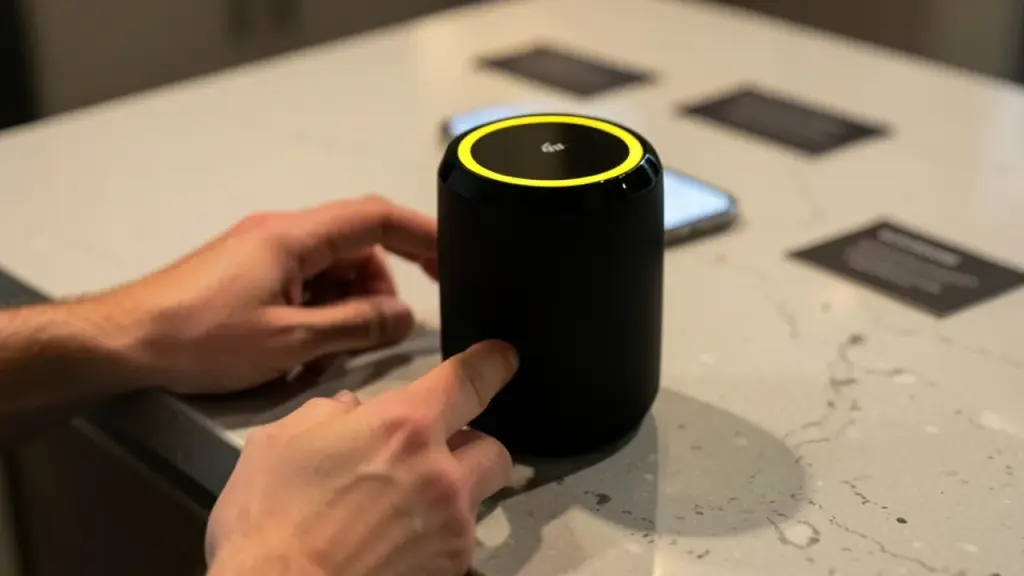
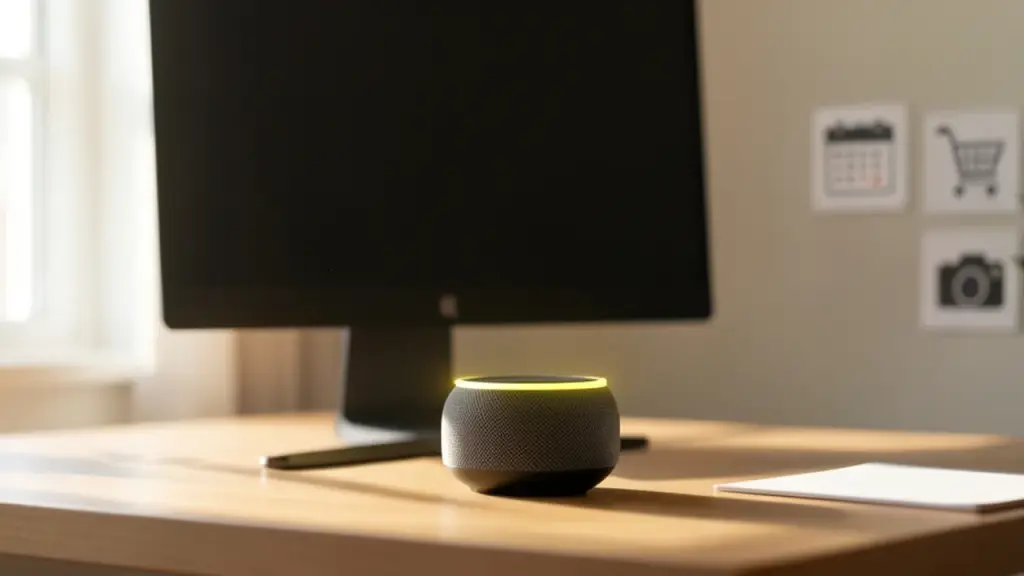
The yellow light on your Echo isn’t a warning. If you see a slow‑flashing yellow ring around your Alexa device, it means Alexa has a notification or message it wants to share with you. The color isn’t new, but many users don’t realize the yellow ring is part of Alexa’s built‑in notification system, which has been around since 2017.
What you should care about is whether these alerts matter to you. A yellow ring could mean a calendar reminder, a price drop in shopping, a delivery update, or a security camera event. How much of a nuisance it is depends on how you handle notifications and what you’ve allowed Alexa to monitor in the Alexa app.
Clearing or checking the yellow notification is simple. You can ask Alexa about your notifications or messages, and she will list what’s waiting. You can then decide to dismiss, snooze, or act on each item. If you’d rather not see the ring as often, you can tweak settings in the Alexa app to control what sends notifications to your Echo and when you get them.
The notification center covers several areas. Reminders you’ve missed or scheduled show up here, as do alerts from Skills you’ve enabled. If you have a smart camera or doorbell linked to Alexa, you might also see alerts for events like a person or a package being detected. Each notification can be adjusted or muted from the app, so you’re not overwhelmed by alerts you don’t care about.
Here’s the practical upshot: the yellow light is a helpful prompt, not a defect. It’s your signal to check what Alexa has to say and decide what stays on, stays quiet, or gets bumped down the line in your day.
01
Which alerts trigger the yellow light
The ring can appear for a handful of common events. Missed reminders, reminders that are due, or new reminders can show up. Notifications from Alexa Skills, apps you’ve enabled for extra features, can also bring yellow alerts. If you’ve connected cameras or doorbells, important activity notices may glow yellow as well. The exact events depend on what you’ve enabled in your Alexa settings.
02
How to clear or manage the yellow light
To clear the current notification, you can ask Alexa, “What notifications do I have?” or “What messages do I have?” Alexa will recite what’s waiting and you can respond with commands like “dismiss” or “snooze.”
In the Alexa app, open More, go to Settings, then Notifications. Here you can toggle which services send alerts to your Echo, and adjust how reminders behave. You can also change camera alerts by going to Devices, picking your camera, and adjusting options like Person or Package Detection Announcements.
For people who want fewer interruptions, focus on the Lighting and Reminders sections in the app. Turning off certain notifications or setting them to quieter modes helps reduce the glow from the yellow ring when you’re trying to focus.
03
Plain‑English take for everyday life
Think of the yellow ring as a nudge from Alexa telling you there’s something to look at. If you don’t want Alexa to tell you every little thing, you can turn off or limit notifications in the Alexa app and rely on the things you actually care about, like important calendar reminders or security alerts only when you’re home.
04
What happens next
If you’re curious, ask Alexa about your notifications today. If you’d rather not be interrupted, head into the Alexa app and prune the notification list so only essential alerts come through.
Meta's video editor now runs on Apple silicon Macs with 4K exports and AI agent support, yet Windows users and cross-device projects still have to wait.
Apple's new questionnaire tags dating apps and romantic AI chatbots as adults only, and flags location sharing. Here's what parents and developers face.
6 min read
We use cookies to understand how readers use Talk With Tech, so we can make it better. Is that OK? Privacy policy
The Daily Brief
Today's biggest tech stories, in 5 minutes
Every morning, the news that matters from AI, phones, apps and the people shaping tech. Explained in plain English. Free.
One email a day. No spam, unsubscribe anytime. Privacy policy