HomePod free upgrades bring Sound Glow and Mac speaker option
HomePod 27.2 is out, bringing Sound Glow, Lock Controls and a Mac speaker mode to existing speakers, though some owners say the Mac link keeps dropping.
Apple released HomePod Software 27.2 in late October as a free update for existing HomePod speakers.
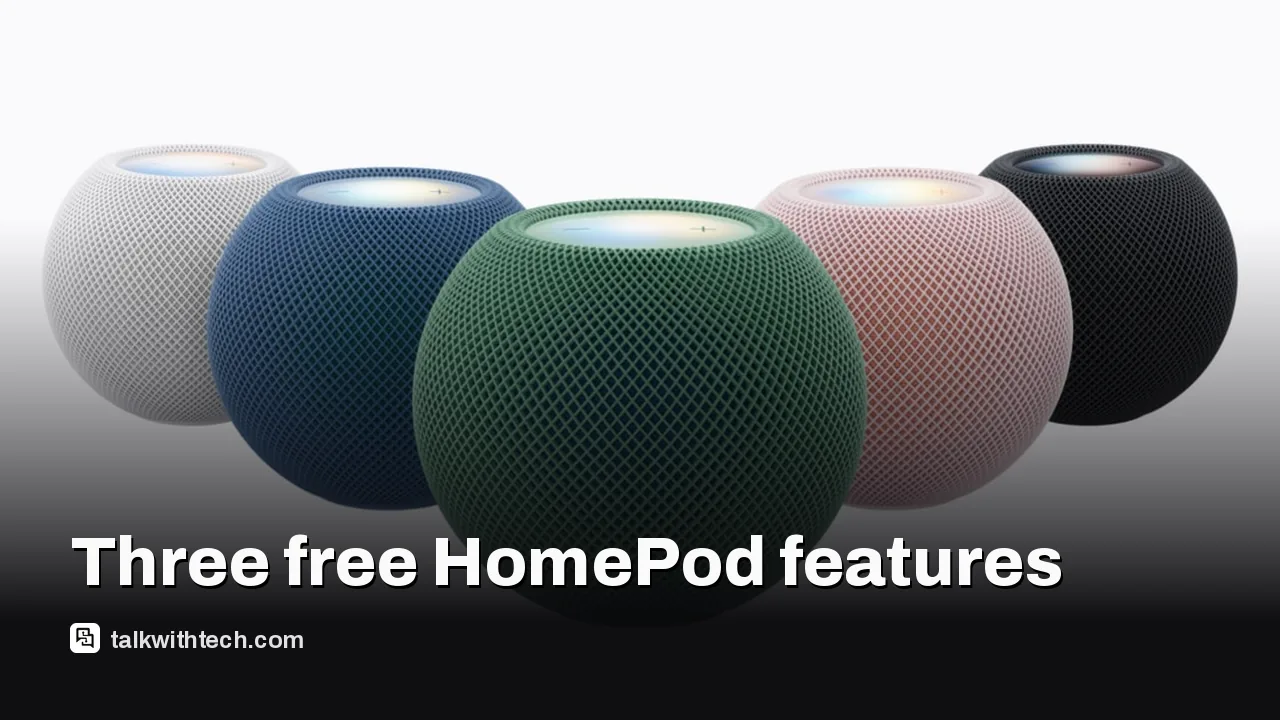
Sound Glow lights the top of the HomePod (2nd generation) and both HomePod mini models in colors that follow what is playing.
The Mac speaker mode needs a HomePod (2nd generation) or HomePod mini 2 and a Mac with Wi-Fi 6E or newer.
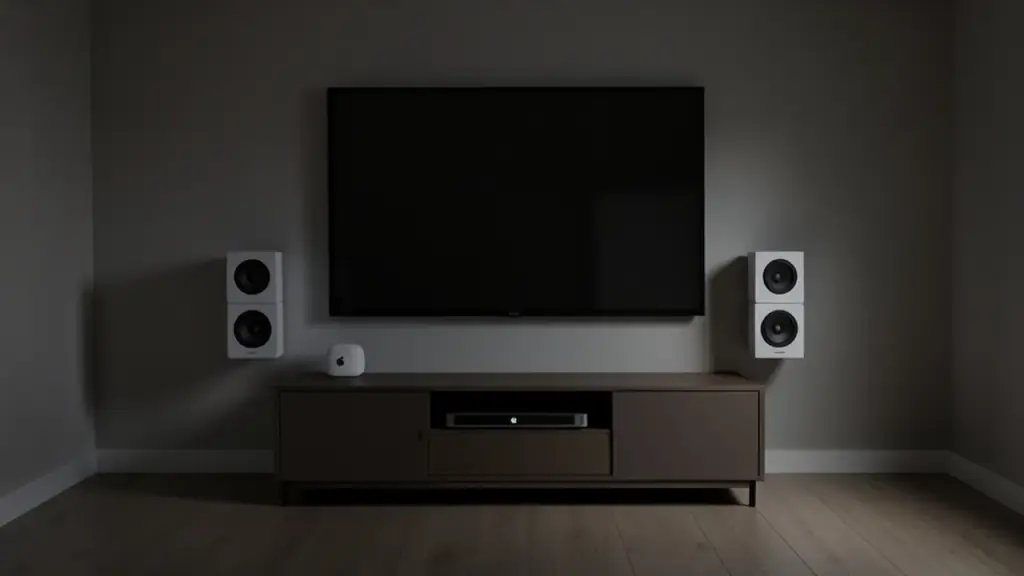
Four-speaker surround sound only works with the new Apple TV 4K, which reaches buyers on November 13.
Quick read · 1 min
Apple’s free HomePod Software 27.2 update landed in late October. It adds Sound Glow, which lights the top of the speaker in colors taken from the album art and pulses with the beat, on the HomePod (2nd generation) and both HomePod mini models. A new Lock Controls switch, available on every HomePod, stops stray taps from pausing or skipping music.
The update also lets a HomePod (2nd generation) or HomePod mini 2 act as the default speaker for a Mac with Wi-Fi 6E or newer. Some HomePod mini 2 owners say that link keeps dropping after sleep or never appears, and a few are returning their speakers.
Sound Glow is off by default; switch it on in the Home app.
Surround sound needs four speakers and the new Apple TV 4K.
That Apple TV arrives on November 13.
Your HomePod can now light up in time with your music, and you didn’t have to buy anything to get it. Apple’s HomePod Software 27.2 arrived in late October as a free update, and it brings Sound Glow, a new way to use a HomePod as your Mac’s main speaker, a lock for the touch controls and support for a four-speaker home theater.
Why should you care? HomePod updates rarely add visible features, and this one changes how the speaker looks, how it behaves around kids and pets, and whether it can replace the speakers on your desk. The catch is that each feature has its own list of supported models, and one of them, the Mac speaker mode, has had a rocky start for some owners.
01
Which HomePods get the free upgrades
Not every HomePod gets every feature, so it helps to check your model first. Here is how the support breaks down in Apple’s release notes and early hands-on reports:
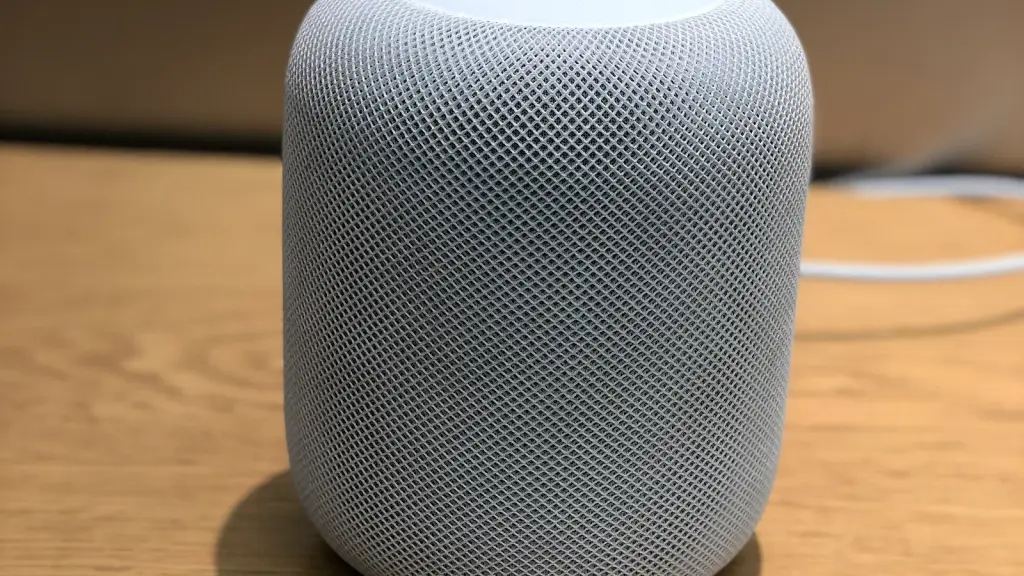
Sound Glow: HomePod (2nd generation), the original HomePod mini and the new HomePod mini 2. The first full-size HomePod is left out.
Mac speaker mode: HomePod (2nd generation) and HomePod mini 2, paired with a Mac that has Wi-Fi 6E or newer.
Surround sound: four speakers made up of HomePod (2nd generation) or HomePod mini 2 units, with the new Apple TV 4K (4th generation).
Lock Controls: every HomePod model, including the very first one.
When Apple first described these features in mid-October, alongside the HomePod mini 2 and a new Apple TV 4K, it was not yet clear that the original HomePod mini would get Sound Glow too. The 27.2 release candidate settled that, and the final release followed a week later.
Sound Glow turns the touch surface on top of the speaker into a small light show. Colors are pulled from the album art of whatever is playing, and the light pulses with the beat, responding to both low and high notes. It works with songs and podcasts, and if you play one of Apple’s ambient soundscapes, such as rain, you get matching animations instead.
The effect comes from the grid of color LEDs under the top cap. The full-size HomePod (2nd generation) has 37 of them, while the HomePod mini has 19, so the larger speaker gives a finer, smoother glow.
One surprise for new owners is that Sound Glow is switched off out of the box. To turn it on, update your iPhone, iPad or Mac and the HomePod to version 27.2, open the Home app, long-press the HomePod (or right-click it on a Mac), choose Accessory Settings and flip the Sound Glow switch. Third-party apps can be slower to trigger the effect, so update apps like Spotify too. Turning Sound Glow on and off by voice needs an iPhone that supports Apple Intelligence.
03
Using a HomePod as your Mac speaker, and the problems so far
HomePods have worked as Mac speakers over AirPlay for years, but the delay made them a poor fit for calls, games or playing an instrument in Logic Pro. With 27.2, Apple added a mode that keeps a direct, low-delay wireless link between the Mac and the speaker, meant to survive sleep and restarts. You can set one HomePod or a stereo pair as the default output for everything the Mac plays, including system sounds.
The Wi-Fi 6E rule applies to the Mac, not your router. That still rules out some early Apple silicon machines, including the M1 family. For the HomePod mini 2, the Mac also needs macOS 27.2.
Early reports are mixed. In early November, several HomePod mini 2 owners said the feature wasn’t holding up. Some never saw the option to turn on the persistent connection, even on a Mac mini M4 that meets Apple’s requirements. Others found it worked at first, then the Mac quietly switched back to its own or a monitor’s speakers after sleep, a restart or even a single notification chime. At least two forum users said they were returning their speakers.
Nobody has pinned down the cause. One owner with an M3 Max MacBook Pro found in the Mac’s logs that the direct link failed while the HomePods were on a 6GHz network, falling back to ordinary AirPlay with about half a second of delay. Moving the speakers to a 5GHz-only network fixed it in that one setup, but it is not yet clear whether that explains the other failures. Apple had not answered a reviewer’s request for comment at the time.
04
What this means for you
If you already own a HomePod (2nd generation) or an original HomePod mini, Sound Glow is a free bit of fun, and Lock Controls is a quiet win for any home with toddlers or curious cats. With it on, tapping the top won’t start, skip or change the volume of your music, and a red “no” animation tells you why. Alarms, timers, intercom and FaceTime calls still respond to touch.
If you were thinking of buying HomePods mainly as Mac speakers, wait a little. The feature is promising on paper, but the early complaints suggest it needs a fix before it can be trusted on a desk you use every day. Keep your receipt if you buy now.
Home theater fans face the biggest bill. Surround sound needs two matching pairs (one front, one rear), and you can mix big and small HomePods as long as each pair matches. Apple says the four speakers work out where they sit in the room and adjust timing and volume to suit. Even the cheapest version, with four HomePod mini 2 units, means buying five new devices once you add the Apple TV, which costs about $300 on its own.
If automatic updates are on, your HomePod has probably installed 27.2 already. To check, open the Home app on your iPhone, iPad or Mac, tap the More button, go to Home Settings and choose Software Update. Updating your iPhone to iOS 27.2 usually brings the speaker along with it.
The HomePod mini 2 went on sale on October 30, and the new Apple TV 4K arrives on November 13. Surround sound support is already in the 27.2 software, so it should work as soon as that box is set up.
06
Quick answers
Does my original HomePod get Sound Glow?
No. The first full-size HomePod only gets Lock Controls. Sound Glow works on the HomePod (2nd generation) and both HomePod mini models.
Why can’t I see the Mac speaker option?
You need a HomePod (2nd generation) or HomePod mini 2 and a Mac with Wi-Fi 6E or newer, all updated to 27.2. Some owners who meet those rules still don’t see it, and Apple hasn’t explained why yet.
Can I mix HomePod sizes for surround sound?
Yes, as long as the front pair matches and the rear pair matches, and you use the Apple TV 4K (4th generation).
Plex stops pulling TV show details from TheTVDB on December 3. Nothing gets deleted, but shows still airing need one setting changed, and some should wait.
7 min read
We use cookies to understand how readers use Talk With Tech, so we can make it better. Is that OK? Privacy policy
The Daily Brief
Today's biggest tech stories, in 5 minutes
Every morning, the news that matters from AI, phones, apps and the people shaping tech. Explained in plain English. Free.
One email a day. No spam, unsubscribe anytime. Privacy policy