Thursday, 26 November 2026

iPad Air vs iPad Pro: what $1,199 gets you that $749 doesn’t

The Pro's tandem OLED screen, Face ID and Thunderbolt are real upgrades. Here's who actually uses them, and why most buyers should stop at the Air.

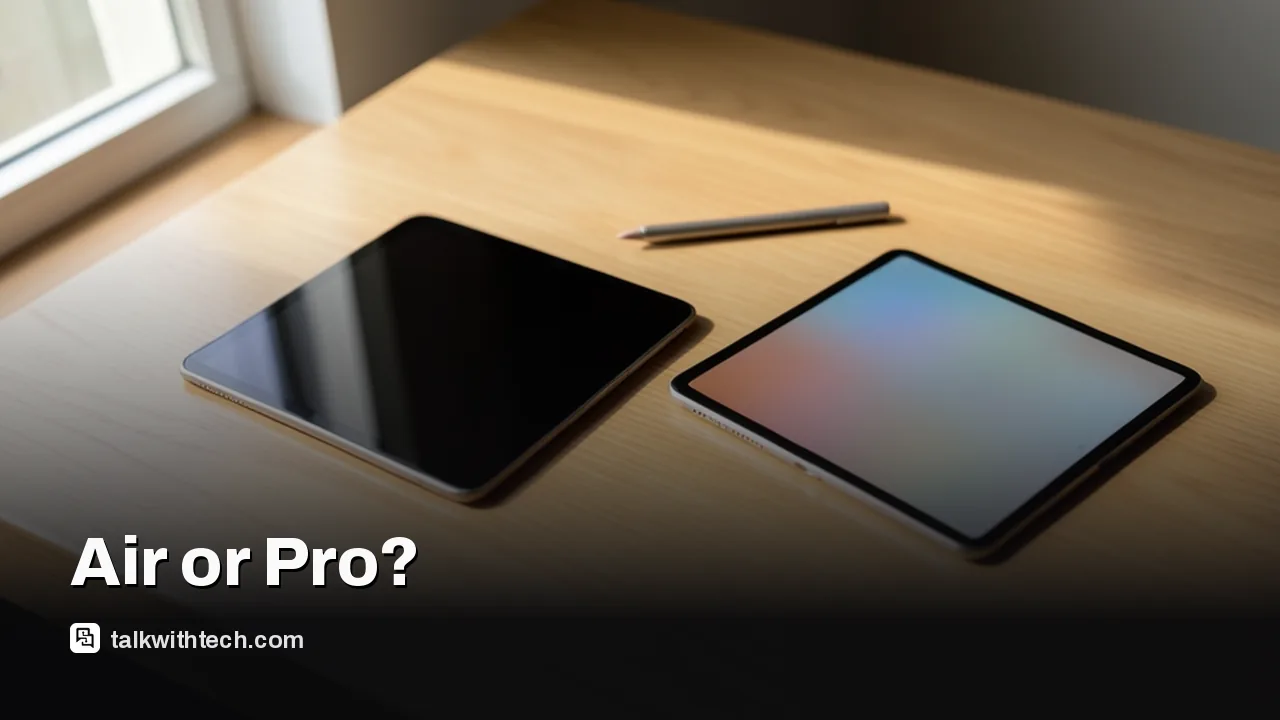
Two tablets side by side on a wooden desk with a stylus between them

The short version

  • The 11-inch iPad Air with M4 lists at $749, while the 11-inch iPad Pro with M5 lists at $1,199.
  • The Pro's biggest upgrade is its tandem OLED Ultra Retina XDR screen with ProMotion refresh up to 120Hz.
  • The Pro also adds Face ID, a Thunderbolt port at up to 40Gb/s, four speakers and a LiDAR Scanner.
  • Both run the same iPadOS, take the Apple Pencil Pro and start with 12GB of memory, so the Air suits most buyers.
Quick read · 2 min

Choosing between the iPad Air and iPad Pro comes down to one question: will you use the Pro's extras every day? The 11-inch Air with M4 lists at $749, and the 11-inch Pro with M5 lists at $1,199. Both run iPadOS, support the Apple Pencil Pro and start with 12GB of memory.

The Pro's money goes into a tandem OLED screen with up to 120Hz refresh and HDR peaks of 1,600 nits, plus Face ID, a 40Gb/s Thunderbolt port, four speakers and a LiDAR Scanner. It's also thinner and lighter than the Air.

  • Most people: the Air is the better value.
  • Big screen on a budget: the 13-inch Air at $949.
  • Photo and video editors or serious artists: the Pro.

Black Friday sales have cut the Air to $649 at some retailers, but treat deals as temporary and compare the same storage sizes.

In the iPad Air vs iPad Pro decision, the short answer is this: buy the Air unless you can name the Pro feature you’ll use every day. Apple’s 11-inch iPad Air with the M4 chip lists at $749, and the 11-inch iPad Pro with the M5 chip lists at $1,199. That’s a big jump for two tablets that run the same iPadOS, work with the same Apple Pencil Pro and both start with 12GB of memory.

The extra money is not wasted, though. It buys a much better screen, a faster port, Face ID and a thinner, lighter body. If you edit photos or video, draw for hours, or plug in fast external drives, those upgrades show up in your day. If you mostly stream, browse, read and take notes, they mostly won’t. Black Friday discounts are muddying the math this week, so we’ll cover that too.

01

iPad Air vs iPad Pro prices in the US

The gap is several hundred dollars at either size when you compare Apple’s regular list prices, and it grows on the 13-inch models. Here are the regular US prices for the Wi-Fi models, before any sale:

  • 11-inch iPad Air (M4): $749 for 128GB, $849 for 256GB.
  • 13-inch iPad Air (M4): $949 for 128GB, $1,049 for 256GB, up to $1,549 for 1TB.
  • 11-inch iPad Pro (M5): $1,199 for 256GB, $1,399 for 512GB, $1,799 for 1TB.
  • 13-inch iPad Pro (M5): $1,499 for 256GB, up to $2,599 for 2TB.

Two details matter here. First, the Pro starts at 256GB while the Air starts at 128GB, so the fairest storage match is the $849 Air against the $1,199 Pro. Second, the 13-inch Air at $949 costs less than even the smallest Pro. If you want a big screen for the least money, that’s the one to look at.

These prices also reflect Apple’s increases over the summer, which is why the Air no longer feels like the bargain it once was. We’ve listed US prices only; check Apple’s UK and Canada stores for local pricing before you compare deals.

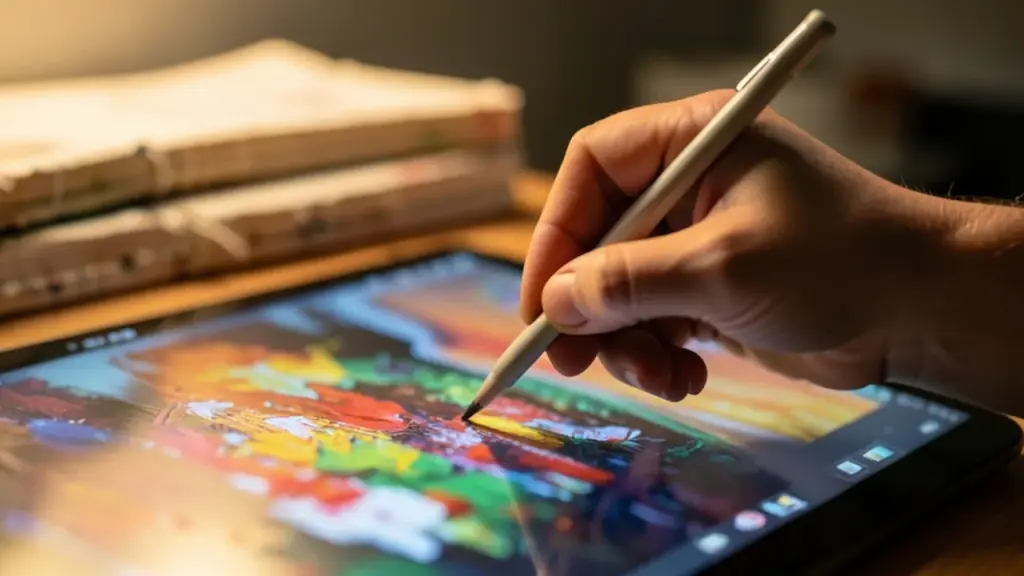
Hand sketching with a stylus on a tablet at a drawing desk
02

The screen is the real reason to pay more

The display is the single biggest difference, and it’s the one you notice first. The Air uses what Apple calls a Liquid Retina display, an LCD with an LED backlight. It refreshes at 60Hz and reaches 500 nits on the 11-inch model and 600 nits on the 13-inch.

The Pro uses an Ultra Retina XDR display built on tandem OLED, which stacks two layers of OLED so the screen can get brighter without wearing out as fast. OLED pixels light themselves, so black areas are truly off. Apple rates the contrast at 2,000,000:1 and the brightness at 1,000 nits for everyday content, with HDR highlights peaking at 1,600 nits.

Then there’s ProMotion. The Pro’s refresh rate adjusts from 10Hz up to 120Hz, which makes scrolling, animations and Pencil strokes look noticeably smoother. The Air stays at 60Hz. Once you’ve used a 120Hz screen, going back can feel sluggish, so be honest about whether you’ll mind.

One more screen option exists only on the Pro: nano-texture glass, which cuts glare in bright rooms or sunlight. It’s only offered on the 1TB and 2TB models, so it only appears on models that start at $1,799.
03

M4 vs M5: does the chip matter for you?

For most people, no. The Air’s M4 has an 8-core CPU, a 9-core GPU and 12GB of memory. That’s more than enough for multitasking, photo edits, games and Apple Intelligence features.

The Pro’s M5 is quicker, with a 10-core GPU, built-in Neural Accelerators for AI work and 153GB/s of memory bandwidth against the Air’s 120GB/s. But the details depend on storage. The 256GB and 512GB Pros get a 9-core CPU and 12GB of memory. Only the 1TB and 2TB versions get the 10-core CPU and 16GB.

So if memory is the reason you’re eyeing the Pro, know that the entry Pro has the same 12GB as the Air. You’d need to spend at least $1,799 to get 16GB.

Tablet with a keyboard case and an external drive on a cafe table
04

Ports, cameras, sound and weight: the quieter upgrades

These differences don’t show up in the store, but they matter for certain jobs.

  • Port: the Air’s USB-C port tops out at USB 3 speeds of 10Gb/s. The Pro has Thunderbolt and USB 4 at up to 40Gb/s, which makes moving big video files to an external drive far faster.
  • Unlocking: the Air uses Touch ID. The Pro uses Face ID through its TrueDepth camera, so it unlocks as you look at it.
  • Rear camera: both have a 12MP wide camera with 4K video at up to 60 frames per second. The Pro adds a LiDAR Scanner for depth and 3D scanning, an adaptive True Tone flash and ProRes video recording, which is capped at 1080p on 256GB models.
  • Front camera: both have a 12MP Center Stage camera on the long edge, so video calls look the same.
  • Sound: the Air has stereo speakers for sideways viewing and two microphones. The Pro has four speakers and a four-mic array, which helps if you record voice or watch a lot of video without headphones.

Wireless is a tie. Both use Apple’s N1 chip with Wi-Fi 7 and Bluetooth 6, and the cellular versions of both use Apple’s C1X modem.

And the names suggest otherwise, but the Pro is the lighter tablet at both sizes. Apple lists the 11-inch Pro at 444 grams against 464 grams for the 11-inch Air. At 13 inches, the Pro weighs 579 grams and the Air weighs 616 grams. The 11-inch Pro is 5.3mm thick, and the 13-inch is just 5.1mm.

A few dozen grams sounds small, but you feel it when you hold a 13-inch tablet in one hand to read or sketch for an hour.

05

Which one should you buy? A simple guide

Here’s how we’d decide, based on what you’ll actually do with it.

  • Get the iPad Air if you stream, browse, read, study, take handwritten notes or play casual games. You get the same Pencil Pro support, the same software and plenty of speed for far less.
  • Get the 13-inch iPad Air if you want a big canvas for drawing, split-screen work or movies, but don’t want to pay Pro prices.
  • Get the iPad Pro if you edit HDR photos or video, draw for long sessions and want 120Hz under the Pencil, work in bright places, or move large files to fast drives.
  • Get a 1TB or 2TB Pro only if you need the 16GB of memory, the extra CPU core or the nano-texture glass, and the budget is there.

Battery life won’t decide it for most people. Apple rates the Air at up to 10 hours of web browsing or video on Wi-Fi.

06

Should you wait for a Black Friday deal?

If you’re buying this week, you probably don’t need to pay list price. Retailers have cut the 11-inch Air by $99 to $649, and the 13-inch Air to $849. Some Pro configurations are discounted by $300 to $350, which makes the Pro more tempting than usual.

Treat those as temporary prices, not the real gap. Sale prices change daily, and the cheapest Pro on sale still costs well over the cheapest Air. Compare the exact storage size, check whether you need cellular, and remember that the Air and Pro use different Magic Keyboards, so a keyboard bought for one won’t fit the other.

07

Quick answers

Is the iPad Pro worth it over the iPad Air?

Only if you’ll use its OLED screen, 120Hz refresh, Face ID or Thunderbolt port often. For streaming, browsing and notes, the Air gives you nearly the same experience for hundreds less.

Does the iPad Air support the Apple Pencil Pro?

Yes. Both the iPad Air and iPad Pro support the Apple Pencil Pro and the Apple Pencil (USB-C), including hover.

Does the iPad Air have an OLED screen?

No. The Air uses an LCD panel at 60Hz. Only the iPad Pro has the tandem OLED display with ProMotion.

You're reading the quick version.