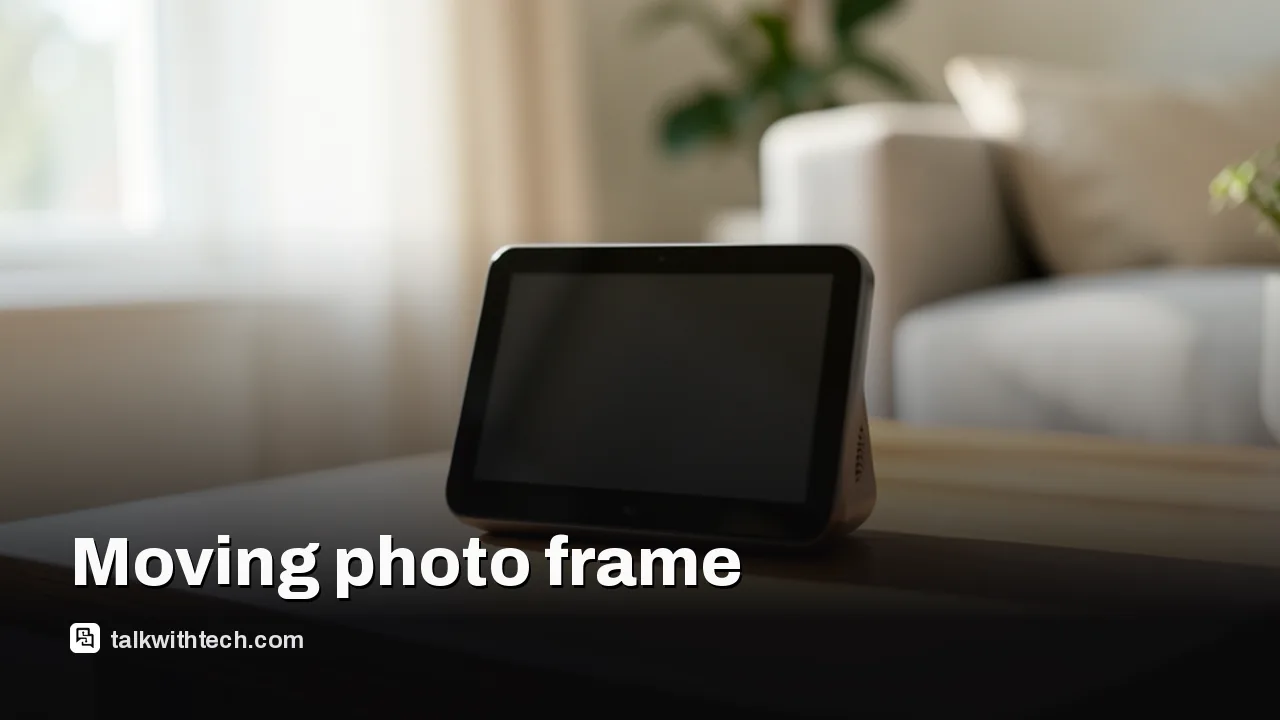
Apple's HomeView launched November 13 at $299 in the US, in both a tabletop version and a wall-mounted version.
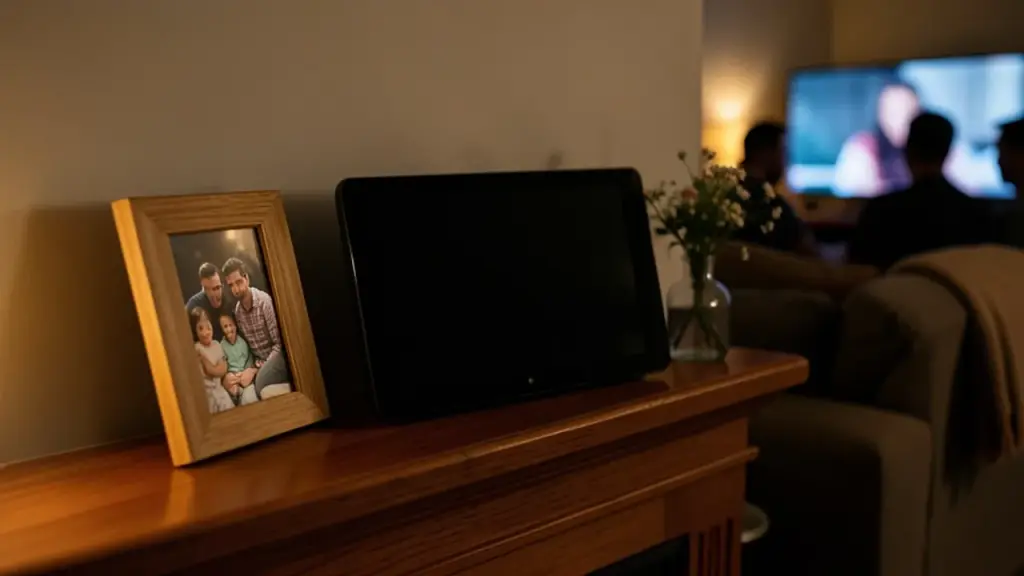
Its Faces are full-screen home views, and the Photos Face turns the 7-inch display into a digital frame that works with shared albums.
Other Faces cover clocks, weather, a Snoopy animation, a camera-tracking Flow design and smart home controls with up to nine live camera feeds.
HomeView is sold in eight markets including the US, UK and Canada, but not in the European Union because Siri AI is not offered there.
Quick read · 2 min
Apple's HomeView smart display went on sale on November 13 for $299 in the US, and its Faces decide what you see when you are not talking to Siri. There are about a dozen at launch.
The Photos Face turns the 7-inch screen into a digital frame with Portrait-style depth effects, and shared albums let relatives add pictures from afar. Snoopy plays animations tied to the weather and holidays, Flow uses the camera to react as you move, and Home Camera shows up to nine security feeds at once. The screen dims to 0.3 nits, so it works on a nightstand.
Tabletop and wall models are both $299; wall mounts cost extra.
On sale in the US, UK, Canada and a few other markets, not the EU.
Reviewers praise the screen and Faces but call Siri uneven.
Apple’s first smart display spends most of its life doing nothing at all, at least on paper. When nobody is asking Siri a question, HomeView falls back to a Face, a full-screen design that can be a photo frame, a clock, a weather board or a live grid of your security cameras. The Apple HomeView Faces are the thing you will look at every day.
That matters if you are weighing the $299 price. A smart display sits on a kitchen counter or nightstand for years, so what it shows when idle decides whether it feels like decor or clutter. HomeView went on sale on November 13, and early testers say the Faces and the screen are among its strongest points, even as Siri draws mixed reviews.
01
Which Faces come with Apple HomeView
HomeView ships with about a dozen Faces out of the box. Before launch, Apple had named seven of them: Photos, Flow, Snoopy, Calendar, Weather, Home Modular and Home Camera. Reviewers have since found several more, including two clock designs called Analog and Digital, a Memories Face, a widget grid called Modular and a sundial-style clock named Fade.
You switch between the Faces you have picked by swiping left or right. Apple says some of them change through the day, with one look for mornings and another for evenings, so the screen does not glare at you after dark.
Each Face has its own settings. The clock Faces let you change colors, fonts, sizes and whether numbers or tick marks appear, and the Digital design has two small spots for widgets.
02
How the Photos Face turns HomeView into a picture frame
The Photos Face is the one that answers the headline. It can show one picture or cycle through a set, pulling from suggested photos, images you pick or whole albums. Portrait-style depth effects keep the subject crisp while softening what sits in front of and behind them.
Shared albums work too, which is the clever part for families. Grandparents or friends can add pictures from their own phones, and they show up on your HomeView without anyone touching the device. A separate Memories Face does something similar, drawing on the photo memories your library already builds.
The screen helps. It is a 7-inch Liquid Retina panel, roughly six inches on each side, that can reach 500 nits for a bright kitchen and drop as low as 0.3 nits at night. One reviewer said no rival display from Amazon or Google they had tried went that dim, which makes HomeView a realistic bedside frame.
03
Snoopy, Flow and the Faces that just look nice
Some Faces are there for personality rather than information. The Snoopy Face plays short animations that react to the time of day, the weather, holidays and sports events, much like the Snoopy designs Apple already offers on Apple Watch and Apple TV 4K.
Flow is the most unusual. It shows swirling color and light, and it uses the front camera to follow people as they move around the room, shifting its colors in response. Apple says camera and microphone data on HomeView is handled by a protected part of the chip, separate from the main software, so apps cannot reach it.
The Weather and Calendar Faces are simpler: today’s forecast or the next few days, and the current date with an accent color you choose.
04
The smart home Faces: cameras and shortcuts
Two Faces turn HomeView into a control panel. Home Camera can stream up to nine Apple Home security camera feeds at once, and the grid resizes itself to fit however many cameras you add. Home Modular mixes favorite accessories, camera feeds, a clock and the intercom in one of three layouts.
The interface also scales with distance. From across the room you see simple, large information, and as you walk closer more detail appears. That makes the camera grid useful at a glance, then hands-on once you are within reach.
One complaint from testers: there are so many good Faces that picking one is hard, and switching between them is manual. There is no App Store either, though HomeView does run CarPlay-ready audio and video apps such as Spotify and Apple TV.
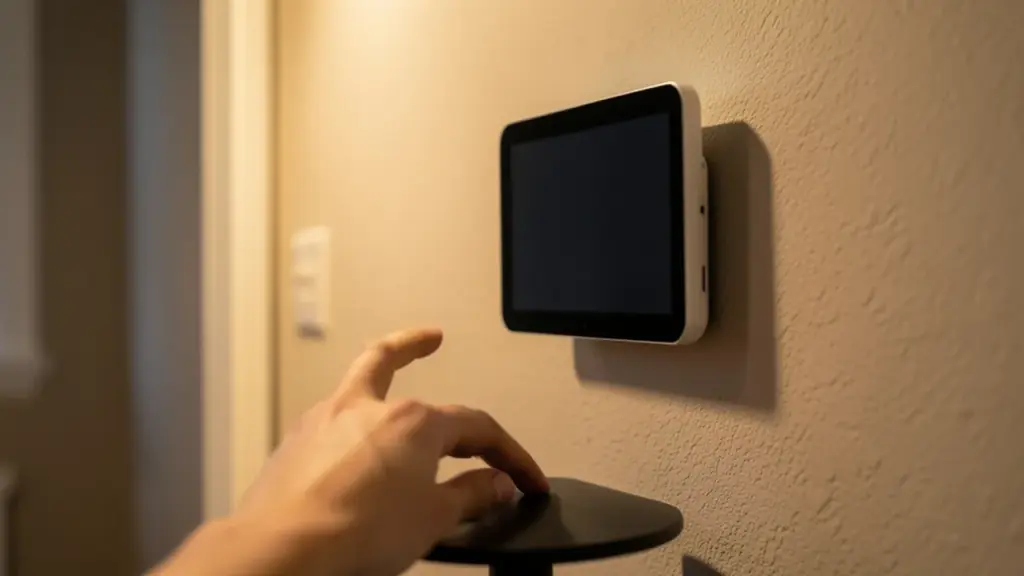
In the US, both the tabletop and wall-mounted HomeView cost $299. The tabletop model has a weighted base with a second speaker and comes in silver, Starlight, Rose Pink and Space Gray. The wall version comes only in silver or Space Gray, lacks that bigger speaker and needs a separate mount. Apple sells three mounts priced from $59.95 to $129.95, so the wall setup costs more in practice.
HomeView is on sale in eight markets, including the US, the UK and Canada. It is not available in the European Union, because Apple’s Siri AI is not offered there yet.
For everyday buyers, the takeaway from early reviews is that the hardware and the Faces are polished, while Siri can be slow or miss more complicated requests, and some features need an iPhone or iPad nearby. If you mainly want a lovely photo frame and a camera dashboard for an Apple home, the Faces deliver that today. If you want a smarter assistant, the software still has catching up to do.
06
Quick answers
Can Apple HomeView work as a digital photo frame?
Yes. The Photos Face shows a single picture or a rotating set from albums, including shared albums that family members can add to remotely.
How many Faces does HomeView have?
About a dozen at launch, including Photos, Memories, Flow, Snoopy, Weather, Calendar, several clocks and two smart home Faces.
Is HomeView available in the UK and Canada?
Yes, it launched in eight markets including the US, UK and Canada on November 13, but not in the European Union.
Plex stops pulling TV show details from TheTVDB on December 3. Nothing gets deleted, but shows still airing need one setting changed, and some should wait.