Thursday, 19 November 2026

How to save songs from Instagram to Apple Music, and where they go

A new Add to Apple Music button sends tracks from posts and Stories into an automatic playlist, but not everyone sees it yet.

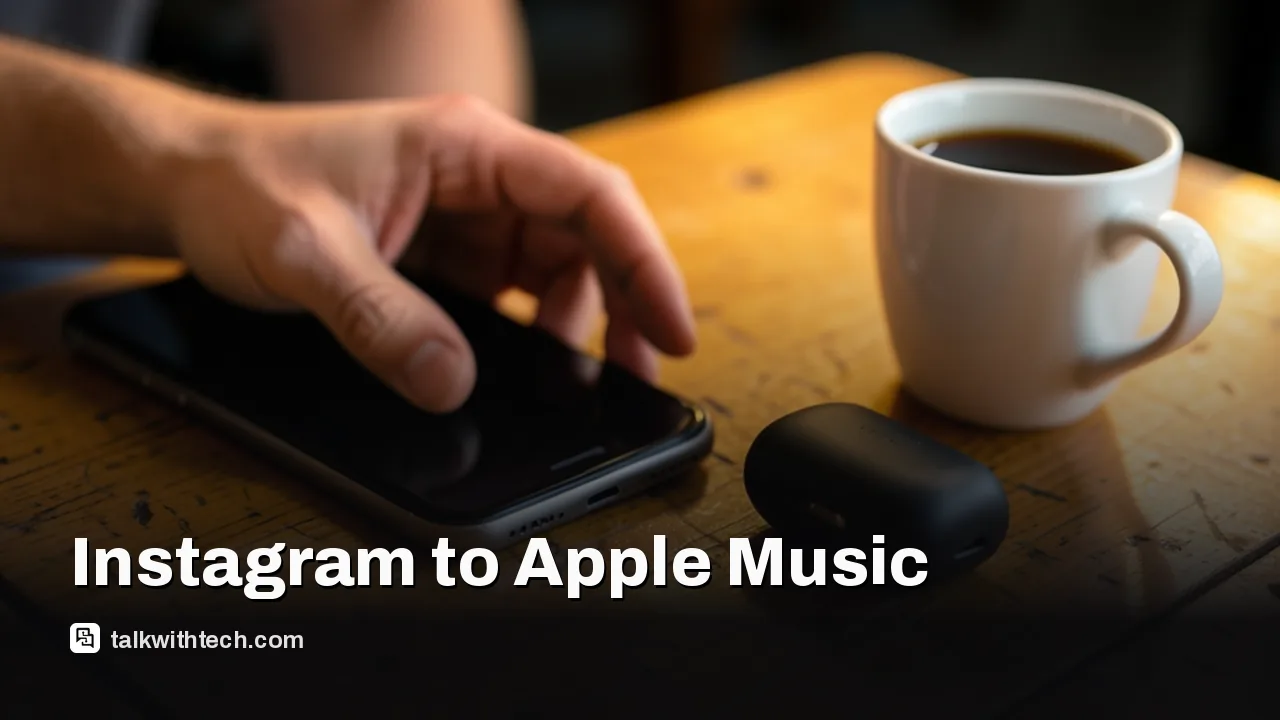
Hand holding a smartphone next to earbuds and coffee on a cafe table

The short version

  • Instagram quietly added a way to link Apple Music and save songs you hear in posts and Stories.
  • Tap the song name, connect your Apple Music account once, then use the Add to Apple Music button.
  • Saved tracks land in an automatically created Instagram Songs playlist inside the Library of the Music app.
  • Neither Apple nor Meta has announced the feature, so the button is still reaching accounts gradually.
Quick read · 1 min

Instagram now lets you save songs straight to Apple Music. Tap the song name on a post, Reel or Story, connect your Apple Music account the first time Instagram asks, then tap Add to Apple Music. Every track you save lands in an automatic playlist called Instagram Songs in the Library section of the Music app.

It fixes a long-running gap. Apple Music fans could already share songs into Stories and messages, but had to search for any track they heard on Instagram by hand. Spotify users have been able to save Instagram songs to Liked Songs for some time.

  • Not announced by Apple or Meta yet
  • No official list of countries, so the button is still spreading
  • Original creator audio and unlicensed remixes can't be saved

If you don't see the button, update Instagram and the Music app and check again over the next few days.

If you want to know how to save songs from Instagram to Apple Music, the answer finally lives inside Instagram itself. Tap the song name on a post or Story, link your Apple Music account when Instagram asks, and press the new Add to Apple Music button. The track goes straight into a playlist called Instagram Songs.

That ends an old, slightly annoying routine for Apple Music fans: hearing a great track in a Reel, taking a screenshot or memorizing the title, then hunting for it in the Music app later. Spotify users have had a save option for a while. Apple Music users could only push songs the other way, from the Music app into their Stories and messages.

01

How to save songs from Instagram to Apple Music, step by step

The setup happens the first time you try to save something, so there’s no settings menu to dig through. Here’s the order things happen in:

  1. Open Instagram and find a post, Reel or Story that has a song attached. The track name shows near the bottom of the screen.
  2. Tap the song or artist name.
  3. If you haven’t linked anything yet, Instagram shows a prompt asking you to connect your Apple Music account. Accept it.
  4. Your iPhone may then show its own permission pop-up asking whether Instagram can reach your media library. Allow it if you want the feature to work.
  5. Back on the song screen, tap Add to Apple Music.
  6. Open the Music app, go to Library and look for the Instagram Songs playlist.

After that first link, saving is a single tap each time. Every track you add from Instagram gets dropped into the same playlist in the background, so you can keep scrolling.

Commuter wearing headphones scrolling a phone on a bus
02

Where your saved Instagram songs end up

Everything you save goes into one playlist named Instagram Songs, which Instagram creates for you automatically. You’ll find it in the Library section of the Music app, alongside your other playlists.

That’s a different approach from Spotify’s. On Spotify, songs saved from Instagram are added to Liked Songs, the big catch-all list of everything you’ve ever hearted. With Apple Music, your Instagram finds stay in their own bucket. If you like to keep your main library tidy, that separation is handy.

One early hands-on test also found that what you save is the official release of the song, not the audio clip from the video. So the version you hear later in the Music app is the full studio track, not a few seconds ripped from someone’s Reel.
03

Why you might not see the Add to Apple Music button yet

The feature appeared within the last week or two, and it arrived quietly. Members of the Apple Music community on Reddit spotted it first, before tech outlets confirmed it worked. Neither Apple nor Meta has made a formal announcement.

There’s also no published list of countries where it works. Some people tapping a song name still don’t get the prompt to link Apple Music, which suggests the button is reaching accounts in stages rather than all at once. There’s no word yet on when every account will have it.

A few things are worth checking while you wait:

  • Update both apps. Get the latest versions of Instagram and the Music app from the App Store.
  • Try a different post. Early testing found the button doesn’t show up for a creator’s original audio that was never officially released, or for unlicensed remixes. A song needs to exist in the Apple Music catalog to be saved there.
  • Check the permission. If you dismissed the iPhone pop-up the first time, Instagram can’t reach your library. You can switch access back on in your iPhone’s privacy settings (steps below).
Phone resting beside a small speaker and notebook on a desk
04

Apple Music or Spotify on Instagram: what each one does

Spotify still has the deeper tie-in with Instagram, though Apple has now closed the most obvious gap. Here’s how the two compare based on what’s been rolled out so far:

  • Saving a song you hear: both now work. Spotify sends it to Liked Songs; Apple Music sends it to the Instagram Songs playlist.
  • Sharing to Stories and messages: both services already let you share a track from the music app into Instagram Stories and direct messages.
  • Audio previews in Stories: since last year, Spotify tracks shared to Stories come with a short audio clip, so friends can hear a snippet before tapping through to the full track.
  • Live listening in Notes: Spotify can also update your Instagram Note automatically to show the song you’re playing, or the next one within 30 minutes. Apple Music has no equivalent in Notes so far.
05

What this means if you find music on Instagram

For a lot of people, Reels and Stories are now where new songs get heard first. Some early reviewers argue Instagram has overtaken radio and the charts as the main place younger listeners discover music. Until now, Apple Music subscribers had to do the legwork of tracking those songs down by hand.

The new button turns that discovery into a running list you can actually listen to. Open the Instagram Songs playlist on a commute or in the car and you get the full versions of everything that caught your ear during the week, without remembering a single title.

Apple Music has picked up Instagram features bit by bit over the years, mostly for sharing outward. Saving music back from Instagram was the obvious missing piece, and it’s the one that matters most to listeners rather than posters.

06

How to disconnect Instagram from Apple Music later

If you change your mind, you can cut Instagram’s access from your iPhone without deleting anything in Instagram. There are two places to look.

To remove the account link:

  1. Open Settings and tap your name at the top.
  2. Choose Media & Purchases, then View Account, and confirm it’s you.
  3. Under Account Access, tap Apple Music.
  4. Tap Edit, remove Instagram with the red delete icon, then tap Done.

You can reach the same Account Access list inside the Music app by tapping your profile picture, then your name.

To turn off library access:

  1. Open Settings and go to Privacy & Security.
  2. Tap Media & Apple Music.
  3. Find Instagram in the list and switch it off.

On a Mac, the same Media & Apple Music switch sits under Privacy & Security in System Settings.

07

Quick answers

Where do Instagram songs go in Apple Music?

Into a playlist called Instagram Songs, created automatically in the Library section of the Music app.

Can you save songs from Instagram to Spotify too?

Yes. Tap the song title on Instagram and you can save it to your Spotify Liked Songs.

Why can’t I see Add to Apple Music on Instagram?

The feature hasn’t been officially announced and is reaching accounts gradually. Update both apps, and try a post that uses an officially released song.

You're reading the quick version.