Privacy is control over who sees your information and how it’s used, not a single feature or setting.
Recent cases show how cameras, contractors and local AI can collect and reuse personal data, sometimes without you realizing it.
What you can do now includes tightening account security, watching for phishing, and limiting data you share with services.
Quick read · 1 min
Privacy is about control over your information, who sees it and what they do with it. Modern tech, from surveillance cameras to third‑party data handlers, can collect data in ways you don’t always notice. You can improve your privacy by using stronger account security, watching for phishing, and limiting what you share with new services. A growing trend is keeping data on your own device for local AI tasks, which reduces cloud exposure but shifts responsibility to you for setup and safety. Look for clear privacy settings, understand what data is collected, and choose services that publish transparent data practices. In the months ahead, expect more talk about how AI decisions should be supervised and who is accountable for data security. Stay cautious and stay informed.
Privacy isn’t a single tool you turn on or off. It’s a set of choices about who gets to know what about you, and how that information is used. In plain terms, it means you should be able to decide what data is collected, who can access it, and what they can do with it.
Think of privacy as a balance. On one side you have safety, crime prevention, and convenience from tech that uses data. On the other side you have exposure to scams, targeted advertising, and the risk that sensitive details could be misused. Recent events show how easily that balance shifts when data is shared with contractors, stored in large networks, or processed by software running on devices you own.
01
What privacy is, in plain terms
At its core, privacy is control: over your name, birth date, contact details, and what others can infer about you from online activity. It also includes the expectation that sensitive information like health, finances, or location isn’t exposed without a good reason and your clear permission.
02
How privacy works in today’s tech world
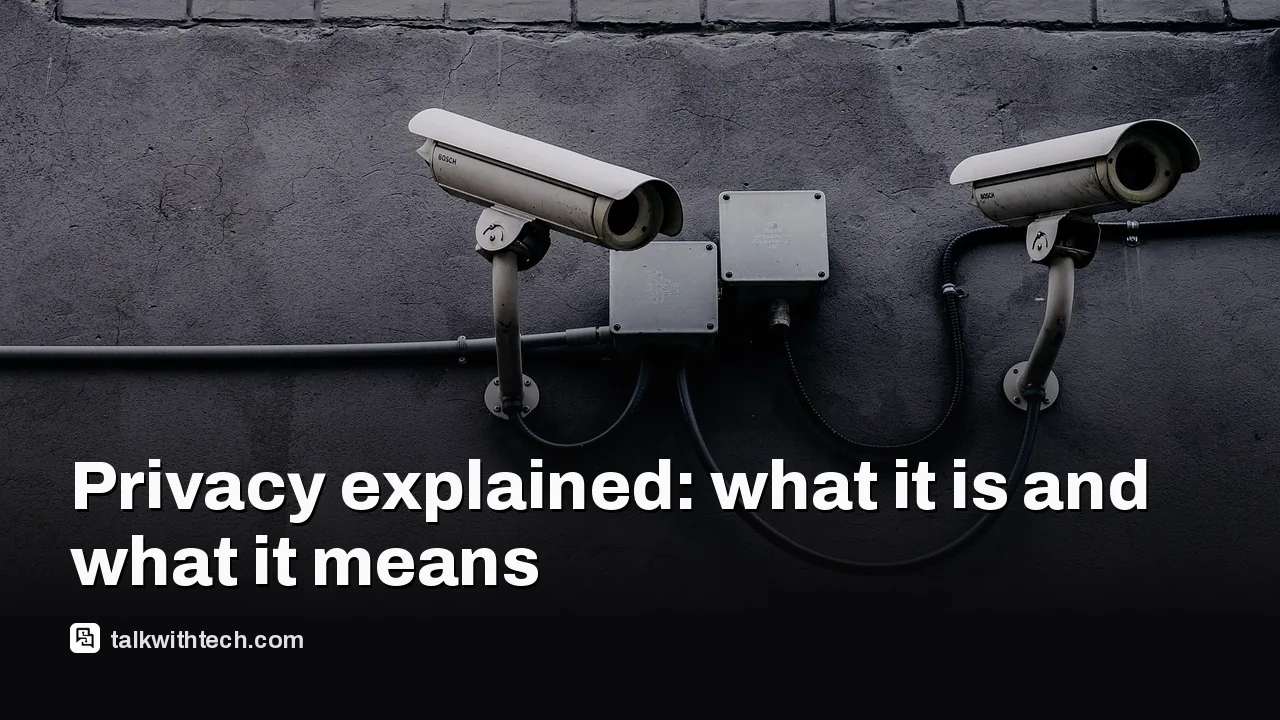
Technology creates new ways to see and learn about people. Automated license plate reader networks, public safety cameras, and data processed by contractors all add to what’s knowable about you. In some stories, a personal project used cameras to track police vehicles, echoing a long-running debate about who should control these tools, and what oversight exists. In others, firms that handle customer data for third parties experienced breaches that exposed personal details like names, birth dates, emails, and phone numbers. While passwords may not always be compromised, the exposed data can still be used in phishing or social engineering. Local AI experiments show privacy can improve when data stays on your device, but you’re left responsible for hardware and safety boundaries.
03
Why privacy is in the news right now
Two themes recur. First, the growing reach of surveillance tech, devices and networks that collect data about everyday life, and how that data moves through organizations, including contractors. Second, the rise of do‑it‑yourself and local‑only approaches to AI, which promise more control but require careful setup and ongoing vigilance. In the UK, a large share of people want humans in the loop for important AI decisions, underscoring broad caution about giving machines too much control. In Japan, a major data breach shows how third‑party vendors can expand risk beyond a brand’s own customers. Taken together, these stories remind readers that privacy isn’t a final destination but a continuous practice of tightening limits and staying alert.
04
What it means for you
Privacy affects everyday actions, from sharing your contact details with a service to deciding how much smart tech should “watch” your home. Practical takeaways include being selective about the data you share, enabling stronger security like two‑factor authentication, and watching for unexpected or unfamiliar contacts that could be part of a phishing attempt. If you use devices or services that rely on external data, ask which data is collected, who can see it, and how long it’s stored. When in doubt, opt for local processing where possible, and keep your software updated to reduce vulnerability to breaches.
Stay informed about how data moves between your devices and the services you trust. Look for privacy settings that let you opt out of data sharing, and review apps and permissions regularly. If a company is handling data via contractors, understand what protections are in place and how they respond to breaches. Expect more conversations about accountability for AI decisions and data handling as technology evolves.
06
Quick answers
What counts as privacy in everyday life?
Privacy is control over your personal information and how it’s used, from contact details to location data and online behavior.
What should I do today to protect my privacy?
Turn on two‑factor authentication, review app permissions, and be cautious with unsolicited messages asking for sensitive data. Consider limiting data you share with new or unfamiliar services.
Leaked Slack messages show Proton's chief pushing AI-written code over security delays. Users are canceling. Here is what happened and what it means for your encrypted mail.
Researchers showed one booby-trapped ChatGPT link could read a victim's private chats. OpenAI has fixed it, but share links are still a favorite trick for scammers.
6 min read
We use cookies to understand how readers use Talk With Tech, so we can make it better. Is that OK? Privacy policy
The Daily Brief
Today's biggest tech stories, in 5 minutes
Every morning, the news that matters from AI, phones, apps and the people shaping tech. Explained in plain English. Free.
One email a day. No spam, unsubscribe anytime. Privacy policy