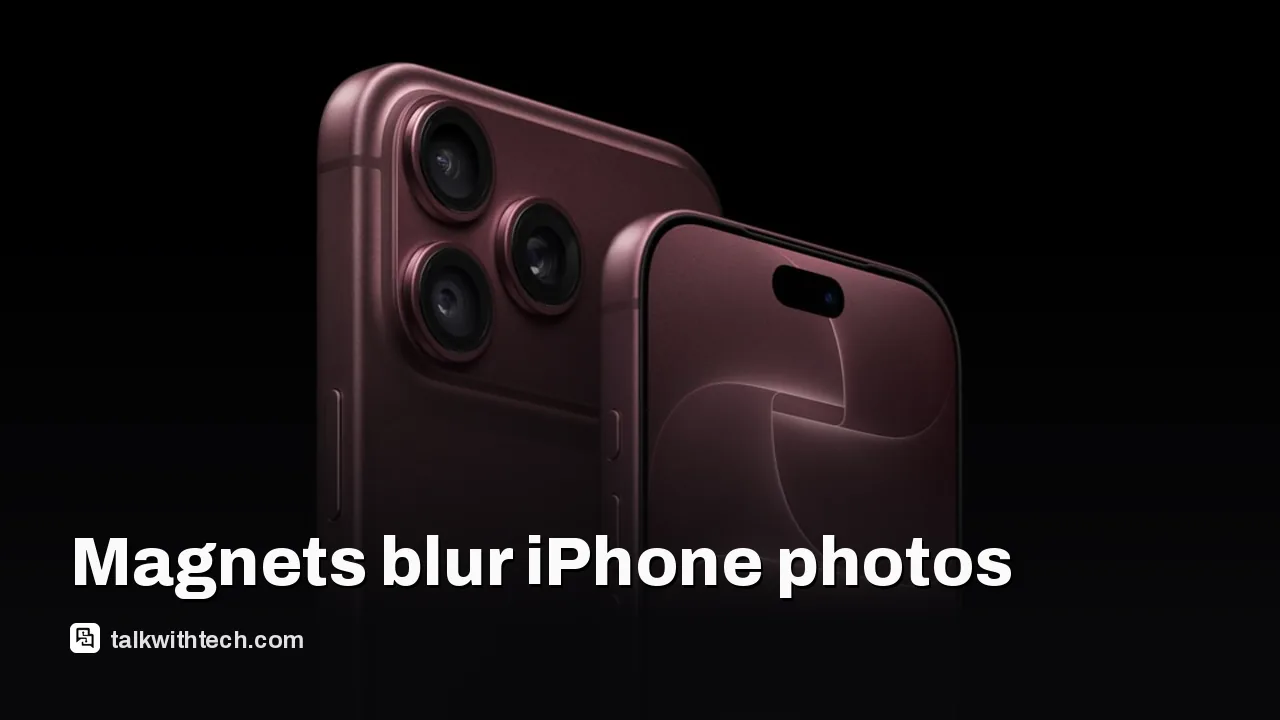
Magnetic accessories near iPhone cameras can disrupt image stabilization and autofocus, leading to blur.
Apple advises avoiding strong magnets close to the camera, especially in folio covers and car mounts.
Users can still take photos with magnets nearby, but results may be compromised; troubleshooting steps exist.
This matters to everyday users who rely on sharp photos from iPhones with the new camera system.
Quick read · 1 min
Apple’s new iPhone 18 Pro cameras are powerful, but strong magnets near the rear camera can interfere with stabilization and focus. Accessories like car mounts and magnet-heavy folio cases are the usual culprits. If you notice blurry photos, try removing the magnet and retaking shots to compare results. When shopping, look for accessories designed to minimize magnetic interference. If you’re frequent with photography, run quick tests with and without magnets to protect photo quality. Next steps: test your current gear and choose magnet-light alternatives when shooting.
What this means for you: your everyday photos could be blurrier than you expect if you use strong-magnet accessories near the camera. To avoid surprises, test setups and pick compatible gear.
Test photos with and without magnets
Choose magnet-friendly accessories when you plan to shoot
Check for firmware updates that may improve stabilization
The latest iPhone 18 Pro lineup brought a powerful new camera system, including a 48-megapixel Fusion Main sensor and advanced stabilization. But Apple warns that some everyday accessories carrying strong magnets can interfere with those sensors and blur your shots.
In plain terms: if you attach something magnet-heavy near the rear camera, you may upset the phone’s lens-position sensors, which are essential for keeping photos and video sharp. The interference can affect optical image stabilization or closed-loop autofocus, both of which rely on precise sensor data to adjust the lens as you shoot.
01
What can magnets do to your photos?
Magnetic fields can throw off how the camera senses movement and focus. If the magnet gets too close to the lens, you might notice more blur, softer details, or flickering exposure in tricky lighting. Apple notes that while you might still take pictures, the image quality can suffer because the stabilization and autofocus systems aren’t performing at their best.
02
Which accessories are most likely to cause issues?
Common items include folio cases with strong magnets, car mounts, and power banks or ring lights that press against or wrap around the device. The risk isn’t limited to third-party bits; some built-in accessories that rely on magnetic alignment can subtly affect the camera if placed right next to the lens.
03
What you can do to protect your photos
– Keep magnets away from the camera lens and back of the phone when you’re taking photos or video. If you must use a magnetic accessory, test by taking a few shots with and without it to compare results.
– Use Apple-approved or magnet-quiet accessories where possible. If a product claims a strong magnet, consider placing the device in a way that minimizes proximity to the camera lens during captures.
– If you notice blurry or soft images, try removing the accessory and retaking shots. If problems persist in normal use, you may need to reset camera settings or check for firmware updates that may improve stabilization performance.
04
What this means for everyday people
For most iPhone users, this is a heads-up about photo quality, not a recall or hardware issue. If you often grip the phone with a magnetic mount or use magnet-heavy cases while shooting, you may see more blur than you expect. If photo quality matters for your social posts, travel blogs or family albums, it’s worth taking a quick test with and without magnets to see which setup gives you the sharpest results.
Apple’s guidance is simple: avoid strong magnets close to the camera. If you’re shopping for a new accessory, check the product’s magnet strength and whether it’s designed to minimize interference with camera sensors. If a magnet is unavoidable, plan shots carefully and compare image quality in real-world use.
06
Quick answers
Do magnets always ruin pictures?
Not always, but strong magnetic fields near the camera can disrupt stabilization and autofocus, which can blur images.
Can I still use magnetic accessories safely?
You can; just keep magnets away from the camera lens during shooting and test photo quality with the accessory attached.
What should I do if I see blur?
Remove the accessory and retake the photo. If issues persist, update your camera firmware and check accessory compatibility.
Leaked Slack messages show Proton's chief pushing AI-written code over security delays. Users are canceling. Here is what happened and what it means for your encrypted mail.
Researchers showed one booby-trapped ChatGPT link could read a victim's private chats. OpenAI has fixed it, but share links are still a favorite trick for scammers.