Wednesday, 25 November 2026

Apple HomeView climate sensors require calibration after startup

Apple's $299 smart display quietly doubles as a room thermometer, but it needs a warm-up period, dislikes loud music and works best in normal indoor conditions.

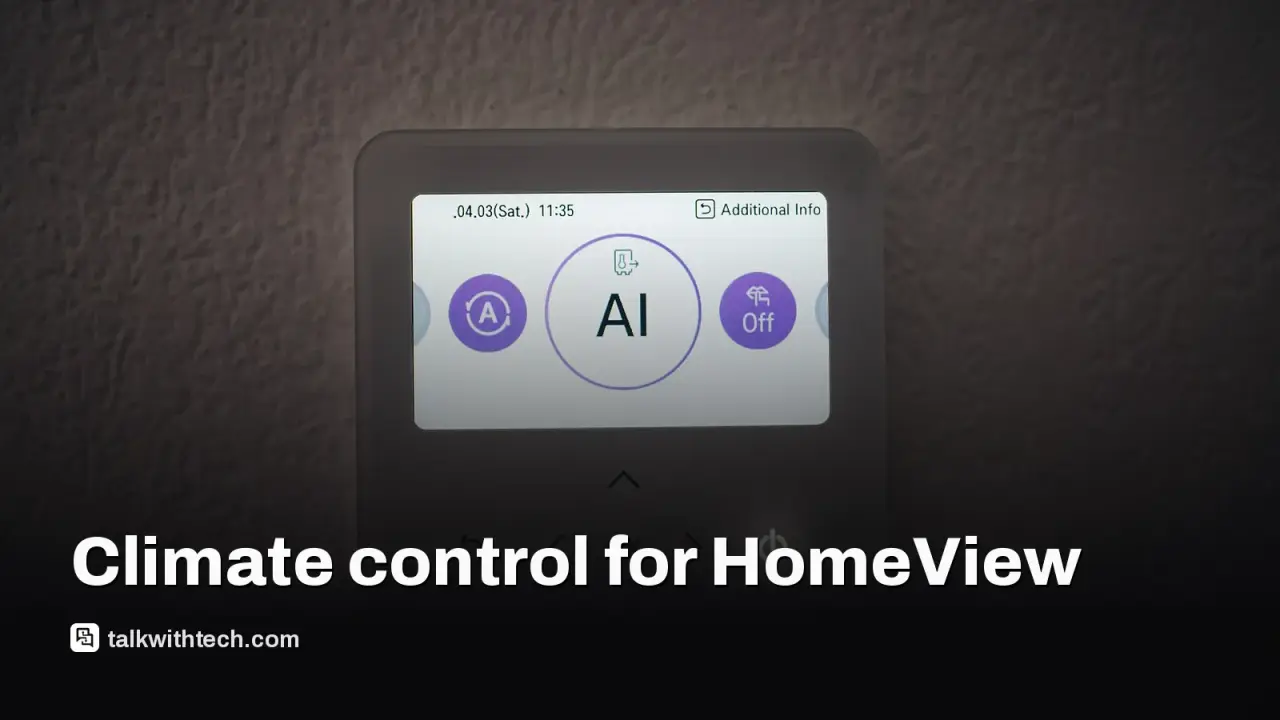
LG Electronics thermostat, related to: Apple HomeView climate sensors require calibration after startup
Photo: Nenad Stojkovic / CC BY 2.0 (modified)

The short version

  • Both the tabletop and wall-mounted HomeView include a temperature sensor and a humidity sensor, next to the ambient light sensor and accelerometer.
  • Apple says the readings need time to calibrate after the display starts up, and long stretches of loud audio can make them less accurate.
  • The sensors are tuned for normal homes: roughly 59°F to 86°F and 30% to 70% relative humidity.
  • HomeView went on sale November 13 for $299, while the LG and Schneider Electric thermostats that use its readings roll out from December into early 2027.
Quick read · 2 min

Apple's $299 HomeView smart display, on sale since November 13, hides a temperature sensor and a humidity sensor in both its tabletop and wall-mounted versions. They let the display act as a room thermometer for the new LG and Schneider Electric thermostats in Apple Home Collection.

There are limits. Apple says the sensors need time to calibrate after the device starts up, so readings don't appear instantly. Long, loud music sessions can reduce accuracy, and the sensors are tuned for ordinary rooms at roughly 59°F to 86°F and 30% to 70% humidity.

  • Thermostats from both brands start at $199.95 and can read several rooms at once.
  • Dedicated room sensors cost $39.95 each, which HomeView or a HomePod can replace.
  • The thermostats roll out from December into early 2027.

If you want Apple-run climate control, HomeView is a useful extra sensor, but the thermostats are still on their way.

Plug in Apple’s new HomeView and it won’t tell you how warm the room is straight away. The Apple HomeView climate sensors, a temperature sensor and a humidity sensor tucked inside both versions of the $299 smart display, need a short calibration period after startup before any readings show up.

That small detail matters more than it sounds. Apple wants HomeView to act as a room thermometer for the new thermostats it designed with LG Electronics and Schneider Electric, so the quality of those readings decides how comfortable your home feels and how hard your heating or air conditioning works. If you’re thinking about building a whole-home climate setup around Apple gear, here’s what the sensors can do, where they fall short, and what it costs.

01

What sensors are inside Apple HomeView

Every HomeView has a temperature sensor and a humidity sensor, whether you buy the tabletop model or the wall-mounted one. Apple lists them in its technical specifications next to the ambient light sensor (which adjusts screen brightness to the room) and the accelerometer (which senses movement and tilt).

The display itself is a 7-inch square screen. Apple pitches it as a shared household hub: it recognizes the faces of up to six family members, shows smart-home controls, handles FaceTime calls and runs Siri AI. The climate sensors are a quieter extra, but they’re one of the more practical reasons to put a HomeView in a bedroom or living room.

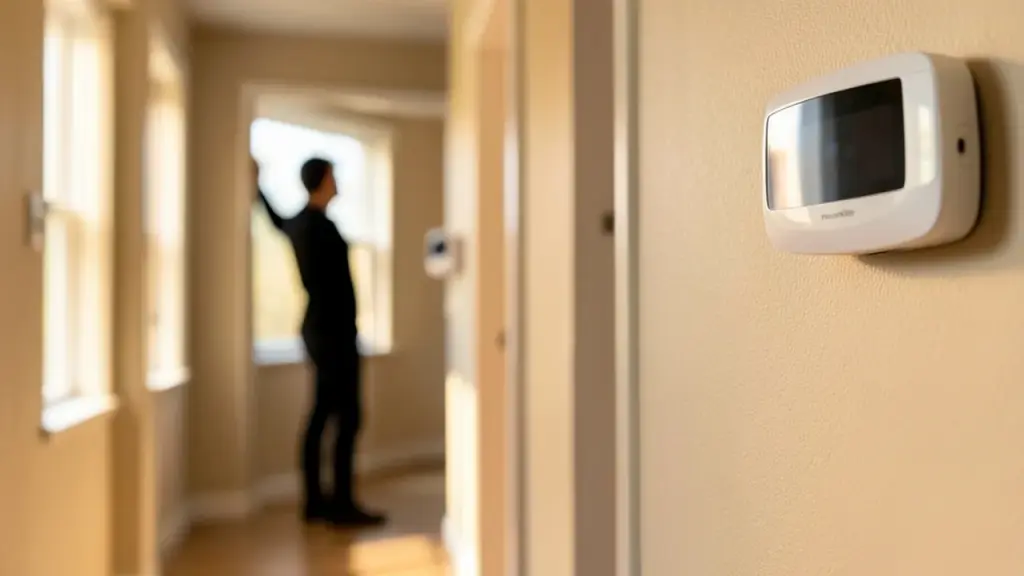
Side view of HomeView device with wall thermostat blurred in background
02

Why the readings need time to calibrate after startup

Apple says the sensors need a period to calibrate right after the device starts up, before results appear. In plain terms, the display has to settle in before it can report a number you can trust, and until then there’s simply nothing to show.

Apple hasn’t said how long that warm-up lasts. So if you’ve just plugged in a HomeView, or it has restarted after a software update or power cut, don’t expect your thermostat to pick up its readings the second the screen lights up.

Play video: Everything Apple Announced at Its Welcome Home Event (Apple HomeView, and More)
03

Loud music and extreme rooms can throw it off

Calibration isn’t the only limit Apple lists. Accuracy can drop when HomeView plays audio at high volume for a long time. Apple’s wording points at sustained, high-volume playback, so a long party playlist at full blast is the kind of use to watch, not the odd song.

The sensors are also tuned for ordinary homes. Apple says temperature sensing is designed for rooms between about 59°F and 86°F, with relative humidity (how much moisture the air holds compared with the most it could hold) between roughly 30% and 70%. A freezing garage, a steamy bathroom or a sunroom in July sits outside that comfort zone, so the numbers there are less reliable.

  • Give a newly started HomeView time before trusting its readings.
  • Don’t place it where long, loud listening sessions are common if you rely on it for climate data.
  • Keep it in normal living spaces rather than damp or unheated rooms.
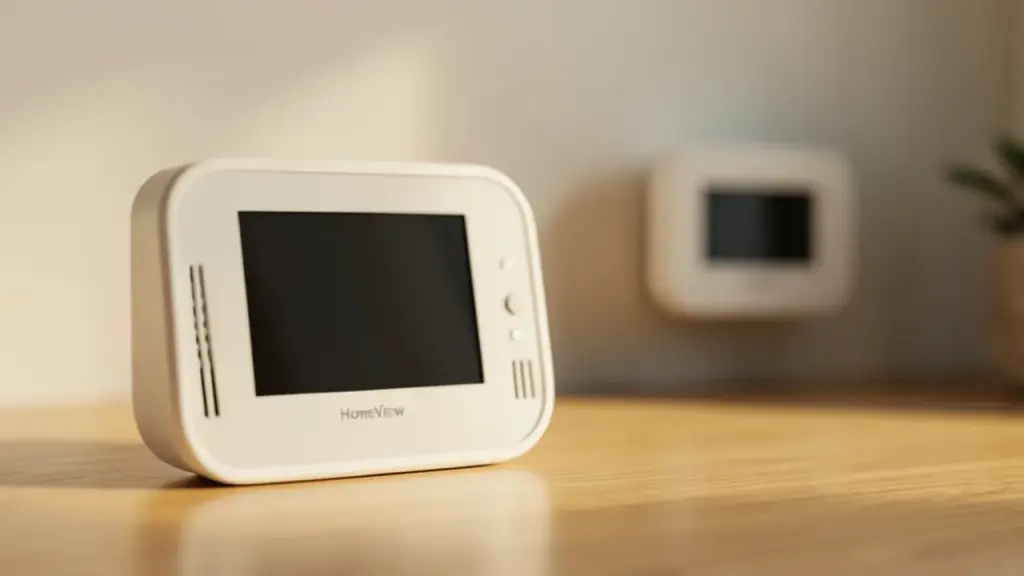
Two HomeView devices and a thermostat in rooms, person adjusting HVAC from distance
04

How HomeView works with the LG and Schneider thermostats

The readings feed into Apple Home Collection, a new range of smart-home gear Apple developed with LG and Schneider Electric. Apple says the thermostats from both companies can pull temperature and humidity data from several rooms at once, using sensors built into HomeView, the full-size HomePod and the HomePod mini, plus standalone room sensors from either brand.

That multi-room view is the point. A single wall thermostat in a hallway only knows the hallway. With readings from a bedroom HomeView and a kitchen HomePod mini, the system has a better picture of where it’s actually too hot or too cold.

The thermostats also support Adaptive Temperature in Apple’s Home app. It uses on-device intelligence on your iPhone to change settings depending on whether people are home, getting ready for bed or out, so you don’t have to build a heating schedule by hand.

05

What it means for your energy bill and your wallet

For everyday households, the appeal is simple: if you already own HomePods or plan to buy a HomeView, you may need fewer separate room sensors. Each dedicated LG Temperature Sensor or Schneider Home room sensor starts at $39.95 in the US, so a HomeView in a room you care about can stand in for one of them.

The thermostats themselves start at $199.95 each from either brand. HomeView costs $299 for either model, but the wall-mounted version needs a separate mount and power solution; compatible Schneider Home mounts start at $59.95, which brings the minimum wall setup to $358.95 before any installation.

Timing is the catch. HomeView went on sale November 13 in eight markets, including the US, the UK and Canada, though not the European Union. The thermostats and room sensors are on a slower schedule: Apple’s partners are rolling them out from December into early 2027, after the cameras and video doorbell that opened for orders first. Until a compatible thermostat is on your wall, HomeView’s climate readings are mostly something to glance at in the Home app.

Privacy is handled the same way as the rest of Apple Home. Apple says data in the Home app is end-to-end encrypted, so neither Apple nor LG nor Schneider Electric can read it.
06

Quick answers

Does Apple HomeView measure temperature and humidity?

Yes. Both the tabletop and wall-mounted models have built-in temperature and humidity sensors, and the readings can be shared with compatible thermostats through the Home app.

Why does HomeView not show a temperature right after I plug it in?

Apple says the sensors need time to calibrate after startup before results appear. Wait a while after setup or a restart, and keep the device away from long, loud music sessions for the most accurate numbers.

Can I use HomeView instead of a separate thermostat sensor?

The LG and Schneider Electric thermostats in Apple Home Collection can use HomeView, HomePod and HomePod mini as room sensors, so a HomeView can cover a room you’d otherwise fit with a $39.95 sensor. Those thermostats arrive between December and early 2027.

You're reading the quick version.