Monday, 12 October 2026

Safari Distraction Control remembers to block distractions for you

Apple introduces built-in Distraction Control in Safari to help you focus by hiding distracting elements and remembering to keep them hidden on future visits.

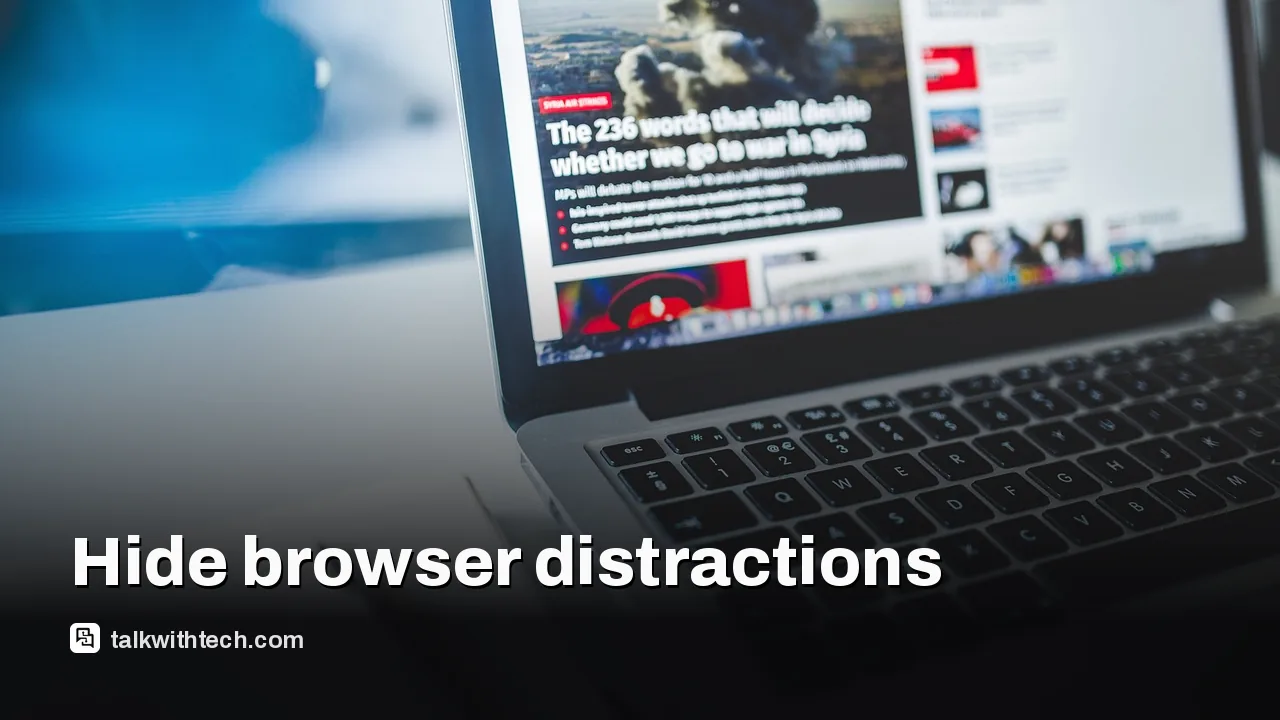
Close-up of a computer screen showing a browser window

The short version

  • Apple rolls out Distraction Control in Safari to hide distracting elements during browsing.
  • The feature is designed to help users stay focused by remembering to keep distractions hidden on future visits.
  • Details about availability, platform scope, and specific UI behavior remain limited in official materials.
Quick read · 1 min

Apple is adding a feature to Safari called Distraction Control. It aims to hide distracting elements in your browser to help you focus and says it will remember to keep those distractions hidden next time you visit. The official video shows the idea, but Apple hasn’t released a full feature list or release date yet.

In practice, this could mean fewer interruptions during work or study sessions, with the caveat that you’ll want to see exactly how it works across iPhone, iPad, and Mac once Apple shares more details. If you’re privacy-conscious, keep an eye on how this feature handles data and syncing across devices.

  • Look for Distraction Control in Safari after a software update.
  • Expect more guidance from Apple on setup and controls soon.
  • Stay aware of privacy implications as Apple explains them.

Apple has introduced a feature in Safari called Distraction Control. The browser will hide certain distractions while you browse and is designed to remember to keep those distractions hidden the next time you visit. The official video on Apple’s YouTube channel highlights this capability as part of Safari’s focus-enhancing tools.

The move comes as people increasingly want smoother, less cluttered browsing experiences, especially when working, studying, or consuming long-form content online. Distraction Control is described in the video description as a way to switch on a mode that hides distractions and then remembers to keep them hidden on subsequent visits. Apple did not provide a detailed feature list or a step-by-step setup guide in the video description, leaving many questions about how it integrates with existing Safari features, such as tab management, reader view, or privacy protections.

01

What Exactly Is Distraction Control in Safari?

From the video and brief description, Distraction Control appears to be a browser-level option that suppresses on-page distractions and automates their reappearance suppression on future visits. Apple frames it as a tool to help users stay focused, rather than a general accessibility or parental-control feature. There’s no clear, official breakdown of which distractions get hidden (ads, pop-ups, auto-playing media, or layout clutter) or how fine-grained the controls are within settings.

Person typing at a desk with a browser on screen
02

What this Means for Everyday Browsing

For most readers, the practical effect is subtle. If you often find your attention pulled away by flashy banners, auto-playing videos, or crowded homepages, Distraction Control could make your browsing smoother. It’s the kind of feature many people might enable during work sessions or study blocks, then toggle off when they need full visibility of a page’s layout or when testing a site’s accessibility.

03

Availability and Scope

Apple’s materials don’t specify platform-by-platform availability. The feature is described in a YouTube video posted on Apple’s official channel and in the video’s description, but there’s no official Safari version or release date attached in those materials. It isn’t clear whether Distraction Control will roll out on iPhone, iPad, and Mac versions of Safari at the same time or if it will be gated behind a particular iOS or macOS update.

A smartphone next to a laptop with a browser window open
04

Privacy and Security Considerations

As with any browser feature, readers should watch for how Distraction Control interacts with privacy settings. The description focuses on hiding distractions, but it’s not yet clear whether the feature relies on server-side personalization, local device preferences, or shared cloud-based settings. If you’re privacy-conscious, you’ll want to monitor what data, if any, is used to decide what gets hidden and whether those choices sync across devices.

05

What Happens Next

If you’re curious about trying it, look for announcements tied to future Safari updates. Apple tends to release new features alongside major OS updates, so a broader rollout could come with an upcoming macOS or iOS refresh. In the meantime, you can monitor Apple’s official channels for more details on how to enable Distraction Control and what you can customize within Safari’s settings.

06

Quick answers

What devices will get Distraction Control?

Official details haven’t specified which devices will support it beyond “Safari” on Apple platforms. Expect announcements tied to future OS updates.

How do I turn it on?

At this point, there’s no published step-by-step guide. Look for an option in Safari settings after a software update, and watch Apple’s official guidance for exact steps.

Will this affect my privacy?

The description emphasizes distraction hiding, but it’s not clear how data is used. Review privacy settings after activation when more details are available.

You're reading the quick version.