Instagram Edits for Mac is free, but Intel Macs and PCs miss out
Meta's video editor now runs on Apple silicon Macs with 4K exports and AI agent support, yet Windows users and cross-device projects still have to wait.
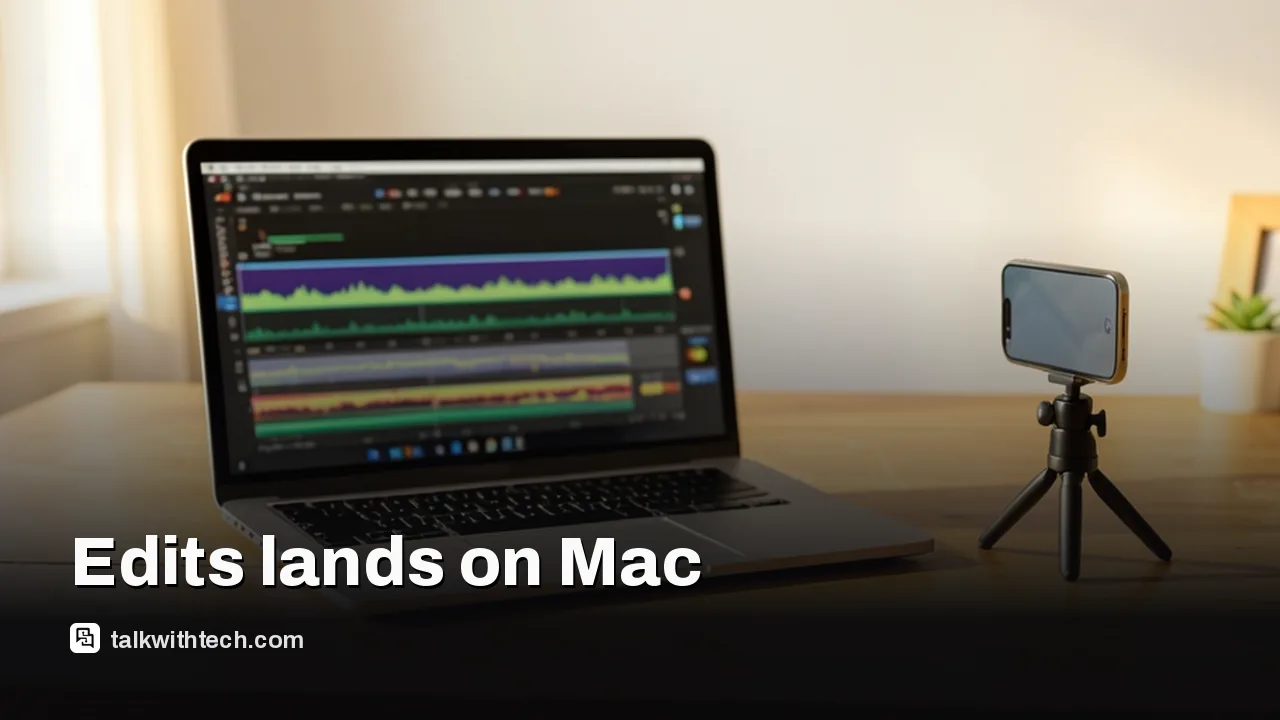
Instagram has released Edits for Mac, a free desktop version of its video editor with watermark-free 4K exports.
The app runs only on Macs with Apple's M-series chips, and there is no Windows or Linux version yet.
Desktop Edits adds a multi-track timeline, keyframes, color grading tools and a connector that lets outside AI agents edit videos.
Projects can't move between phone and Mac yet, but Meta says it is working on that and will update the app weekly.
Quick read · 1 min
Instagram has launched Edits for Mac, a desktop version of its free video editor. It exports watermark-free 4K video, includes unlimited automatic captions and Instagram's licensed music library, and can publish straight to Instagram with tags and location.
There are limits. The app runs only on Macs with Apple's M-series chips, so Intel Macs can't use it, and there is no Windows or Linux version yet. You also can't move a project between your phone and your Mac, although saved audio and text styles do sync.
New desktop tools: multi-track timeline, keyframes, color curves and LUT import.
AI agents, including Meta's Muse, can build rough cuts through a built-in connector.
Meta plans weekly updates and says cross-device editing is coming.
For Windows users, CapCut remains the main desktop option.
Instagram Edits for Mac is out, and the headline answer is simple: it’s free, it exports 4K video without a watermark, and it posts straight to Instagram. The catch is the hardware list. The desktop app runs only on Macs with Apple’s own M-series chips, so older Intel Macs are left out, and there is no Windows or Linux version at all.
That matters if you’ve been cutting Reels on your phone and hitting the limits of a small screen. Meta built the desktop version for bigger, messier projects, and it is pitching it squarely at creators who currently use CapCut, the ByteDance editor that has run on Windows and Mac computers since 2021. Here’s what you get, what’s still missing, and who should bother installing it today.
01
Is Instagram Edits for Mac free?
Yes. Edits for Mac costs nothing to download or use, and that includes the top export setting. Finished videos can leave the app in 4K with no Edits watermark stamped on them, which matters if you plan to post the same clip on other platforms.
The free app comes with more than the basics. Automatic captions are unlimited and work in several languages. You get access to Instagram’s library of licensed and royalty-free music, plus hundreds of sound and video effects. The app is available from Instagram’s official Edits site, and Edits, which Instagram describes as a free app, is also available on iPhone and Android.
Meta’s reason for giving all this away is scale. Mark Zuckerberg said on Meta’s latest earnings call that Edits now has more than 50 million active users. The desktop app is the next step in a head-to-head fight with CapCut for those creators.
02
Which Macs can run Edits, and is there a PC version?
Edits for Mac supports only Apple silicon machines, meaning Macs with an M-series processor. If your Mac still has an Intel chip, the app won’t run on it. Instagram hasn’t listed a minimum macOS version in its launch details.
Windows and Linux users are out of luck for now. Meta has only released a macOS app, and it hasn’t given a date for a Windows build. People searching for Instagram Edits for PC will, for the moment, find only the phone apps. There’s also no browser version mentioned anywhere in Instagram’s announcement.
The other missing piece is cross-device editing. You can’t start a project on your phone and pick it up on your Mac yet. Instagram says that’s in the works, and some things already carry over: audio picks and text styles you saved in the mobile app show up on the desktop too. Meta plans to push updates to the desktop editor every week, so this list should change quickly.
03
What the desktop editor does that the phone app can’t
The biggest change is the timeline. Desktop Edits gives you a full multi-track layout, so you can stack several video clips, music and voiceover on separate lanes instead of juggling them on a phone screen. Keyframes let you animate transitions over time, and audio waveforms are drawn precisely enough to cut right on a beat.
Color tools get a serious upgrade as well. There are curves, color wheels and log conversion (which turns the flat, washed-out footage some cameras record into normal-looking color), and you can import your own LUTs, the preset color looks many video shooters already own. Custom font files can be imported too.
Editing basics like splitting, trimming and cutting are faster with a mouse and keyboard, and the keyboard shortcuts are customizable. If you’re moving over from another editor, you can bring your existing shortcut setup with you rather than relearning muscle memory.
Publishing stays inside the app. You can send a finished video directly to Instagram with tagging and location filled in, and trial reels (Instagram’s option to test a Reel with non-followers first) are supported as well. That removes the old routine of exporting on a computer, moving the file to your phone and touching it up again before posting.
Formats are wider than before, too. Edits now handles both vertical and horizontal video, a change that lines up with Instagram’s recent push into longer, widescreen clips.
04
The AI agent twist: let a chatbot make the rough cut
The most unusual feature is one most casual users won’t see on the menus. Edits for Mac ships with an MCP, a connector that exposes the app’s editing tools to AI agents. Matthew Simari, who heads product management for Edits, said creators can use Meta’s own Muse agent or any other agent they prefer.
In practice, the idea is that you could ask an agent to build a rough cut from footage sitting in your downloads folder. The agent calls Edits’ tools to assemble it, and you then open the project file in Edits and finish it by hand. Simari described it as moving between agentic and manual editing whenever you like.
This sits alongside the AI creative assistant Instagram added to the mobile app in September. That assistant reads your account data, such as views and how long people keep watching, and suggests what to post next. Earlier, in December of last year, Edits picked up templates, storyboards and the option to pull public Reels in for remixing.
What this means if you make Reels, and how it compares with CapCut
If you already edit on an Apple silicon Mac and post mostly to Instagram, the desktop app is free, publishes directly to your account and adds a multi-track timeline plus color grading tools. Features like LUT import and custom shortcuts go well beyond what the phone version offers.
If you work on a Windows PC or an Intel Mac, nothing changes for you yet. CapCut still has the edge there, since it has offered desktop apps for both Windows and Mac for several years. CapCut also remains the default editor for many TikTok creators, which is exactly the habit Meta is trying to break.
If you split your editing between phone and computer, projects can’t yet be shared between the two. Meta has promised weekly updates and says cross-device editing is coming, so that gap may close soon.
06
Quick answers
Does Instagram Edits work on Windows?
No. Edits on desktop is a Mac-only app for now, and Meta hasn’t announced a Windows or Linux version.
Does Edits for Mac add a watermark?
No. Exports are watermark-free, including 4K, so you can post the same video on other platforms.
Can I open my phone Edits projects on my Mac?
Not yet. Saved audio and text styles sync to the Mac, but shared projects across phone and desktop are still in development.
Apple's new questionnaire tags dating apps and romantic AI chatbots as adults only, and flags location sharing. Here's what parents and developers face.