Wednesday, 4 November 2026

Turn off WhatsApp suggestions before a private screenshot pops up

WhatsApp now offers your newest picture or video every time you open a chat. One switch hides it, and two phone settings go further.

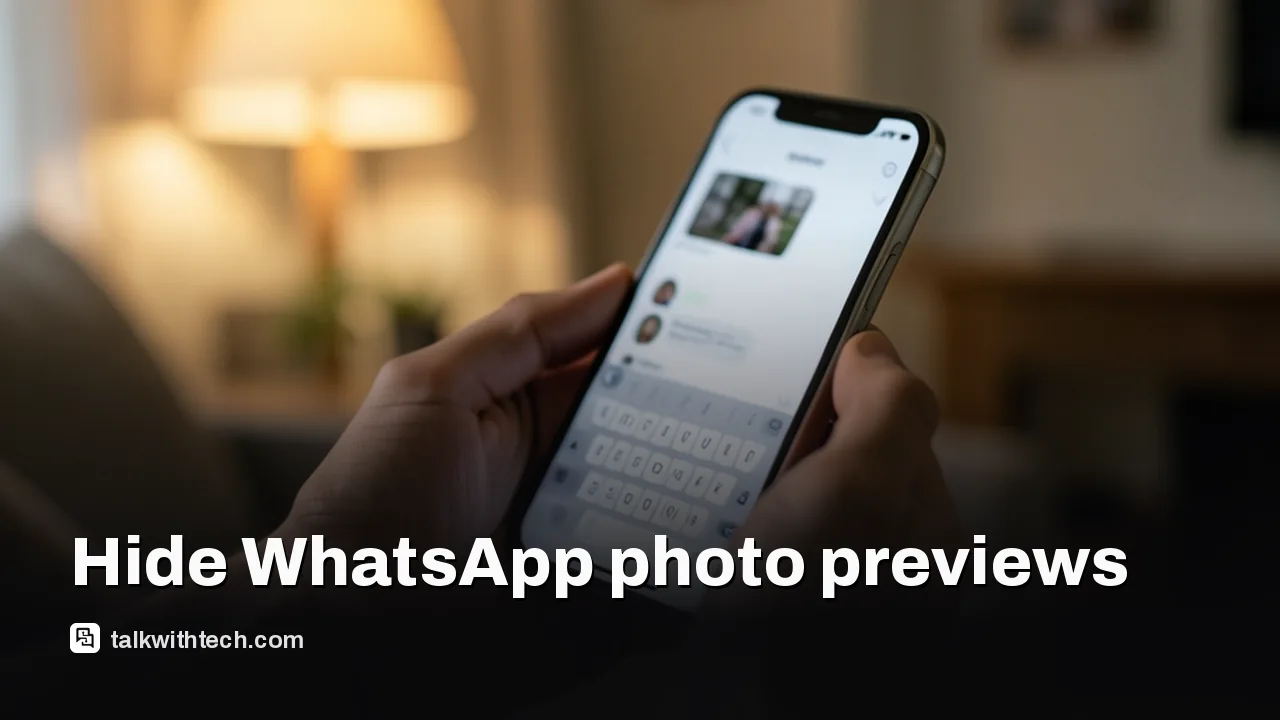
Hand holding a phone with a chat open and a small photo preview above the keyboard

The short version

  • WhatsApp is rolling out Recent media suggestions, which offers the newest item in your gallery whenever you open a chat.
  • The feature switches on by itself, and it does not filter screenshots, saved web images or videos from other apps.
  • You can turn it off under Settings, then Chats, by switching off the Recent media suggestions toggle.
  • Tapping a suggestion opens an editor first, so nothing is sent until you confirm it.
Quick read · 2 min

WhatsApp has started offering the newest photo or video in your gallery whenever you open a chat. It appears either as a small banner above the typing bar or as a thumbnail that briefly takes the place of the camera button. The app doesn't filter what it picks, so screenshots, saved web images and clips from other apps can all pop up.

To stop it, open WhatsApp, go to Settings, tap Chats and switch off Recent media suggestions. The feature turns itself on when it reaches your account, and the rollout on Android and iPhone is gradual, so update the app and check again if the toggle isn't there yet.

  • Tapping a suggestion opens an editor first, so nothing is sent by mistake.
  • The preview can still expose a private screenshot to anyone looking at your screen.
  • Your phone's privacy settings control how much of your photo library WhatsApp can reach at all.

Open a WhatsApp chat this week and you may see your most recent screenshot sitting right above the message bar, offered up for sending. To turn off WhatsApp suggestions like this, go to Settings, tap Chats and switch off Recent media suggestions. That single toggle stops the previews in every conversation.

Why bother? Because the feature picks whatever landed in your gallery last, with no filter. That could be a holiday photo, or it could be a banking screen, a boarding pass or a private message you captured. The thumbnail appears on its own, in whichever chat you open, and sometimes while a friend or coworker is looking at your phone. WhatsApp turns it on automatically when it reaches your account, so you never get asked first.

01

How to turn off WhatsApp suggestions for recent photos

The switch lives in the Chats section of the app’s settings on both Android and iPhone. Here is the full path:

  1. Open WhatsApp.
  2. Go to Settings.
  3. Tap Chats.
  4. Find Recent media suggestions and switch it off.

Once the toggle is off, the previews should stop appearing in your conversations. If you change your mind later, the same toggle brings them back.

One thing to keep in mind: the menu wording comes from people who already have the feature. WhatsApp hasn’t written about it on its own blog yet, so the label could shift slightly as more accounts get it.

Commuter glancing at another passenger's phone screen on a train
02

What the new chat suggestion actually shows you

Recent media suggestions grabs the single newest item from your phone’s photo library and offers it inside the chat you just opened. Camera shots count, and so do screenshots, pictures saved from the web and clips you saved from other apps.

It shows up in one of two styles, and each account gets only one:

  • A small banner above the typing bar, with a thumbnail of the photo or video, a prompt asking if you want to share it and an X to dismiss it.
  • A swapped camera button, where the usual camera icon in the chat bar is replaced for a while by a tiny thumbnail of that same file.

The idea grows out of an older WhatsApp trick on Android: type an emoji and the app offers matching stickers above the keyboard. Now it does the same with your gallery.

There is a real convenience case here. If you just grabbed a screenshot of a recipe, a delivery update or a meme and want to pass it on, the usual routine is to open the attachment menu, dig into the gallery and find the file all over again. The suggestion skips those taps. It also follows an earlier change on iPhone, where WhatsApp added a strip of recent photos and videos under the attachment menu so you could pick one without the full gallery covering your chat.

The difference is who decides. The attachment strip waits until you ask for it. The new suggestion shows up the moment a chat opens, which is why it splits opinion.

Can a suggestion send a photo by accident?

No, not with a single tap. Touching the thumbnail opens WhatsApp’s drawing editor first, where you can look at the file, add a caption or a sticker, and then decide whether to send it. You can also simply back out of the editor and nothing goes anywhere.

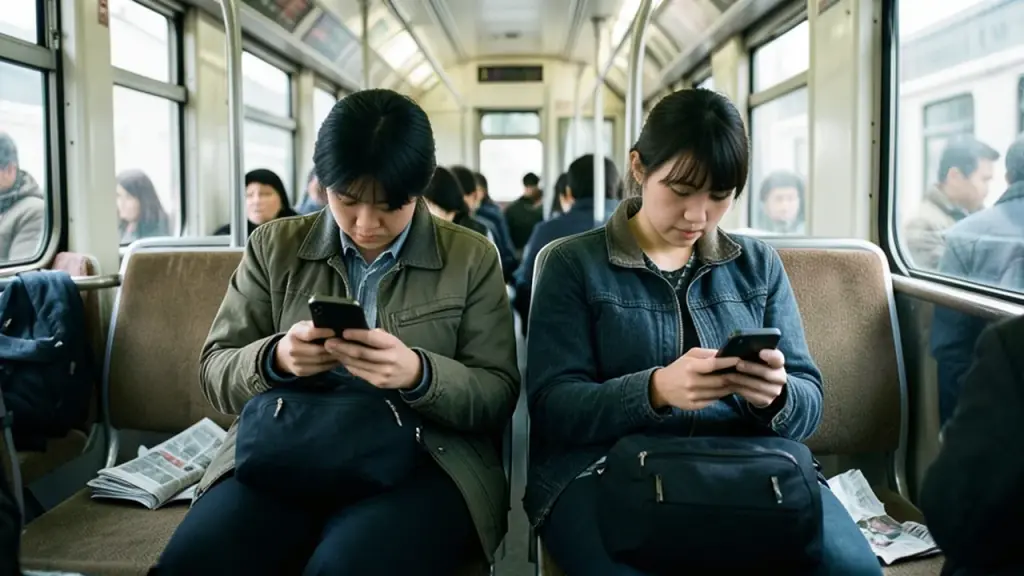
That safety step matters, but it doesn’t solve the bigger issue. The preview itself is the leak. If your last screenshot was a medical bill and you open a group chat on a crowded train, the person next to you can see that thumbnail whether you send it or not.
03

Is WhatsApp reading your whole gallery?

The feature only works because WhatsApp can already see your photos. Apple and Google both say an app can use a type of data, such as photos, only after you grant it permission. Most people allowed WhatsApp into their photo library years ago so they could share pictures, and this new suggestion simply reuses that access to find the latest item.

So the toggle in Chats hides the previews, but it doesn’t change what the app is allowed to open. If you want to shrink that access itself, the place to do it is your phone’s own privacy settings, not WhatsApp.

The suggestion itself never sends anything. A file only goes into a chat if you open the editor and choose to send it. The worry is what lands on screen, and who happens to be nearby when it does. People who share a family tablet, hand their phone to kids or mirror their screen during work calls have the most reason to switch it off.

Phone on a desk with a settings screen faintly lit
04

Limit WhatsApp’s photo access on iPhone and Android

Both phone makers let you review and change which apps can reach your pictures. On an iPhone:

  1. Open Settings and go to Privacy & Security.
  2. Tap Photos to see every app that has asked for access.
  3. Tap WhatsApp and change the level of access it has.

Apple also offers an App Privacy Report under the same Privacy & Security screen. Turn it on and it logs how often each app touched sensitive data over the past 7 days. It only starts counting after you switch it on, so check back after a few days of normal use.

On an Android phone, Google’s steps are:

  1. Open the Settings app and tap Apps.
  2. Pick WhatsApp. If it isn’t listed, tap See all apps first.
  3. Tap Permissions, then Photos and videos, and choose a new setting.

Google notes that on Pixel phones some of these steps need Android 11 or newer. Cutting access completely will also stop you attaching pictures normally, so for most people the Chats toggle is the sensible fix, with tighter permissions as an extra step if you share a phone or often hand it to others.

05

Don’t see the toggle yet? Here’s why

WhatsApp is releasing Recent media suggestions slowly on the newest Android and iOS versions of the app, and it hasn’t given a date for everyone. Reports from early users say more accounts should get it over the coming weeks.

If the switch isn’t under Settings, then Chats, the feature probably hasn’t reached you. Update WhatsApp from the Play Store or App Store and look again. Because it turns itself on when it lands, it’s worth checking after each app update so the first preview doesn’t surprise you in the middle of a chat.

06

Quick answers

Where is Recent media suggestions in WhatsApp?

Open WhatsApp, go to Settings, then Chats. The toggle sits in that menu on both Android and iPhone once the feature reaches your account.

Does WhatsApp send the suggested photo automatically?

No. Tapping the thumbnail opens an editor where you review the file first, and you can close it without sending anything.

Why is WhatsApp showing my last screenshot in chats?

The new suggestion picks the newest file in your gallery, including screenshots and saved images. Switch off Recent media suggestions to stop it.

You're reading the quick version.