Tuesday, 20 October 2026

iPhone 18 Pro DIY fix: the $49 tool kit, real costs and 5 steps

Apple now sells genuine iPhone 18 Pro parts and rents the tools to install them. Here's what each repair costs, the steps, and when you should skip it.

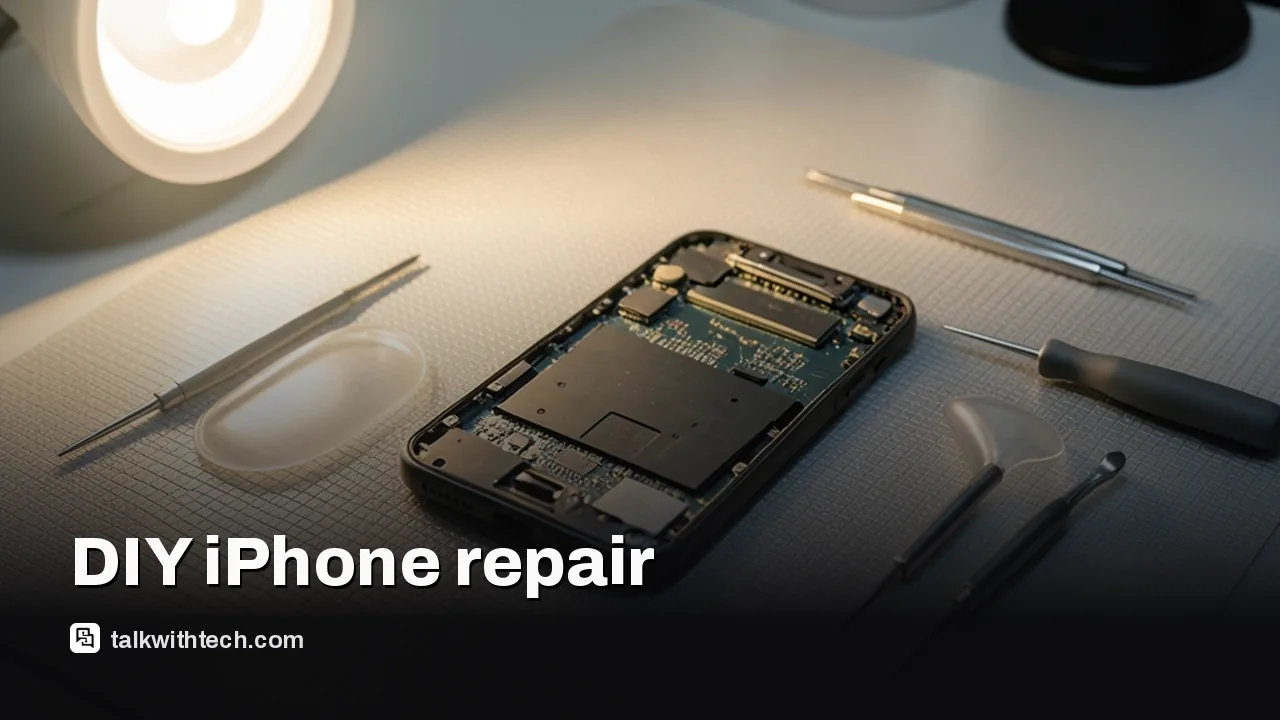
An opened smartphone on a repair mat with screwdrivers and a suction cup

The short version

  • Apple's Self Service Repair Store now sells parts for the iPhone 18 Pro and Pro Max in the US, Canada and Europe.
  • Parts include the display, battery, back glass, cameras, speakers and logic board, with tools to buy or a kit to rent.
  • A replacement rear camera costs $249, or $189.24 after a $59.76 credit for returning the old one.
  • Most repairs finish in Repair Assistant, and on iPhone 18 Pro the camera won't work until you complete that step.
Quick read · 1 min

Apple's Self Service Repair Store now sells genuine parts for the iPhone 18 Pro and Pro Max, plus the latest Mac Studio and Mac mini, in the US, Canada and Europe. iPhone parts include the display, battery, back glass, cameras, speakers and logic board.

A replacement rear camera costs $249, or $189.24 after a $59.76 credit for returning the old one. You can rent Apple's tool kit for seven days for $49.

  • Start with the official repair manual and note its ID.
  • Finish in Settings, General, About, Parts & Service History, using Repair Assistant.
  • On iPhone 18 Pro, the camera won't work until you complete that step.

Apple says the program is for experienced fixers; most people will still find an authorized repair simpler.

A cracked iPhone 18 Pro screen no longer has to mean a trip to the Genius Bar. As of October 20, Apple’s Self Service Repair Store sells genuine parts for the iPhone 18 Pro and iPhone 18 Pro Max, from the display and battery to the new variable-aperture camera, and you can rent Apple’s professional tool kit to install them.

That gives owners in the US, Canada and Europe a real choice when something breaks. But self-repair isn’t automatically cheaper or easier, and Apple itself says it’s aimed at people with experience fixing electronics. This guide walks through what Apple Self Service Repair covers, what it costs, the exact steps, and how to decide whether you should try it.

01

What Apple Self Service Repair is

Apple Self Service Repair is a program that lets you buy the same genuine parts and professional tools Apple gives its authorized repair shops, along with the official repair manuals. Apple launched it in April 2022 after pressure from right-to-repair campaigners, and it expanded to Canada in 2025.

A few things to know up front:

  • It’s for out-of-warranty repairs. Apple pitches it for fixes your warranty doesn’t cover.
  • The store isn’t run by Apple. An Apple-authorized third-party company operates it, so Apple won’t have details about your order. You check its status with the store.
  • It’s for experienced fixers. Apple says the program is intended for people who know their way around electronics repair.

Right-to-repair groups still criticize the program, arguing it falls short of what they want. For an experienced DIYer, though, it’s the only official way to get genuine parts with Apple’s instructions.

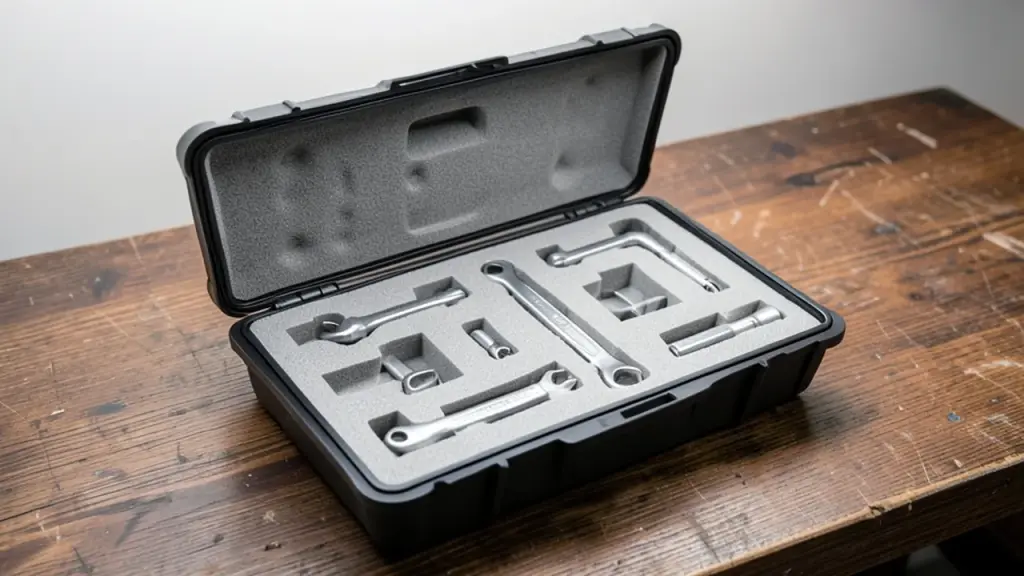
A hard-shell case on a workbench holding repair tools in foam slots
02

Which iPhone 18 Pro parts you can buy

For both the iPhone 18 Pro and iPhone 18 Pro Max, the store now lists parts in these categories:

  • Display
  • Battery
  • Back glass
  • Rear camera and front camera
  • Top speaker and bottom speaker
  • Main microphone
  • Taptic Engine (the part that makes the phone vibrate)
  • SIM tray
  • Enclosure
  • Logic board (the phone’s main circuit board)
  • Other smaller parts

When you pick a repair, the store also shows the tools and supplies that job needs, from suction cups and plastic prying probes to tools for cutting and cleaning off adhesive, plus torque drivers and the right screws. You can buy any of these separately.

The same update added parts for Apple’s newest desktop Macs: the Mac Studio with M5 Max or M5 Ultra, and the Mac mini with M6 or M5 Pro. Mac Studio parts range from Thunderbolt and USB-C ports to fans, SSD storage modules, logic boards and power supplies. The Mac mini list is shorter but includes fans, speakers, logic boards, batteries and power supplies.

03

What an iPhone 18 Pro repair really costs

The rear camera gives a good sense of pricing. A replacement costs $249, the same as for last year’s models even though the iPhone 18 Pro adds a variable aperture. Send your old camera back and Apple credits you $59.76, bringing the part down to $189.24.

Then add tools. You can buy them outright, or rent Apple’s repair tool kit for seven days for $49. That kit is the same professional-grade gear Apple’s authorized providers use.

The return credit is part of the deal for most core parts. As with repair shops, you send the old part back to get money off the price you paid. Apple refurbishes or recycles what you return.

The honest math: once you add the rental and the risk of breaking something else, an authorized repair is still the cheapest and safest route for most people. Self-repair makes most sense if you already own good tools, have done phone repairs before, or live far from a repair provider.

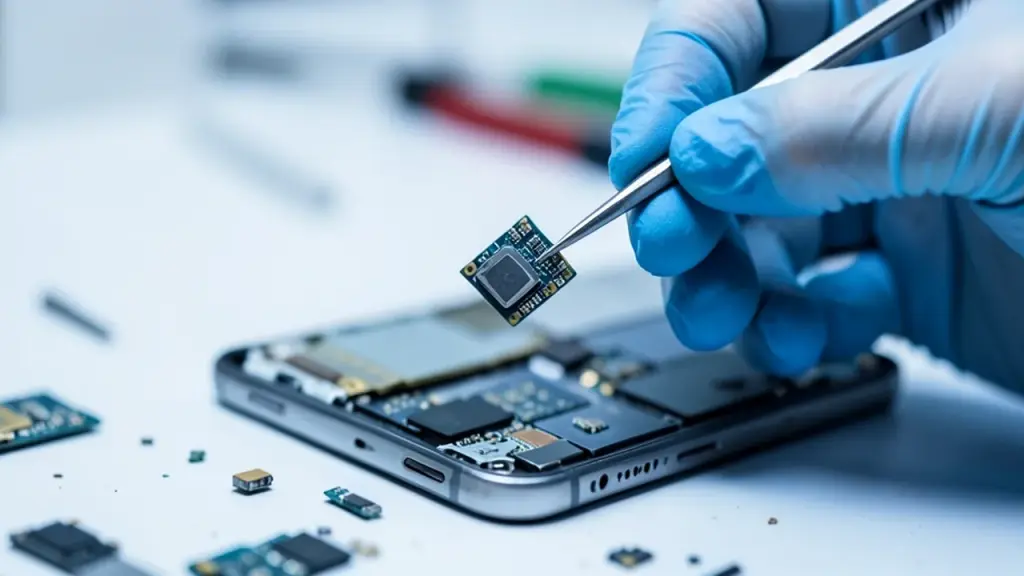
Gloved hands lifting a small camera module from a phone with tweezers
04

How to do an iPhone 18 Pro repair yourself, step by step

  1. Read the repair manual first. Find the manual for your exact model and repair. It lists every step, the parts and the tools. Write down the manual ID from its introduction, because the store asks for it when you order.
  2. Order parts and tools. Go to the Self Service Repair Store, choose your device and repair, and add the part plus the tools or the $49 rental kit. Some parts need your iPhone’s serial number or IMEI. You’ll find it in Settings, then General, then About.
  3. Do the repair. Follow the manual exactly when the parts arrive. Work on a clean, well-lit surface and keep screws organized, since torque drivers and specific screws matter.
  4. Finish with Repair Assistant. After most part swaps, the iPhone needs calibration data installed by Apple’s Repair Assistant software. Details are below.
  5. Send back the old part. Follow the store’s return instructions to get your credit, if the part qualifies.
05

Don’t skip Repair Assistant on an iPhone 18 Pro

This is the step people miss. Repair Assistant is built into iOS and installs the calibration data that makes a new part work properly. To run it:

  1. Make sure the iPhone is on Wi-Fi, has more than 20% battery and is running the latest iOS.
  2. Open Settings, tap General, then About.
  3. Tap Parts & Service History.
  4. Tap Restart & Finish Repair and follow the on-screen steps.

On the iPhone 18 Pro models, the stakes are higher than on older iPhones: if you don’t finish the repair or restore the phone, the camera won’t work at all. On other models the phone keeps working, but the part may not perform as well. Face ID and Touch ID won’t unlock your phone, approve payments or sign you into apps until those parts are calibrated.

One exception: on the iPhone 18 Pro and Pro Max, replacing the back glass doesn’t need Repair Assistant.

If Repair Assistant fails, check the part is seated correctly, restart and try again, or try another part. A part taken from someone else’s phone might be protected by Activation Lock. If it stays locked, it won’t be covered by Apple’s warranty or AppleCare, and you can’t trade the phone in.
06

Should you fix it yourself? A quick checklist

The iPhone 18 Pro is only a little easier to repair than the 17 Pro. In the repairability score Apple files for EU energy labels, it scored 3.14 out of 5, up from 3.04, with small gains in tools and how deep you have to dig to reach parts. It’s rated class C on an A to E scale.

DIY probably makes sense if:

  • Your phone is out of warranty and the fault is clear, like a cracked screen or a worn battery.
  • You’ve done delicate electronics repairs before.
  • You’re comfortable following a long manual exactly.

Go to a professional if:

  • You have AppleCare or the phone is still under warranty.
  • You’re not sure which part is faulty.
  • The repair involves the logic board, or you’d be using a part from another phone.

Whatever you choose, back up your iPhone before any repair, in case something goes wrong.

07

Quick answers

Can I buy iPhone 18 Pro parts from Apple?

Yes. Since October 20, the Self Service Repair Store sells iPhone 18 Pro and Pro Max parts in the US, Canada and Europe.

How much does Apple’s repair tool kit cost?

You can rent it for seven days for $49, or buy individual tools separately.

Does self-repair void my iPhone warranty?

Apple pitches the program for out-of-warranty repairs. If your phone is still covered, using Apple or an authorized provider is the safer choice.

You're reading the quick version.