Apple Music Sing is not free on its own: Apple says it works with an Apple Music subscription on supported devices.
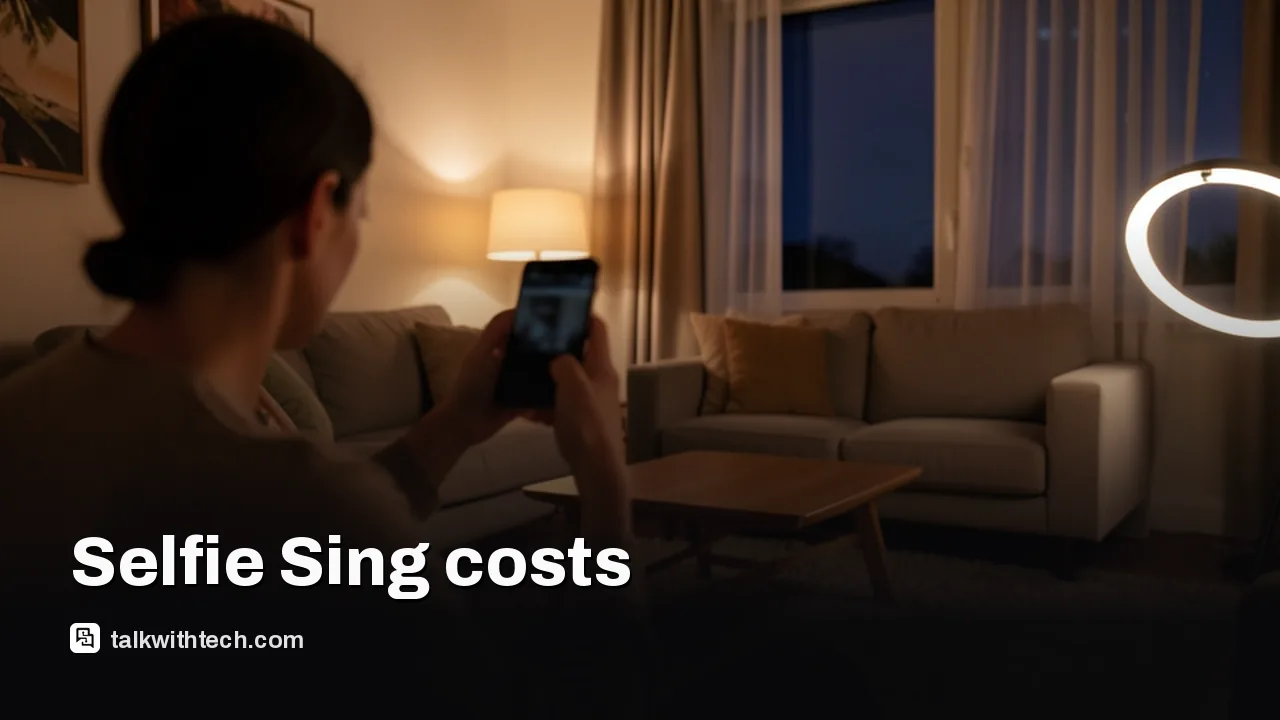
The new Selfie Sing mode in the iOS 27.3 beta records a vertical video of you singing while lyrics scroll on screen.
Selfie Sing works only on iPhone for now, from a fixed playlist of 49 songs, with clips capped at one minute.
Recording needs iOS 27.3, which is in developer beta and expected to reach everyone sometime in December.
Quick read · 1 min
Apple Music Sing isn't free on its own. Apple's karaoke mode, which lowers a singer's voice and shows lyrics in time with the song, only works with an Apple Music subscription on a supported iPhone, iPad or Apple TV 4K.
The new part is Selfie Sing, found in the iOS 27.3 developer beta. It films you with the iPhone camera while lyrics scroll on screen, then lets you change your vocal volume, add an effect like Echo or Concert Hall, trim the clip and save or share it.
Only a 49-song playlist supports it for now.
Clips stop at one minute and are vertical only.
It's iPhone only; iPad has no camera option.
iOS 27.3 is expected to reach everyone in December, and Apple hasn't yet published support details for Selfie Sing.
Is Apple Music Sing free? Not on its own. Apple’s karaoke mode only works for people with an Apple Music subscription. Now it’s getting Selfie Sing, a new feature in the iOS 27.3 beta that films you singing along while the lyrics roll up your iPhone screen.
That matters because Selfie Sing is the first time Apple Music lets you make something you can post, not just listen to. If you’ve been recording karaoke clips for TikTok or Instagram by juggling two apps, Apple now wants to do the whole job inside its own music app. There are limits, though, and a few of them are big.
01
Is Apple Music Sing free, or do you need a subscription?
You need a paid Apple Music plan. Apple’s own support guide says Sing works with your Apple Music subscription, and that you have to be signed in on a supported device with the same Apple Account that pays for it.
Selfie Sing is built on that Sing feature inside the Apple Music app. Apple also notes that what Apple Music offers can differ by country or region, which is worth checking if you’re outside the US, UK or Canada.
Here’s what the basic Sing mode already gives subscribers today, before any beta:
Time-synced lyrics that light up as the song plays.
A slider that turns the original singer’s voice down so yours can take over.
On an Apple TV 4K (3rd generation or later), the option to use your iPhone as the microphone.
Not every track supports it. Apple says that if the Mic button never appears on a song, Sing simply isn’t available for that one.
02
What Selfie Sing adds: a karaoke video in one app
Selfie Sing turns the front camera on you while you sing. The words keep scrolling on the display as you record, so you can watch yourself and still follow the verse.
The flow is short. On a song that supports it, a camera icon appears under the vocal volume control. Tap it, press the red record button, and the lyrics start moving. When you stop, a simple editor opens.
In that editor you can:
Make your voice louder or softer in the mix.
Trim the length of the clip.
Add one of four sound effects to your vocals: Studio, Echo, Megaphone or Concert Hall.
Save the video to your Photos library or send it to friends.
The original vocals stay in the background, just barely audible, according to early testers. Apple Music Sing has always worked this way: you can lower the singer’s voice a lot, but not switch it off completely.
Apple’s description inside the app pitches the feature as a party moment rather than a talent show, promising that nothing has to be pitch-perfect. The same screen also reminds people to update to the latest iOS first, which hints at the biggest catch right now.
03
The catch: 49 songs, one minute, iPhone only
Selfie Sing is far more limited than regular Sing. Three restrictions stand out in the first beta.
A fixed playlist. You can’t record a Selfie Sing to any song you like. It only works with a dedicated Selfie Sing playlist, which early hands-on testing counted at 49 tracks. The picks lean on crowd-pleasing karaoke staples, including Wonderwall, Like a Virgin, Respect, Since U Been Gone, Hungry Like the Wolf, 9 to 5, What Makes You Beautiful and Baby One More Time, plus songs from Marvin Gaye, Bonnie Tyler, Whitney Houston and the Goo Goo Dolls.
A one-minute cap. Recordings currently stop at one minute. That’s not long enough for a full song, and often not even a verse plus a chorus.
iPhone only, and vertical only. The camera option doesn’t show up on iPad, even an iPad Pro running the iPadOS 27.3 beta, and videos come out in portrait orientation only. That suits phone-first social apps, but not a TV-style karaoke night.
There’s also no Animoji option. The first clip of the feature, shared by app code sleuth Aaron Perris, showed an animated boar singing, but Perris said he added that himself so he wouldn’t have to post his own face. The feature itself films the real you.
04
Which iPhones can record a Selfie Sing?
Apple hasn’t published a device list for Selfie Sing yet. In fact, it hasn’t posted any support documentation for the feature at all, so details could change before release.
For the regular Sing mode, Apple’s supported list is clear:
iPhone 11 or later, or iPhone SE (3rd generation), on the latest iOS.
On iPad, on the latest iPadOS: the standard iPad from the 9th generation, an iPad mini from the 6th, an iPad Pro from the 5th, or an iPad Air from the 4th.
Apple TV 4K (3rd generation or later), on the latest tvOS.
One iPhone gets a bonus. On the iPhone Duo, Selfie Sing uses the stronger rear cameras while the lyrics move to the outer display, so you can still read the words. That should give sharper video than the front camera on other models.
There’s a version split to know about too. The Selfie Sing playlist already appears for people on iOS 27.2, but the camera button only shows up on iOS 27.3. If you can see the playlist and nothing happens when you look for the record option, that’s why.
When Selfie Sing arrives, and what it means for you
Selfie Sing came with the first developer beta of iOS 27.3, released late on Tuesday. The full update is expected to reach everyone sometime in December. It’s a bigger release than this one feature: it also brings more Siri AI features, a redesigned Health app, an adaptive dark mode and vertical tabs in Safari, and new StandBy clocks.
For most people, the practical answer is simple. Regular Sing needs an Apple Music subscription and a supported device, and Selfie Sing needs iOS 27.3 on an iPhone on top of that.
It’s also worth keeping expectations modest. Apple has tried short social videos before with its Clips app, which launched in 2017 and was pulled from the App Store in October last year. Selfie Sing could catch on, or it could fade into a fun party trick. A full-song recording limit and the whole catalog, rather than 49 hand-picked tracks, would make the biggest difference.
Apple hasn’t documented Selfie Sing yet, so the 49-song list and the one-minute cap may change before iOS 27.3 reaches everyone, which is expected in December.
06
Quick answers
Is Apple Music Sing free?
No. Apple says Sing works with an Apple Music subscription on a supported iPhone, iPad or Apple TV 4K.
Can you record yourself on Apple Music Sing?
Yes, with Selfie Sing in iOS 27.3. It records a vertical video of you singing with scrolling lyrics, for up to one minute, from a set playlist of songs.
Does Selfie Sing work on iPad or Mac?
Not right now. The camera option is iPhone only, and Apple’s supported list for regular Sing covers iPhone, iPad and Apple TV 4K, with no Mac on it.
Apple's new questionnaire tags dating apps and romantic AI chatbots as adults only, and flags location sharing. Here's what parents and developers face.
Samsung's built-in news feed on Galaxy phones and tablets ends in December. Here is the exact cutoff, what gets deleted, and how to switch in under a minute.
6 min read
We use cookies to understand how readers use Talk With Tech, so we can make it better. Is that OK? Privacy policy
The Daily Brief
Today's biggest tech stories, in 5 minutes
Every morning, the news that matters from AI, phones, apps and the people shaping tech. Explained in plain English. Free.
One email a day. No spam, unsubscribe anytime. Privacy policy