How to use ChatGPT CarPlay: setup steps, a Siri trick, the limits
ChatGPT has a voice app on your car's screen, and OpenAI now lets Dot owners phone their assistant from the dashboard. Here is the setup, start to finish.
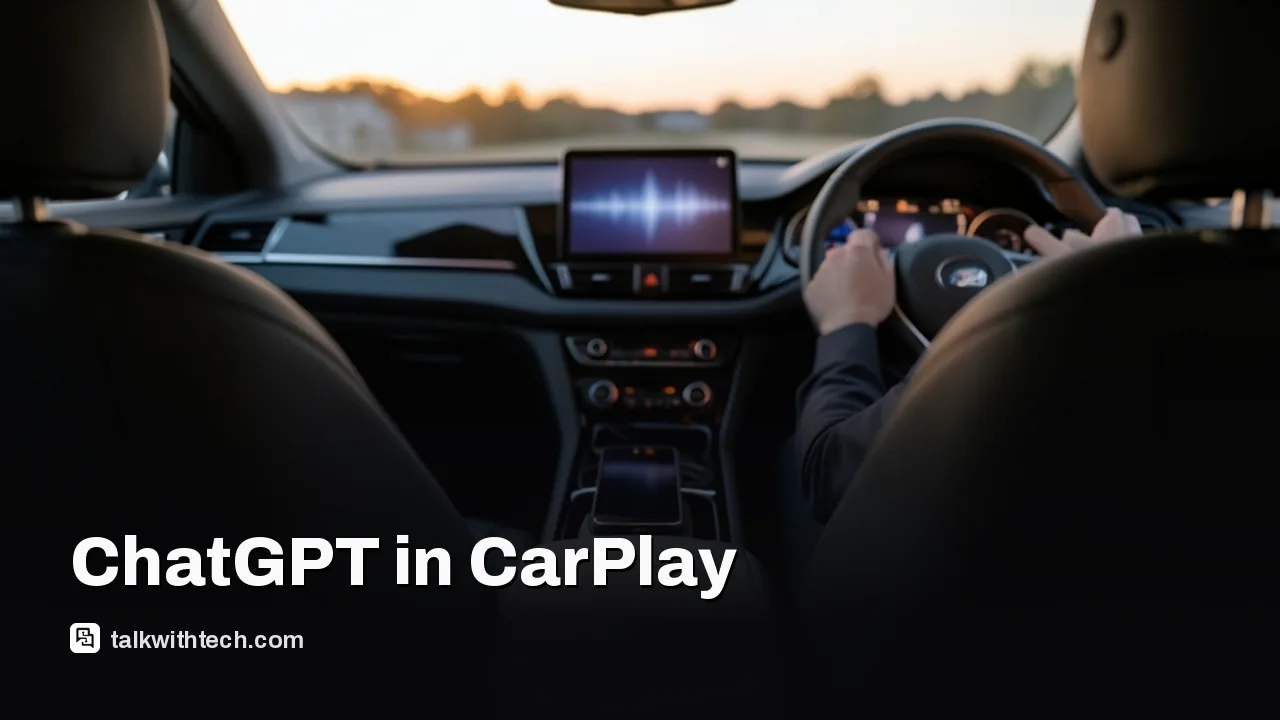
ChatGPT works in CarPlay as a voice-only app on iPhones running iOS 26.4 or later with the latest ChatGPT app.
A setting inside the ChatGPT app makes it open in voice mode in the car, and Siri can launch it for you.
OpenAI said on November 20 that people who have a ChatGPT Dot can now call it from CarPlay.
ChatGPT in the car cannot send texts, control the vehicle, see your location or show answers on screen.
Quick read · 2 min
ChatGPT runs in Apple CarPlay as a voice-only app. You need a CarPlay car, an iPhone on iOS 26.4 or later and the latest ChatGPT app. If the icon is missing, updating the app usually fixes it.
Tap ChatGPT on the dashboard and start a new voice chat, or resume an old one.
In the ChatGPT app's voice settings, switch on automatic start for CarPlay.
Say "Siri, open ChatGPT" to launch it without touching the screen.
New this week: OpenAI says people with a ChatGPT Dot can call it from CarPlay, so they can check on a task in progress without re-explaining it. Dots are on Pro, Business Premium and Enterprise plans, with a small Plus test running.
Limits remain. ChatGPT can't show text or images in the car, control the vehicle, send messages or see your location, and it can still get facts wrong, and you can't easily fact-check it while driving.
If you want to know how to use ChatGPT CarPlay voice chat, the short version is this: update your iPhone to iOS 26.4 or later, update the ChatGPT app, plug into (or wirelessly connect to) a car that supports CarPlay, and tap the ChatGPT icon on the dashboard.
There is also something new this week. OpenAI says people who already have a ChatGPT Dot, its always-on assistant that keeps working on tasks in the background, can now call that Dot from CarPlay. Romain Huet, who heads developer experience at OpenAI, showed it in a video posted to X on November 20, and company president Greg Brockman shared the clip. So the dashboard app is no longer just a place for quick questions. For some subscribers it is a way to check on work in progress during the drive home.
01
What you need before ChatGPT shows up in CarPlay
You need three things.
A car with CarPlay.
iOS 26.4 or later. Apple released that update on March 24, and it added a new category of CarPlay app built around spoken conversation. Before it, chatbots had no way onto the dashboard.
The newest ChatGPT app. This is the step people miss. One tester had the right iOS version and still could not see ChatGPT in the car until the app itself was updated. After the update, the icon appeared on the last page of CarPlay apps.
To update, open the App Store on the phone, tap your profile picture, look for the pending updates list and install the ChatGPT one. If you have never installed the app, get it from the App Store first and sign in.
02
How to use ChatGPT CarPlay voice chat, step by step
Once the three requirements are met, these are the steps testers followed.
Connect the phone to the car. Start the car and wait for CarPlay to load as usual.
Find the ChatGPT icon. Swipe through the CarPlay app pages. One tester found it on the last page.
Move it somewhere handy. On the iPhone, open the Settings app, go into the General section, choose CarPlay, pick your car and open its list of apps. Drag ChatGPT up the list with the three-line handle so it sits on the first dashboard page.
Start a conversation. Tap ChatGPT on the car screen and choose the option for a new voice chat. The status text switches from connecting to listening, and then you can just talk.
Pick up an old chat if you want. The app’s main screen lists earlier conversations, and tapping one resumes it. Chats saved inside a project can be opened the same way.
End or mute. During a session the screen is nearly bare. One reviewer saw only two buttons, one to end the chat and one to mute the microphone, which is useful when you want to talk to a passenger without the assistant listening.
03
The setting that makes it hands-free
Tapping through menus while driving is exactly what you should avoid, and there are two ways around it.
First, open the ChatGPT app on the phone, go to its settings and find the Voice section. There is a switch there that tells the app to start automatically in CarPlay. With it on, opening ChatGPT in the car should drop you straight into voice mode with no extra tap.
Second, use Siri as the doorman. ChatGPT has no wake word of its own in the car, so you cannot summon it by name out of nowhere. You can, though, say “Siri, open ChatGPT,” and the app should launch ready to listen. Combine the two and you never touch the screen.
One caveat from testing: the auto-start switch did not work every time. A reviewer who had it turned on said the app sometimes opened without voice mode running, which meant one tap on the screen to get going.
04
What calling your Dot from the car adds
A regular CarPlay voice chat is a fresh conversation, or a resumed one. A Dot is different. OpenAI introduced Dots in September as assistants that keep going between conversations, can connect to apps you choose, and make progress on a project when you are not looking.
Calling a Dot from CarPlay means you reach that same assistant, with the task you already gave it. You could ask where a job stands without explaining it all again, or hand over a new task from the road and let the Dot keep at it after you park.
The catch is access. Dots launched for ChatGPT Pro, Business Premium and Enterprise accounts. OpenAI has started a limited test with a small number of Plus subscribers and is rolling Dots out to Business Standard users. OpenAI describes availability as eligible adults on Pro in supported regions, Canada among them. The announcement gave no separate rollout schedule for the CarPlay calls.
On price, the only figures in the reports come from Canada, where the iPhone App Store lists ChatGPT Plus at $24.99 a month and ChatGPT Pro from $152.99 a month, both in Canadian dollars. OpenAI does not list a separate consumer price for a Dot.
The dashboard version is deliberately stripped back, and most of the limits come from Apple’s rules for this kind of app.
No text or pictures in answers. Apple requires voice to be the main way you interact, and chatbot apps are told not to put written or visual responses on the car screen.
A fixed, simple layout. Apps must use Apple’s voice control template, stay within a small set of approved screens and can offer only a handful of action buttons.
No control of the car or the phone. ChatGPT in CarPlay cannot change vehicle settings or operate iPhone functions.
No reach into your apps. In a standard voice chat it has no access to email, messages or Maps, and it cannot see your live location. Sending a text, getting directions, checking the calendar and playing music are still Siri’s jobs.
06
Should you trust what it tells you on the road?
Treat the answers the way you would treat a confident stranger’s. In one early test, ChatGPT in CarPlay was asked how long the CarPlay feature had existed and said late 2023, a date it later admitted was a mistake after being challenged several times.
That matters more in a car than at a desk. You can’t glance at a search result to double-check while driving, so the only fact-checker available is the chatbot itself. Reviewers found it works well for passing the time on a long commute: chatting about whatever is on your mind, hearing a story, playing a game or practicing a language. A wrong answer you file away as true is the risk to keep in mind.
ChatGPT also has company on the dashboard now. Google’s Gemini Live works in CarPlay and can catch you up on Gmail or your calendar, Microsoft 365 Copilot handles voice chats and meeting prep, and Claude, Grok, Perplexity and Meta AI offer voice conversations there too.
07
Quick answers
Why isn’t ChatGPT showing up in CarPlay?
Check two things: the iPhone needs iOS 26.4 or later, and the ChatGPT app needs to be on its latest version. An out-of-date app is enough to keep the icon off the dashboard, and once updated it may sit on the last page of apps.
Can I say “Hey ChatGPT” in the car?
No. There is no wake word. Ask Siri to open ChatGPT, or tap the icon, and turn on the automatic start option in the app’s voice settings so it begins listening right away.
Do I need to pay to call a Dot from CarPlay?
You need an account that has a Dot. Those are on Pro, Business Premium and Enterprise plans, with a limited test under way for some Plus subscribers and a rollout to Business Standard users.
Google just added four grocery stores, a tax tool and credit checks to Gemini and Search. Here is the list, who can use it, and one habit worth learning.
LinkedIn's new digital card lives in Apple Wallet or Google Wallet and swaps with one scan. Here is how to build yours, share it, and what it won't do.
7 min read
We use cookies to understand how readers use Talk With Tech, so we can make it better. Is that OK? Privacy policy
The Daily Brief
Today's biggest tech stories, in 5 minutes
Every morning, the news that matters from AI, phones, apps and the people shaping tech. Explained in plain English. Free.
One email a day. No spam, unsubscribe anytime. Privacy policy