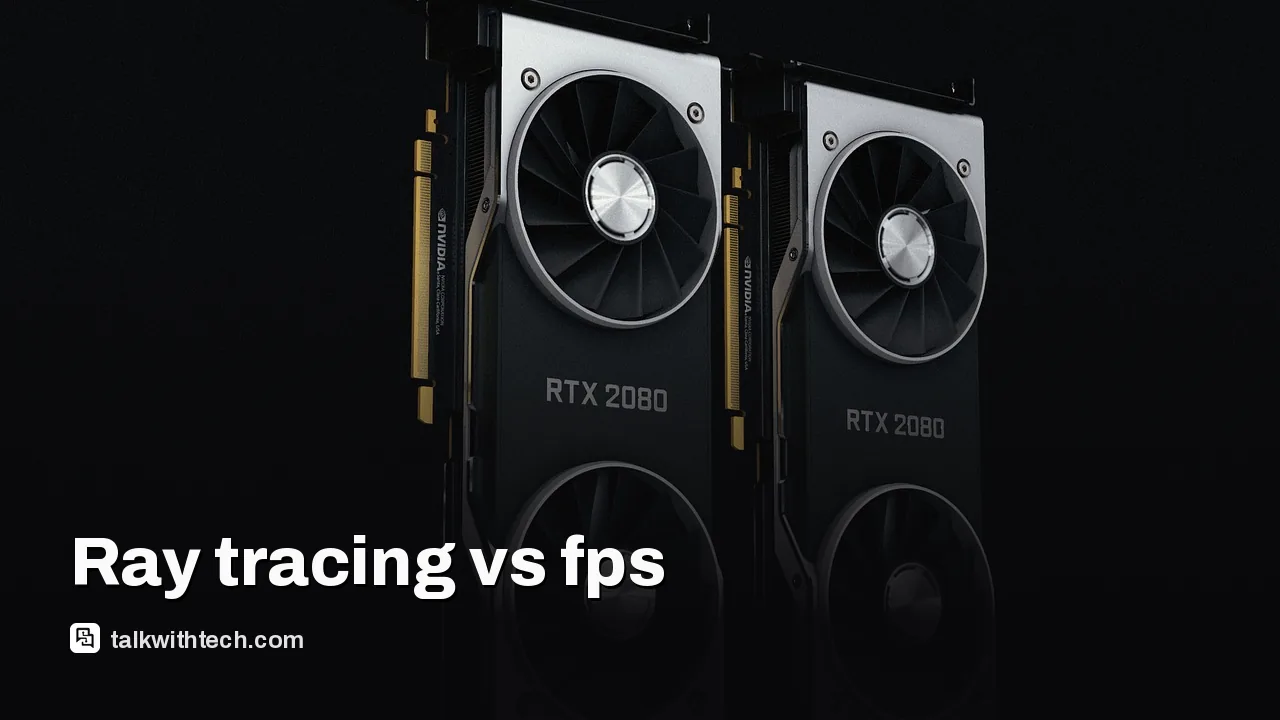
Ray tracing boosts visuals but can cut fps on midrange PCs
Ray tracing can make lighting and reflections look far more realistic, but it can also slam frame rates on midrange PCs. Here's what that means for you.
Ray tracing simulates light bouncing in a scene to create realistic reflections, shadows, and lighting.
On midrange or older GPUs, turning RT on usually drops frame rates, sometimes by 20% to 40% depending on the game.
High-end GPUs with upscaling tech like DLSS can help recoup frames, but results vary by title.
For most players, test RT in each game and balance visuals with smooth gameplay; path tracing is far more demanding.
Quick read · 1 min
Ray tracing improves lighting, reflections, and shadows in games by simulating how light moves. The trade-off is that it can lower frames per second on many GPUs, especially midrange ones.
Many players find that enabling RT cuts fps by about 20% to 40% in a lot of titles. Upgrading with AI-based upscaling can help recover some frames, but results depend on the game and hardware. Path tracing looks even nicer but is far more demanding.
Test RT game by game. If you care most about visuals, turn RT on in the games where it matters most; if you value speed, keep it off or use a cautious setting. The tech should keep improving as drivers and games optimize how RT and upscaling work together.
Ray tracing in gaming is a way to imitate how light behaves in real life. It lets reflections bounce off surfaces more accurately, shadows become softer where light is occluded, and scenes glow with more lifelike lighting. The effect can be dramatic, especially in scenes with shiny metal, glass, and multiple light sources. But realism comes with a cost: more work for your graphics hardware.
In practical terms, enabling ray tracing often means fewer frames per second, and that hit can vary a lot from game to game. When developers enable RT for modern AAA titles, players on midrange GPUs typically see a noticeable dip in performance. Reviews and tests across several popular games show that enabling RT can reduce frame rates by roughly 20% to 40% on many setups. Some titles with heavier lighting effects can drop even further, depending on how the game renders reflections and global illumination.
What helps offset that hit are upscaling and AI-driven frame generation features. Technologies like DLSS (NVIDIA) or similar vendor solutions aim to preserve much of the RT visual quality while boosting frames. The exact benefits vary by game and GPU, and these upscalers can introduce small artifacts or input-lag concerns for sensitive players. The idea is to keep a game looking good without sacrificing too much responsiveness.
Path tracing is a more ambitious form of ray tracing. It calculates lighting by simulating many bounce paths for light, which can produce stunning realism. The trade-off is even stiffer: path tracing is typically far more demanding than standard ray tracing. In many games, you’ll see much bigger frame rate drops if you enable path tracing, unless you have top-tier hardware and aggressive upscaling turned on.
So, is ray tracing worth it for you? If you have a powerful GPU and a monitor that looks best with richly lit scenes, RT can be worth it in certain games. If you care about staying at a smooth, steady frame rate for action-heavy games, you’ll likely prefer RT off or use it sparingly, picking moments where the enhanced lighting matters most.
What this means for the average gamer is simple: test RT on a per-game basis, compare the visuals with RT on and off, and decide what feels right. If you want the best of both worlds, pair RT with a reputable upscaling tech and choose a mode that preserves you a stable experience rather than chasing the highest fidelity in every scene.
01
Which games benefit most from ray tracing
Games with complex lighting, reflective surfaces, and detailed environments tend to show the biggest RT gains. The most noticeable improvements show up in scenes with glass, water, metal, and multiple light sources. If a game relies heavily on dynamic, real-time lighting, RT can make those visuals pop more compared with traditional rendering.
02
How to judge performance on your setup
Start by turning RT on in a scene you like and measure your average frame rate at your usual play settings. Then try a few alternative upscaling modes if available to see if you can reclaim frames without a large drop in image quality. If you’re using a midrange GPU and notice a big slowdown, you may find a better balance by leaving RT off and focusing on higher resolutions or higher detail settings elsewhere.
03
Path tracing vs standard ray tracing
Path tracing, sometimes called full ray tracing, renders lighting in a way that’s closer to reality, producing more natural reflections and global illumination. It’s more demanding than regular RT, so only a small slice of games support it well, and only on powerful hardware. If you do see path tracing options, enable them only if you’re chasing the strongest possible visuals and you have a setup that can handle it without a noticeable frame loss.
04
What this means for everyday people
For most players, RT is a visual option rather than a must-have. If you’re shopping for a new graphics card or building a PC, consider your typical games and whether you’re willing to trade some frames for better lighting in a few titles. If you already own a capable GPU, you’ll get the best results by pairing RT with a solid upscaling tech and by testing RT in each game to see whether the look is worth the performance cost.
As GPU makers push more capable upscaling and developers tune RT effects, expect better balance over time. If you want to experiment now, pick a couple of your favorite games, enable RT at modest settings, and compare with RT off. That’s the quickest way to decide what matters most to you: eye candy or smooth action.
06
Quick answers
Is ray tracing always better?
Not always. It can greatly improve lighting in scenes with many reflective or translucent surfaces, but it often costs performance, especially on midrange GPUs.
How can I keep frames up if I want RT?
Use upscaling and frame-generation features when available and test different RT presets per game to find a good balance.
Rockstar still won't talk frame rates before the November 19 launch. Here's what the footage, the leaks and the hardware actually tell PS5, PS5 Pro and Xbox owners.
A supply-chain leak says Nvidia is rushing a 24GB RTX 5080 for December or January. Here is what's confirmed, what isn't, and what it means for buyers.
5 min read
We use cookies to understand how readers use Talk With Tech, so we can make it better. Is that OK? Privacy policy
The Daily Brief
Today's biggest tech stories, in 5 minutes
Every morning, the news that matters from AI, phones, apps and the people shaping tech. Explained in plain English. Free.
One email a day. No spam, unsubscribe anytime. Privacy policy