100% AnyPS5 shader coverage clears a big decoding hurdle
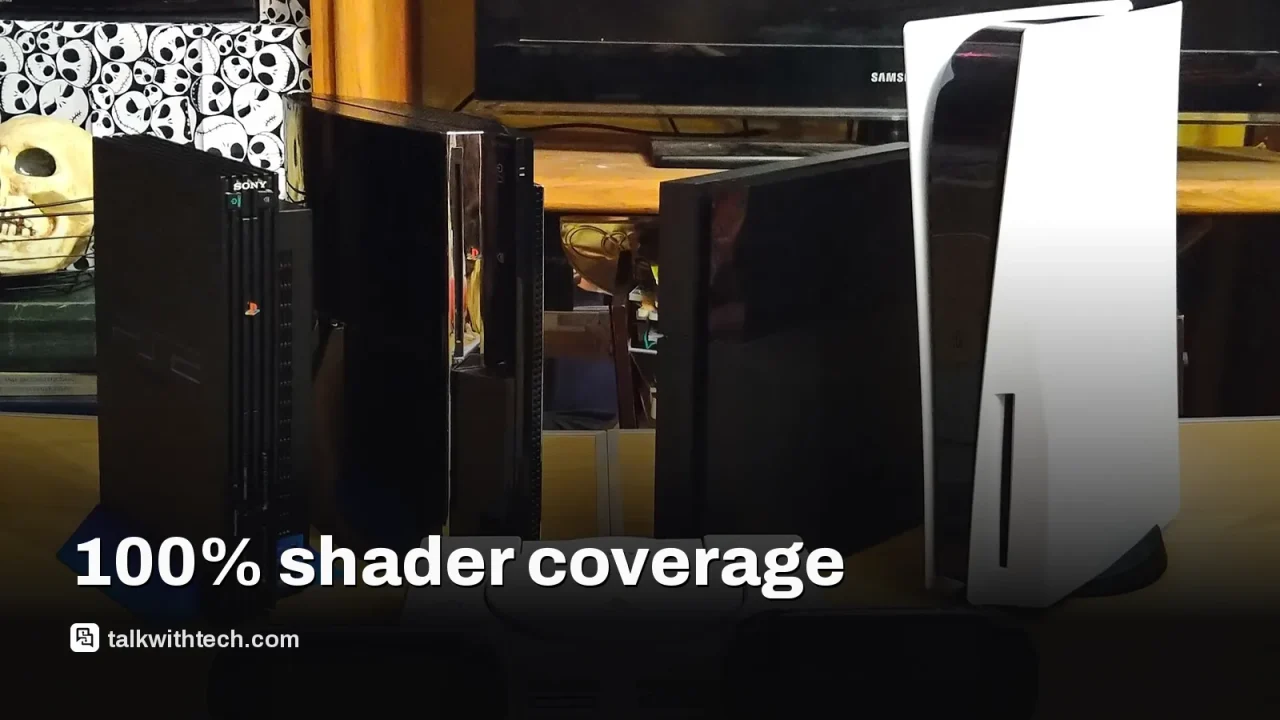
The open-source AnyPS5 project has reached a milestone that could edge us closer to PS5 games running natively on Windows and Linux, though hurdles remain before console-to-PC play becomes real.
AnyPS5 has achieved 100% GPU shader instruction coverage for its tracked RDNA 1 and RDNA 2 instructions, a milestone in porting PS5 games to PC.
100% coverage here means the shader decoder recognizes all instructions, not that games run perfectly on PC yet.
The project uses binary transformation to relink PS5 executables into native PC binaries, with shader programs translated to SPIR-V for Vulkan.
Massive caveats remain: full game compatibility requires correct behavior across graphics state, memory, and system libraries, plus real-world testing on multiple titles.
Quick read · 1 min
AnyPS5 has reached a milestone: 100% GPU shader instruction coverage for the PS5’s RDNA1 and RDNA2 instructions. This is a sign the project understands the graphics side well enough to translate PS5 shaders for PC GPUs, which is crucial for future native-like ports.
But there’s a big caveat. Full PS5 play on PC isn’t here yet. The project still has many non-graphics components to verify across system libraries, memory, and networking, and only Dreaming Sarah is currently verified as playable in testing.
What this means for you: some PS5 games could someday run more smoothly on PC hardware, but you shouldn’t expect full, ready-to-play titles right now.
Next steps: more titles tested, more performance data, and broader compatibility work from the AnyPS5 team.
The AnyPS5 project has reached a milestone that sounds promising for PC players: it now lists all 1,166 GPU shader instructions from the PS5’s RDNA1 and RDNA2 set as implemented. In plain terms, the shader decoder can recognize every instruction in the palette the PS5 uses for graphics. But there’s a big caveat: this doesn’t mean PS5 games will suddenly run on your PC with no work left.
AnyPS5 is not a traditional emulator. It reworks PS5 binaries so they run as native PC executables on Windows or Linux, using a combination of binary transformation and API reimplementation. Instead of recreating the entire console in software, it adapts the game’s machine code and provides native stand-ins for the PS5 system libraries the game expects. When it comes to graphics, the project translates RDNA shader programs into SPIR-V so they can run on PC GPUs via Vulkan.
Even with shader coverage at 100%, there are still major hurdles. The tracker shows 84.69% implementation across the 2,578 system-library functions declared in its codebase, but that doesn’t mean every function behaves perfectly. Things like graphics state, texture formats, memory management, audio, and synchronization still need real-world testing. And the project notes no title is fully verified for play; at present, the only verified playable title is a simple 2D platformer named Dreaming Sarah.
In short, AnyPS5 is making steady progress toward letting specific PS5 games run more natively on PC hardware, but we’re not near “insert disc, press play” territory. The long path involves verifying performance, stability, and correct behavior across a wide range of titles and PC configurations.
01
What this milestone actually means
100% shader instruction coverage is an important sign that the project understands the GPU side of the PS5. It’s the first step toward broader compatibility, especially for games using RDNA 1 and RDNA 2 shader pipelines. However, translating those shaders into something a PC GPU can execute is just one piece of the puzzle. Real-world play requires that the whole game can be launched, assets loaded, and all systems synchronized without crashes.
02
How AnyPS5 works in practice
The approach is to take a PS5 executable, relink it into a native PC binary, and provide substitutes for the PS5’s libraries. For graphics, that means decoding RDNA shaders and reimplementing graphics behavior so a PC GPU can render the same scenes. It does not rely on decryption tools or disc ripping; it’s about transforming what the game expects to run on the PS5 into a form PC hardware can execute.
03
Limitations you should know
Despite full shader coverage, the compatibility list is far from broad. Network libraries, input handling, audio, and other system services still have work to do. Memory demands can be high; one title might request substantial direct memory, and systems with limited RAM could struggle. The project emphasizes that this is not a general PS5 emulator, but a framework that could enable selectively ported games in the future.
04
What this means for everyday gamers
For now, there’s no promise of a PS5 library of titles running on PC tomorrow. If progress continues, we might see an increase in unofficial, native-like PC ports for certain games without official PC releases. That could broaden the pool of games you can play on a Windows or Linux PC, though it will come with caveats around compatibility and legality.
Developers on the AnyPS5 project will keep expanding implementation coverage and testing more titles. If more games become verifiably playable, expect more detailed compatibility notes and performance benchmarks as the project matures. The big question remains whether the approach can scale to major PS5 releases with complex networking and anti-tamper protections.
06
Quick answers
Will I be able to play PS5 games on PC soon?
Not yet. The milestone is meaningful, but full, reliable PC play requires more testing and broader compatibility than the current scope shows.
What does 100% shader coverage actually mean?
It means the shader decoder recognizes every PS5 shader instruction in the tracked set; it does not guarantee correct behavior or complete game compatibility.
What you can do now: follow project progress, and wait for more titles and real-world performance tests before trying anything on your own machine.
Rumors of a third delay keep spreading as rival games flee to 2027, but Rockstar's November 19 launch date hasn't moved. Here's what's official and what isn't.
FromSoftware has pushed its Switch 2 exclusive into next year without naming a day. Here's what the August test exposed and what the extra months are for.
5 min read
We use cookies to understand how readers use Talk With Tech, so we can make it better. Is that OK? Privacy policy
The Daily Brief
Today's biggest tech stories, in 5 minutes
Every morning, the news that matters from AI, phones, apps and the people shaping tech. Explained in plain English. Free.
One email a day. No spam, unsubscribe anytime. Privacy policy