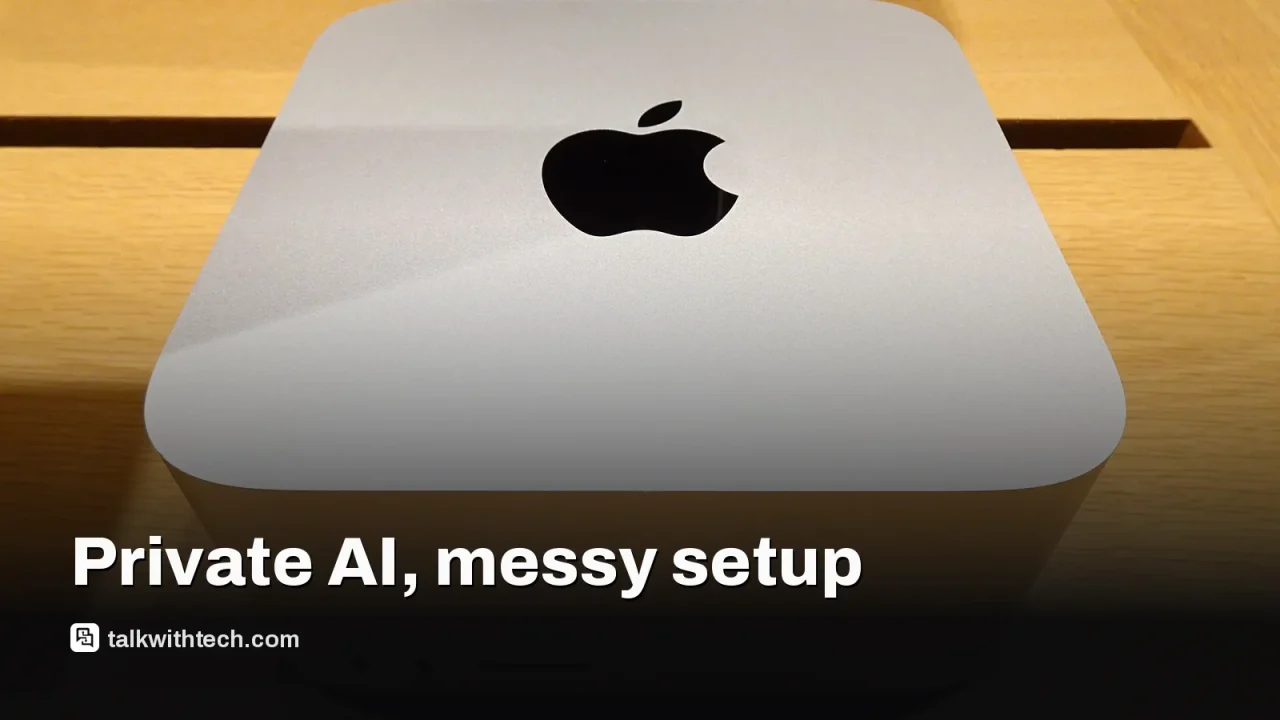
Local AI can cut out cloud dependence and improve privacy, but it demands strong hardware and careful setup.
Choosing the right model and software is crucial, and success often hinges on starting with small, practical tasks.
A local AI agent can automate tidy, low-risk chores on your computer when configured carefully.
Quick read · 1 min
A writer tests running AI on a personal computer to see if data can stay private while still getting useful help. They start with a local AI agent called Hermes and a large model named Qwen 3.8 Flash Next. The goal is to handle small, practical tasks without uploading sensitive data. It’s doable but requires a capable computer, careful setup, and clear boundaries about what the AI can do. Progress is real, but there are real limits as well.
If you’re curious about trying this at home, start with a single, non-sensitive task and a trusted local app. Gradually expand as you gain confidence in how the tool handles real work without cloud connections.
Start small
Protect your data
Grow your use over time
A reader takes on a hands-on experiment: can you actually run capable AI models on your own computer and keep sensitive data off the cloud? The answer is yes in many cases, but it isn’t a smooth ride yet. The author starts with Hermes, a desktop AI agent that runs locally on Windows, macOS, or Linux, and pairs it with a large language model (LLM) like Qwen 3.8 Flash Next. With a machine that has plenty of memory, you can begin testing, but there are real setup hurdles and trade-offs to consider.
What matters most about local AI is privacy and latency. Instead of sending prompts to remote servers, the models run on your device. That can calm worries about data leaks and give you quicker responses, but it also means you’re responsible for hardware, software, and safety boundaries. The big question readers ask is whether this setup is practical for everyday tasks, and the early answer is: it depends on what you want to do and how much you’re willing to tinker.
01
What local AI means for you
In plain terms, local AI lets you host certain AI functions on your own computer. The writer starts with a 125‑billion parameter model about 105GB in size, using Hermes’ onboarding to pick it. The goal is to explore tasks that don’t require cloud access, while keeping sensitive information on-device. The privacy upside is real, since data doesn’t automatically travel to a remote server, but you’ll need to measure if your hardware can handle the workload.
02
Getting started: how it works today
To begin, you’ll need a capable machine, a local AI app, and a model that fits your setup. The story uses Hermes as the desktop agent and a high-capacity model like Qwen 3.8 Flash Next. Once installed, you can even control the setup from a phone via a linked bot, proving you don’t need to be chained to a desk. The initial steps focus on a simple morning briefing: an alerting routine that checks email and calendar and gives a quick weather summary.
03
What tasks actually work now
The experiments show both wins and limits. Local AI can help tidy up digital libraries, crunch small data tasks, and suggest smarter ways to organize work. But turning those suggestions into concrete actions, like reshaping dozens of files or running large-scale benchmarks, requires careful permission handling and clear boundaries so you don’t expose private data or disrupt important apps.
04
Privacy, control, and the road ahead
The privacy angle is compelling: if your data never leaves your device by default, you gain a layer of control cloud-based services can’t easily provide. Still, you’ll face questions about what data you share with the AI components and how you configure access. Hardware matters a lot, more memory and faster storage make the experience feel quicker and more capable. For many readers, the next move is to pick a single, low-risk task to automate locally and grow from there as confidence builds.
Today’s testing shows you can start small with local AI on a capable PC. If you’re curious, try a simple, non-sensitive task first, pick a local AI app that fits your OS, and grant only the permissions you’re comfortable with. Over time, you can expand to more ambitious tasks as you learn what works without sending data to the cloud.
06
Quick answers
What is local AI?
Running AI models directly on your own computer rather than in the cloud.
Do I need top-tier hardware?
A powerful system helps, but you can start with midrange gear and smaller models to learn what fits your needs.
Is it safe to give local AI access to files?
Only grant permissions you truly need and keep the option to revoke them. Back up important data.
OpenAI now has two fresh GPT-6.1 models. Sol is the stronger thinker, Terra the fast, cheap worker. Here's how they compare on price, speed, accuracy and access.
OpenAI's CEO called RAM in home computers a poor use of scarce memory. Here is his argument, the numbers behind the shortage, and what it means for your next PC.
You describe what you want in everyday words and an AI writes the code. It's now stripping ads from TVs and building Unreal Engine. Here's where it breaks.
6 min read
We use cookies to understand how readers use Talk With Tech, so we can make it better. Is that OK? Privacy policy
The Daily Brief
Today's biggest tech stories, in 5 minutes
Every morning, the news that matters from AI, phones, apps and the people shaping tech. Explained in plain English. Free.
One email a day. No spam, unsubscribe anytime. Privacy policy