Saturday, 10 October 2026

Windows 11 generally wins, but Windows 7 beat it in DX9 moments

We tested Windows 7 on a current gaming rig to see how it stacks up against Windows 11 in 2026.

Windows 11
Photo: MikoSushi000 / Public domain (modified)

The short version

  • Tom's Hardware installed Windows 7 on a modern AMD AM5 system with a recent RX 6950 XT to compare with Windows 11.
  • In DirectX 11 games, Windows 11 generally performs better, but Windows 7 shows advantages in certain CPU-bound moments and DirectX 9 titles.
  • Driver availability and legacy hardware support are the main blockers for running Windows 7 on current PC builds.
  • For everyday gamers, the takeaway is practical: stick with Windows 11 for broad support, but Windows 7 can still run some older titles if you must.
Quick read · 1 min

We tested Windows 7 on a modern gaming PC against Windows 11 to see which holds up today. On DirectX 11 games, Windows 11 usually wins, but Windows 7 can beat Windows 11 in certain CPU-bound moments and native DirectX 9 titles. The big caveat is driver and hardware compatibility, Windows 7 lacks native support for today’s motherboards and storage tech, so you’ll need legacy boot and slipstreamed drivers. For most players, Windows 11 remains the practical choice. If you must revisit an old title, Windows 7 can work, but you’ll run into setup headaches.

  • DirectX 11: Windows 11 leads overall, Windows 7 trails.
  • DirectX 9: Windows 7 can have an edge due to native support.
  • Bottom line: stick with Windows 11 for most gaming today.

Windows 7 is back in the lab, but not in the sense you’d expect. We installed the 2009 classic on a modern gaming PC and pitted it against Windows 11 to see how the venerable OS stacks up on today’s hardware. The test rig uses an AMD AM5 platform and a current RDNA 2 GPU, with a mix of DirectX 11 and DirectX 9 titles to cover both modern and older games.

The setup matters as much as the software. Windows 7 lacks native NVMe and USB 3.0 support in its stock form, so the team had to slipstream drivers into the install. We also had to enable legacy boot options on a motherboard that wasn’t built with Windows 7 in mind. Despite those hurdles, the experiment reveals a few surprising angles about when older code can still shine and when it can’t.

01

What happened when you run Windows 7 on a modern PC?

In DirectX 11 titles, Windows 11 generally delivers higher frame rates. But Windows 7 isn’t a total wash. In CPU-bound moments of some games, Windows 7 showed stronger 1% lows, meaning fewer small drops in frame rate. For DirectX 9 titles, Windows 7 has an edge because it runs them natively, whereas Windows 11 relies on a mapping layer. The upshot is nuanced: you may get steadier play in some old games on Windows 7, but for the vast majority of modern titles, Windows 11 remains the smoother choice.

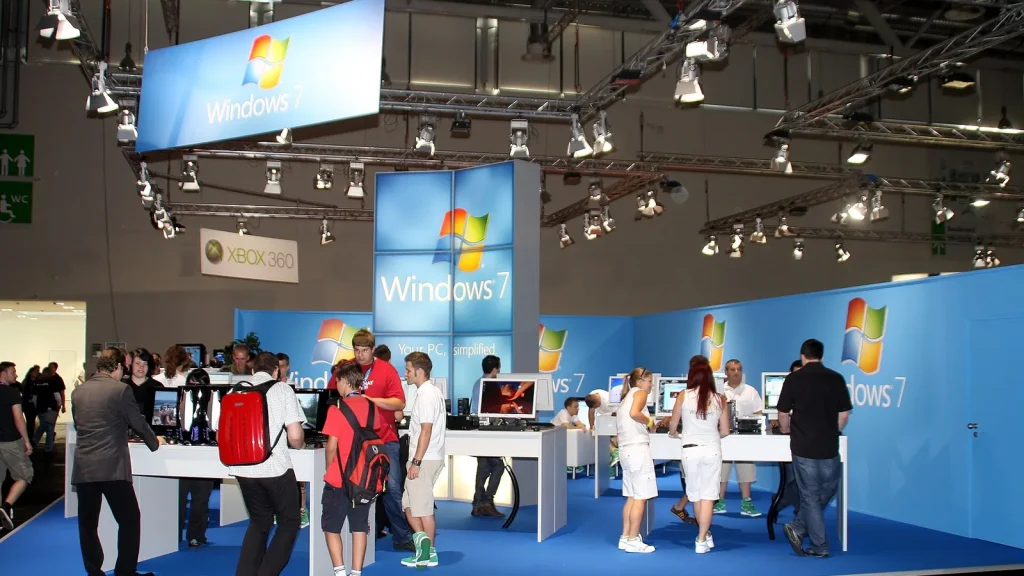
Windows 7
Photo: Raimond Spekking / CC BY-SA 4.0 (modified)
02

What this means for drivers and compatibility

Driver support is the big obstacle. Modern chipsets and motherboards drop legacy support, and there aren’t official Windows 7 drivers for today’s platforms. The test used a recent AMD chipset driver version that exists for Windows 7, but the driver stack is inherently older, and you’ll hit hardware compatibility walls quickly if you try to run a wholly new setup on Windows 7.

03

Should you still consider Windows 7 for gaming?

If you’re glued to a few old DirectX 9 or old DirectX 11 games, Windows 7 can run them with fewer hiccups on a compatible machine. But for the broad library, modern anti-cheat systems, and ongoing security updates, Windows 11 is the sensible default. The testing argues more for practical use than nostalgia: pick Windows 11 for most gaming, and reserve Windows 7 only if you have a specific, supported legacy title you refuse to let go.

A modern gaming PC with high-end components on a desk
04

What it means for everyday players

Most players should think of this as a reminder that operating systems aren’t just software names. They’re doorways to drivers, game compatibilities, and security updates. If you’re shopping for a new PC in 2026, Windows 11 is still the path of least resistance. If you’re trying to revive a very old game collection, you may need to consider Windows 7 selectively, with careful hardware choices and the right driver setup.

05

What happens next

If you want to experiment yourself, you’ll need a modern motherboard that supports legacy boot options, and you’ll have to source compatible drivers for Windows 7. For most people, the recommendation is to stay on Windows 11 and use compatibility modes or remasters for classic titles instead of reviving Windows 7 on new gear.

06

Quick answers

Will Windows 7 run on a modern PC?

It can, but you’ll face driver and compatibility hurdles. It’s not a drop-in upgrade choice for new hardware.

Is Windows 11 better for gaming?

Yes, in most cases. It offers broader driver support, newer security features, and better performance on modern titles.

Should I keep Windows 7 to play old games?

Only if you have a specific old title you must play, and you’re prepared to manage drivers and security limits.

You're reading the quick version.