Friday, 9 October 2026

Upgrade your PC before May 17, 2027 or lose Windows updates

Microsoft warns that certificates used for Windows Update will expire in spring and summer 2027, leaving older Windows versions without security updates unless upgraded.

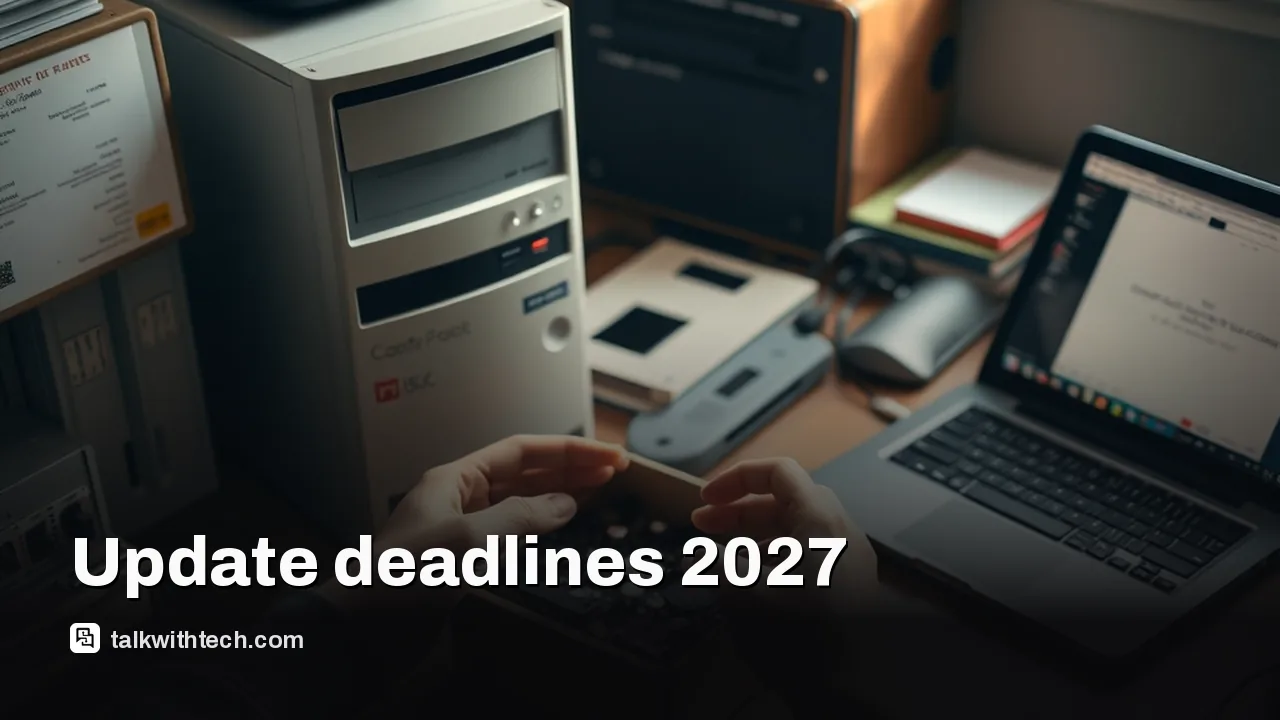
Hands packing an older PC and laptop on a desk for upgrade

The short version

  • Microsoft says devices on unsupported Windows versions will stop receiving security updates after a certificate rotation in 2027.
  • Two key expiration dates are May 17, 2027 and June 19, 2027, after which older devices lose access to Windows Update services and updates.
  • Microsoft provides version-by-version steps to upgrade to a currently supported Windows release before the deadlines.
Quick read · 1 min

Microsoft says older Windows versions will stop getting security updates after a certificate rotation in 2027. If you’re on Windows 11 25H2 or newer, you’re fine. If not, you’ll need to upgrade to a supported version before May 17 or June 19, 2027.

What you should do: take an inventory of devices, plan upgrades to a supported Windows release, and ensure monthly security updates on supported devices. For businesses, prepare upgrade plans to avoid gaps in protection.

  • Check your Windows version now
  • Schedule upgrades before the deadlines
  • Keep devices updated going forward

Microsoft is giving a clear cutoff for devices running older Windows versions: after a planned rotation of Windows Update certificates, those devices will stop getting security updates next year. If you want to stay protected, you need to move to a supported Windows release before the certificates expire in May and June 2027.

The two deadline dates are May 17, 2027 and June 19, 2027. When those dates arrive, devices still on unsupported Windows versions will no longer access Windows Update services or receive security fixes. In other words, exposure to known vulnerabilities could rise on those machines unless they’re upgraded in time.

Microsoft lays out upgrade paths depending on what you’re running. If you’re on Windows 11 with version 25H2 or newer, you don’t need to take action. Those on Windows 11 24H2 or Windows Server 2025 should install a security update from July 2026 or later before June 19, 2027. Other supported lines, such as various Windows 11, Windows 10, and Windows Server 2022 editions, should get a July 2026 security update or newer by the deadline. For older, longer‑unsupported Windows versions, Microsoft recommends upgrading to a currently supported Windows client or server release by the May or June 2027 dates.

Beyond the specifics, the gist is simple: check what Windows your devices are running and plan upgrades before the cutoffs. Microsoft is also rolling out the Windows 11 2026 Update (26H2) as a small enablement package to eligible systems, with a phased rollout to follow.

What this means for everyday users is straightforward: if your PC is on an outdated Windows version, you’ll need to verify you’re on a supported release and schedule an upgrade before the deadlines. For households and small businesses, start a quick inventory of devices and map out which ones can move to a newer Windows build in time.

01

Which devices need action first

Action depends on your current Windows line. If you’re on Windows 11 25H2 or newer, you’re in the clear. If you’re using Windows 11 24H2 or Windows Server 2025, you’ll want a July 2026 security update or newer before the June 19, 2027 deadline. For other supported Windows 11, Windows 10, and Windows Server 2022 variants, aim for a July 2026 security patch or newer by that date. Those on older or non‑supported versions should plan an upgrade to a current Windows release by the specified deadlines.

Hands removing an old server unit from a rack
02

What this means for your daily devices

For most people, the takeaway is practical: stay on a supported Windows version and keep it updated. If your device is on an unsupported edition, you’ll need to upgrade, which could mean a feature update or a clean install, depending on your setup. For businesses, it’s a reminder to audit devices, confirm upgrade paths, and avoid leaving machines on unpatched software when the clocks run out.

03

What you can do now

  • Inventory devices: make a list of every PC in your home or business and note their Windows version and update status.
  • Plan upgrades: target Windows 11 25H2 or equivalent server versions that Microsoft lists as supported before the 2027 cutoffs.
  • Schedule updates: keep a monthly update cadence on devices that stay in supported tiers to reduce risk before the certificate changes.
Family comparing new and old laptops with a checklist and calendar
04

Quick answers

What happens on May 17 and June 19, 2027?

Those dates mark when the Windows Update certificates expire. After them, devices on older Windows versions lose access to Windows Update and stop getting security fixes.

Do current Windows 11 users need to act?

No action is required for Windows 11, version 25H2 and later. For other versions, follow the version‑specific upgrade guidance before the deadlines.

You're reading the quick version.