Monday, 2 November 2026

Apple HomeView security camera: 4 hidden modes, the iCloud catch

Code in HomeView Software 27.2 shows Apple testing a mode that turns its $299 smart display into a HomeKit camera. What it would do, and what you'd need.

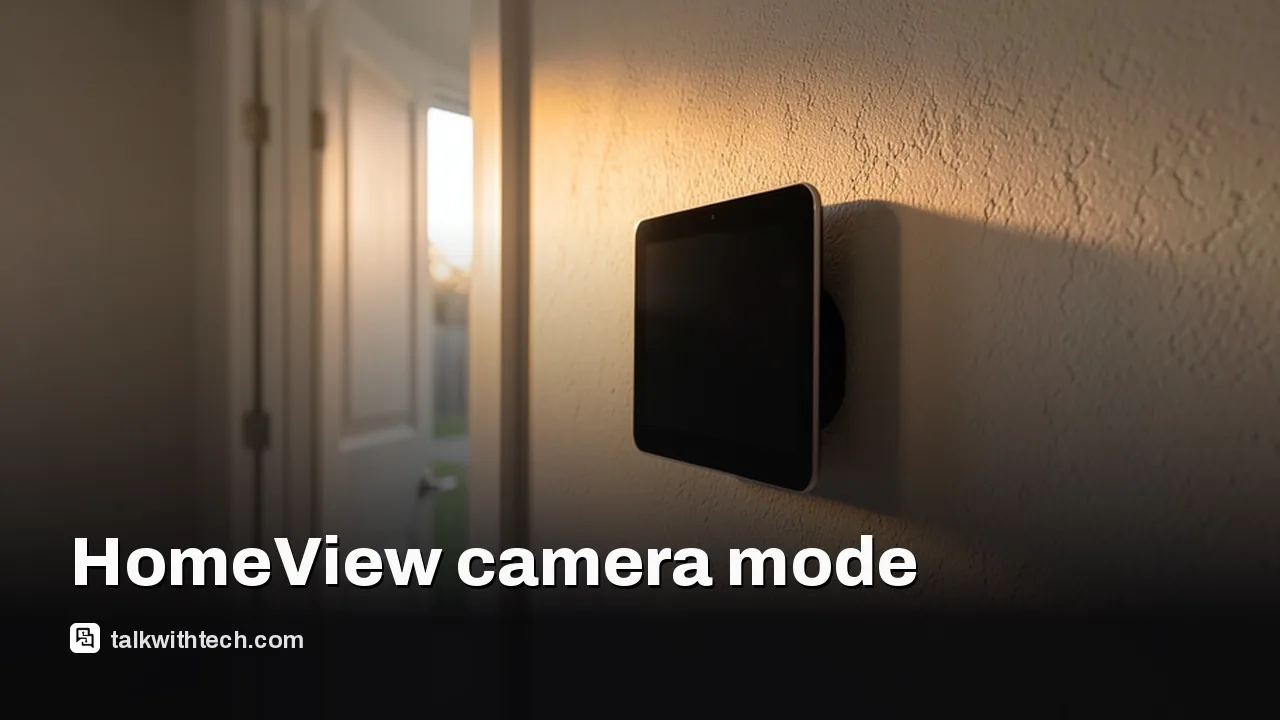
A small smart display with a dark screen mounted on a hallway wall near a front door

The short version

  • Settings text inside HomeView Software 27.2 describes using the display's built-in camera as a HomeKit Secure Video security camera.
  • The hidden mode offers four levels, from fully off to live streaming plus automatic recording, with separate rules for home, away and asleep.
  • A green on-screen light and a sound would warn people in the room when someone watches the feed or recording starts.
  • Apple hasn't announced the feature; HomeView itself goes on sale November 13 for $299 in the US and £299 in the UK.
Quick read · 2 min

Apple's HomeView smart display may double as a home security camera. Settings text in HomeView Software 27.2 describes a HomeKit Secure Video mode that uses the screen's built-in FaceTime camera to stream, send motion alerts and record clips. Apple hasn't announced it.

The leaked mode has four levels, from fully off to live view plus automatic recording, and can change behavior when your household is home, away or asleep. A green light and a sound would warn anyone nearby when the feed is watched or recording starts.

  • HomeView ships November 13 for $299 in the US and £299 in the UK.
  • HomeKit Secure Video needs iCloud+ and a home hub.
  • A later update such as 27.3 looks more likely than a launch-day switch-on.

If you're buying now, buy it as a smart screen and treat the camera mode as a possible extra.

The $299 smart display Apple starts shipping on November 13 may be able to do a job Apple never mentioned on stage. Settings text buried in HomeView Software 27.2 describes an Apple HomeView security camera mode that would use the screen’s built-in camera to watch your room, send motion alerts and record clips through HomeKit Secure Video.

Apple hasn’t announced any of this, and code that exists today can still be cut before release. But if you’re deciding whether to pre-order a HomeView, or whether to buy a separate indoor camera for the same spot, the leak matters. The camera is already in the device for FaceTime calls and face recognition. The question is whether Apple lets it do more, and what it would cost you to use it.

01

What the Apple HomeView security camera mode would do

The Apple HomeView security camera mode would turn the display into a HomeKit camera that you control from the Home app. The strings were spotted over the weekend by a code sleuth who posts as pdfu on Reddit, and one setup screen states plainly that HomeView can serve as a security camera through HomeKit Secure Video, Apple’s encrypted camera recording service.

The settings describe four levels of camera access. In plain terms:

  • Watch and keep clips: home members can open a live view, and HomeView also saves recordings automatically when it sees something.
  • Live view only: anyone in the home can check the feed, but nothing gets saved.
  • Motion alerts only: the camera spots movement and pings your phone, with no streaming and no recording.
  • Off: no detection, no feed, no clips.

That is a bigger step than it sounds. At launch, HomeView can show feeds from other cameras on its screen. This mode would make HomeView itself one of those cameras.

A tabletop smart display in a dark living room with a small green light on
02

Home, away or asleep: how it would switch itself

The leaked settings let the camera behave differently depending on whether your household is home, away or asleep. HomeView would work out who is home from the locations of household members’ devices.

So a sensible setup might look like this: full recording while the house is empty, motion alerts only at night, and the camera off while the family is home in the evening. The code also adds one deliberate speed bump. If you want streaming and recording switched on while people are home, you would have to turn that on at the HomeView itself, not remotely from a phone.

Finer controls would live on your iPhone. Face recognition, activity zones (parts of the frame you want the camera to watch or ignore) and the other camera options would be managed in the Home app, just like a third-party HomeKit camera today.

03

The privacy guardrails Apple appears to be building

Apple seems to know an always-ready camera on a kitchen counter could make people nervous, and the code reflects that. Only members of the home would be able to see the live view or the saved clips.

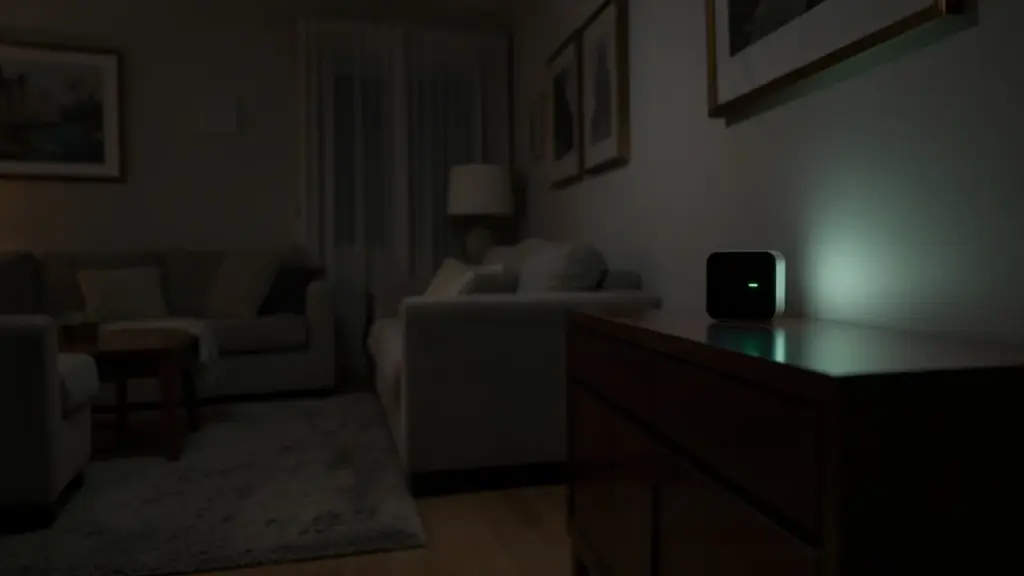
Anyone standing near the display would get a warning, too. A green light appears on the screen and HomeView plays a sound when someone starts watching the stream or when a recording begins. Every home member would also get a notification if someone changes the camera’s settings, so a partner or roommate can’t quietly switch recording on.

Apple has already said HomeView uses Secure Exclaves, a walled-off part of the chip, to protect camera and microphone data while it’s processed. That is a launch feature, not part of the leak, but it hints at how Apple wants to sell a camera that sits in your living space.

A hand holding a phone showing a blurred home camera feed
04

The iCloud catch: what you would need to use it

HomeKit Secure Video isn’t free to use. Under Apple’s existing rules, you can view HomeKit Secure Video footage on an iPhone, iPad, Mac or Apple TV only if you or someone in your Family Sharing group pays for iCloud+, and you also need a home hub set up. HomeView’s advanced camera recognition features already need compatible cameras and an eligible iCloud+ subscription.

If the mode ships, getting ready would likely follow Apple’s current setup steps for any HomeKit Secure Video camera:

  1. Make sure every device in the home is signed in to the same Apple Account.
  2. On your iPhone or iPad, open Settings, tap your name, then iCloud.
  3. Tap Show All and switch on Home.
  4. Add and manage cameras from the Home app on an iPhone or iPad. A Mac can view and share footage but can’t add a camera.

If you already pay for iCloud+ for photo storage, the camera feature would probably add no new bill. If you don’t, budget for a subscription before you count HomeView as a security camera.

05

When could it actually arrive?

Nobody outside Apple knows, and Apple hasn’t said a word. The fact that the settings are in HomeView Software 27.2 suggests the feature is being tested, not that it’s finished. HomeView is a brand-new product, and Apple usually spends the first weeks after a launch fixing bugs rather than adding risky features.

A reasonable guess is a later point release such as 27.3. Turning up in the next few weeks looks unlikely. It also wasn’t promised for launch day, so don’t buy a HomeView on November 13 expecting it to guard your home out of the box.

There’s a longer-term angle as well. A Bloomberg report says Apple is working on a pricier HomeView with a roughly 9-inch display on a robotic arm that can turn in any direction. A camera that can swing around to look at different parts of a room would make this mode far more useful.

06

What this means if you’re buying a HomeView now

Buy HomeView for what it does today, and treat the camera mode as a possible bonus. Today you get a 7-inch display with FaceTime, Siri AI and home controls, and it can recognize up to six people and show each one their own calendar and reminders.

Watch the hidden costs on the wall version. Both HomeView designs cost $299 in the US and £299 in the UK, but the wall model comes without the speaker base and needs a mount. The cheapest Power Mount from Apple partner Schneider Home is $59.95 and needs your own power adapter of at least 20W. A mains-wired version costs $79.95 and needs an electrician. Pre-orders are open in English-speaking markets apart from Ireland, with no EU date yet.

If home security is your main goal right now, a dedicated HomeKit camera, or the LG doorbell and cameras Apple showed alongside HomeView in October, will do the job today. If you mostly want a smart screen, HomeView may grow into a camera you could also use to check on a pet or a sleeping baby from another room.

For comparison, Amazon’s Echo Show 11 costs $219.99 and has a bigger screen, but you’d be choosing Alexa+ over Apple’s Home app.
07

Quick answers

Does Apple HomeView have a security camera?

It has a built-in camera for FaceTime and face recognition. Code in HomeView Software 27.2 shows Apple testing a mode that would use it as a HomeKit Secure Video security camera, but Apple hasn’t announced it.

Will HomeView record video without me knowing?

Not according to the leaked settings. A green light and a sound would signal live viewing or recording, and home members would be notified of any settings change.

Do I need iCloud+ for the HomeView camera mode?

Almost certainly. HomeKit Secure Video requires iCloud+ for you or someone in your Family Sharing group, plus a home hub.

You're reading the quick version.