Friday, 30 October 2026

iOS 27.2: should I update? Yes for 141 fixes, but mind one catch

Apple's latest iPhone update closes security holes that could let attackers run code on your phone, and adds Siri memory. A few changes may still annoy you.

A phone charging on a nightstand with a softly glowing dark screen

The short version

  • Apple released iOS 27.2 on October 26 with fixes for 141 bugs and security issues.
  • Seven of the flaws could allow arbitrary code execution and nine could corrupt the kernel, though none were reported as actively exploited.
  • New features include Siri AI memory of past chats, more Siri languages, Multiview sports and Apple TV profiles on iPhone.
  • Some CarPlay users report a third-party video app stopped working after updating, and Apple Music has a new look.
Quick read · 1 min

Apple's iOS 27.2 arrived on October 26, and it's worth installing soon. It fixes 141 bugs and security issues, including seven that could let attackers run code on your iPhone and nine that could corrupt the kernel. Apple hasn't said any were being actively exploited.

New features include:

  • Siri AI that remembers past conversations and works in five more languages, in beta.
  • Multiview for up to four live sports streams, plus profiles in the TV app.
  • Dual Capture in Group FaceTime on iPhone 17 or later.

The catches: Apple Music has a new black-and-white look, some CarPlay users report the APTV video app stopped working, and some regions may see selfie-based age checks. Most people should update now through Settings, General, Software Update.

Should you install iOS 27.2? For almost everyone, yes, and soon. Apple’s update, released on Monday, October 26, fixes 141 bugs and security problems, including seven that could let an attacker run their own code on your iPhone and nine that could corrupt the kernel, the core of the operating system.

Those are the kinds of holes you don’t want left open, even though Apple hasn’t said any were being actively exploited. The update also brings genuinely useful extras, like Siri remembering past conversations. But there are a couple of reasons a small group of people might wait a day or two, and one CarPlay complaint worth knowing about before you tap Update.

01

iOS 27.2: should I update for the security fixes alone?

Yes. Security is the strongest reason to update, and this release is unusually big. Beyond the code-execution and kernel bugs, Apple’s notes include a fix for a problem that could be triggered by plugging a malicious USB device into your phone, plus patches in Mail, Safari, Apple Intelligence and the Neural Engine.

To put 141 in context: last month’s iOS 27 release patched 157 issues, and in the whole iOS 26 cycle, the biggest single update, iOS 26.6, fixed 88. Before that, iOS 18.4 fixed 75. Apple hasn’t explained why its fix counts have jumped so sharply this year. Its release notes credit OpenAI four times and Anthropic three times for reports, but that alone doesn’t account for the surge.

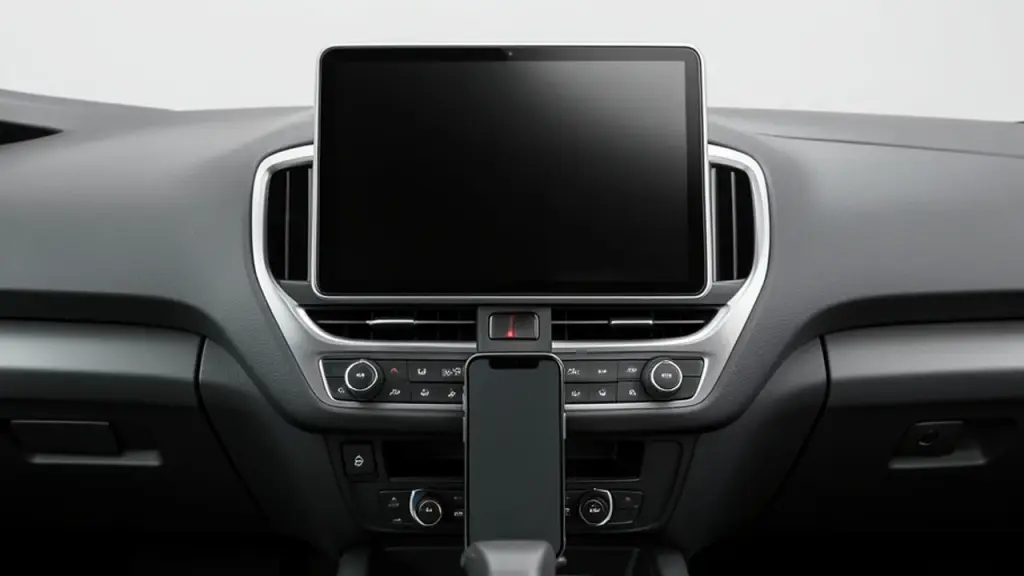
A car dashboard with a blank infotainment screen and a mounted phone
02

What’s new in iOS 27.2 that you’ll actually notice

This is the first update every iPhone shares since iOS 27 arrived on September 14. The in-between version, iOS 27.1, shipped only on the iPhone Duo. Here’s what changes:

  • Siri AI remembers. You can ask about something Siri told you before, such as last week’s restaurant picks. It can also use more of your data, including voicemails, Calendar guests, photos sent in Messages, and your Safari history and Reading List.
  • More Siri languages. Siri AI now works in Spanish, French, Portuguese, Japanese and Korean, in beta. Good news for French speakers in Canada.
  • One privacy switch for Siri. A new Excluded Apps setting lets you choose which apps Siri, Search and suggestions can see.
  • Sports and profiles in the TV app. Multiview lets you watch up to four live sports streams at once, and the TV app now supports profiles, so family members can have their own recommendations and you can set ratings for kids.
  • Group FaceTime with both cameras. Dual Capture now works in group calls, but it needs an iPhone 17 or later and everyone must be on iOS 27.
  • A cleaner Podcasts queue. Up Next is replaced by separate New Episodes and Continue Playing rows.

Smaller changes include Suggestions in Messages, which add one-tap buttons to save things to Calendar or Reminders, editable captions in Shared Albums, and support for SynthID labels that help show whether an image was made or edited with AI. iPhone Duo owners also get Apple Pencil (USB-C) support and Edge Light, a ring-light effect for video calls.

The sleeper feature for families is TV app profiles. You can create profiles for people who don’t have their own Apple account, such as children or a visiting relative, each with tailored picks, and manage content ratings from one place. Profiles are arriving on iPadOS and the web too, so the same household setup follows you across screens.
03

The catch: changes some people won’t love

Three things to know before updating:

  • CarPlay video apps. Some CarPlay users report that APTV, a third-party app for playing video on a car screen, stopped working after updating. These are user reports, not something Apple has confirmed. If you rely on it, hold off until its developer responds.
  • Apple Music looks different. The icon is now black and white instead of red, and red accents inside the app have turned blue. Nothing breaks, but it’s a visual change you can’t undo.
  • Age checks in some regions. iOS 27.2 adds selfie-based age verification where local rules require it. You may be asked to turn your head through four angles so the phone can estimate whether you’re an adult. Apple says the processing happens on the device and through Private Cloud Compute, nobody can see the images, and the selfie is deleted afterward. Where it’s offered, it’s an alternative to a credit card or ID.
A padlock on a laptop keyboard beside a smartphone
04

Who can safely wait a day or two

If you use CarPlay to play video through an app like APTV, or you depend on a specialist app for work, waiting a few days for reports is reasonable. Everyone else gains more from the security fixes than they risk from a new release. Don’t leave it for weeks: once fixes are public, the details can help attackers target phones that haven’t updated.

It’s also normal for an iPhone to feel a little warm or use more battery for a day after a large update while it finishes background tasks. Give it a night on the charger before deciding something is wrong.

05

How to update to iOS 27.2

  1. Back up your iPhone to iCloud or a computer.
  2. Plug in your phone and connect to Wi-Fi.
  3. Open Settings, then General, then Software Update.
  4. Tap Update Now and follow the prompts.
06

Quick answers

Is iOS 27.2 safe to install?

Yes. It’s a public release after six weeks of beta testing, and it fixes 141 bugs and security issues.

Why is there no iOS 27.1 on my iPhone?

iOS 27.1 was made only for the iPhone Duo. With iOS 27.2, all iPhones are back on the same version.

Does iOS 27.2 work with iPhone 17 features?

Yes. Some features, like Dual Capture in Group FaceTime, require an iPhone 17 or later.

You're reading the quick version.