Thursday, 8 October 2026

Cybersecurity explained: what it is and what it means for you

A plain‑spoken guide to cybersecurity basics, why it’s in the headlines, and what you can do to stay safer online.

A home computer with a shield icon representing cybersecurity protection

The short version

  • Cybersecurity is the practice of protecting computers, networks and data from harm, theft or unauthorized access.
  • Everyday breaches and scams come from social engineering, software flaws, and supply-chain attackers; protection is layered and ongoing.
  • Recent stories show hackers stealing profiles, targeting developers, and ransomware hitting small businesses, highlighting real risks for consumers.
  • You can reduce risk with simple steps like updating software, backing up data, using two-factor authentication, and being wary of unexpected messages.
Quick read · 1 min

Cybersecurity protects your devices, accounts and data from theft or interference. It relies on updates, strong passwords, two-factor authentication and regular backups. Recent breaches show why these basics matter: attackers can impersonate customers, steal credentials through software flaws, or encrypt data in ransomware attacks. What you can do now is simple: install updates, enable 2FA, back up files, and verify any unexpected messages with official channels. In the longer run, expect more emphasis on secure supply chains and smarter authentication while keeping your own defenses up-to-date.

What’s next for you is about habits, not just tech. Make security part of your daily routine and you’ll reduce risk over time.

  • Keep software current
  • Use two-factor authentication
  • Back up data regularly

Cybersecurity is the practice of protecting computers, networks and data from harm, theft or unauthorized access. In plain terms, it’s about making it hard for bad actors to steal your information or disrupt your devices.

How it works in everyday life is simple but layered. You defend the edge (your devices and home network), your accounts (passwords and 2-factor authentication), and your data (backups and secure storage). It’s not a one-time fix; it’s a set of habits and tools you use all the time, from keeping software up to date to recognizing phishing attempts.

01

What it is

Cybersecurity covers the people, processes and technology that keep digital information safe. Think of it like a security system for your online life: firewalls, encryption, authentication, and careful monitoring all work together to reduce risk.

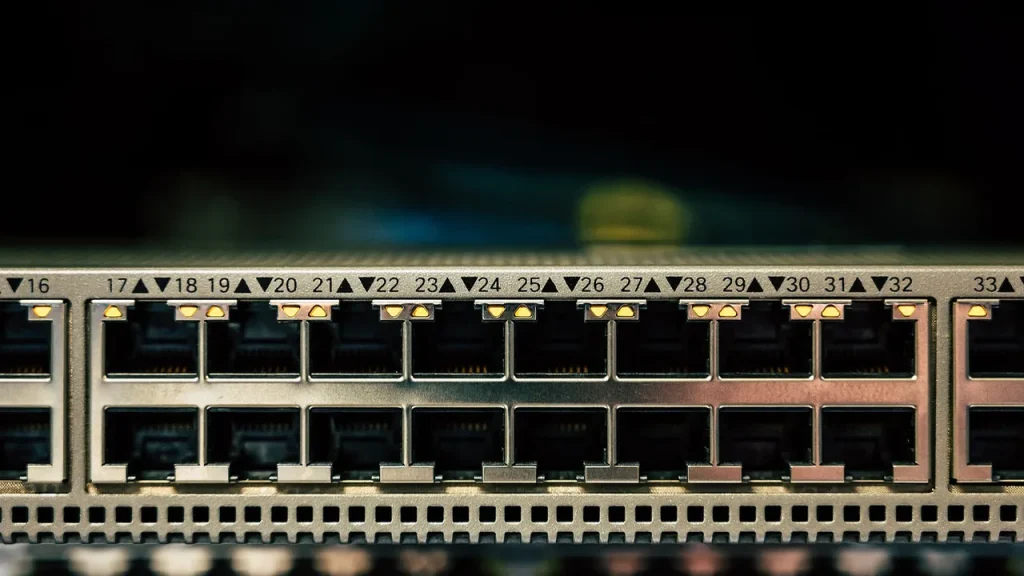
Rows of data center servers illustrating online infrastructure
02

How it works

Protection layers include software updates, strong passwords, two-factor authentication, and regular backups. When a breach happens, incident response plans and credential hygiene help limit damage. In software supply chains, trusted code paths and careful dependency checks matter just as much as personal defenses.

03

Why it’s in the news right now

Recent stories illustrate common threats: a big retailer’s breach that exposed detailed customer profiles raises phishing risks; a software supply chain attack hit a developer package, enabling credential theft; ransomware shows why small businesses and freelancers are targets. These events underscore that cybersecurity isn’t just a tech problem; it affects how you shop, work and protect your money online.

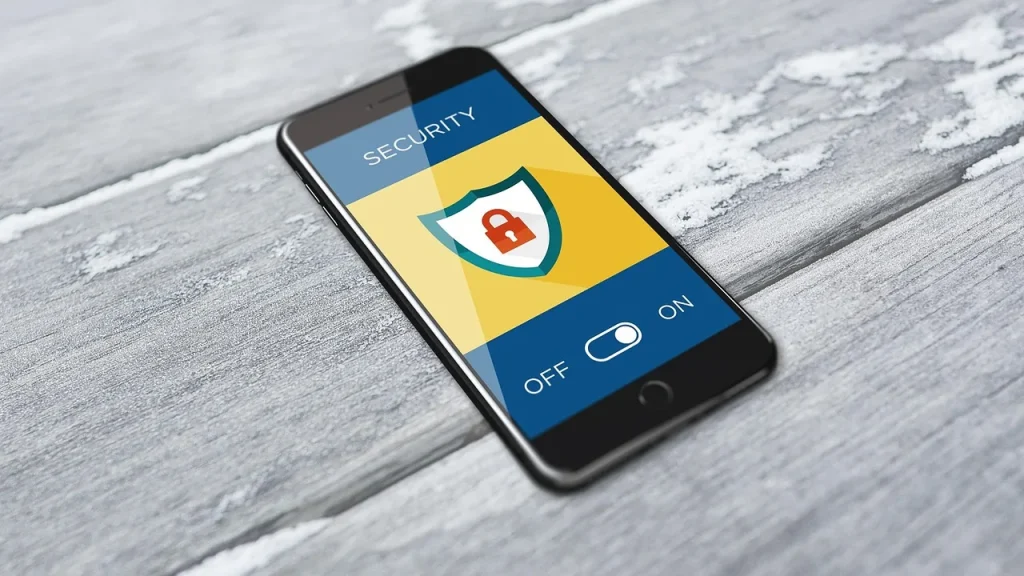
Person looking at a phone with a security lock on screen
04

What it means for you

Everyday readers benefit from building simple, repeatable security habits. Use two-factor authentication where possible, keep all apps and devices updated, back up important files, and be skeptical of unsolicited messages that demand action or information. If a service tells you something unusual happened with your account, verify it using official channels before you respond.

05

What to watch next

Look for ongoing updates about breaches, supply-chain security, and new authentication methods. For consumers, the takeaway is practical steps you can implement today, backups, updates, and trusted verification practices.

06

What happens next

Security is an ongoing effort. Expect more coverage of new protections, smarter authentication, and guidance on safeguarding developer tools and online accounts as threats evolve.

07

Quick answers

What is cybersecurity in one sentence?

Cybersecurity is the practice of protecting devices, networks and data from harm, theft and unauthorized access.

Do I need to do something right away?

Yes. Update your software, enable two-factor authentication, back up important files, and be cautious of suspicious messages and links.

You're reading the quick version.