Tuesday, 17 November 2026

Ask Maps finds meals you crave and can place your order

Google Maps now finds a dish you describe, fills your cart through Toast, Square or Uber Eats, and surfaces trending spots and insider tips before you go.

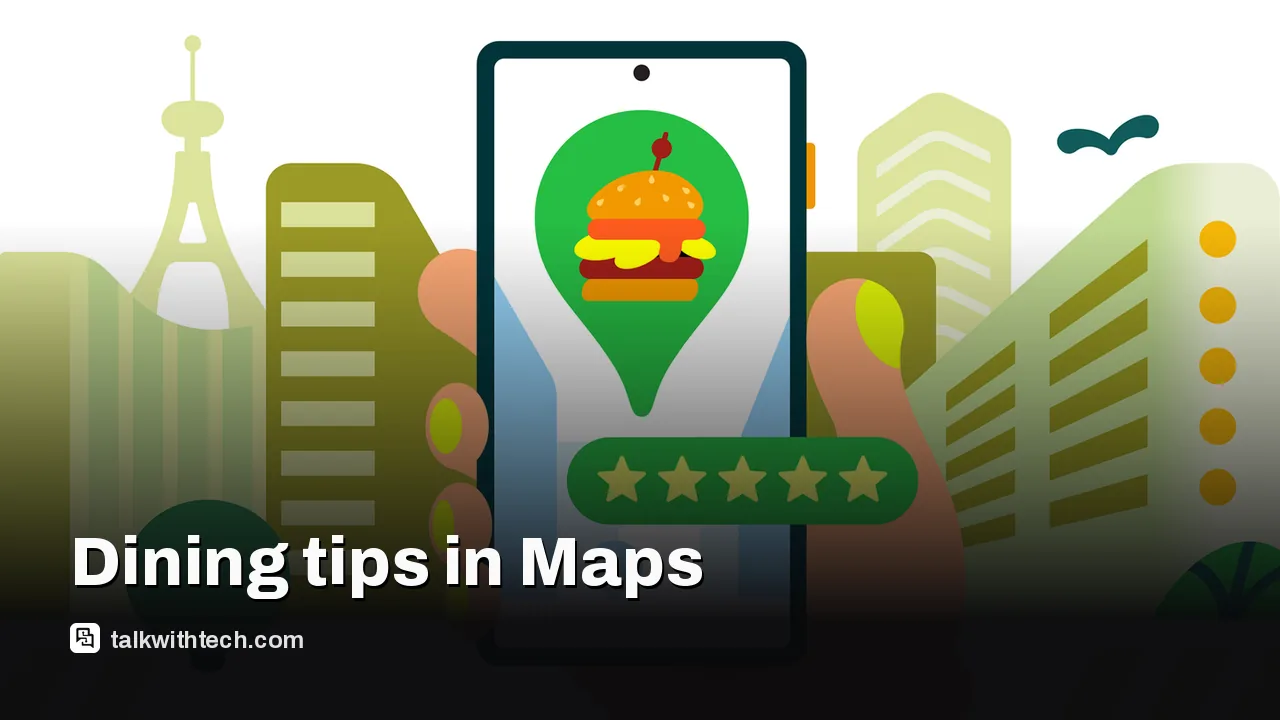
Google image for: Ask Maps finds meals you crave and can place your order

The short version

  • Ask Maps, the Gemini-powered chat tool in Google Maps, can find a dish you describe and add it to your cart for ordering.
  • Ordering works through partners including Toast, Square and Uber Eats, but you still review and approve every order yourself.
  • The Explore tab shows weekly-updated Trending, Gems and Top lists, and restaurant pages carry Know Before You Go tips from other users.
  • Food ordering started in the US, while Ask Maps itself has expanded to Canada, Australia, Japan and other countries.
Quick read · 2 min

Google Maps has three main tools for finding your next meal. Ask Maps, its Gemini-powered chat feature, lets you describe what you want, such as a specific dish or a dessert spot with outdoor seating, and suggests restaurants that match. Choose one, and it adds the food to your cart through partners like Toast, Square and Uber Eats. You still approve the order yourself.

  • The Explore tab has weekly Trending, Gems and Top dining lists
  • Know Before You Go shows tips from reviews on parking, reservations and dishes
  • You can fix wrong hours or add details through Ask Maps or the Contribute tab

Food ordering started in the US, while Ask Maps is also available in Canada, Australia, Japan and other countries. A Gmail link for personalized results is off by default. Always check your cart before ordering, especially if anyone has allergies.

Type “crispy smashburgers with milkshakes” into Google Maps, and it will go looking through billions of photos, reviews and menus to find a place that matches. Pick one, and Maps can start your order for you.

That changes how you might decide what’s for dinner. Instead of hopping between a review app, a restaurant’s website and a delivery app, Google wants Maps to handle the search, the tips and the first part of the order in one place. Here’s how the main restaurant features work, where they’re available, and the limits worth knowing before you rely on them.

01

How Ask Maps finds the food you’re craving

Ask Maps is a chat tool built into Google Maps and powered by Gemini, Google’s AI model. It arrived earlier this year as a more relaxed way to search, so you could ask for something like a well-lit tennis court for an evening game instead of typing rigid keywords.

For restaurants, you can say or type what you want in plain language. Google’s examples include “fall dessert spots with outdoor seating” and a group booking for six people at a set time with strict dietary needs. Ask Maps sifts photos, reviews and menus to suggest places that fit.

It can also use context. When you ask for a dish to pick up on the way home, it looks for restaurants that are open along your route, and it can factor in places you’ve saved, previous orders and dietary needs.

Google Maps, related to: Ask Maps finds meals you crave and can place your order
Photo: Mkkagain / CC BY-SA 4.0 (modified)
02

Ordering food through Google Maps: what it really does

Here’s the part to understand before you get hungry. Ask Maps doesn’t place the whole order on its own. It suggests restaurants, and you choose one. Then it remembers your original request and adds the right items to your cart. You review the cart and approve the order before the restaurant receives anything.

When ordering arrived in August, Uber Eats was still listed as coming soon. Google now names it as an ordering partner alongside Toast and Square.

Not everyone is impressed. One early critic argued that finding a restaurant, letting the AI build an order and then checking it might take longer than just ordering from the restaurant directly, and worried about mistakes with allergy-sensitive orders. Those concerns are a good reason to double-check your cart every time, especially for food allergies.

03

Trending dining lists in the Explore tab

If you don’t know what you want, the Explore tab in Google Maps offers dining lists that update every week. There are three:

  • Trending shows places whose popularity has recently spiked.
  • Gems highlights new neighborhood favorites.
  • Top lists long-standing classics.

You can save any spot with one tap to build a list of places to try. The trending picks often line up with restaurants that have gone viral on social media, which makes them handy if you want to try the place everyone is talking about.

Google has also published its first Fan-Favorite Dining List, which pulls together trends from Maps users in 10 cities, including New York, London, Montreal and Tokyo. It found, for example, that interest in cheeseburgers in Tokyo jumped 216% over the past year.

A person using a smartphone with a map app open
04

Know Before You Go tips from other diners

When you open a restaurant, cafe or diner in Maps, scroll down to find Know Before You Go. This section pulls useful details from other people’s Google reviews: how to land a hard-to-get reservation, where to park, which dishes to order, and sometimes dress codes or menu restrictions.

Parking alone can make this worth checking. It’s the kind of thing a restaurant’s website rarely mentions and a regular will always know.

05

How Google Maps adds and updates restaurants

Much of what you see in Maps comes from users. You can now suggest changes conversationally through Ask Maps or the Contribute tab, for example to report wrong opening hours or a place that has closed for good.

You can also upload a photo, such as a storefront sign, and Maps will pull out details like updated hours and ask you to confirm before submitting. Contributions go through review and approval, and it can take a couple of days for changes to appear.

06

What it means for you, and where it works

For most people, these features save small amounts of time rather than transforming dinner. Ask Maps is best when you know the dish but not the place. The lists help when you know the area but not the dish. Know Before You Go helps you avoid a wasted trip.

Availability depends on where you live. Food ordering, along with hotel and event discovery and conversational contributions, launched in the US first, with more countries promised over time. Ask Maps itself has expanded to Canada, Australia, Brazil, Indonesia, Japan and Mexico, plus 150 more territories, though some features are US-only for now.

On privacy, Ask Maps can use Google’s Personal Intelligence feature to check your Gmail for plans like flights or reservations. It’s off by default, so you have to turn it on. Ask Maps can also remember earlier conversations if your history settings are enabled.
07

Quick answers

Can Google Maps order food for me?

Partly. Ask Maps finds restaurants that serve what you want and adds items to your cart through Toast, Square or Uber Eats, but you must review and approve the order yourself.

How does Google Maps add restaurants?

Much of the information comes from users, who can add or correct details through Ask Maps or the Contribute tab, including by uploading photos. Changes are reviewed before they appear.

Is Ask Maps available in Canada and the UK?

Ask Maps has expanded to Canada, but food ordering launched in the US first. Google hasn’t said when ordering reaches the UK.

You're reading the quick version.