Monday, 2 November 2026

Google Zelda Easter egg: find the Master Sword, see old Search

Type Zelda into Google, tap the sword in the corner, and your results turn into a 1998-style page. Here's how it works, and what to try if it hides.

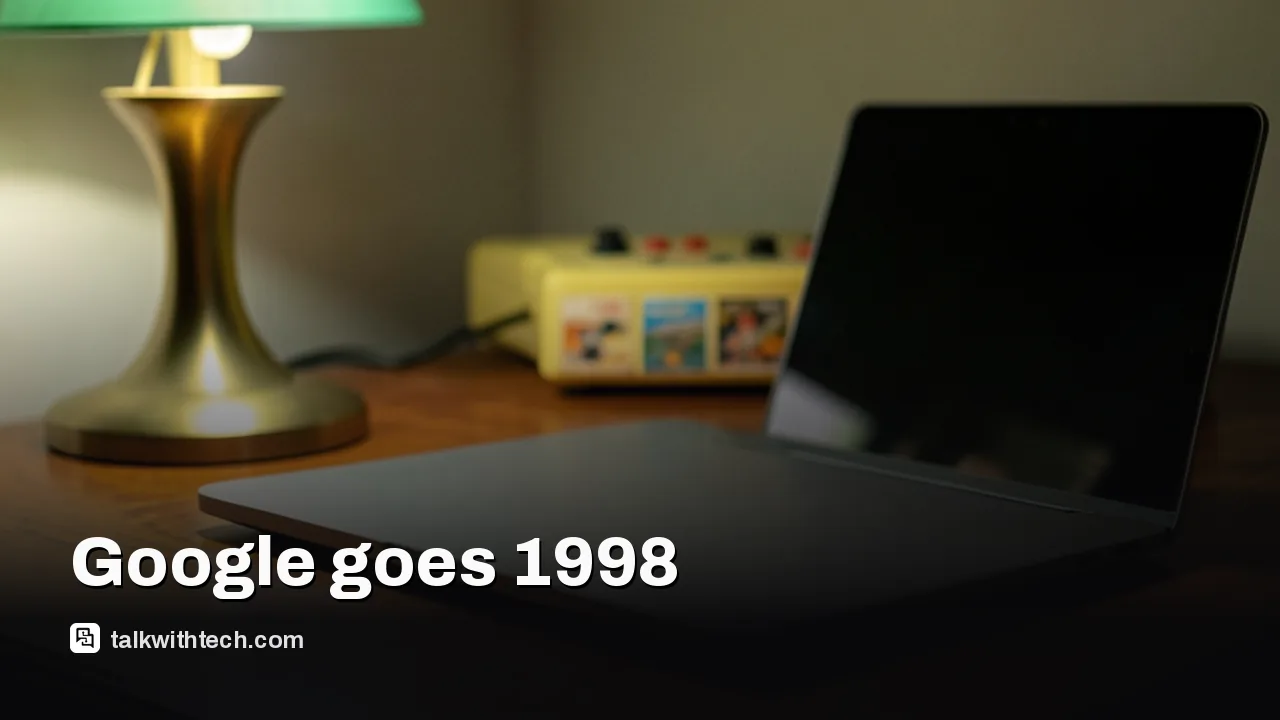
Laptop on a desk at night beside a retro game console

The short version

  • Searching Zelda, The Legend of Zelda or Ocarina of Time on Google shows a Master Sword icon at the bottom right of the results.
  • Clicking or tapping the sword plays a short Triforce animation, then redraws the results in the style of Google's 1998 homepage.
  • It works on phones and computers, but only on that one results page, and it resets as soon as you search for something else.
  • Google added it ahead of the Ocarina of Time remake, which launches November 5 only on Nintendo Switch 2.
Quick read · 2 min

Google has hidden a Zelda trick in Search. Type Zelda, The Legend of Zelda or Ocarina of Time, and a small Master Sword appears at the bottom right of the results. Tap it and you get a quick Triforce animation, then your results redraw in the style of Google's 1998 homepage, with plain blue links and the I'm Feeling Lucky button.

It works on phones and computers and has shown up outside the US. It only lasts for that page, though, and vanishes on your next search. If you can't see it, try a private window, switch off ad blockers, and make sure you're on Google's All tab.

  • Why 1998: the original game and Google both arrived that year.
  • What it celebrates: the Ocarina of Time remake, out November 5 on Switch 2.
  • Bonus: barrel roll, Mario, Sonic and Minecraft tricks still work too.

The Google Zelda Easter egg is a tiny sword with a big trick: search Zelda or Ocarina of Time, tap the Master Sword that appears in the bottom-right corner, and Google rewinds its own results page to how it looked in 1998. Plain blue links, short text snippets, and the old I’m Feeling Lucky button, with no AI summary sitting on top.

It takes about ten seconds and costs nothing, which is why so many people are trying it this week. Google added it to mark Nintendo’s remake of The Legend of Zelda: Ocarina of Time, out November 5 on Switch 2. Below is exactly what to type, what you’ll see, why it might not show up for you, and a few other hidden games in Google that still work.

01

How to trigger the Google Zelda Easter egg

You trigger it from a normal Google search, on a phone or a computer. Here are the steps:

  1. Open Google in any browser, or in the Google app on your phone.
  2. Search for Zelda, The Legend of Zelda or Ocarina of Time. Any of the three works.
  3. Look at the bottom-right corner of the results. A small Master Sword, Link’s famous blade, should be waiting there.
  4. Click or tap the sword.
  5. Watch the short animation, then scroll through your results in their new old-fashioned look.

The animation is the fun part. The sword drops back into its stone pedestal with a sound effect, the screen flashes with the blue and white glow from the scene in the game where Link pulls the blade, and a golden Triforce fills the middle of the tab for a moment. When it fades, you’re still on the same results, they just look like they came out of a late-90s dial-up session.

Hand holding a smartphone next to a handheld game console
02

Why 1998? The time-travel joke explained

Ocarina of Time is a game about time travel. Link pulls the Master Sword and jumps seven years into the future, then puts it back to return to his childhood. Google’s version runs the other way: placing the sword sends Search into the past.

The year isn’t random either. The original game came out on the Nintendo 64 in November 1998, and Google itself was founded that same year. So the Easter egg is a birthday nod to both at once.

Some fans have spotted a second joke. The retro page shows results the way a search engine used to: a ranked list of links with a line or two of text each, and nothing else. Plenty of people have said it reminded them how much busier Google’s pages are now, with ads, AI Overviews and AI Mode stacked above the links.

03

Does it work on iPhone, Android and in the UK or Canada?

Yes, on all the common setups that people have tried. It shows up in mobile browsers and on desktop, so an iPhone, an Android phone, a Mac or a Windows PC should all get the sword. It has been seen by players in Canada and Australia as well as the US, so it isn’t limited to American accounts. Google hasn’t published an official list of countries, though, so if it’s missing where you live, treat it as possible rather than promised.

Two limits catch people out:

  • It only lasts for that one page. Search for anything else and you’re back to the modern design. There’s no setting to keep the 1998 look.
  • It only triggers on Zelda searches. Typing a different game or topic won’t show the sword.
Late-1990s desktop computer with a CRT monitor
04

Google Zelda Easter egg not showing? Try these fixes

If you search and see no sword, it’s usually something on your side rather than the trick being gone. Google hasn’t posted its own troubleshooting page for this, so these are the common culprits for any Google Search Easter egg:

  1. Scroll to the very bottom right. On phones, the icon can sit just above the browser’s toolbar and be easy to miss.
  2. Check you’re on the All tab. The sword appears on the main results view. Other tabs, such as Images or News, may not show it.
  3. Try a private or incognito window. This rules out a stale page or a browser extension. Ad blockers and script blockers sometimes hide these playful extras.
  4. Use a mainstream browser. Chrome, Safari, Edge and Firefox are the safest bets. Some privacy browsers strip the scripts that run animations.
  5. Search Google directly. If your browser sends searches to a different engine, or to Google through a third-party app, the trick won’t load. Go to Google’s own page and type the search there.
  6. Try another phrase. If Zelda alone doesn’t work, try Ocarina of Time, or The Legend of Zelda.

One useful tip came out of all this. If you like the clean list of links and don’t want AI summaries on every search, Google already has a Web tab on its results page that shows only links. You can find it next to All and Images, sometimes under More.

05

Other Google game Easter eggs that still work

The sword isn’t Google’s first gaming tribute. It added Easter eggs for the live-action Zelda movie last year, and a list of others still works today. Try these searches:

  • do a barrel roll: the whole results page spins once, a nod to Star Fox, another Nintendo series.
  • super mario: a flashing question block appears that pops out coins when you click it, and a familiar extra-life jingle if you keep going.
  • sonic: the classic pixel Sonic waits by the results and spins when you tap him. Keep tapping and he turns into Super Sonic.
  • minecraft: a grass block button lets you mine away chunks of the page with Steve’s hand, until a creeper blows it all back.
  • pac-man: brings back Google’s playable Pac-Man doodle, with a second player if you insert another coin.
  • snake, solitaire or tic tac toe: full mini-games right in the results, on phone or desktop.
  • pokémon on a phone: a small Poké Ball appears, and you can catch the original creatures by searching their names.

Then there’s the one most people already know: when Chrome can’t reach the internet, tap the little dinosaur on the error page to start running.

06

What this means if you’re waiting for the remake

The Easter egg is a countdown clock in disguise. The Ocarina of Time remake arrives November 5 as a Switch 2 exclusive, with rebuilt graphics, more dialogue, reworked swimming, a proper jump button and voice acting in some cutscenes. In Canada, the physical edition is listed at $99.99 with a foil-textured box. Nintendo has also put out a Zelda-themed Switch 2 console and matching accessories for the series’ 40th anniversary.

If you don’t have a Switch 2, you can still play the original. It’s included with a Nintendo Switch Online plus Expansion Pack membership.

Google hasn’t said how long the sword will stay, and themed tricks like this tend to be timed to a launch, so if you want to see Search in its 1998 outfit, try it before release week ends.

07

Quick answers

What do you search on Google for the Zelda Easter egg?

Search Zelda, The Legend of Zelda or Ocarina of Time, then click or tap the Master Sword at the bottom right of the results.

Can you keep Google’s 1998 look?

No. The retro style only applies to that one results page, and a new search brings back the normal design.

Does the Google Zelda Easter egg work on iPhone?

Yes. It works in mobile browsers and the Google app as well as on desktop, as long as you search on Google itself.

You're reading the quick version.