Monday, 12 October 2026

LineageOS 24 Android 17 adds browser flashing to simplify installs

LineageOS 24, built on Android 17, brings Material Design 3 Expressive, a built‑in image editor, and a new WebUSB flash tool to simplify installs.

Android 17
Photo: Unknown author Unknown author / CC0 (modified)

The short version

  • LineageOS 24 is official and based on Android 17, arriving ahead of the project's 10th anniversary.
  • Core apps receive Material Design 3 Expressive refresh, plus Canvas image editor and faster Updater with streamed updates.
  • A new WebUSB-based flashing tool runs in the browser to simplify common installation tasks.
  • Support for older Linux kernels is dropped for new builds, with older devices kept on legacy patches.
Quick read · 1 min

LineageOS 24 is official and based on Android 17, bringing Material Design 3 Expressive, a built‑in image editor, and a browser-based WebUSB flashing tool. Rollouts start in coming weeks to supported devices, with older kernel versions excluded from new builds.

For everyday users, this means a refreshed look, faster updates, and easier flashing options if you want to try the new release. Check the LineageOS Wiki for your device’s upgrade path.

  • Canvas image editor
  • Updater with streamed installs
  • WebUSB browser flashing tool

Next steps: verify device support on the wiki and prepare for the upgrade path.

LineageOS 24 is official, marking a fresh chapter for the long-running custom ROM project by switching to Android 17. The release arrives ahead of LineageOS’s 10th anniversary later in 2026 and aims to make flashing and daily use a bit smoother for a broad group of devices.

Beyond the jump to Android 17, LineageOS 24 centers on a redesigned user experience. The core set of Lineage apps has been refreshed with Material Design 3 Expressive, delivering a more modern look and feel. A standout addition is Canvas, a built-in image editor that covers common edits like cropping and color tweaks so you don’t have to rely on third‑party apps.

The Updater also gets a major makeover. It now supports streamed updates by default, which cuts down installation times on devices that use A/B partitions, making updates feel less disruptive to daily use.

On the media and browser side, the Twelve music player loads faster with large libraries, and the Jelly browser gains a shortcut to run PWA-like apps, letting web apps behave more like native apps without extra installs.

LineageOS is introducing a browser-based WebUSB flashing tool. Users can perform common installation tasks, such as ADB Fastboot, Amlogic Burn, and Samsung Odin protocols, directly in a web browser. It’s optional, but for folks who want to avoid extra desktop software, it could be a handy time-saver when upgrading or trying a new device image.

On maintenance, LineageOS says it will stop accepting new builds for devices running Linux Kernels older than 4.9 (specifically 4.4 and 4.9). Those devices will not receive 23.2 or 24.0 builds, though LineageOS 22.2 will keep receiving monthly security patches. In practice, that means some older hardware will have to stick with older software or move to newer devices to stay current and secure.

Rollouts are expected to start in the coming weeks as maintainers work through a growing list of supported devices. If you own a compatible device, the LineageOS Wiki is the best place to check status and upgrade paths.

For everyday users, the headline takeaway is clear: a cleaner interface, faster updates, and a browser-based option to flash images can simplify switching to LineageOS 24 on devices that support Android 17. If you’re curious about trying it, verify your model on the wiki and be prepared for the WebUSB option as you move through the upgrade process.

01

Which devices get LineageOS 24 first

Rollouts will begin for a growing set of devices in the coming weeks, with more models added as maintainers complete compatibility and testing.

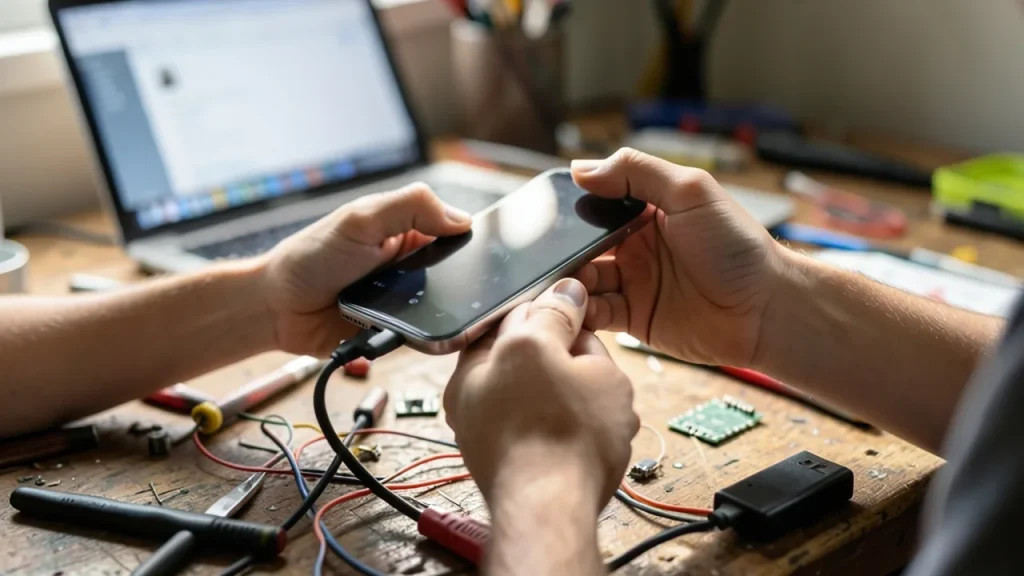
Hands holding smartphone over workbench with USB cable and laptop blurred.
02

What’s new inside the apps and tools

App refreshes adopt Material Design 3 Expressive, Canvas brings built-in image editing, and the Updater enables streamed installs for quicker, less disruptive updates. The Twelve music player and Jelly browser also gain faster performance and new shortcuts for web apps.

03

What the WebUSB tool changes

The browser-based WebUSB tool removes the need for extra desktop software for common flashing tasks like ADB Fastboot, Amlogic Burn, and Samsung Odin. It’s optional but may streamline upgrades for confident users.

Hands on couch with phone, tablet and printed quick-start card for flashing.
04

What this means for older devices

New builds will not target devices running kernel versions 4.4 or 4.9. Those devices won’t receive 23.2 or 24.0 builds, so users on older hardware may need to stay on older LineageOS versions or upgrade their device to stay current and secure.

05

What happens next

If you want LineageOS 24, check the LineageOS Wiki to see which devices are supported and the upgrade path for your model. Expect updates to expand to more devices over the next several weeks as maintainers push new builds and security patches.

06

Quick answers

Will LineageOS 24 run on my phone?

That depends on whether your device is on the supported list and can run Android 17. Check the LineageOS Wiki for your model’s status.

What’s the biggest change for daily use?

The updater now streams updates for faster installs, and core apps get a modern redesign with Canvas for image editing.

Do I need to use the WebUSB tool?

No. It’s optional and aimed at people who want a browser-first flashing path.

You're reading the quick version.