Sunday, 18 October 2026

CarPlay offline workarounds: 4 fixes for no-signal drives

When your phone loses service, CarPlay can still help if you’ve prepped in advance. Here are four practical fixes to keep navigation, music, and messages flowing.

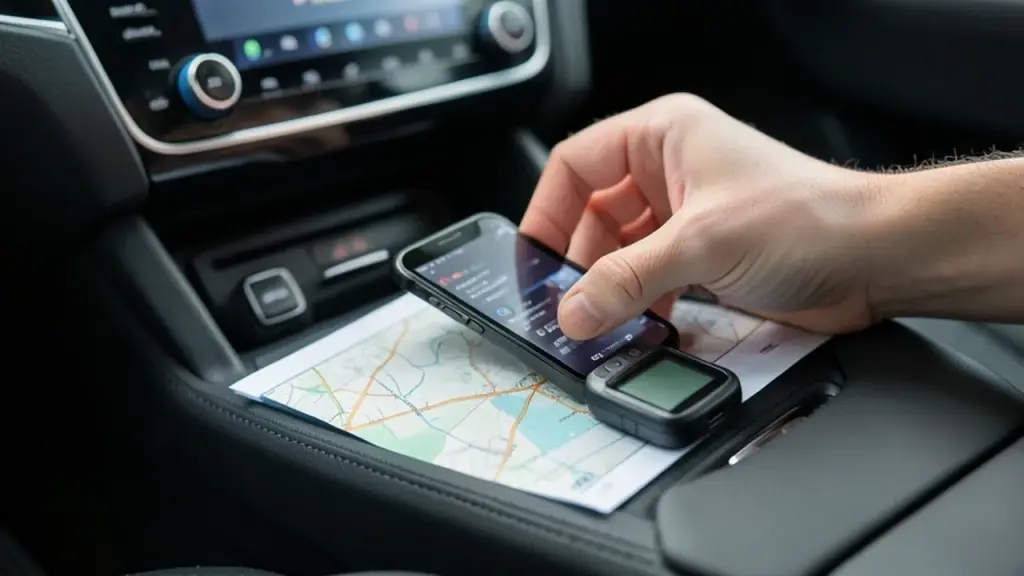
Car interior with offline navigation setup in daylight

The short version

  • CarPlay relies on your iPhone for navigation, music, and messaging, but it can keep working without cell service with offline prep.
  • Four practical fixes help you stay productive on long drives through dead zones.
  • The article walks you through offline maps, pre-downloaded audio, and tips for handling voice commands without a signal.
Quick read · 1 min

CarPlay relies on your iPhone, but it can work without a phone signal if you prep in advance. Four fixes help you stay productive on long drives: download offline maps for the areas you’ll traverse, save music or audiobooks for offline listening, don’t rely on voice commands for critical tasks when offline, and run a quick dead-zone drill before you leave to test your setup.

What this means for you: plan a little, and CarPlay can still guide you, entertain you, and help you stay connected even in dead zones. Next up, test your offline setup on a weekend road trip and tweak as needed.

  • Offline maps
  • Downloaded audio
  • Address storage for quick navigation

Apple CarPlay can still be useful even when your phone’s signal drops to nothing, but you need to plan a little in advance. The core issue is simple: CarPlay borrows a lot of features from your iPhone, and many of those depend on an active connection. When you’re driving through regions with patchy service, you’ll want to prepare for navigation, music, and messages so you aren’t left stranded. Here are four practical fixes that work in the real world, according to a recent hands-on guide.

01

Which features stay usable when the signal dies

Offline navigation and locally stored audio are your best bets. If you download maps in advance, turn-by-turn directions can continue to guide you even without a live data connection. Music and audiobooks can also be saved for offline listening, so you don’t have to rely on streaming in a dead zone. Just be aware some live services, like real-time traffic, won’t refresh without a connection.

Close-up of offline music prep with printed map and offline device
02

Fix 1: Download maps before you hit the road

Plan ahead by saving maps for the area you’ll travel through. Open Maps, tap your profile or initials, select offline maps, then add a new map for the region you expect to traverse. Downloading the whole relevant area helps you keep arrival times and turn-by-turn directions, even when you’re offline. If you think you might be in and out of signal, download multiple neighboring regions as a precaution.

03

Fix 2: Pre-download your music and audiobooks

Streaming won’t work without data, so save a playlist or audiobook to your device before you leave. The exact steps depend on the app you use, so check the download option in your preferred service. Before you depart, confirm the downloads actually exist on your device so you’re not surprised by missing files once you’re offline.

Everyday impact: drivers rely on offline CarPlay fixes on long drives
04

Fix 3: Don’t rely on Siri and messaging in dead zones

Voice commands can be hit or miss without a signal, especially for messaging and navigation. The workaround is simple: keep important addresses and locations written down or saved in notes. If you need a location on a map, type the exact address into Maps instead of asking Siri to search for it while you have no signal.

05

Fix 4: Test your setup before you hit the road

Get a realistic feel for what will work when you’re offline. Download a map and some audio, then temporarily switch off cellular data to simulate a dead zone. Use CarPlay to navigate offline and verify that the downloaded maps and audio stay accessible without a live connection. If something doesn’t work, adjust by saving extra map regions or more audio files before your next trip.

06

What this means for everyday drivers

Long drives through rural areas or remote stretches mean you’ll encounter spots without service. With offline maps and downloaded audio, you won’t be left stranded by a dead signal. The key is a bit of planning: save the right maps, download your music, and keep essential addresses handy in case voice search fails. It’s not a guarantee that every feature will stay online, but it keeps navigation and tunes usable when signals fade.

07

What to do next

Try these steps this weekend: update your Maps offline data for your typical routes, download a long playlist or two, and test offline navigation on a short practice drive. If you note any gaps, adjust by downloading extra map regions or pulling down additional audio files before your next trip.

08

Quick answers

Will CarPlay work without phone signal for navigation?

Yes, if you’ve downloaded offline maps for the area you’ll travel through. Real-time traffic won’t update without a connection, but directions can still guide you.

What should I download before a long trip?

Offline maps for the regions you’ll pass through and a few songs or audiobooks you’d like to listen to without streaming.

What if Siri or messaging stops working?

Keep addresses handy in notes or a saved contact entry, and type locations directly into Maps when you don’t have signal.

You're reading the quick version.