Friday, 9 October 2026

OneDrive storage cut makes Microsoft 365 renewals riskier for families

Starting with upcoming renewals after May 2, 2027, OneDrive storage for many Microsoft 365 plans will be shared among all users on the plan, instead of 1 TB per person.

Microsoft 365
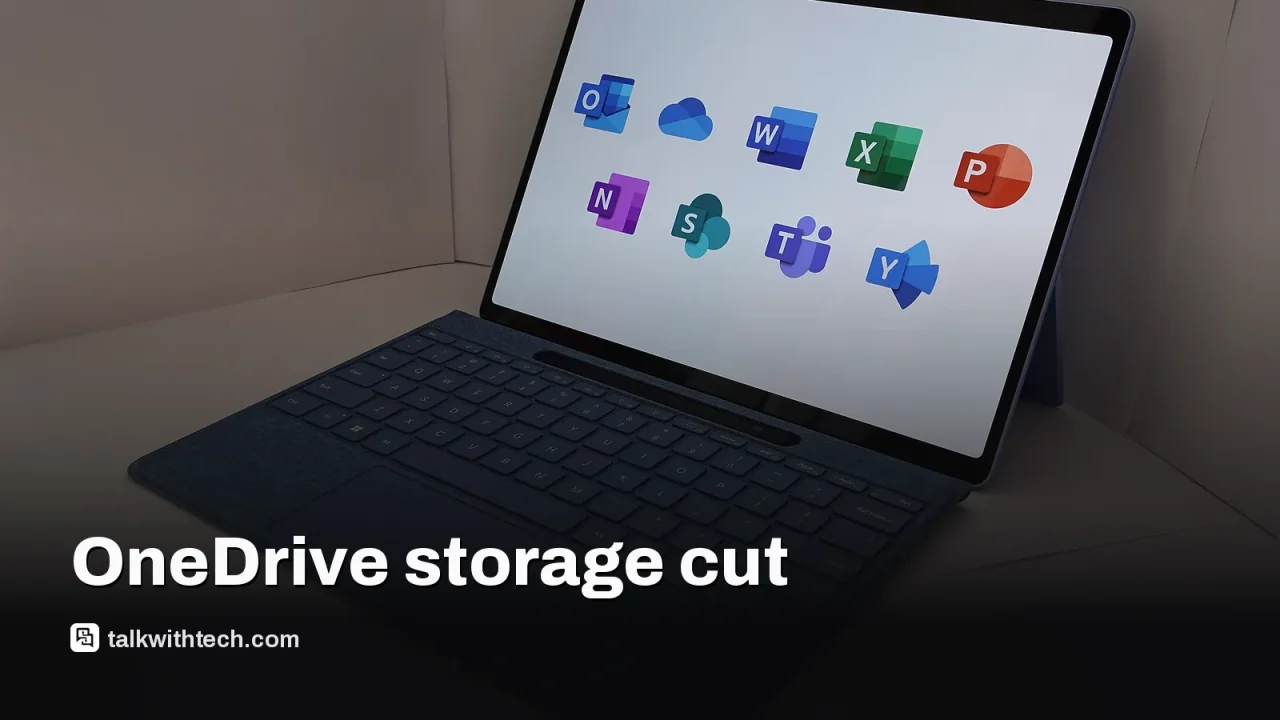
Photo: KK IN HK / Public domain (modified)

The short version

  • OneDrive storage changes from per-user space to a shared pool for many Family, Premium and Pro plans, starting with renewals after May 2, 2027.
  • A six-person Family or Premium plan will share 2 TB in total, reducing available space dramatically compared with the old 6 TB total.
  • Pro subscriptions will use a 5 TB shared pool across all members, while Basic and Personal plans are unaffected for now.
  • Subscribers should review their storage needs and consider alternatives before their renewal date to avoid surprises.
Quick read · 1 min

Microsoft is changing OneDrive storage from 1 TB per person to a shared 2 TB pool for many Microsoft 365 Family and Premium plans. Pro plans will move to 5 TB of shared storage, while Basic and Personal plans aren’t affected yet. The change starts with renewals after May 2, 2027.

For a family of six, total space drops from up to 6 TB to 2 TB, meaning about 333 GB per person if shared evenly. This could affect how you store photos, videos, and school or work files.

  • Review your current storage usage now.
  • Consider moving large archives to another service or device.
  • Plan ahead for renewals after May 2, 2027.

Microsoft is changing how OneDrive storage is allocated under Microsoft 365. Beginning with renewals after May 2, 2027, many families and organizations will switch from 1 TB per person to a shared 2 TB pool. In practical terms, six people on a Family or Premium plan would share 2 TB total instead of having up to 6 TB in total (1 TB per person).

Microsoft describes the shift as more flexible storage, with the free space shared across everyone on the plan while keeping each user’s files private. However, the math is less forgiving for larger families or teams that previously counted on every member having a full 1 TB.

On the higher end, Pro subscriptions will move to 5 TB of shared storage across all members. Plans that don’t involve multiple people, such as Basic and Personal, aren’t seeing reductions right now.

There’s no immediate change for existing renewals, and Microsoft notes the new storage model will take effect starting with renewals after May 2, 2027. If you’re on a multi-user plan today, you’ll see the change appear on your renewal notice after that date. If you’re on a Family or Premium plan with six people, you’ll want to plan for a potential near-term storage squeeze as renewals approach.

So who gets hit and who doesn’t? If you’re on a Family or Premium plan with multiple users, you’ll feel the biggest impact. If you’re a single user on Basic or Personal, you won’t see a change. Pro users on a multi-person plan will see a higher shared cap, but still less total space than before unless you upgrade to that tier.

01

Which plans are affected and when the change starts

The change applies to Family and Premium plans that include multiple users. It also applies to Pro subscriptions in terms of shared storage across members. Basic and Personal plans are not affected for now. The new model will begin with renewals after May 2, 2027, and will apply to existing subscribers at their first renewal after that date.

A family looking at a laptop with a cloud icon on screen
02

What this means for your wallet and files

Practically, you’ll have to rethink how you store large files, photos, and work documents inside OneDrive if you’re sharing storage with others. A six-person Family plan would drop from up to 6 TB total to a shared 2 TB pool, which could mean more careful file management or moving large libraries to alternative storage. Expect that renewals after May 2, 2027 will reflect the new shared storage limits.

03

What about other plans

Basic and Personal plans won’t see changes under the current policy. Pro plans will move to 5 TB of shared storage across all members, a higher ceiling than the general 2 TB pool but still a shift away from per-user allocations.

Laptop screen
04

What this means for everyday people

If you rely on OneDrive to back up photos, school files, or work documents across a family or small team, you’ll need to plan ahead. Consider consolidating or offloading large libraries to alternative cloud storage or local backups before renewals hit. You’ll also want to review which members actually need access to shared folders and whether you can reorganize data to fit the new limits.

05

What happens next

Starting with the first renewal after May 2, 2027, the new storage model applies automatically. If you’re on a multi-user plan today, you’ll see the change appear on your renewal notice after that date. No action is required to implement the new shared storage, but you may want to audit your storage usage ahead of time to avoid surprises.

06

Quick answers

Will my personal OneDrive still be 1 TB?

Basic and Personal plans aren’t affected by the change, so your personal storage remains the same for now.

What about a six-user family plan?

Six users on a Family or Premium plan will share 2 TB total, which may reduce per-person space to around 333 GB if split evenly.

When exactly does this start for my renewal?

The new model begins with renewals after May 2, 2027.

You're reading the quick version.