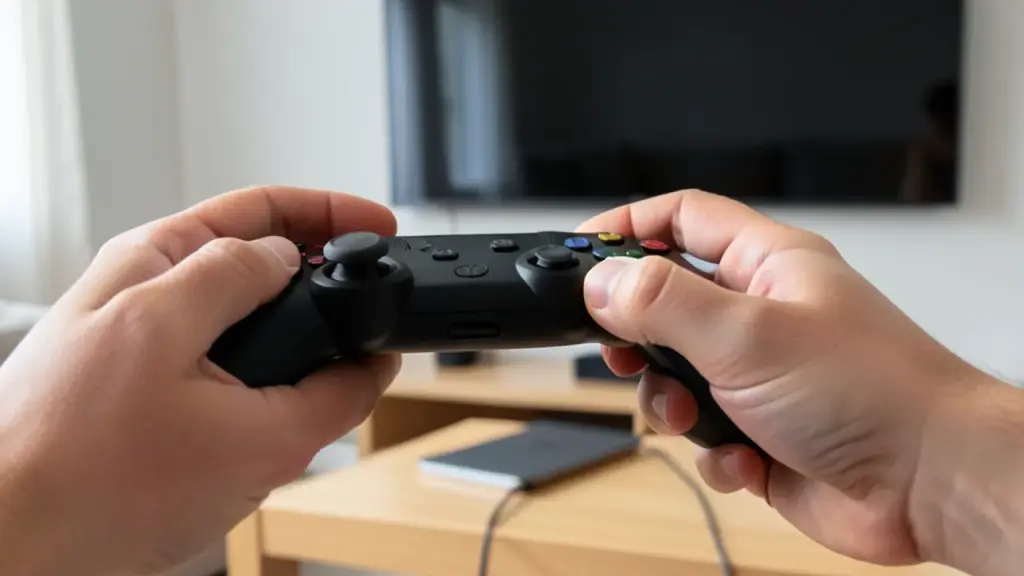
If you own an Apple silicon Mac and a pile of Steam games marked as unsupported, it costs nothing to try. Pads that work with macOS appear inside SteamOS under their own names, with rumble, and a DualSense can be passed through whole so Steam Input gets its touchpad, gyro, lightbar and adaptive triggers. Sound goes to your Mac’s current output and follows it when you switch, with surround layouts of up to 12 channels but no Dolby Atmos.
It also makes a decent couch setup. Plug a MacBook into a TV over HDMI, grab a gamepad, and the Steam Deck interface works from the sofa. You can even sideload non-Steam games through the SteamOS Desktop Mode, found under Power in the sidebar.
Keep expectations modest on a MacBook Air or an 8GB Mac. A virtual machine can’t use all of the computer’s power, and every translation layer costs some speed. Closing the window shuts SteamOS down in a few seconds or suspends it in memory, but that paused game lives only in memory. Quit the launcher or turn the Mac off and the session is gone.
If FX Steam Launcher isn’t for you, there are other routes. NotProton turns on Steam Play inside the regular Mac Steam app and runs Windows games through CrossOver, with no separate SteamOS install, while UTM 5 added DirectX 11 and 12 acceleration for full Windows 11 virtual machines.