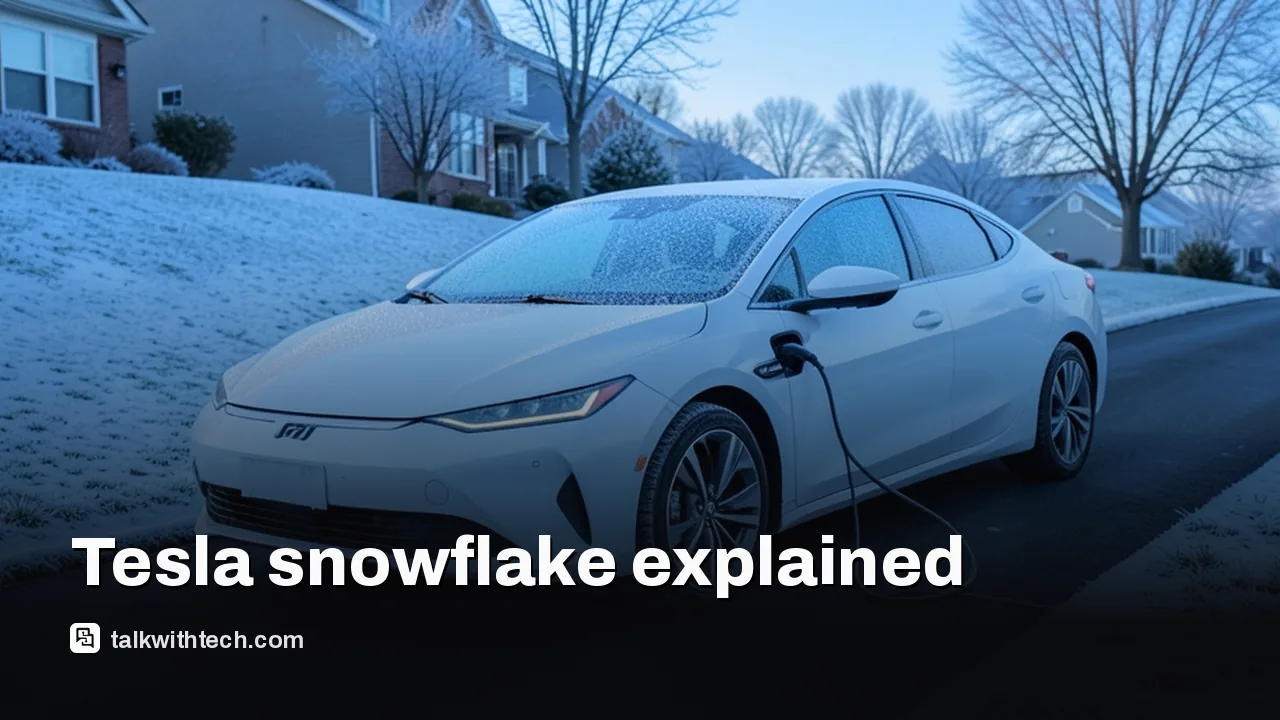
The blue Tesla snowflake icon means the battery is too cold to release all of its stored energy.
While it shows, regenerative braking, acceleration and charging speed can all be limited.
Preconditioning from the app or a schedule, driving, charging or navigating to a Supercharger warms the battery.
Tesla recommends starting climate settings at least 30 to 45 minutes before you leave in harsh cold.
Quick read · 1 min
A blue snowflake next to your Tesla's battery or range readout means the battery is too cold to release all of its stored energy. It isn't a fault, and it goes away once the pack warms up.
While it shows, a cold battery can limit three things:
Regenerative braking, so the car slows less when you lift off the accelerator.
Acceleration, so pulling away or merging feels weaker.
Charging speed, which is most noticeable at Superchargers.
To clear it, warm the battery. Turn on climate control or defrost in the Tesla app, set a scheduled precondition, or navigate to a Supercharger so the car preheats the pack on the way. Driving and charging help too. Tesla recommends starting climate settings at least 30 to 45 minutes before you leave in harsh cold. To see it less often, keep the car plugged in, stay above 20% charge when unplugged and park in a garage if you can.
The Tesla snowflake icon, the small blue snowflake that appears next to your battery and range readout on a frosty morning, means your battery is too cold to hand over all of its stored energy right now. Nothing is broken. The car is holding some power back until the pack warms up, and the icon disappears on its own once it does.
The quickest way to clear it is to warm the battery before you set off: switch on climate control from the Tesla app or set a scheduled departure, ideally while the car is plugged in. Driving and charging warm the pack too, and so does using the car’s navigation to head to a Supercharger. Until then, expect weaker regenerative braking, softer acceleration, slower charging and a lower range estimate. Below is what each of those means on the road, how long warming really takes, and how to see the snowflake less often this winter.
01
What the Tesla snowflake icon means
The snowflake is a cold-battery notice, not a road warning. It doesn’t say the streets are icy. It says the lithium-ion pack under the floor is below the temperature where it performs at full strength, so part of its charge is off limits for now.
Lithium-ion cells, the same basic kind found in phones and laptops, are sensitive to extreme temperatures. In the cold, the chemical reactions inside them slow down, and the cells can’t store or release energy as efficiently. Tesla limits what the pack is asked to do in that state to protect it from damage, and the snowflake is the car’s way of telling you that limit is active.
You’ll usually see it in two places: on the car’s touchscreen beside the battery indicator, and in the Tesla mobile app. Often a slice of the battery graphic turns blue at the same moment. Both signals mean the same thing.
Why part of your Tesla battery turns blue
The blue section of the battery graphic is the share of your charge that the cold has temporarily locked away. Tap the battery icon or the charge button in the app, or do the same on the car’s screen, and you’ll jump to the Charging page, where that blue portion sits next to the rest of your charge. The bigger the blue slice, the colder the battery and the more energy is waiting to be released.
Here’s the part many new owners miss. The range number the car shows already leaves out the locked portion. So the figure you see on a cold morning is a cautious one, and the range you actually get may be higher once the pack warms and that energy comes back. The colder the battery, the more range is hidden this way.
02
What a cold battery limits while the snowflake is on
A cold pack can hold back three things you’ll notice while driving:
Regenerative braking. This is the system that slows the car and feeds energy back into the battery when you lift your foot off the accelerator. With a cold pack the car slows less by itself, so you’ll use the brake pedal more, for example when approaching traffic lights or a junction.
Acceleration. Power can be reined in for a while, so pulling away, merging into traffic or overtaking may feel less responsive than usual.
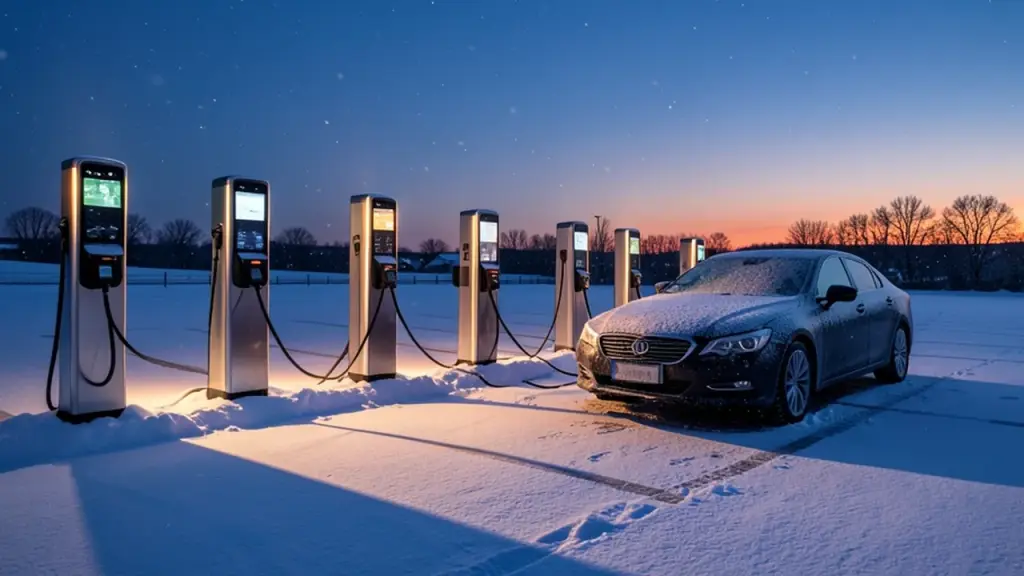
Charging speed. A cold battery can’t accept energy as quickly as a warm one, so charging may be slower than you’re used to, and Superchargers are where you’ll notice it most.
None of these is permanent. As you keep driving, the battery heats up, regenerative power returns, and the snowflake goes away.
03
How to get rid of the Tesla snowflake icon: 5 ways to warm the battery
Every way to get rid of the Tesla snowflake icon comes down to raising the battery’s temperature. These are the methods Tesla’s own guidance and long-time owners point to.
Turn on climate control from the app. Open the Climate section of the Tesla app and choose the cabin temperature you want. Heating the cabin this way also warms the high voltage battery when it needs it. If the car is plugged in, owners report the blue section and snowflake can clear after 10 to 15 minutes.
Set a scheduled precondition. The Schedule option, found on both the charging and climate screens, lets you tell the car when you plan to drive. The car then works out when to start heating so the cabin and battery are warm by your departure time.
Use the defrost setting. The app’s defrost option melts ice, snow and frost on the windshield, windows, mirrors and charge port, and it warms the battery as needed while it runs.
Navigate to a Supercharger. Choose a Tesla charging location in the car’s built-in navigation, which Tesla calls Trip Planner, and the car preheats the battery on the way. It arrives at a good temperature for charging, which cuts the time you spend plugged in.
Simply drive, or charge. Driving and charging both warm the pack. If you don’t need full power right away, the snowflake will fade by itself as you go.
Tesla also advises leaving the car plugged in whenever it isn’t in use. That way the charging system, rather than the battery itself, does the work of keeping the pack warm.
04
How long it takes to warm a cold Tesla battery
Tesla’s own recommendation is to switch on climate settings at least 30 to 45 minutes before you leave. Its manual adds that the time needed depends on the outside temperature and other factors, and the mobile app sends a notification once the car reaches the preconditioning temperature you picked.
That is longer than the 10 to 15 minutes some owner guides suggest for a plugged-in car. The two figures differ, and Tesla’s longer window is the official advice for harsh cold.
Two details matter if you rely on a schedule. Tesla recommends booking a charge together with your precondition so the car has enough energy for the trip. And when the car isn’t plugged in, preconditioning only runs as long as the car is not in Low Power Mode.
How to see the blue snowflake less often this winter
You can’t make it vanish for good. Seeing the snowflake on cold days is normal for a Tesla. A few habits do keep the battery warmer between drives, though:
Keep it plugged in when you can. Tesla says the car is safe to stay plugged in for any length of time, and a plugged-in car keeps its pack at a better temperature during long stays.
Stay above 20% when unplugged. Tesla recommends keeping the charge level above that mark in cold weather when the car isn’t connected.
Use a garage if you have one. Storing the car in a garage, ideally plugged in, helps stop the battery from getting so cold in the first place.
Precondition before trips. Heating the battery and cabin ahead of time means full power, regenerative braking and range are there from the moment you set off.
Check the app less often. When parked, the car goes into a sleep mode to save energy. Every status check from your phone wakes it up and restarts normal energy use.
06
What the snowflake means for your daily drive
For most drivers, the snowflake is a short-term nuisance rather than a reason to worry. The bigger change is how the car behaves in the first few minutes of a cold trip, so adjust your driving until it warms up:
Leave extra room when slowing down. Weaker regenerative braking means the car won’t slow as sharply when you lift off, so plan to brake earlier.
Expect a softer start. Acceleration may stay muted until the pack is warmer, which matters when merging or passing.
Use seat heaters first. They draw less energy than the cabin heater, so lowering the cabin temperature and leaning on heated seats (and a heated steering wheel, if yours has one) saves charge for driving.
Drive smoothly. Cold weather raises energy use because the car needs power for driving plus heating the cabin and battery. Tesla suggests slowing down and avoiding frequent, rapid acceleration.
Plan charging stops through the navigation. Heading to a Supercharger through the car’s own navigation lets it warm the battery on the way, so you don’t arrive with a cold pack that charges slowly.
Other cold-weather Tesla tips worth knowing
The snowflake isn’t the only winter quirk. Tesla’s cold-weather advice covers several other parts of the car:
Frozen charge port latch. If ice locks a charging cable in place, the defrost and schedule settings can help, and Tesla’s manual explains how to release the cable by hand if that fails.
Wipers. Tesla suggests raising the wipers with Wiper Service Mode before snow or ice builds up, so they don’t freeze against the windshield.
Mirrors. If you expect ice where you park, turn off Auto-Fold Mirrors, because ice can stop the side mirrors from folding or unfolding.
Tire pressure. Cold air lowers tire pressure: for each 10° F (6° C) the outside temperature falls, expect roughly one PSI less. If the tire pressure warning light comes on, inflate the tires before you drive.
Winter tires and chains. Winter tires add grip on snow and ice, and chains add more, but check local rules on whether chains are required where you live.
07
Quick answers
Is it safe to drive with the snowflake on my Tesla?
Yes. The snowflake is a notice that the battery is cold, not a fault. Expect weaker regenerative braking and acceleration until the pack warms, and leave more room to slow down.
Why is part of my Tesla battery blue?
The blue section is charge that the cold has temporarily locked. It returns as the battery warms through driving, charging or preconditioning, and the displayed range already leaves it out.
How long does the Tesla snowflake take to go away?
It depends on how cold the battery is. Tesla recommends starting climate settings 30 to 45 minutes before you leave, and the icon disappears once the battery is warm enough.
Apple's foldable tracks each of its two battery cells separately. Here's what Battery 1 and Battery 2 mean, which number to watch, and when a replacement makes sense.
7 min read
We use cookies to understand how readers use Talk With Tech, so we can make it better. Is that OK? Privacy policy
The Daily Brief
Today's biggest tech stories, in 5 minutes
Every morning, the news that matters from AI, phones, apps and the people shaping tech. Explained in plain English. Free.
One email a day. No spam, unsubscribe anytime. Privacy policy