ThinkPad T14s Gen 6 review: best keyboard, durable daily workhorse
Lenovo's slim 14-inch ThinkPad nails typing, build quality and everyday speed, but it drops Ethernet and upgradeable memory and costs more than rivals.
The ThinkPad T14s Gen 6 is a slim 14-inch business laptop starting at $1,500 in the US and £1,500 in the UK.
Its keyboard is still the best of any laptop line, and the chassis carries a MIL-STD-810H toughness rating.
Lenovo sells Intel, AMD and Qualcomm Snapdragon versions; the AMD model allows up to 64GB of memory and a 50 TOPS AI chip.
There is no Ethernet port, no SD card slot and no upgradeable RAM, and the webcam and speakers are only average.
Quick read · 2 min
The Lenovo ThinkPad T14s Gen 6 is a slim, tough 14-inch business laptop that starts at $1,500 in the US and £1,500 in the UK. In long-term testing of the AMD version, it breezed through office apps, email, browsing and video calls, and its keyboard remains the best of any laptop line.
You can choose Intel, AMD or Qualcomm Snapdragon chips. The AMD model allows up to 64GB of memory and has the strongest AI chip of the x86 pair, while the Intel version is a little cheaper and fine for most office work.
Good: build quality, keyboard, light weight, decent port mix with Thunderbolt 4.
Not so good: no Ethernet, no SD slot, RAM can't be upgraded, average webcam and speakers.
Best for: remote and hybrid workers who type all day.
If you need heavy graphics power or wired networking, the standard ThinkPad T14 or T16 is the better buy.
The best thing about the Lenovo ThinkPad T14s Gen 6 is something you touch hundreds of times an hour: the keyboard. In a two-month test of the AMD model, it was still the most comfortable laptop keyboard money can buy, and almost everything else about this 14-inch work machine is built around the same idea of quiet, dependable comfort.
That matters if your laptop is basically your office. A business machine at this price has to survive a commute, sit through hours of email and video calls, and still feel good on a Friday afternoon. The T14s Gen 6 does that well, but it also makes a few cuts you should know about before you spend $1,500 or more.
01
ThinkPad T14s Gen 6 review: the short verdict
The ThinkPad T14s Gen 6 is a durable, stylish and fast business laptop that gets nearly everything right for office and remote workers. It handles productivity apps with ease, it is light enough to carry every day, and it keeps the classic red TrackPoint nub in the middle of the keys for people who prefer it to a touchpad.
Its weak spots are clear too. It is not cheap, the built-in graphics can’t keep up with heavy creative work, there is no Ethernet port, and video calls look and sound merely okay. None of these will bother most office workers, but each one could rule it out for some buyers.
02
How much the T14s Gen 6 costs, and which chip to pick
Prices start at $1,500 in the US and £1,500 in the UK for the base configuration, and climb to around $3,400 or £3,400 once you load it up with memory and storage. You can buy it directly from Lenovo or from online retailers.
The Gen 6 comes in three flavors, which look almost identical from the outside:
Intel: up to an Intel Core Ultra 7 vPro chip with Intel Arc graphics, up to 32GB of memory and an AI chip (NPU) rated at up to 48 TOPS. These tend to sell for slightly less than the AMD versions.
AMD: up to an AMD Ryzen AI 7 Pro 360 with Radeon 880M graphics, up to 64GB of memory and an NPU rated at up to 50 TOPS. It also gets a sharper 5MP webcam and properly certified Thunderbolt 4 ports.
Qualcomm Snapdragon X Elite: an Arm-based version that arrived first, listed from $1,699, with a 1080p camera and a strong reputation for long battery life.
TOPS stands for trillions of operations per second, a rough measure of how fast the laptop can run AI features on the device itself. Both the Intel and AMD figures are plenty for Copilot+ features in Windows, blurring your background on calls and the AI tools inside apps like Adobe’s creative suite.
For plain office work, the cheaper Intel model is probably the sensible choice, though the gap is small. The AMD version makes more sense if you juggle lots of apps at once or want the machine to last, because of that higher memory ceiling. The AMD chip is also the safer pick over Snapdragon if you rely on older Windows programs, since it doesn’t need to translate software written for traditional PC chips, and its graphics are stronger.
03
Build, weight and ports: what you get and what Lenovo cut
This is every inch a ThinkPad: black, sensible and sturdy. The base is made from recycled aluminum, the lid from carbon fiber-reinforced plastic and the keyboard frame from recycled magnesium. It carries the MIL-STD-810H rating, a set of military-style tests for drops, shocks and temperature extremes, so it should shrug off a rough commute.
It is under 0.7 inches thick and the AMD version starts at 2.86 pounds, a little heavier than the 2.72-pound Snapdragon model. That is light for a business laptop, though not ultralight. The screen lid has a small webcam bump at the top that keeps the bezels thin and doubles as a handy tab for opening the lid, and the screen folds all the way flat so you can show it to someone across a desk.
Ports are decent at a time when many laptops strip them out. You get two USB-C Thunderbolt 4 ports with 65W charging, two USB-A ports, HDMI 2.1, a headphone jack, a nano SIM slot for optional 5G and a Kensington lock slot. What’s missing is an Ethernet jack and an SD card reader.
The bigger catch is that, as the slimmer s model, the T14s gives up upgradeable RAM. Whatever memory you buy on day one is what you keep. If wired networking or adding RAM later matters to you, look at the standard ThinkPad T14 or the larger T16 instead.
04
The keyboard, screen and video calls in daily use
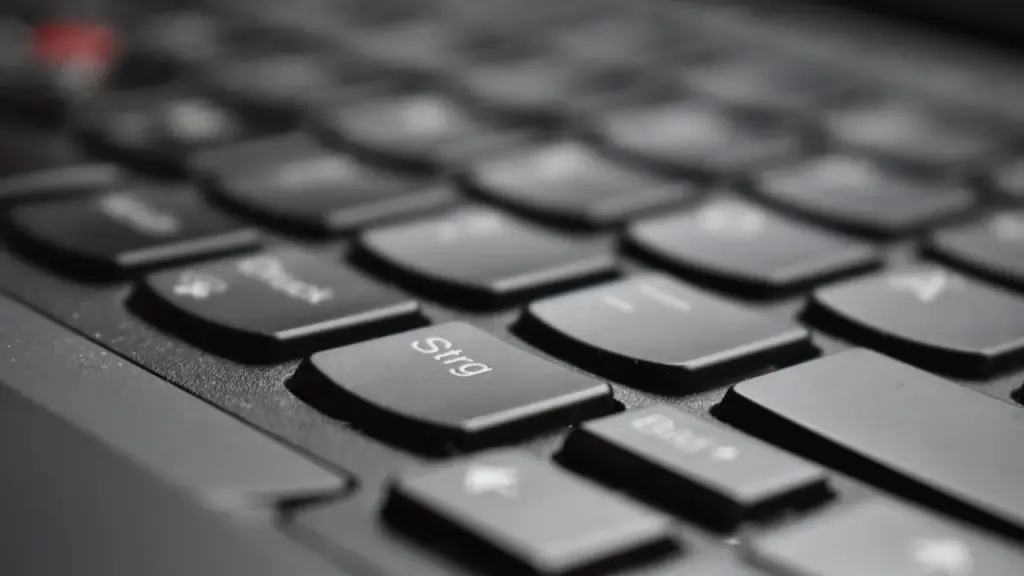
The keyboard is the reason to buy this laptop. Keys travel deeper than the shallow, slightly mushy keys found on many business laptops and MacBooks, so long sessions of reports, emails or even fiction writing feel noticeably easier on the fingers. The one thing you give up on a 14-inch body is a number pad.
The 14-inch screen is a matte IPS panel with a 1920 x 1200 resolution and a 16:10 shape, which gives you a little more vertical room for documents and side-by-side apps. It looks surprisingly vibrant, though slightly soft compared with sharper panels. It covers the full sRGB color range, enough for light photo work and social media graphics, and an optional touchscreen is available.
Video calls are where it is just average. The 5MP camera on the AMD model looked a bit pixelated on calls, the microphone is fine and the speakers sound thin. If you spend your day on calls where picture and sound really matter, budget for an external webcam and a headset.
For the work it is designed for, the T14s Gen 6 is excellent. Google Docs, Adobe’s creative apps, email, streaming and lots of browser tabs at once caused it no trouble during testing. The AMD chip can even manage some light gaming, but this is an office machine, not a gaming laptop or a 3D rendering workstation.
All the air vents now sit on the underside, which keeps hot air away from your mouse hand but means the base can get warm on your lap. A vented laptop stand at a desk helps. The speakers have also moved from above the keyboard to either side of it.
Lenovo rates the battery at around 12 hours. In mixed real-world use with video calls, streaming and many tabs open, expect noticeably less, though still enough for a typical working day. The battery is replaceable, which is a real plus for IT teams that buy laptops in bulk and want them to last.
06
Who should buy the ThinkPad T14s Gen 6
Buy it if you are a remote, hybrid or traveling worker who types a lot and wants a tough, reliable laptop that looks professional. On price it sits alongside rivals such as the Dell Pro 14, and the ThinkPad’s build quality, repairability and keyboard are the reasons to choose it over HP and Dell, since everyday performance across the three is very similar.
Skip it if your job involves heavy video editing or 3D work, where you need a laptop with a dedicated graphics card. Skip it too if you need an Ethernet port or want to upgrade the memory yourself later. In that case the regular T14 is the better fit.
07
Quick answers
Is the ThinkPad T14s Gen 6 good for students?
Yes, if typing comfort and durability matter more than graphics. It handles schoolwork, writing and browsing easily, but its starting price is high for a student budget.
Can you upgrade the RAM in the T14s Gen 6?
No. The memory is soldered to the board, so pick enough when you buy. The AMD model goes up to 64GB and the Intel model up to 32GB.
Does the ThinkPad T14s Gen 6 have an Ethernet port?
No. You’ll need a USB-C dock or adapter for wired internet, or a strong Wi-Fi connection. The Gen 6 supports Wi-Fi 7.
SpaceX and Elon Musk each promise one share per active Trump Account. One arrives next month, the other waits for June 2027, and parents may need to act.
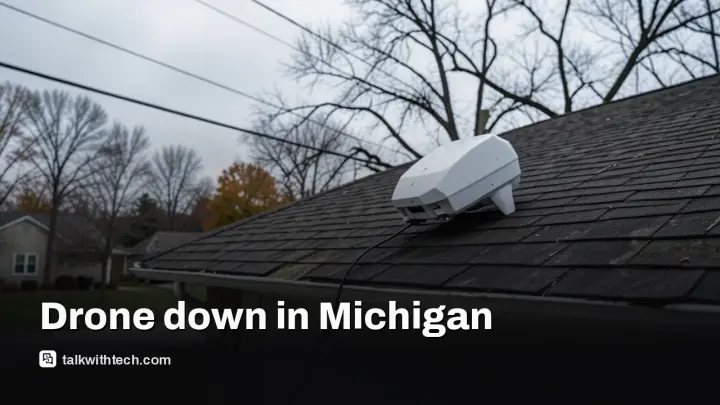
A Prime Air drone dropped off shampoo, clipped a fiber line on takeoff and came down on a garage. Here is what is known, and what regulators look at now.
7 min read
We use cookies to understand how readers use Talk With Tech, so we can make it better. Is that OK? Privacy policy
The Daily Brief
Today's biggest tech stories, in 5 minutes
Every morning, the news that matters from AI, phones, apps and the people shaping tech. Explained in plain English. Free.
One email a day. No spam, unsubscribe anytime. Privacy policy