Which USB gadgets actually work with your smart TV
Flash drives, keyboards and LED strips usually work, printers never do, and webcams depend on your TV's software. Here is how to tell before you plug in.
A smart TV USB port reliably plays photos, music and video from flash drives, and many TVs also accept external drives.
Keyboards, mice, USB microphones, game controllers and LED backlights work on many models; printers, scanners and Wi-Fi adapters do not.
Webcams are a gray area: they can work on newer Android TV, Samsung Tizen and LG webOS sets with the right app.
Most 'no device detected' errors come down to dirt, drive formatting, video codecs, power limits or old TV software.
Quick read · 2 min
Your smart TV's USB port is more useful than it looks, but it has firm limits. Flash drives with photos, music and video work on almost every model, and many TVs also read external hard drives and SSDs if the port supplies enough power. Some sets can even record live TV to a drive.
Usually works: keyboards, mice, USB microphones, LED backlights and presentation clickers.
Never works: printers, scanners and Wi-Fi adapters, because they need drivers or a PC.
Depends on the model: webcams, which run on some newer Android TV, Tizen and webOS sets.
If your TV can't see a drive, clean the port, check that the drive uses FAT32 or another format your manual lists, convert videos that use unsupported codecs, try a powered hub and update the TV's software. Your model's manual lists exactly what its USB port supports.
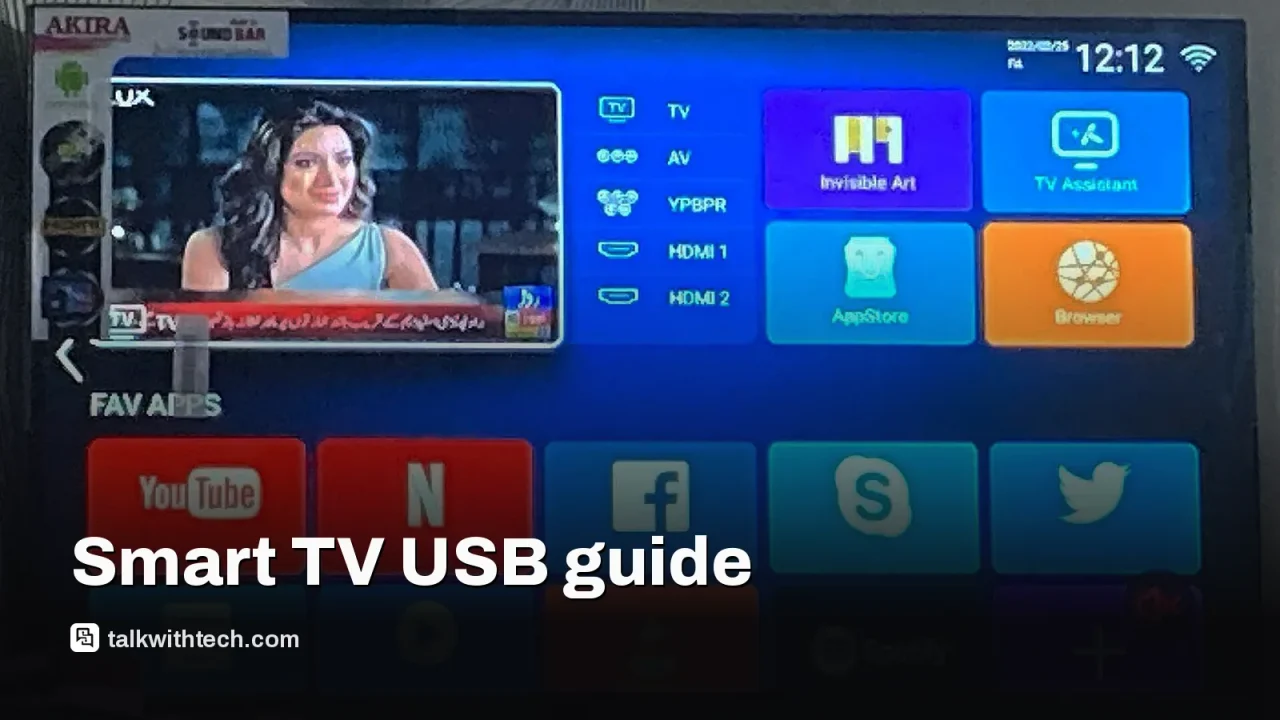
The USB port on the back of your smart TV can record live TV, light up your wall and turn a slideshow into a presentation. It can also sit there doing nothing while your TV shows a blunt “no device detected” message, and the reason is usually one of five small things.
Knowing which is which saves you money and a wasted evening. Plenty of USB gadgets are sold as TV accessories, but a TV is not a computer, and the rules for what it accepts are stricter than most people expect. This guide covers what works, what never will, the gray areas, and how to fix a drive your TV refuses to read.
01
What a smart TV USB port does well
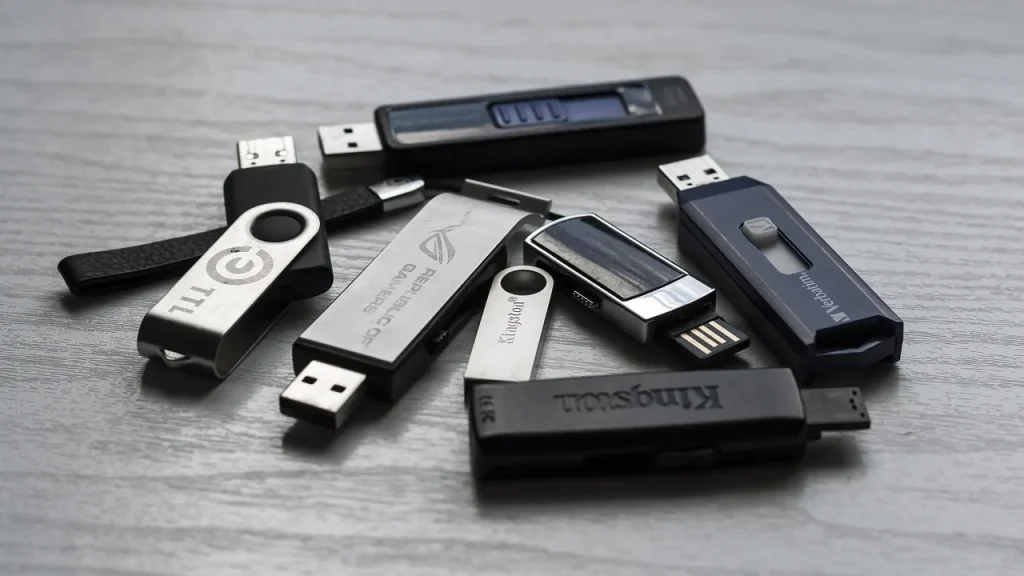
A smart TV USB port is best at playing your own files. Almost every model can open photos, music and video from a flash drive, which is handy when the internet is down or you want to show holiday pictures to the family without casting from a phone.
Bigger storage often works too. Many TVs will read an external hard drive or SSD, which holds far more than a stick, as long as the drive doesn’t need more power than the port can give. Some sets have a faster USB 3.0 port, which copes better with large 4K video files.
A smaller group of TVs supports PVR (personal video recorder) through USB. That lets you record live broadcasts onto a drive. Expect limits: many streaming apps block recording entirely, so this is mainly for over-the-air or cable channels.
02
Keyboards, lights and other gadgets that usually work
Simple plug-and-go devices are the safest bet. Many TVs recognize a USB keyboard and mouse, which beats spelling out a password one letter at a time with the remote. A wireless keyboard with a built-in touchpad, such as the Logitech K400 Plus, also helps if your TV has a web browser. You’ll still need the remote for some settings, so the keyboard is an extra, not a replacement.
Other gadgets that commonly work include:
Game controllers: wired USB pads work on some TVs, though Bluetooth is the more common way to connect them.
USB microphones: many TVs accept one for clearer voice commands.
LED backlight strips: these draw power straight from the port and give a soft glow behind the screen, which looks best on a white wall.
Presentation clickers: a cheap remote with a laser or on-screen pointer turns the TV into a slideshow screen for a home office or classroom.
Low-power novelty items, like USB fairy lights, generally run fine as well. If a gadget only needs electricity and no software, your TV can probably power it.
03
The devices your TV can’t run
The rule of thumb is simple: if a device needs drivers, setup software or a PC to talk to, a TV can’t handle it. That rules out printers and scanners, and it rules out USB Wi-Fi adapters too.
Charging is another weak spot. In a pinch you can top up a phone from a TV port, but it will be very slow, and it isn’t a habit worth forming.
Webcams: the exception that depends on your model
Advice on webcams is split, and both sides are partly right. Older TVs don’t support them at all. Newer sets that run Android TV, Samsung’s Tizen or LG’s webOS can work with a USB webcam when paired with a video-calling app, which makes living-room calls or online fitness classes possible. A camera such as the Logitech C920x, which records full HD 1080p video, is a common pick. If your TV lacks support, a streaming box running Android TV is the usual workaround.
04
Why your TV can’t see your USB drive
When a drive won’t show up, or shows up with no playable files, work through these causes in order.
Dirt or corrosion. Dust and oxide stop the metal contacts from touching. Unplug the TV, then gently clean the port and the plug with a cotton swab lightly dampened with isopropyl alcohol, and dry them.
The wrong format. Many older TVs only read drives formatted as FAT32 and ignore exFAT or NTFS. Back up the drive, reformat it to a system your manual lists, then copy the files back.
An unsupported codec. A TV may list a video file but refuse to play it because it doesn’t support the codec, the method used to compress the video. AV1, HEVC and WMV are common trouble spots. A free converter app can re-encode the file.
Not enough power. Ports differ, and external drives need more power than sticks. A drive that keeps connecting and disconnecting is a classic sign. Try another port, a drive with its own AC adapter, or a USB hub with a separate power supply.
Old or glitchy software. Unplug the TV for a few minutes to clear its cache, then check for a software update.
Size and file counts matter as well. Some older TVs only recognize drives up to 32 or 64GB, while newer ones read terabytes. Samsung TVs index up to 1,000 files in a single folder and 8,000 on the whole drive, so very large photo collections may show up only in part.
05
What this means for your next movie night
For most households, a smart TV USB port is a free media player, a power socket for lights and a way to make typing less painful. Before you buy any USB accessory for the TV, look up your model’s manual or the maker’s support page and search for its USB section. It will list the supported file systems, video formats and devices.
If you want a quick test, start with a small flash drive formatted to FAT32 and a common file like an MP4 video or MP3 song. If that plays, your port works, and you can move on to bigger drives and gadgets from there.
06
Quick answers
Can I plug any USB drive into my smart TV?
Not always. The drive’s format, size and power needs all have to suit your TV, and the files must use codecs your TV supports.
Can a smart TV USB port charge my phone?
Usually yes, but very slowly. A wall charger is a much better option.
Does a USB webcam work on a smart TV?
Only on some newer models, such as those running Android TV, Tizen or webOS, and only with a compatible video-calling app.
Google's Gemini app now lets you build a PDF in the chat, then type changes or highlight a passage for the AI to rewrite. Here's how, and where it stops.