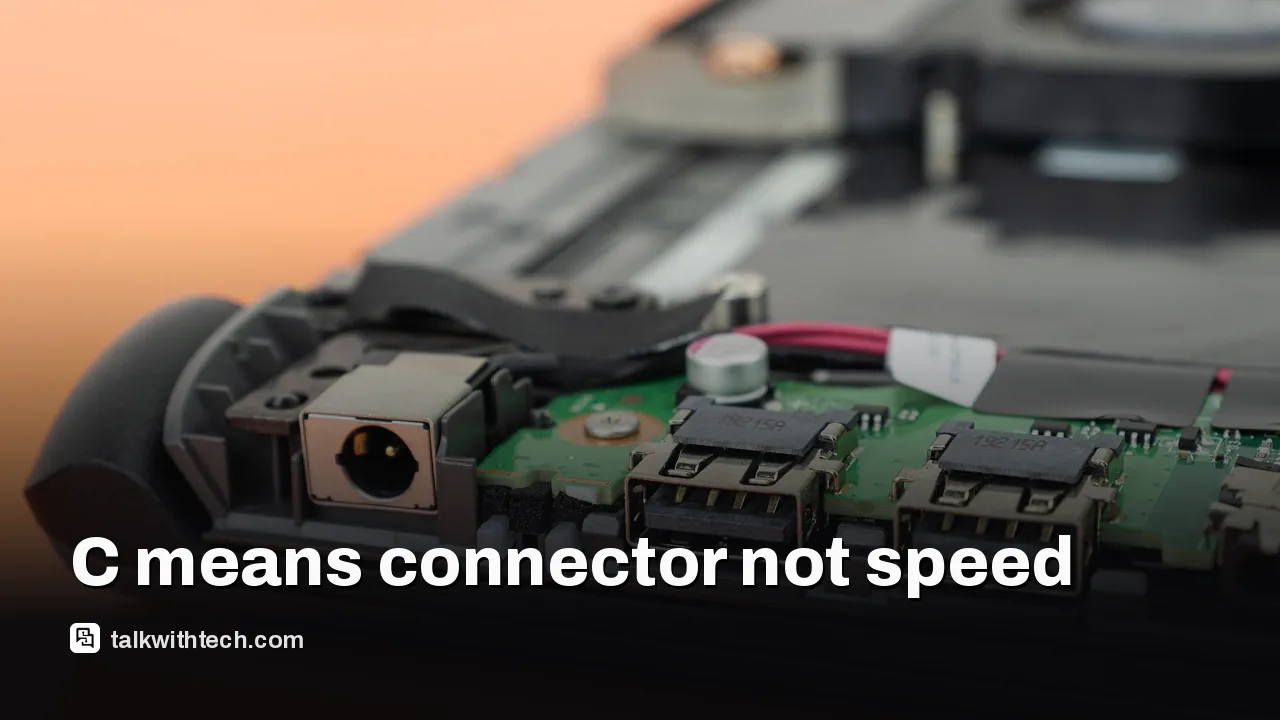
The C in USB-C is not an acronym; it simply marks the third connector design after USB-A and USB-B.
USB-C is the plug shape, while the speed depends on the protocol inside, from 480 Mbps up to 80 Gbps.
The base iPhone 17 port runs at USB 2 speed, while the iPhone 17 Pro supports up to 10 Gbps.
Cables vary too: some can't carry data at all, and charging can range from about 20 watts to 240 watts.
Quick read · 1 min
The C in USB-C isn't short for charging, cable or connector. It's just a letter in a sequence: USB-A came first, then USB-B, and USB-C, or USB Type-C, is the newest plug shape in the family.
The bigger thing to know is that the letter tells you only the shape, not the speed. Behind each port sits a protocol that decides how fast data moves, from 480 Mbps on USB 2 to 80 Gbps on the newest USB4. The base iPhone 17 runs at USB 2 speed, while the iPhone 17 Pro manages 10 Gbps through an identical-looking port.
Some cheap cables charge only and carry no data.
Charging ranges from about 20 watts on bundled cables to 240 watts on the best ones.
USB-C to USB-A cables cap your speed.
Check your device's spec sheet and the cable's rating before you buy.
The C in USB-C doesn’t stand for anything. Not charging, not cable, not connector. It’s simply the third letter in a series, the connector design that came after USB-A and USB-B.
That answer is less trivial than it sounds, because the letter only tells you the shape of the plug. It says nothing about how fast your phone charges or how quickly photos copy to your laptop. Two USB-C ports that look identical can differ in speed by a huge margin, and a cheap cable can quietly slow down an expensive gadget. Here’s how to tell what you actually have.
01
What does the C in USB-C stand for?
Nothing in particular. USB itself stands for Universal Serial Bus, a standard launched in 1996 by a group of seven tech firms, including Microsoft, Intel, IBM and Compaq, to make it easier to plug keyboards, mice and printers into PCs. Over the years the USB family gained different connector shapes, and each one got a letter.
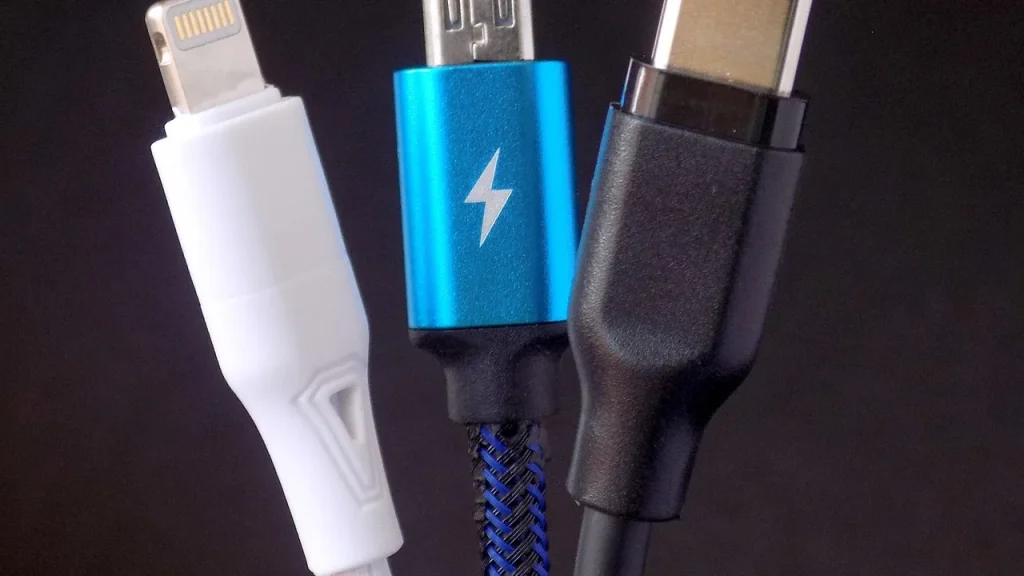
USB-A is the flat rectangular plug you still see on flash drives, older laptops and game consoles. USB-B is the boxier, squarish plug used on printers, some external drives and the back of many monitors. Micro USB, which was on lots of Android phones a decade ago, is a shrunken member of the B family. USB-C, officially USB Type-C, is simply the newest shape in the lineup.
Its official name is a clue in itself: Type-C means connector type C. The standard is managed by the USB Implementers Forum, a group whose members include Apple, Samsung, Intel and Microsoft.
02
Why USB-C replaced the older plugs
USB-C won because it’s small, it’s reversible and it can do more. The oval plug is symmetrical, so it goes in either way up, ending the old routine of flipping a USB-A plug three times. It’s also far slimmer than USB-A or USB-B, which matters on very thin phones and laptops.
It also carries much more power and data than the older connectors, which is why it now shows up on phones, laptops, tablets, game consoles, e-readers, cameras and earbuds. Android phones switched years ago. Apple was the last big holdout and moved the iPhone from its own Lightning port to USB-C in 2023.
03
The catch: same plug, very different speeds
Every USB-C port has the same shape, but the speed depends on the protocol it supports, set by the chip inside the device. Think of the plug as a road and the protocol as the speed limit. Here are the main ones you’ll find behind a USB-C port, slowest first:
USB 2: up to 480 Mbps (megabits per second). Fine for charging and a mouse, slow for big files.
USB 3.2: 5 Gbps, 10 Gbps or 20 Gbps (gigabits per second), depending on the version.
USB4 and Thunderbolt 3 or 4: up to 40 Gbps, enough for fast external drives and big monitors.
The second version of USB4: up to 80 Gbps, for top-end storage and docking hubs.
A real example: the iPhone 17 Pro’s USB-C port supports USB 3.2 at up to 10 Gbps, while the base iPhone 17’s port is USB 2, limited to 480 Mbps. Copying a long video off the regular model takes far longer, even though the ports look exactly the same.
04
Why your cable matters just as much
The cable has its own limits, and the slowest part of the chain wins. Some cheap USB-C cables carry no data at all, only power, because leaving out the data wires makes them cheaper to build. If your laptop won’t see your phone or a drive, a charge-only cable is a common reason.
Charging works the same way. The best USB-C cables handle up to 240 watts, enough for a big laptop, while the cable bundled with a pair of earbuds may top out around 20 watts. Even a 240-watt cable only charges as fast as the charger and the device allow; plug it into a 20-watt adapter and you get 20 watts. Most cables sold today are rated at 100 watts or less.
Cables that go from USB-C to the old USB-A plug are the usual bottleneck. The USB-A end caps data at 10 Gbps and standard charging at just 15 watts.
You usually can’t tell a cable’s speed by looking at it, so a few habits help:
Look up your device’s spec sheet. Search the model name plus “USB-C speed” to see whether the port is USB 2, USB 3.2, USB4 or Thunderbolt.
Read the cable’s rating before you buy. Look for the data speed in Gbps and the wattage. A USB4 or Thunderbolt cable has to meet stricter rules, so it’s a safer bet if your devices support it.
Stick to known brands. Badly made cables have damaged devices and chargers. Well-known names such as Anker, Belkin, Ugreen and Apple carry less risk than no-name listings on marketplace sites.
Check the weight in the specs. Thicker copper usually means a better signal. In one test, a $19 cable weighed 86 grams while a $9 one of the same length weighed 38 grams.
Label your cables. Once you know which ones are fast, a strip of tape saves guesswork later.
06
Quick answers
What does the C in USB-C stand for?
It doesn’t stand for a word. It marks the third USB connector design, after USB-A and USB-B, and the full name is USB Type-C.
Are all USB-C cables the same?
No. They share a plug shape, but speeds range from 480 Mbps to 80 Gbps and charging from about 20 watts to 240 watts. Some carry power only.
Is USB-C the same as Thunderbolt?
Not exactly. Thunderbolt is a fast protocol that uses the USB-C plug, so every Thunderbolt 3 or 4 port is USB-C, but most USB-C ports aren’t Thunderbolt.
T-Mobile's boss says there is no room for SpaceX to rent its network. Your satellite texting stays, but the fight for your phone bill just got sharper.
Apple's latest iPhone update closes security holes that could let attackers run code on your phone, and adds Siri memory. A few changes may still annoy you.
5 min read
We use cookies to understand how readers use Talk With Tech, so we can make it better. Is that OK? Privacy policy
The Daily Brief
Today's biggest tech stories, in 5 minutes
Every morning, the news that matters from AI, phones, apps and the people shaping tech. Explained in plain English. Free.
One email a day. No spam, unsubscribe anytime. Privacy policy