Friday, 16 October 2026

Android Auto apps gain MyRadar for weather and Fuelio for gas

Four Android Auto apps aim to improve your drive with better weather, fuel planning, college sports audio, and music choices.

MyRadar
Photo: TaurusEmerald / CC BY-SA 4.0 (modified)

The short version

  • Android Auto supports new apps that can enhance driving experiences with weather, fuel tracking, college sports audio, and music.
  • The four highlighted apps are MyRadar, Fuelio, Varsity Network, and YouTube Music, each offering a different in-car use case.
  • These apps show how car dashboards are becoming more capable, but there are caveats around data usage and distraction risk.
Quick read · 1 min

Android Auto is expanding with four new apps designed for in-car use: MyRadar for real-time weather, Fuelio for mileage tracking and fuel prices, Varsity Network for free college game audio, and YouTube Music for flexible music playback with videos or audio. Each app offers a practical perk for different needs on the road, from weather awareness to staying entertained. The catch is that more apps can mean more data usage and potential distraction, so pick a small, useful lineup for driving. If you want to try them, update Android Auto and enable the apps you’ll actually use on the dashboard. Expect more in-car app integrations as automakers and developers push to make dashboards a little smarter and a lot more handy during drives.

Android Auto is getting a little more personality on the dashboard. A recent roundup highlighted four apps that can make driving a bit more practical and a lot more fun, expanding beyond basic maps and music. The apps span weather, fuel management, college sports broadcasts and a more flexible music experience.

Here are the four apps that were called out and what they do in the car:

01

MyRadar: clearer weather on the go

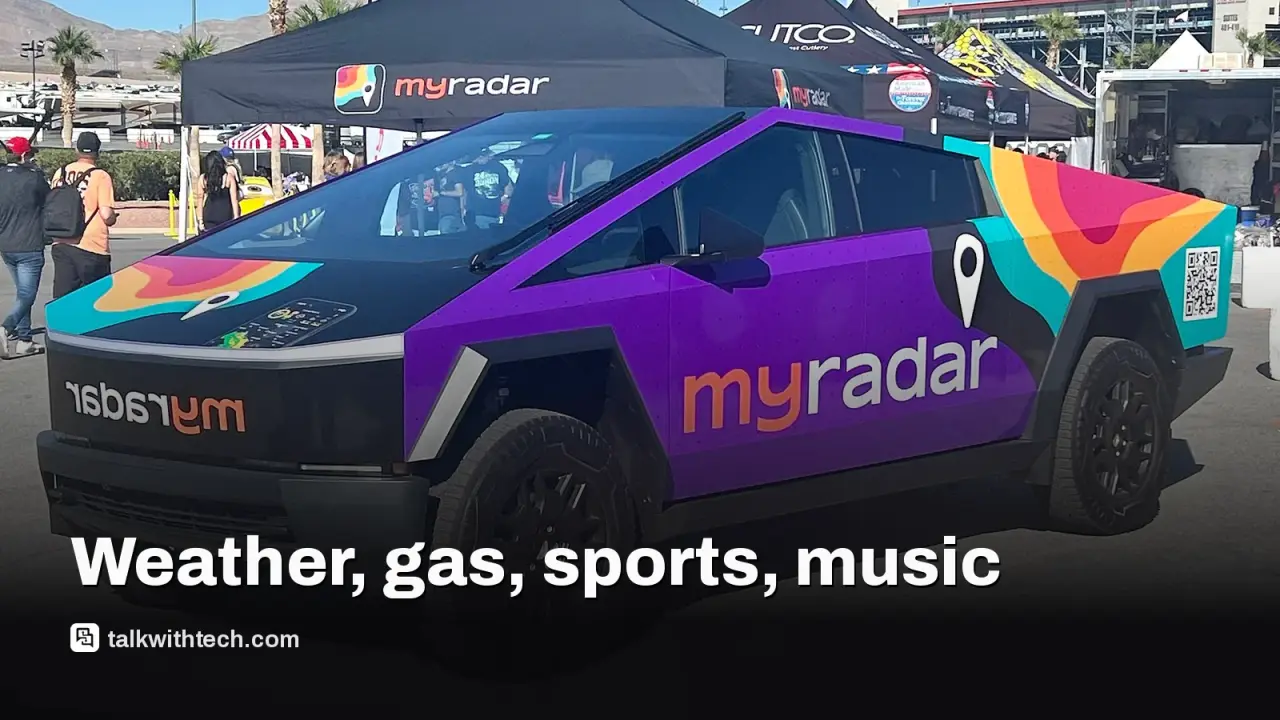
MyRadar is described as using live satellite imagery to show current weather and potential hazards on a drive. It offers storm, wind and wildfire alerts and aims to give you a more precise picture of what’s ahead. For anyone who spends time driving into changing weather, this could help with planning rest stops or routes. The app already boasts a large user base and is positioned as a standout weather tool on Android Auto.

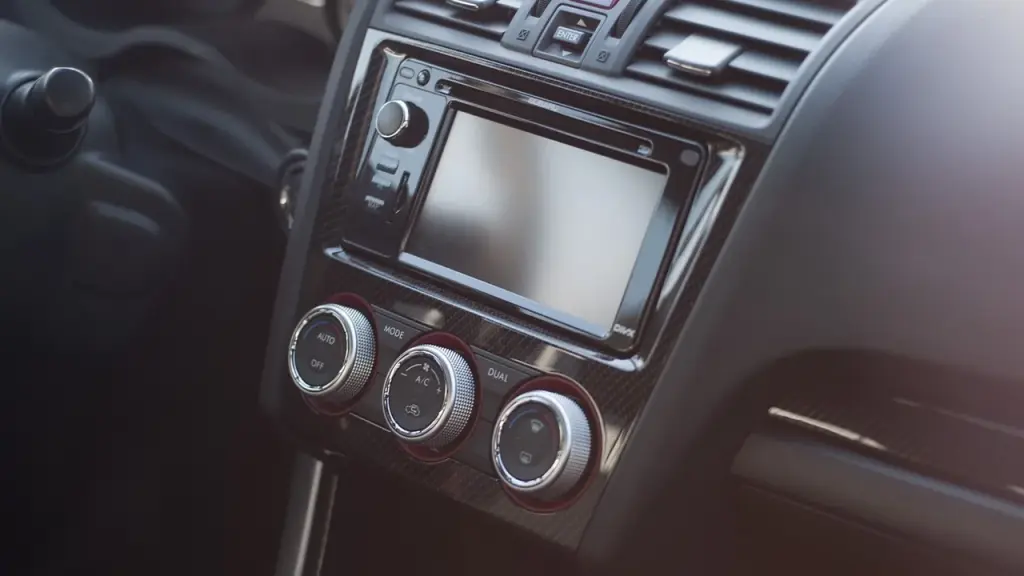
Car dashboard showing an Android Auto screen with app icons
02

Fuelio: track miles and compare gas prices

Fuelio helps with mileage logging and trip records, which can be handy for tax prep or expense reports. It also surfaces nearby gas prices, making it easier to decide where to fill up. In short, it’s a practical helper for road trips and daily commutes who want to keep better tabs on fuel costs without juggling multiple apps on the phone.

03

Varsity Network: free college game audio on your ride

The Varsity Network app brings official audio broadcasts of college games into the car. It’s positioned for fans who want to listen to live or on-demand college sports while commuting or tailgating. If you follow a specific team, this could be a convenient way to catch broadcasts without pulling out a phone or tablet.

04

YouTube Music: the music experience you can switch to videos or audio

YouTube Music stands out for letting you switch between music videos and audio-only playback. The article notes it as a preferred choice for many people who already live in the Google ecosystem, with a smooth interchange between music modes that can fit different driving moments, from a focused playlist to a quick music video break.

05

What this means for everyday driving

The takeaway is simple: more apps on Android Auto can mean more ways to stay informed, entertained and organized while on the road. But there are caveats. More apps mean more potential for data use, and any time you add more screens and notifications, there’s a risk of distraction. It’s worth checking which apps you actually need in the car and keeping a short, easy-to-navigate lineup so you can keep your eyes on the road.

06

What happens next

As automakers and app developers continue refining in-car experiences, expect more Android Auto integrations that blur the line between vehicle dashboards and the broader app ecosystem. If you want to try these four, start by updating Android Auto on your phone and ensure the apps you choose are enabled for use while driving. Then tailor which ones you really rely on on the road, rather than loading up your entire phone with every new app.

07

Quick answers

Do these apps require a connected car?

Yes, they rely on Android Auto running on your phone and connected to your car’s display.

Will these apps drain my phone’s battery?

Running apps in Android Auto can use more power, especially if you keep features like live weather or video streaming active. It’s worth monitoring battery use and plugging in for longer trips.

Are these apps available in the US, UK and Canada?

Availability varies by car model and app; the story focuses on Android Auto’s broad app lineup, not country-by-country rollouts. Check your car’s app list to confirm.
You're reading the quick version.