Tuesday, 13 October 2026

Google Gemini automates daily tasks and checks your calendar

Gemini isn’t just a chat assistant. It can schedule, monitor, and plan for you, even summarize emails and plan your weekend.

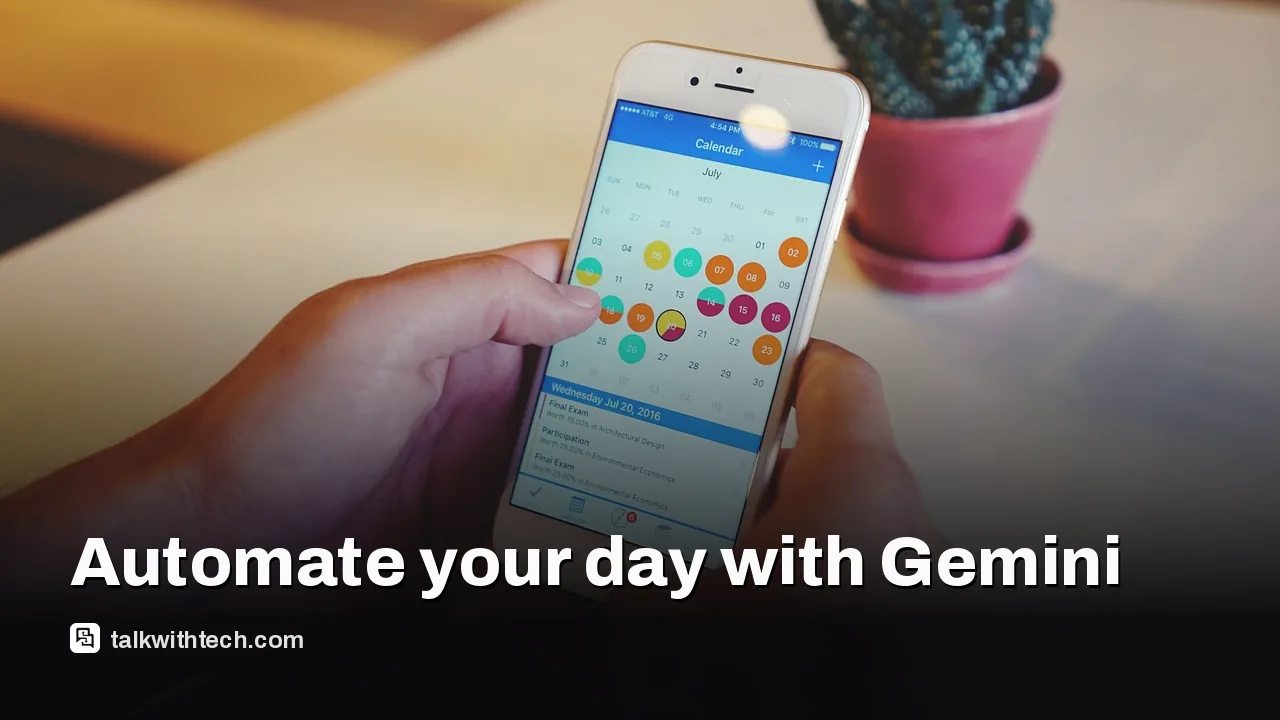
Close-up of a smartphone showing a calendar app

The short version

  • Gemini can schedule daily calendar checks and estimate travel time using Maps.
  • Spark, Google's always-on agent, can scan emails and summarize them, then add to-dos and calendar events.
  • You can set up “skills” to apply brand guidelines or repetitive instructions across conversations.
  • Availability of features may vary by region and subscription tier.
Quick read · 1 min

Google’s Gemini can automate daily tasks beyond answering questions. Try routines like daily calendar checks, news briefings, and weekend planning. Spark can summarize emails and turn them into to-dos. You can also create reusable skills to apply guidelines across chats. Availability may vary by region and plan.

What it means for you: you get more time and fewer manual steps. Start by linking your calendar, email, and drive, then test a small automation like “check calendar at 7:30 AM and summarize day.”

  • Calendar checks
  • News briefings
  • Weekend planning

Google’s Gemini isn’t only about answering questions. It’s built to automate chunks of your day, turning manual steps into one-click or one-command tasks. The idea is simple: once you set up a few routines, Gemini can take care of routine chores like tracking your schedule, pulling in news, or organizing your inbox so you don’t have to.

Here are five practical ways people are using Gemini to get more done without extra effort.

01

Check your day for travel trouble

Ask Gemini to look at your calendar every morning and estimate travel and driving time using Maps. It can help you see how long you have between appointments. Just be mindful that Gemini uses the data it has at the moment you ask for the estimate, so it’s worth double-checking routes on Maps before you head out.

Desk with laptop showing an inbox and email list on screen
02

Get a daily briefing on the latest news

You can have Gemini search for the latest news on a topic you care about and deliver a summary at a set time. For example, a daily briefing about a topic like Apple can be scheduled. Keep in mind you can run a limited number of scheduled actions at once, so plan the most important updates for the day.

03

Plan the weekend before it starts

Gemini can generate a weekend itinerary with ideas for cafes, restaurants, and activities. If you share your location during setup, it can tailor suggestions to nearby options. You could say, for instance, “Every Friday morning, plan my weekend with different ideas for cafes and restaurants to visit.”

A desk setup with coffee, notebook, and a plan outline
04

Turn repeat prompts into skills

Skills are reusable instruction blocks you can trigger with a simple command. If you’re working on a weekly newsletter with brand guidelines, you can bake those guidelines into a skill and apply them automatically in future conversations. It’s basically a ‘set it and forget it’ approach for repetitive tasks.

05

Let Spark handle your inbox

Gemini Spark can monitor your emails and summarize the week, then suggest to-dos and calendar items, all tied to Gmail, Calendar, and Drive. It’s designed to check with you before taking major actions, so you stay in control.

06

What this means for everyday users

For most people, the biggest win is time. You can delegate routine checks and planning to Gemini so you’re not bouncing between apps. It also helps you keep on top of important events, schedules, and information without manually compiling notes or reminders every day.

07

What happens next

Gemini features are released gradually and may be region locked or limited to certain Google account tiers. If you want to try these automation ideas, start by linking your calendar, email, and drive accounts to Gemini, then set a couple of small, repeatable tasks like “check calendar at 7:30 AM and summarize day.”

08

Quick answers

What can Gemini automate first?

Scheduling calendar checks, briefings on topics you care about, and planning weekend activities are the easiest starting points.

Do I need a premium plan?

Some features, like Spark, are tied to specific subscription levels. Availability can vary by region, so check what’s offered in your area.

You're reading the quick version.