Friday, 13 November 2026

Google Health app not syncing with Fitbit? Update to 5.12.2 first

Missing heart rate, oxygen and step totals came from a bug in version 5.12 on iPhone. Google says your data is safe, and the fix is out now.

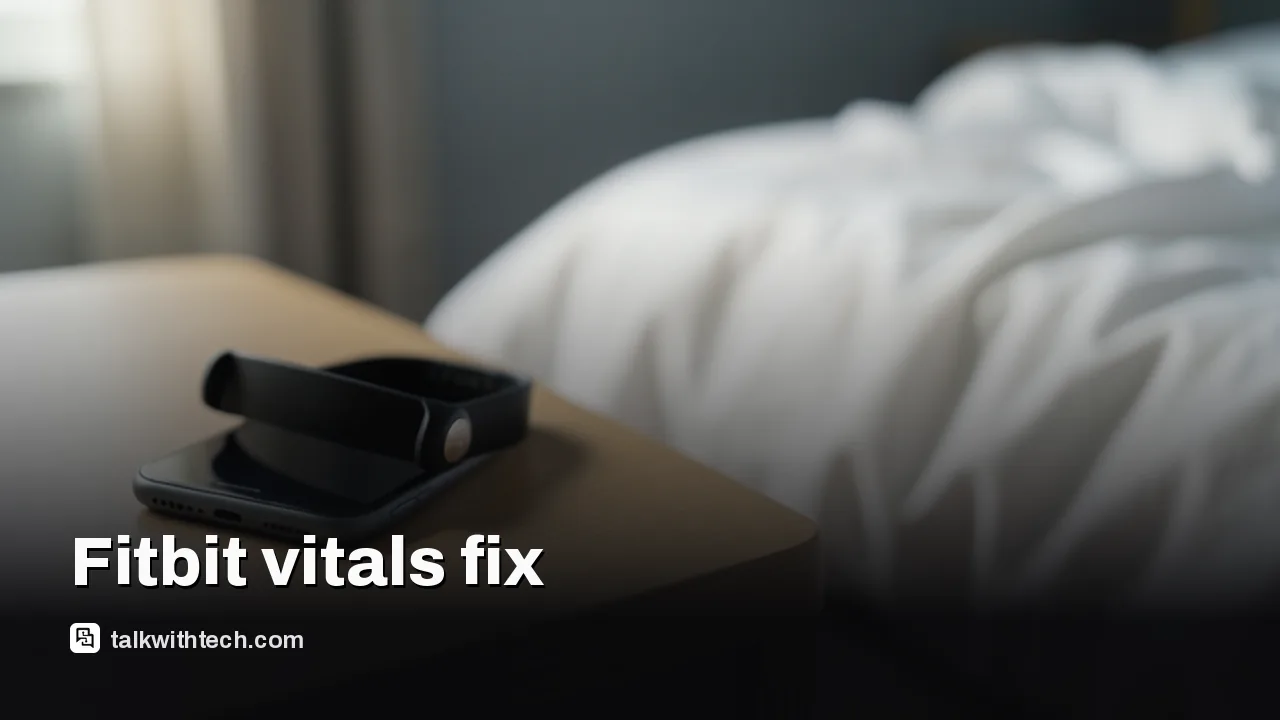
Fitness tracker next to a smartphone on a bedside table in morning light

The short version

  • Version 5.12 of the Google Health app stopped showing vitals and daily step totals for some Fitbit owners on iPhone.
  • Google says only a small number of iOS users were hit and that no health data was lost along the way.
  • Version 5.12.2 is now in the Apple App Store and should bring back the missing readings, including older days.
  • If numbers are still blank after updating, check sleep length, band fit and whether your tracker supports that metric.
Quick read · 1 min

Fitbit owners on iPhone who opened the Google Health app to blank vitals and low step counts can relax. A bug in version 5.12 stopped the app from showing resting heart rate, HRV, skin temperature, blood oxygen, breathing rate and daily totals, across trackers from the Charge 6 to the Fitbit Air.

Google confirmed the bug hit a small number of iOS users and says no data was lost. Version 5.12.2 is in the App Store now and should fill in the missing days too.

  • Update Google Health on your iPhone and sync your tracker.
  • Skip the old sign-out trick, since it rarely lasted.
  • If a vital is still blank, check sleep length, band fit and whether your model tracks it.

Android users mostly weren't affected, because their phones were still on the earlier 5.11 version when the reports began.

If your Google Health app is not syncing with your Fitbit, showing blank vitals or a step count that looks far too low, the cause is almost certainly a bug in version 5.12 of the app, and the fix is already here. Update to Google Health 5.12.2 from the App Store on your iPhone, open the app, and give it a few minutes to rebuild your numbers.

That’s the short answer. The good news behind it: Google says the readings were never lost. Your tracker kept measuring all along, but the app failed to add those numbers into your daily totals and vitals charts. After the update, they should come back, including the days that went missing.

01

Why the Google Health app stopped showing Fitbit vitals

The problem started when version 5.12 reached phones last week. Shortly after, Fitbit owners began waking up to empty vitals screens that simply said there was no data. The readings that vanished were the overnight ones people check first thing in the morning:

  • Resting heart rate
  • Heart rate variability (HRV), a measure of how much the gap between heartbeats changes, often used as a recovery signal
  • Skin temperature variation
  • Blood oxygen (SpO2)
  • Breathing rate

Daily step counts were hit too, along with other totals for the day. Complaints covered a wide spread of hardware, from the Fitbit Charge 6 and Sense 2 to the newer Fitbit Edge and the screenless Fitbit Air. That last one made it worse: a tracker with no display of its own leaves owners with nowhere else to see the numbers when the app goes blank.

On Google’s own Health help forum, a thread opened on November 9 and tagged iOS described vitals missing for two to three days, and 15 people marked that they had the same problem. Another user reported five vitals gone for four days straight. Volunteer product experts on the forum called it a known issue in the iPhone build of 5.12 and said they had passed it up the chain.

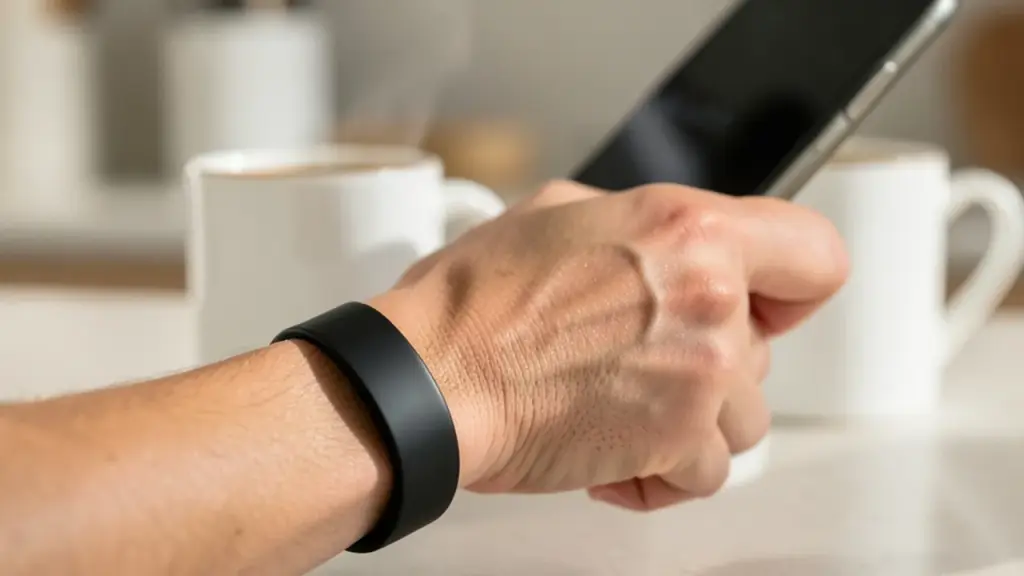
Person wearing a fitness band while checking a phone in a kitchen
02

How to fix it: update to version 5.12.2

Google has now confirmed the bug, saying it affected a small number of iOS users and that the data was recorded correctly the whole time. The repair arrived as version 5.12.2, and it is already in Apple’s App Store. Here’s what to do:

  1. Open the App Store on your iPhone, find Google Health, and install the update if it’s offered.
  2. Open Google Health and let your Fitbit sync once.
  3. Tap the Health tab, then Vitals, and look at the days that were blank. The missing readings should now fill in, since the fix also applies to earlier days.
  4. Check your step totals for the past few days to confirm they look normal again.

If the update isn’t showing yet, it may not have reached your phone, so check the App Store again later.

03

The old workarounds, and why you can drop them now

Before the fix, owners passed around a handful of tricks. They worked, but only for a while:

  • Sign out of Google Health and sign back in with the same account.
  • Delete the app and install it again.
  • Switch a vital’s chart from the weekly view to the monthly view and then back again.

Each of these could make the numbers reappear, which was a useful clue that the data still existed. But the effect didn’t hold. Some people found it only fixed a single day, and others said they’d have to repeat it every morning because the vitals screen reset daily. Once you’re on 5.12.2, you shouldn’t need any of them.

It’s also worth knowing how Google first handled this. Early on, a support representative told one user the company was aware of the problem but might not have a fix in the immediate future. That reply drew angry comments, and at least one affected user pays for Premium. The quick follow-up release suggests Google moved faster than that first reply hinted.

Runner seen from behind on a park path at dawn
04

Still missing data after the update? 5 checks to run

If some vitals are still blank after updating, the 5.12 bug may not be the reason. Google’s own help guide lists the usual causes, and they’re easy to rule out:

  1. Sleep long enough. Most vitals need at least 3 hours of good-quality sleep. Restless nights or very short sleep can leave a gap for that day.
  2. Wear it for a full day and night. Keep the tracker on during the day and to bed, then check your numbers after you wake up.
  3. Get the fit right. The back of the tracker needs to touch your skin directly. The band should be snug, but still comfortable.
  4. Give skin temperature time. This one needs 3 nights of data before it can set a baseline, so a new tracker won’t show it right away.
  5. Confirm your model tracks it. Not every Fitbit measures every vital. Blood oxygen, for example, needs a compatible clock face on some older Versa and Sense models, or the SpO2 app on trackers like the Charge 6, Inspire 3 and Fitbit Air.

One more detail helps make sense of the charts once data returns. Google Health shows a personal range for each vital, worked out from up to 30 days of your own readings. A few days of missing data can make that range look odd for a short while, so give it time before reading too much into it.

05

Are Android phones affected?

So far, reports have come almost entirely from iPhone users, and Google’s own statement talks only about iOS. Most Android phones were still on version 5.11 when the complaints started, and at least one Play Store listing was offering 5.12.1 after the iPhone fix arrived. So if you’re on Android and your vitals look fine, there’s nothing to do. If your numbers look wrong on Android, the checks above are the place to start.

06

What this means for Fitbit owners right now

For most people, this was an annoying few days rather than a real loss. Your sleep and heart data was being collected the whole time, and the update puts it back where you can see it. That matters most for anyone who uses HRV or resting heart rate to plan training, or who pays for Premium to track long-term trends.

It also shows how much now rides on one app. Google has spent this year folding Fitbit features into Google Health, and the old Fitbit app is being phased out for the remaining holdouts. When the app stumbles, there’s no fallback, especially for Fitbit Air owners. One problem isn’t solved yet, either: some iPhone users still report trouble syncing the Fitbit Air itself, and Google hasn’t said much about that.

Version 5.12 wasn’t all bad news. It added blood pressure logging, which you can enter by hand, through the chatbot, or import from Apple Health and Health Connect, plus a way to log a pregnancy and a glucose chart that lays meals, sleep and workouts over your readings.
07

Quick answers

Did I lose my Fitbit data in the Google Health 5.12 bug?

No. Google says the readings were recorded correctly and only failed to show up in your totals. Updating to 5.12.2 should restore them, including earlier days.

Why are my Fitbit steps not showing in Google Health?

On iPhone, the most likely cause this week is the 5.12 bug, which also hid daily step totals. Install version 5.12.2 from the App Store and sync your tracker again.

Do I still need to sign out and back in?

Not once you’ve updated. Signing out was a short-term trick that often had to be repeated every day, and the new version fixes the cause.

You're reading the quick version.