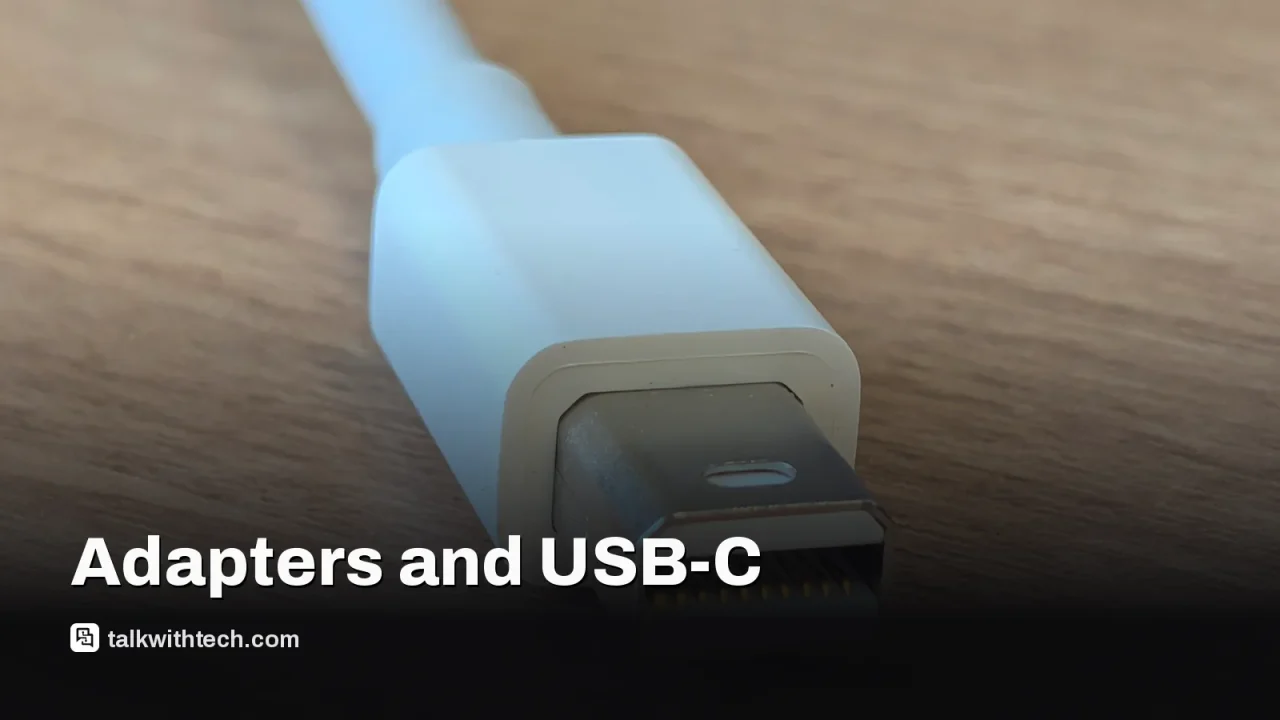
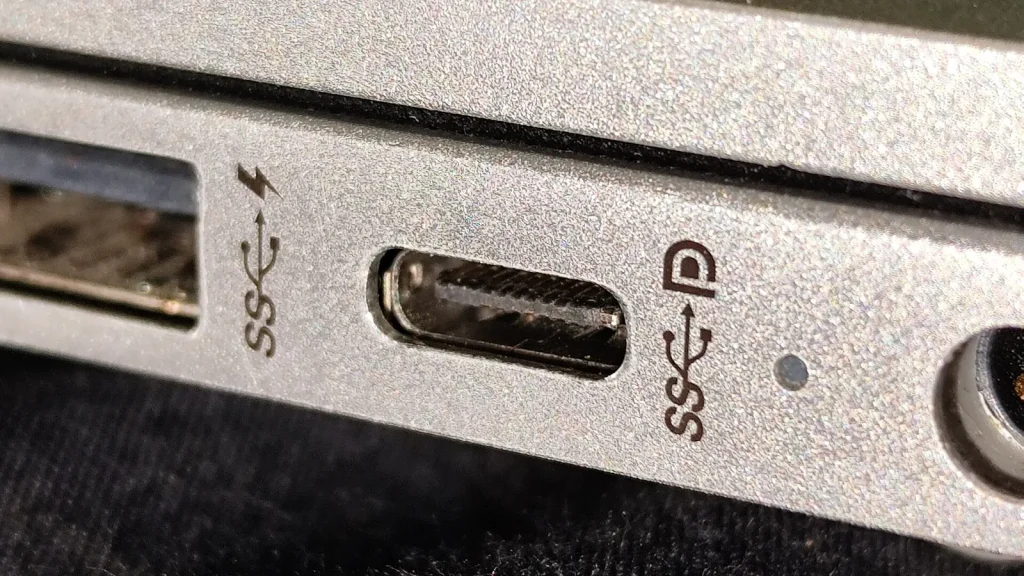
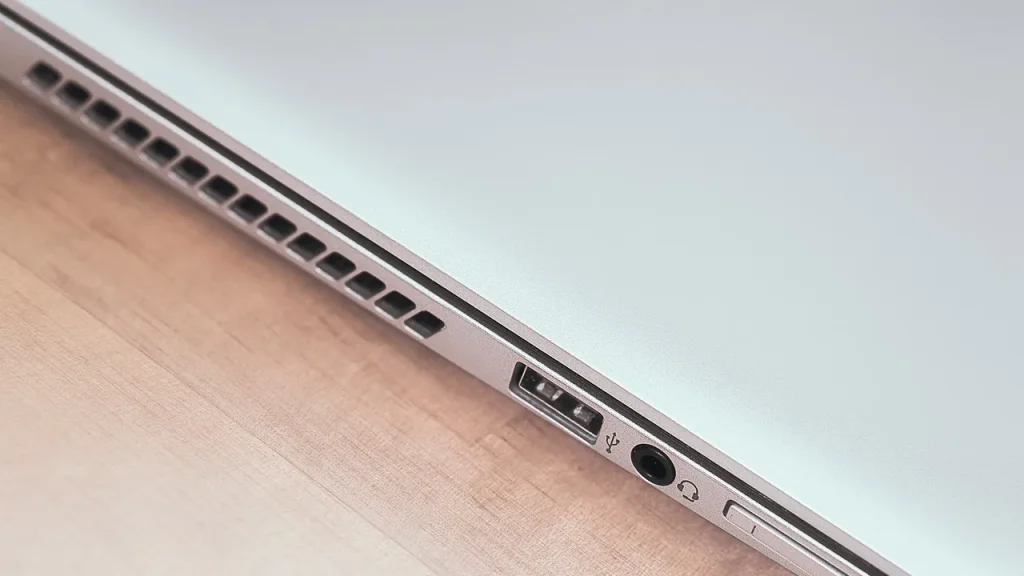
Mini DisplayPort is increasingly rare on new laptops as USB-C and Thunderbolt handle video, data, and power.
DisplayPort as a standard remains active, but the way we connect monitors has shifted toward USB-C with Alt Mode.
For most users, this means relying on adapters or USB-C cables to connect older displays or peripherals.
Quick read · 1 min
Mini DisplayPort is fading from new devices as USB-C and Thunderbolt take over video duties. You’ll see fewer laptops with Mini DP, but the DisplayPort standard itself isn’t dead; it lives on in full-size connectors, and via USB-C with DisplayPort Alt Mode. If you own Mini DP gear, you can usually keep using it with adapters or by connecting through USB-C.
What this means for you: you’ll likely need a USB-C cable or adapter to connect to an external monitor, or you might pick up a USB-C hub with video outputs for versatility. If you’re buying new, prioritize USB-C and DisplayPort inputs on monitors to keep your setup flexible.
What happens next: expect USB-C and DisplayPort as the default pairing on most laptops and desktops, with Mini DisplayPort fading further into the background.
Mini DisplayPort isn’t dead, but it’s clearly fading from new devices as USB-C and Thunderbolt take on video duties, data transfers and charging with a single, compact plug. If you’ve depended on Mini DisplayPort in the past, you’ll notice it’s far less common on today’s laptops and desktops, even though the DisplayPort standard itself is still in use.
The shift happened because the market embraced a single, universal connector. USB-C can carry video signals using DisplayPort Alt Mode, along with power and data. That means many newer machines rely on USB-C for everything, while remaining capable of driving high-resolution displays via the right cable or adapter. The full-size DisplayPort remains popular for high-end monitors and graphics cards, but it’s no longer the default on most new gear.
What this means in practice is simpler: you’re likely to encounter USB-C ports on new devices rather than Mini DisplayPort sockets. If you still own monitors or devices that use Mini DisplayPort, you can bridge the gap with a USB-C to DisplayPort cable or a small adapter. This keeps your existing displays usable without replacing hardware right away.
The underlying DisplayPort protocol isn’t obsolete. DisplayPort itself supports very high bandwidth and can handle 4K and beyond, especially on newer monitors. The difference is in how you connect. USB-C with DisplayPort Alt Mode can match or exceed what Mini DisplayPort offered, provided you have the right cables and hardware.
For everyday buyers, the practical takeaway is straightforward: expect fewer Mini DisplayPort sockets on new laptops, and plan for USB-C or a versatile adapter to keep older displays functioning. If you’re building or upgrading a setup, look for USB-C or DisplayPort inputs on monitors so you stay flexible as devices evolve.
01
Which devices and cables are affected?
New laptops and desktops often use USB-C for video output, frequently via DisplayPort Alt Mode. That lets a single USB-C port carry a DisplayPort signal to a compatible monitor. If you still own a display with a dedicated Mini DisplayPort input, you’ll likely need an adapter or a USB-C to DisplayPort cable to connect to newer machines.
DisplayPort remains the top option for high-end video. When used with USB-C, DisplayPort Alt Mode can deliver similar performance to Mini DisplayPort, depending on the version and cables involved. In practical terms, you can drive 4K at high refresh rates as long as your gear supports it and you have the right cable or adapter.
03
What this means for you
If you’re shopping for a new computer, expect to see fewer Mini DisplayPort sockets and more USB-C ports. To keep using older monitors, you’ll likely rely on USB-C cables or adapters. If your setup includes a monitor with Mini DisplayPort, a USB-C to DisplayPort adapter will usually solve the problem. Gamers and professionals who push high refresh rates should verify that their USB-C or DisplayPort connections match the monitor’s capabilities.
04
What you can do now
– Review your current devices and map out the ports you rely on most. A small set of adapters can cover the majority of connections.
– Consider a USB-C hub with multiple video outputs if you travel with a laptop.
– When buying a monitor, prioritize USB-C and DisplayPort inputs to keep future-proofing simple.